Diffing images
A line diff of a PNG tells you the bytes changed. That is true and useless.
Re-export an image from a different tool and every byte moves while the picture is identical. Change one icon in a sprite sheet and almost no bytes move while something visible broke. Neither case is answerable by comparing bytes, so most review tools show "binary file differs" and leave you to open both in another application.
IntentumDiff compares images perceptually — what the picture looks like, not how it was encoded.
A worked example
Two renders of the same scene. One thing changed — the name on the hull.
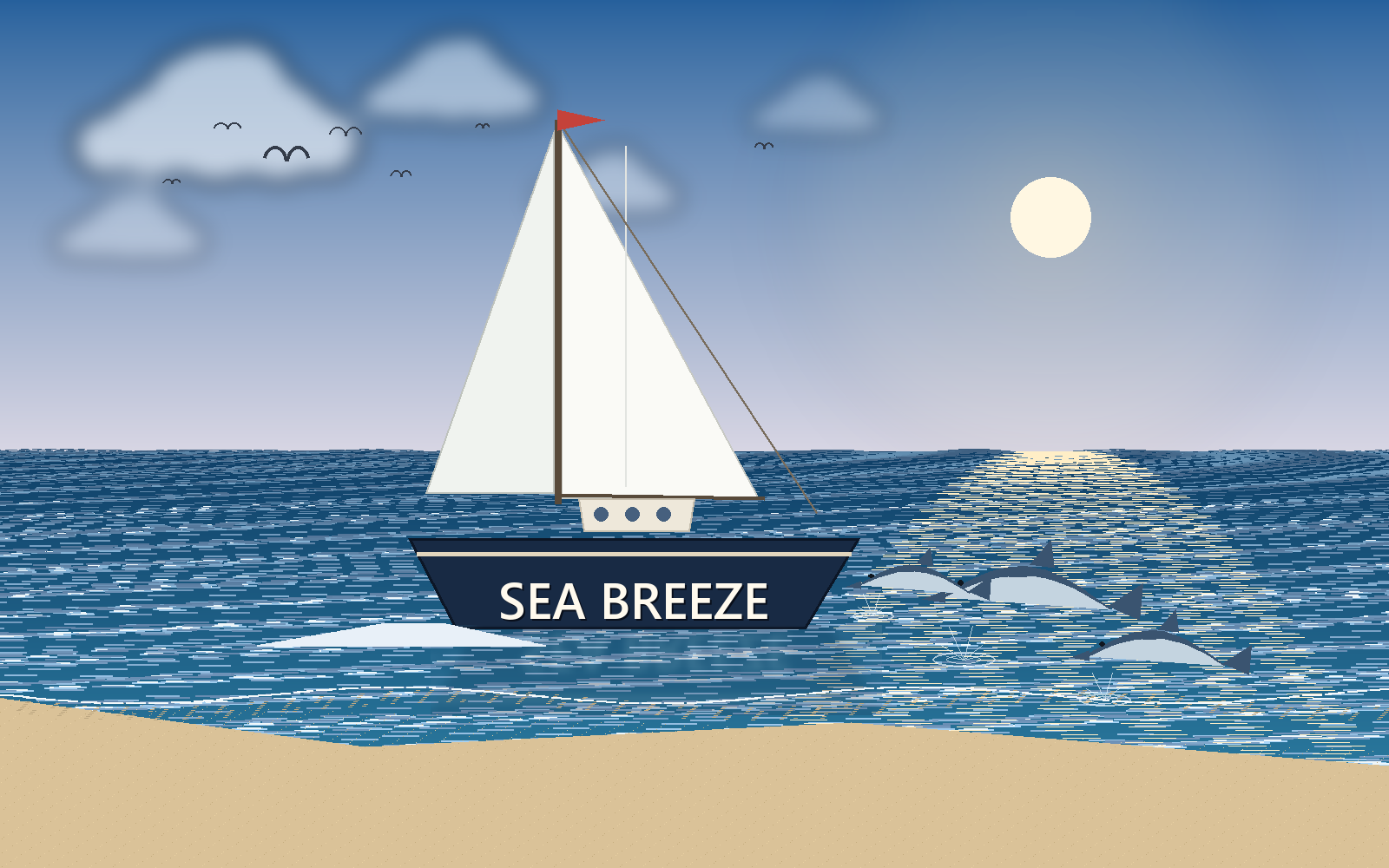
SEA BREEZE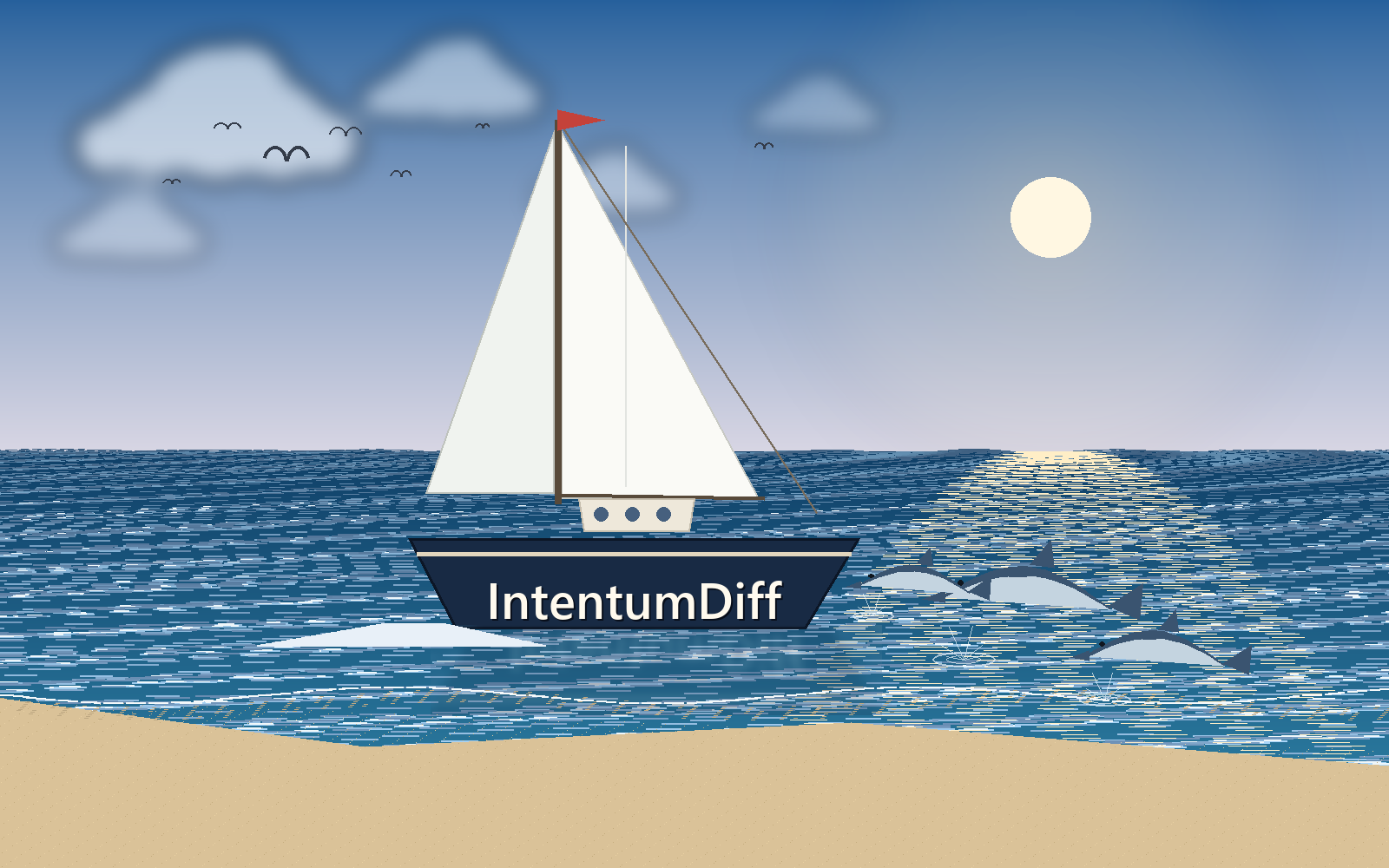
IntentumDiffBoth files were re-encoded, so every byte differs. A byte comparison reports "binary file differs" and stops there — technically true, and useless. It cannot tell you whether the sky changed, the boat moved, or someone edited two characters.
Here is what the engine reports:
changed pixels : 10,418  (0.6510% of the image)
dimensions     : 1600x1000 -> 1600x1000  (unchanged)
And the overlay marks only the lettering — not the sea, the sun, the clouds or the sand:
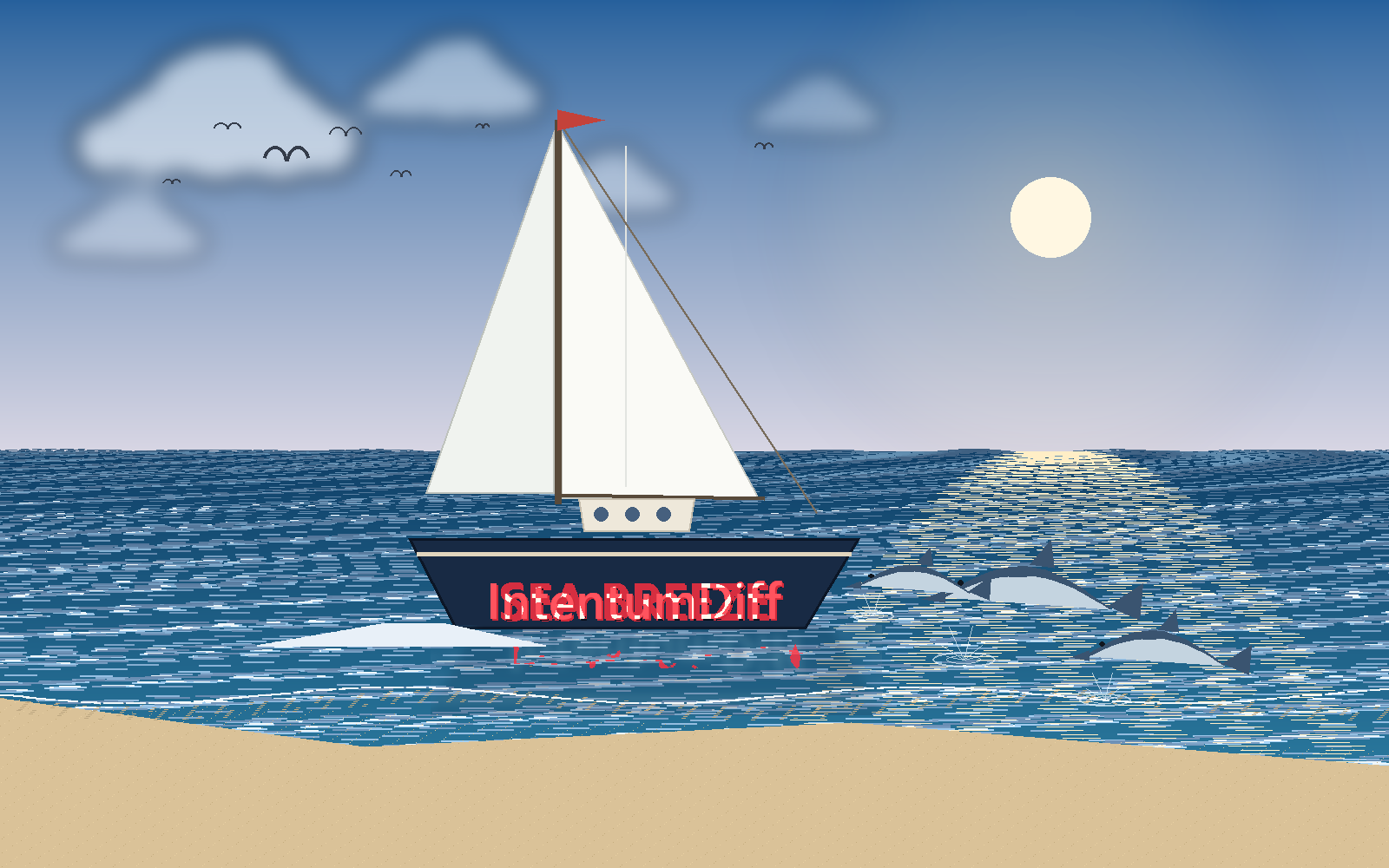
The heatmap answers the follow-up question, "is that the only place?", at a glance:
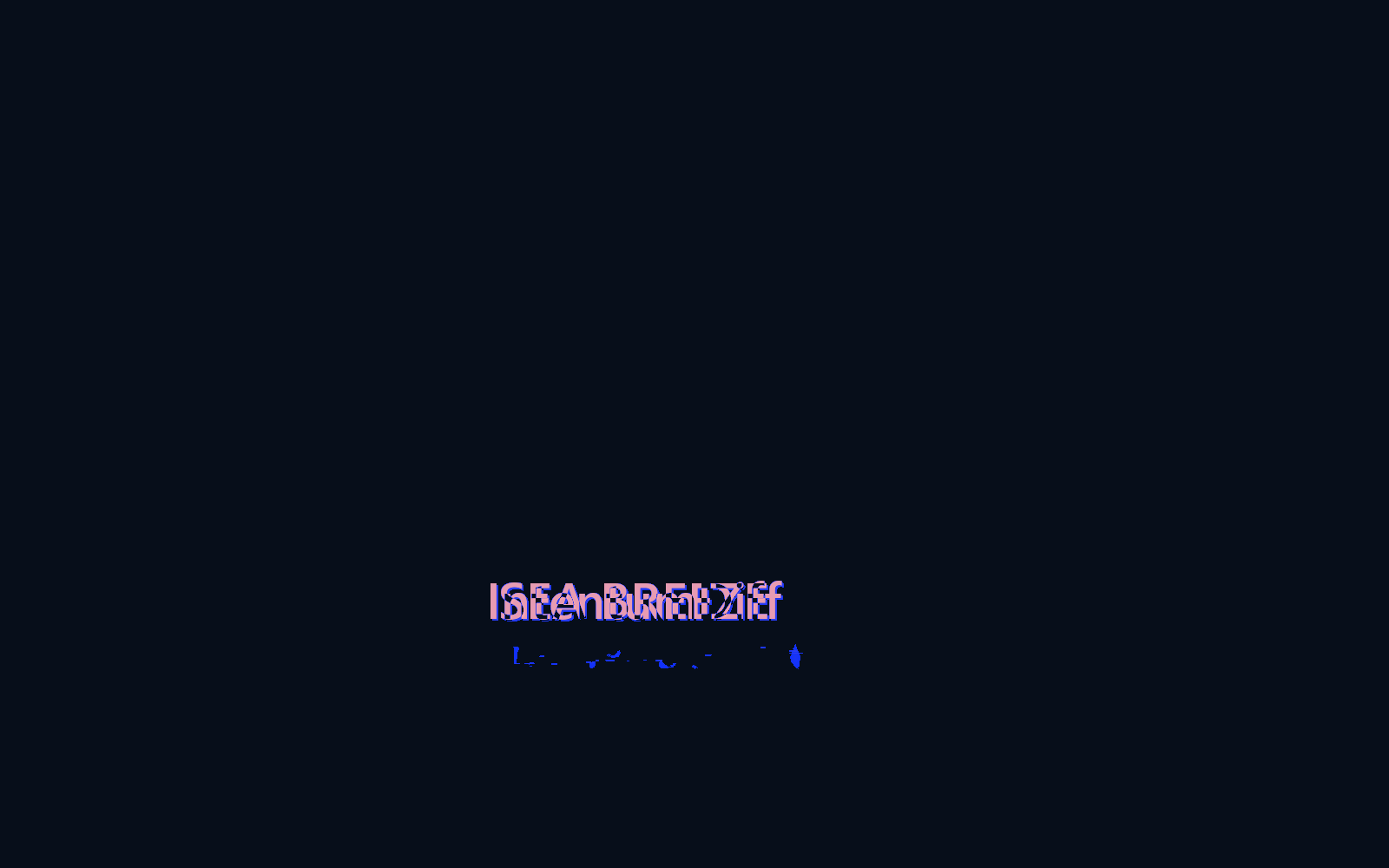
"0.15% of pixels changed, all of them here" is something you can act on. "The bytes differ" is not.
A second example: when your eyes are wrong
The sailboat is the easy case — a small change you could have found by staring. This is the one that matters more.
Two versions of the same artwork. Ask anyone what changed and they will tell you: a halo was added.
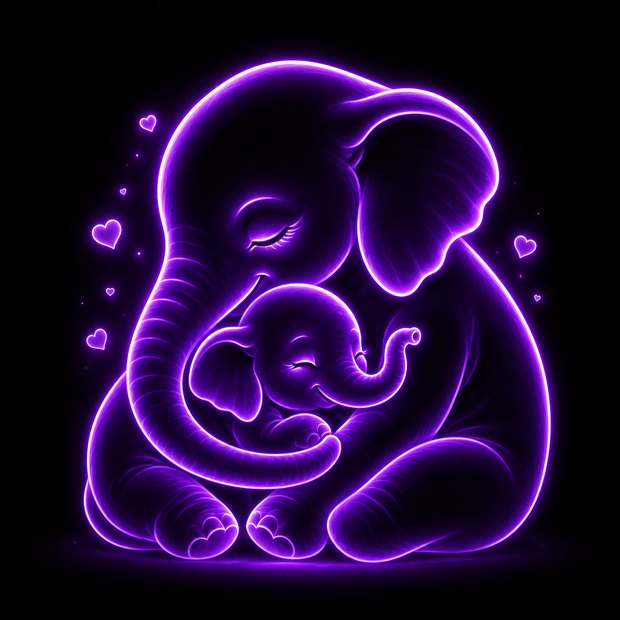
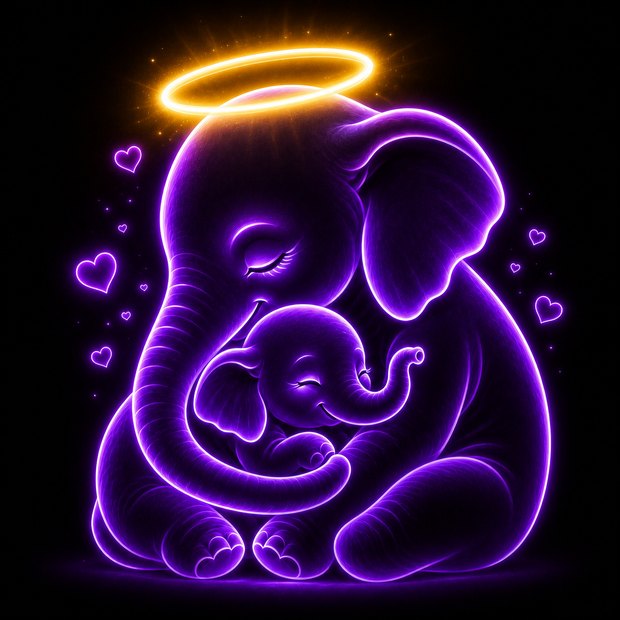
The engine disagrees:
changed pixels : 826,452  (52.556% of the image)
dimensions     : 1254x1254 -> 1254x1254  (unchanged)
mean abs error : 26.47
RMSE           : 60.05
hotspots       : 443
summary        : Image changed substantially: 52.6% of pixels differ.
                 Dimensions unchanged. Most changes are concentrated in the center region.
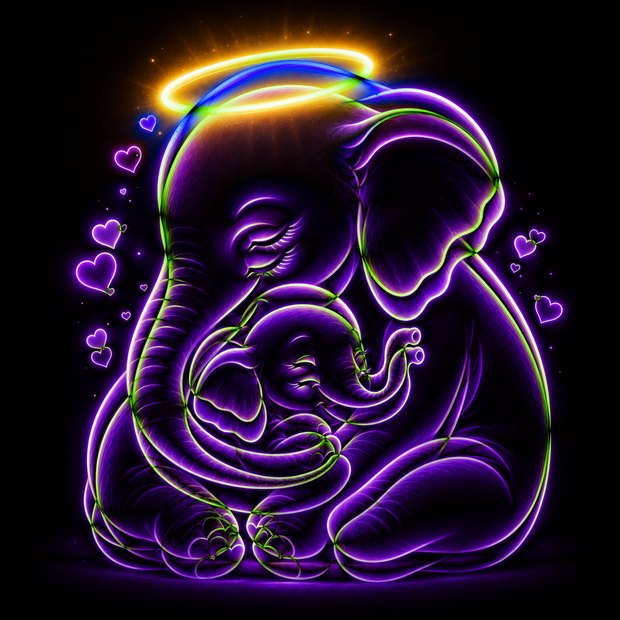
Over half the image changed. Not a halo — a re-render. The change mask shows exactly where:
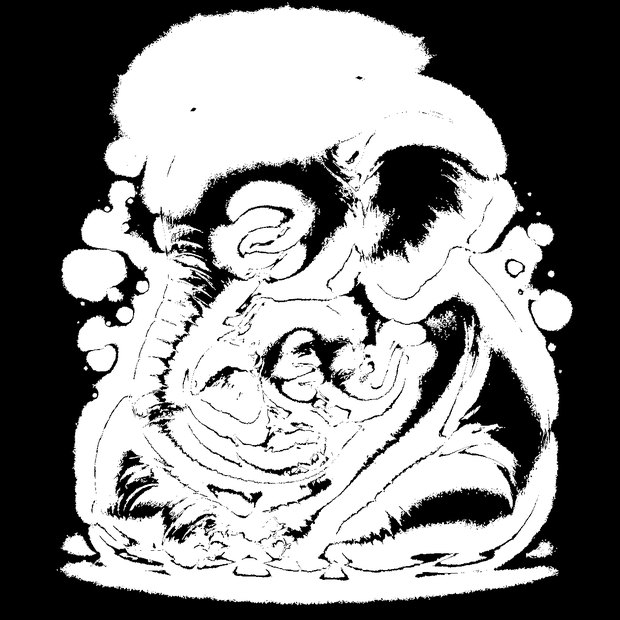
Every edge moved. The trunk ridges, the ear folds, the calf's face, the floating hearts, the ground shadow — the whole figure was regenerated slightly brighter and fractionally rescaled. Two pixels of drift on a glowing edge is invisible to the eye and unmissable to the engine.
That gap is the entire point. "I only added a halo" is what the author believed and what a reviewer would have approved. If this were a UI asset, a logo, or an icon set, the halo is the change you discussed and the other 51% is the change that ships unnoticed.
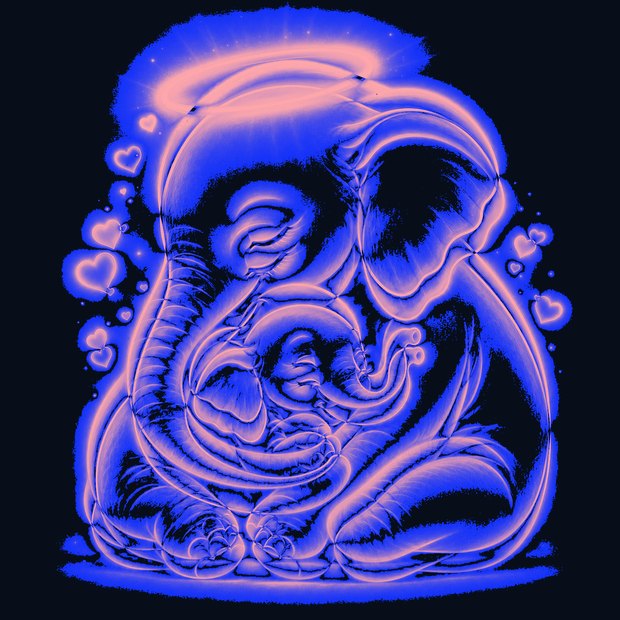
Note the engine also reported:
warning: Ignored 3276 tiny changed pixels below region_min_area=4.
It tells you what it discarded and why. A tool that silently drops noise is a tool you cannot
calibrate; --region-min-area is yours to move.
Comparison modes
No single view answers every question, so the review surface offers several. These are live — drag, fade and toggle them.


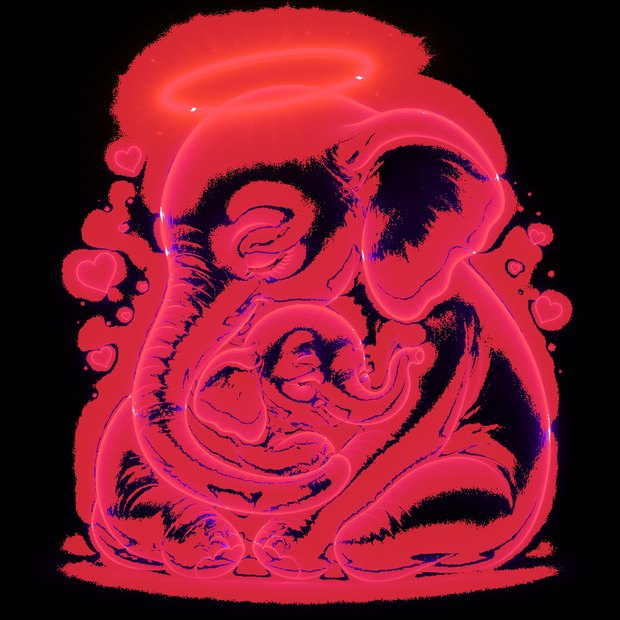
Side by side is the fifth mode, and the default: the two images unmodified, for orientation before you pick one of the above.
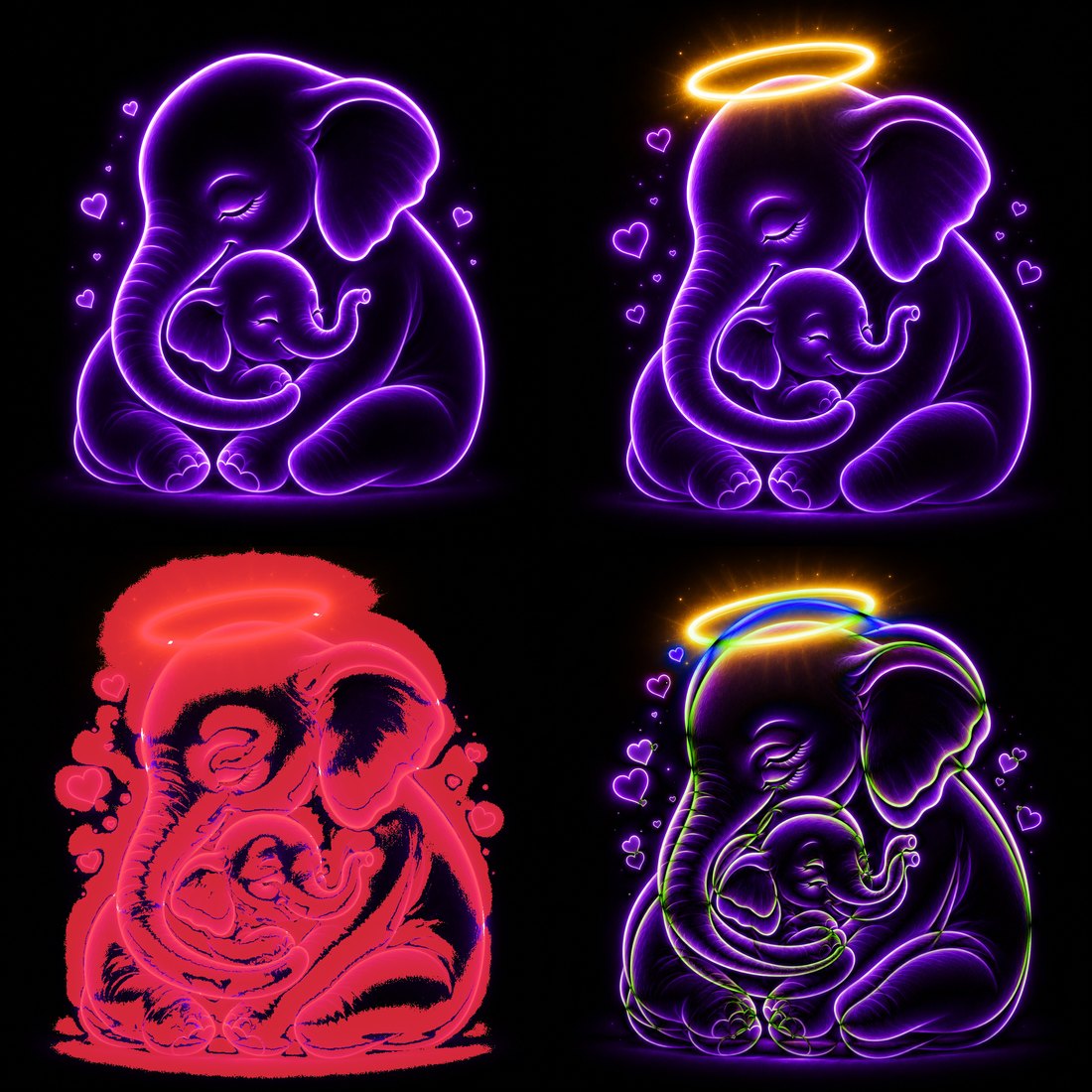
The engine also emits a contact sheet — every view in one image, for pasting into a review comment or an issue:
In the editor
Everything above is the engine's output. This is that same comparison inside VS Code, on the same two files — switching modes, moving the swipe divider, and walking the hotspot list:
Watch the banner as it lands: 53% pixels changed · 26.4 MAE · 59.8 RMSE · 108 hotspots. The engine says "changed substantially" about an edit whose author would have described it as adding a halo.
The difference view near the end is the clearest single frame. Unchanged pixels go black, so what remains is what moved — and what remains is the entire elephant, glowing along every contour, with the halo merely the brightest part of it.
A single frame, annotated, for the parts worth naming:
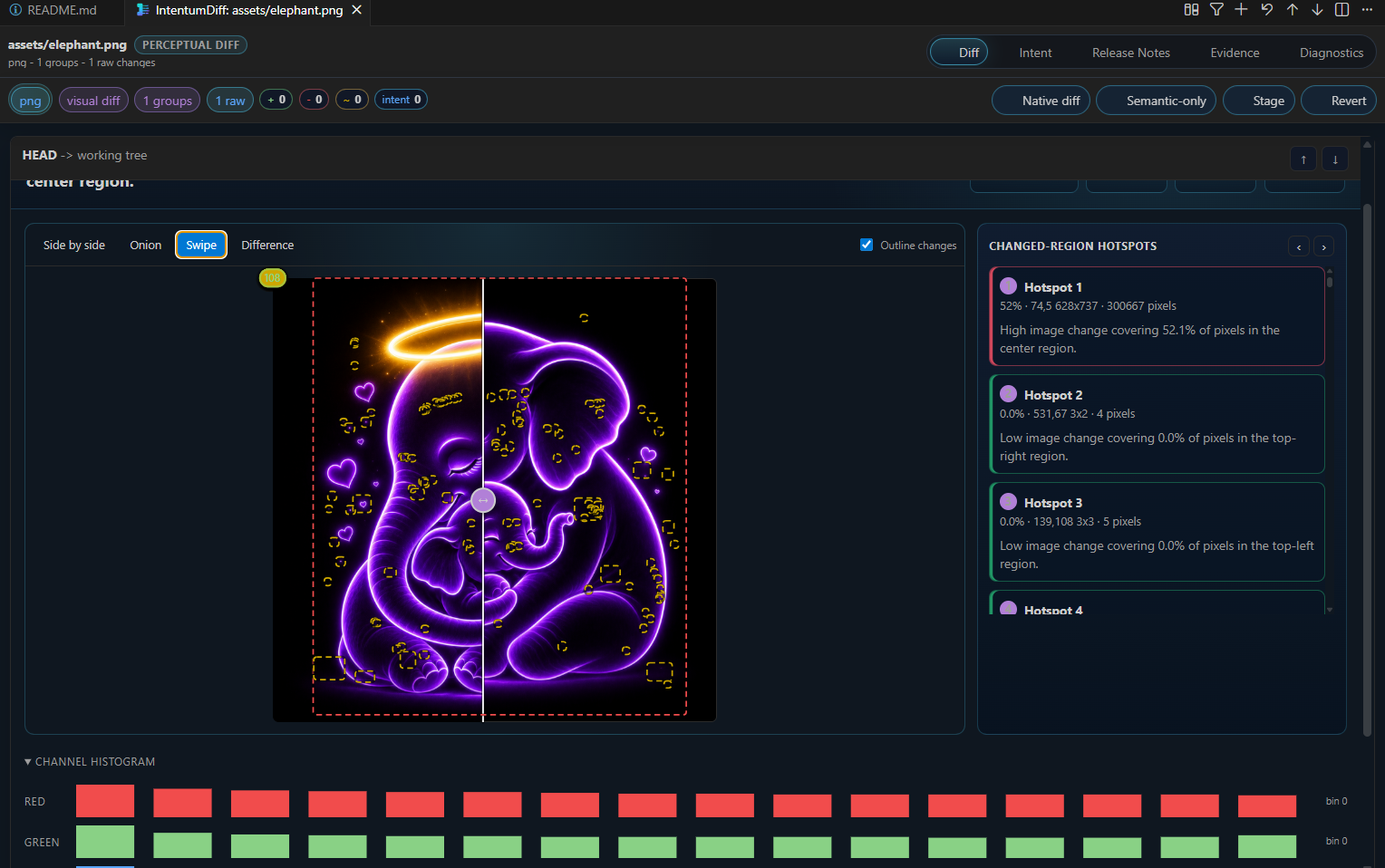
Reading it left to right:
PERCEPTUAL DIFFnext to the path, because the file is an image — the review switched strategy on its own rather than reporting "binary file differs"- Mode tabs — the same Side by side / Onion / Swipe / Difference you dragged above, here with Swipe active and the divider down the middle
- Outline changes draws the change lasso directly over the artwork. The dashed boxes are scattered across the whole figure, not gathered round the halo — the 52% is visible as shape, before you read a single number
- Changed-region hotspots, ranked and navigable.
Hotspot 1is the real one at 52.1% · 300,667 pixels · center region; the rest are 4- and 5-pixel specks. Ranking means you look at the one that matters first - Channel histograms per channel, for global shifts a lasso cannot show — a re-encode, a colour-profile change, a quality drop
Native diff, Semantic-only, Stage and Revert sit on the same toolbar, so an image
review is a normal part of the flow rather than a detour into another app.
Finding the change
- Hotspots highlight regions that differ most, so a single altered icon in a large sprite sheet is found for you rather than hunted
- Change lasso outlines changed regions directly on the image
- Histograms compare colour distribution, which catches global changes — a re-encode, a colour-profile shift, a compression-quality drop — that are easy to miss by eye
Why this catches real problems
The cases that reach production are usually the invisible ones:
- An asset re-exported at lower quality. Looks fine at review size, blocky at full size — the histogram shows it immediately
- A colour profile change that shifts every pixel slightly. Byte diff: everything changed. Perceptual diff: a uniform shift, visible in one glance at the difference view
- One sprite altered in a large sheet. Byte diff: a small change somewhere. Hotspots: exactly where
From the command line
intentumdiff assets --help
Where the work happens
All image artifacts are produced by the Rust engine, not the editor. The review surface displays what the engine computed and does no image processing of its own, so the CLI and the extension give identical results — and a comparison is reproducible outside the editor.
Reproducing this
Every number and image on this page came from this command:
intentumdiff assets diff --before ellie1.png --after ellie_2.png --out ./out --json