Gallery
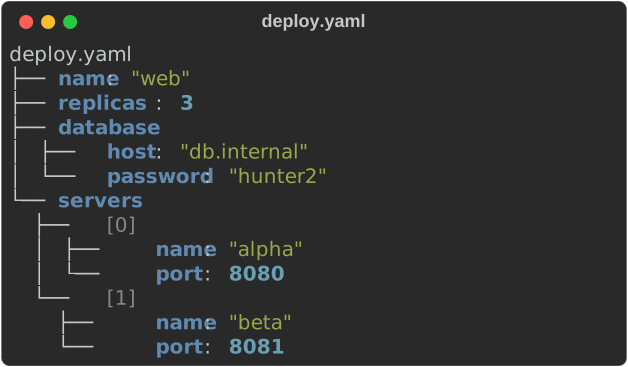
These are committed snapshots of actual core library output, exported with
Console::export_svg by scripts/capture_screenshots.sh. Regenerate them when
rendering changes. Progress and spinner GIFs replay the exported SVG frames.
The extensions, art and CLI are shown at the end, and every
guide page has more.
| What you want to do | Start here |
|---|---|
| See the CLI used interactively | Terminal recordings |
| Animate images in the terminal | CLI and art videos |
| Style text | Markup tutorial |
| Present structured data | Table tutorial |
| Arrange output | Layout tutorial |
| Show running work | Progress and live output |
| Format files from the shell | CLI guide |
| Build a full-screen terminal app | Terminal apps |
| Record a terminal session | Record your own |
Rich-art in motion
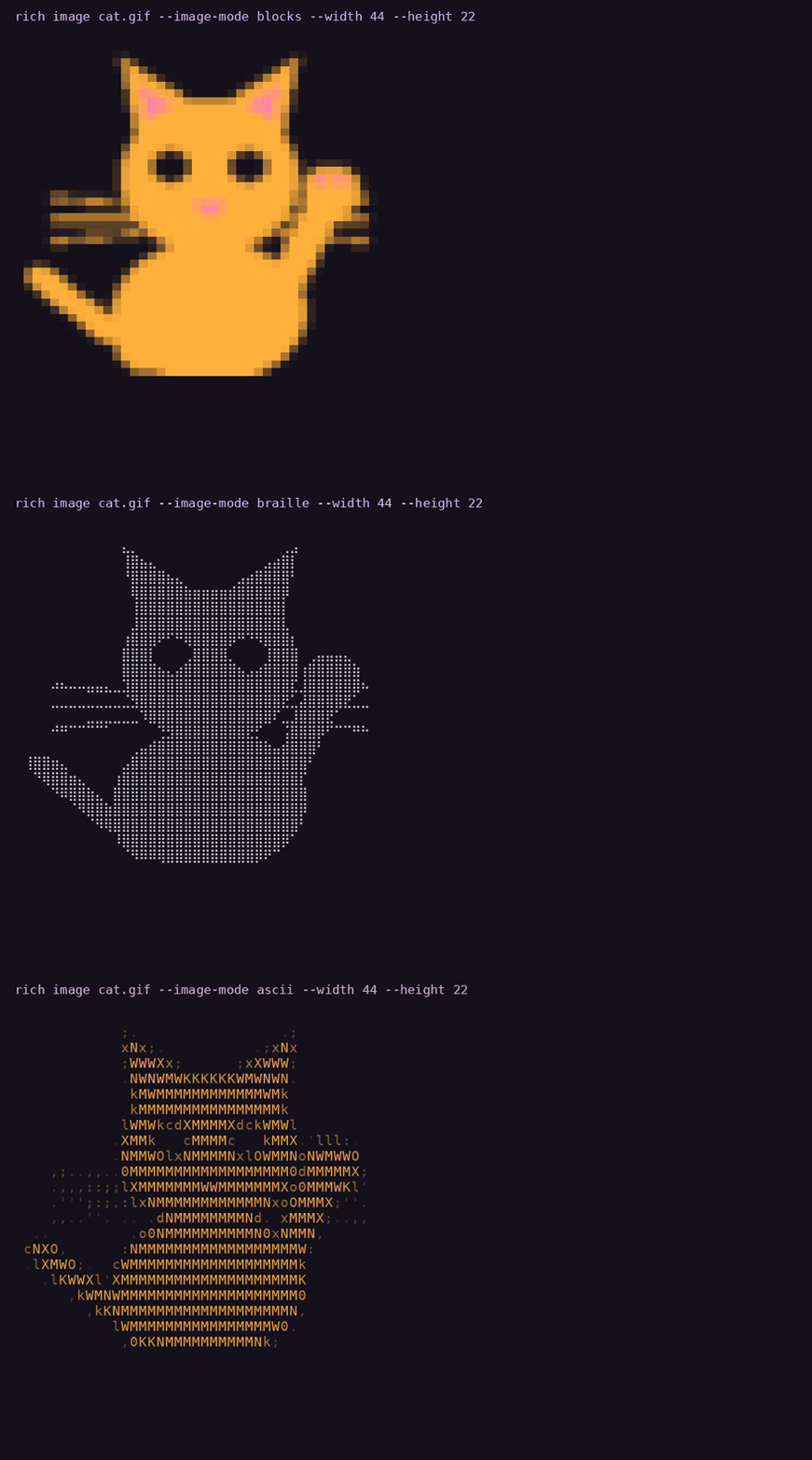
Watch or download the videos: image modes, fit and crop, watch and batch clips from earlier releases. Capture details are on that page.
Markup
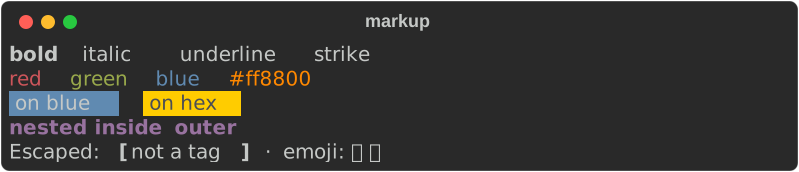
Tags nest, and \[ escapes a literal bracket.
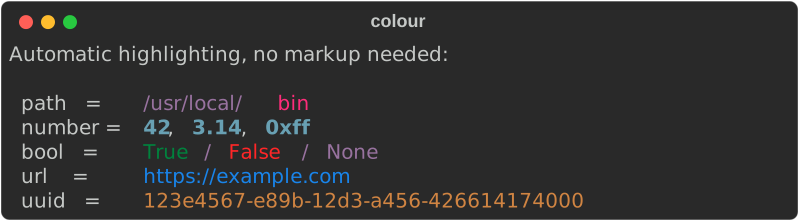
Automatic highlighting
No markup required — numbers, paths, URLs, UUIDs and booleans are recognised and coloured, exactly as upstream does.
Tables
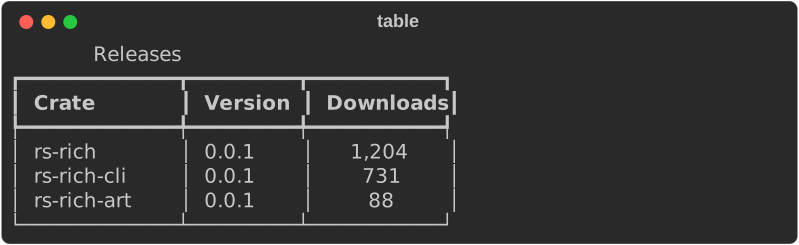
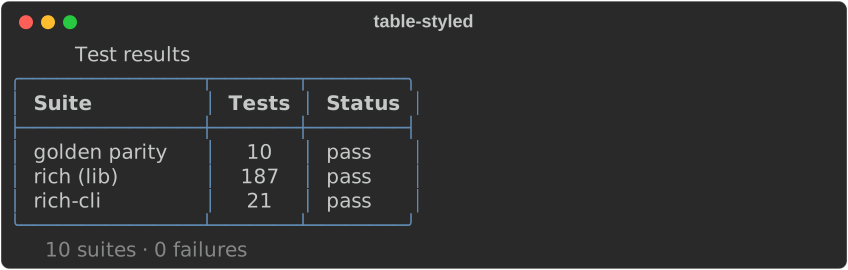
Columns size themselves to their content, wrap when they must, and take per-column justification. Borders, titles and captions are all styleable.
Panels

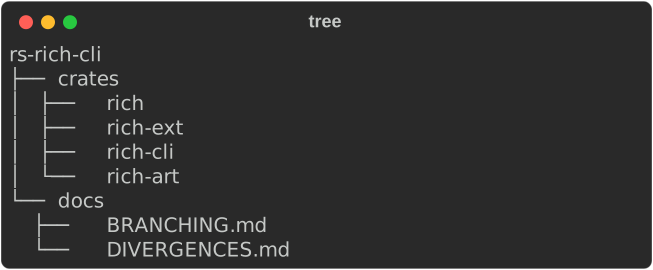
Trees
Columns
Items are packed into as many columns as the width allows, each as wide as its
widest item (Columns::equal makes them all the same width).

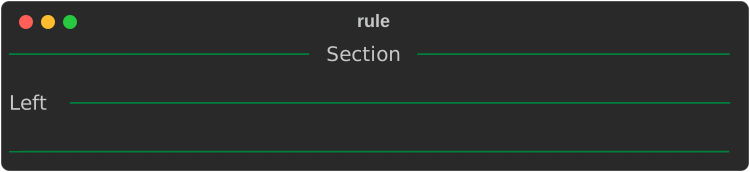
Rules
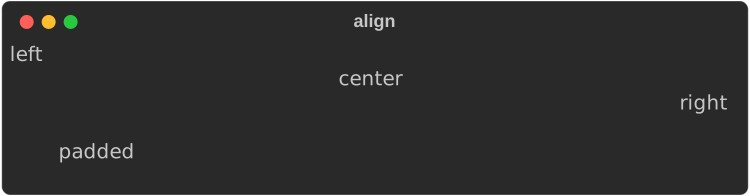
Alignment and padding
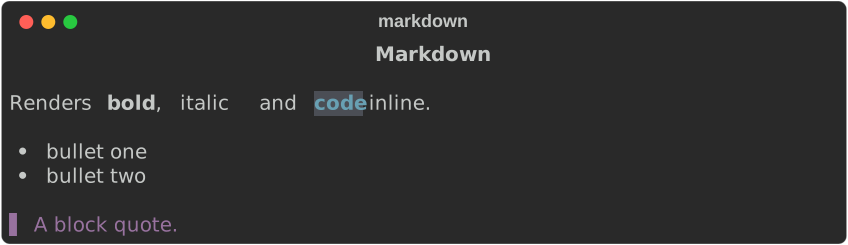
Markdown
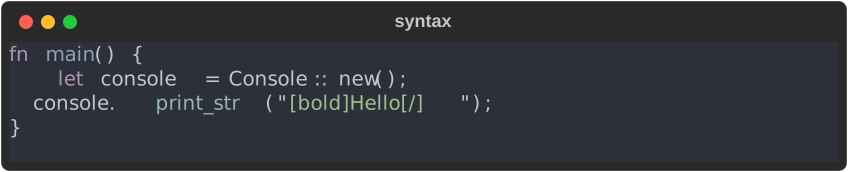
Syntax highlighting
Not byte-parity
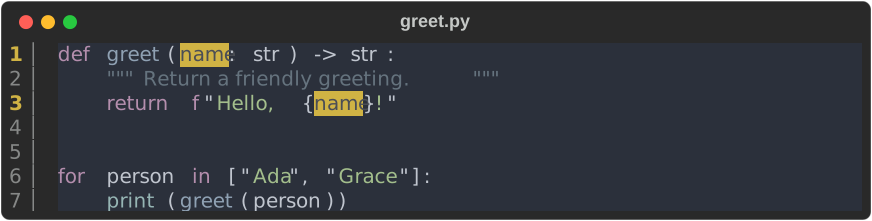
Syntax highlighting uses syntect, not Pygments. The colours are close but
not identical to Python rich — see Divergences.
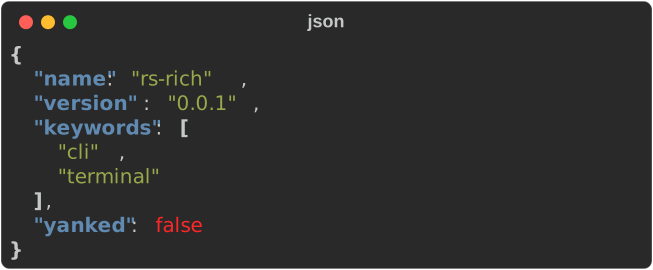
JSON
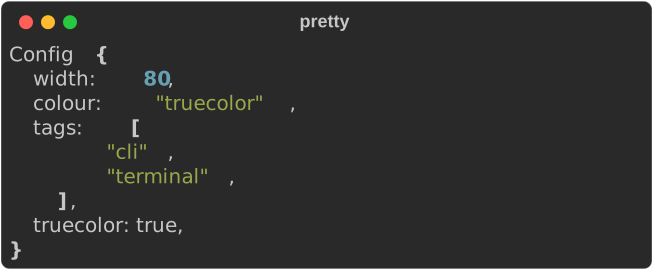
Pretty-printing
Progress

Spinners

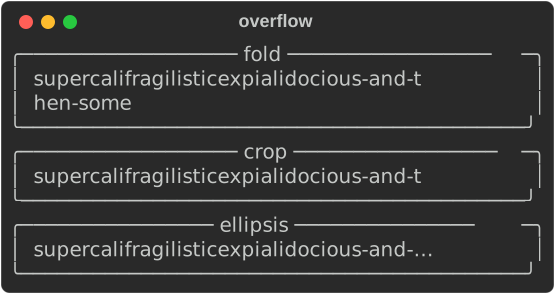
Text overflow
The same over-long word under each overflow method.
Beyond the core
These come from rs-rich-ext, rs-rich-art, rs-rich-diagram, rs-rich-intuituive and the rich command. Each image
is the real output of a guide example or CLI command; follow the link for the
code.
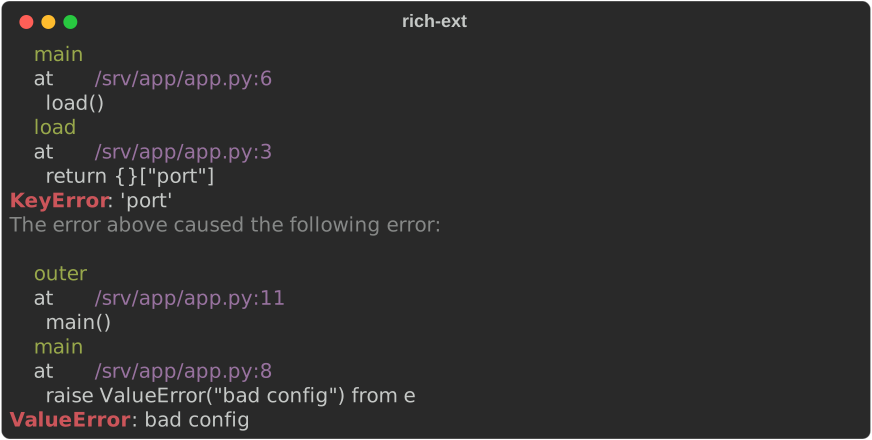
Diagnostics and stack traces
Structured data
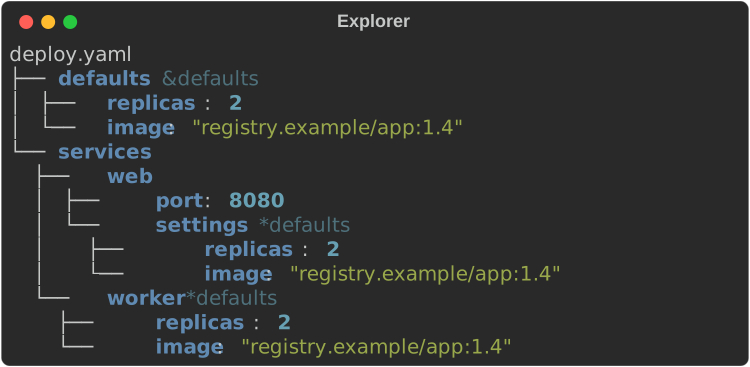
Workflows
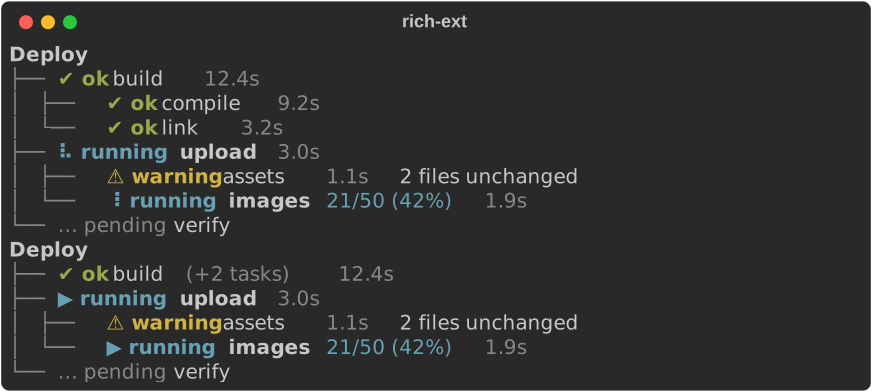
Diffs
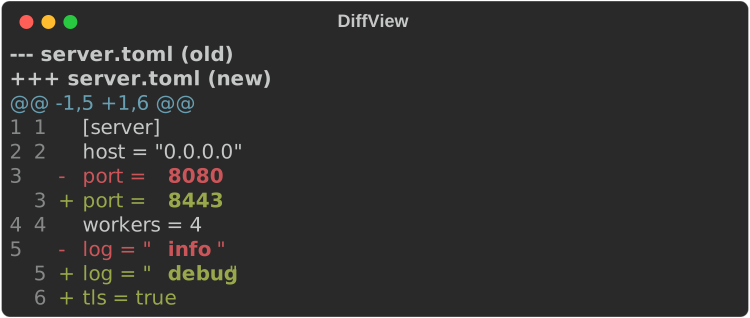
Charts
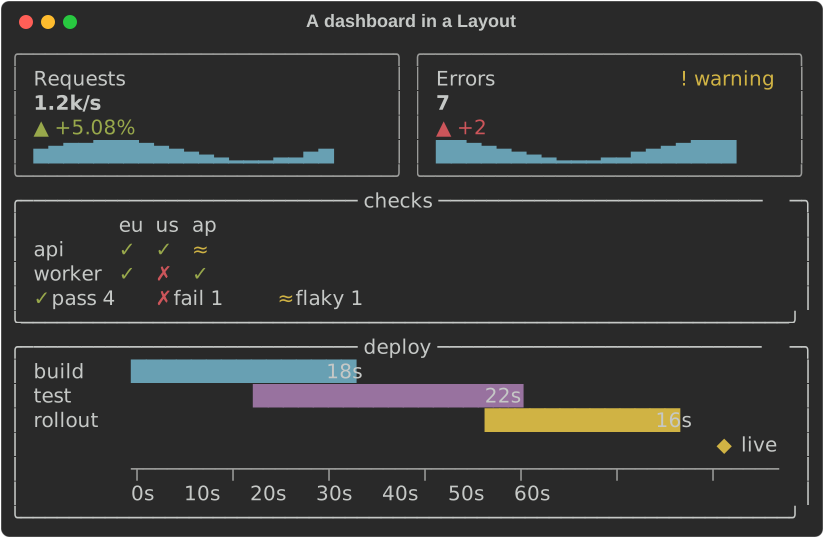
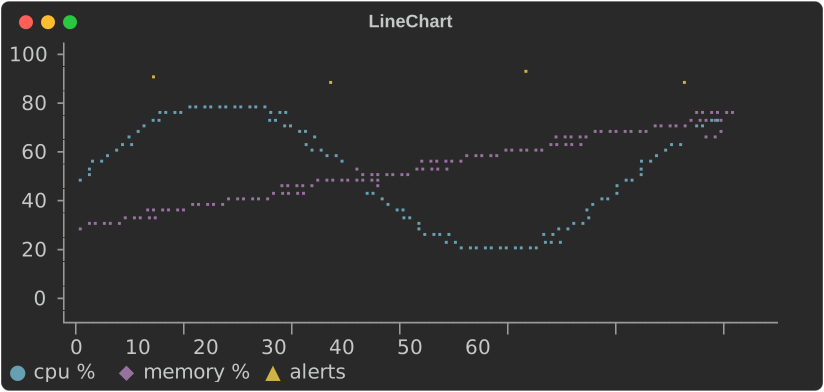
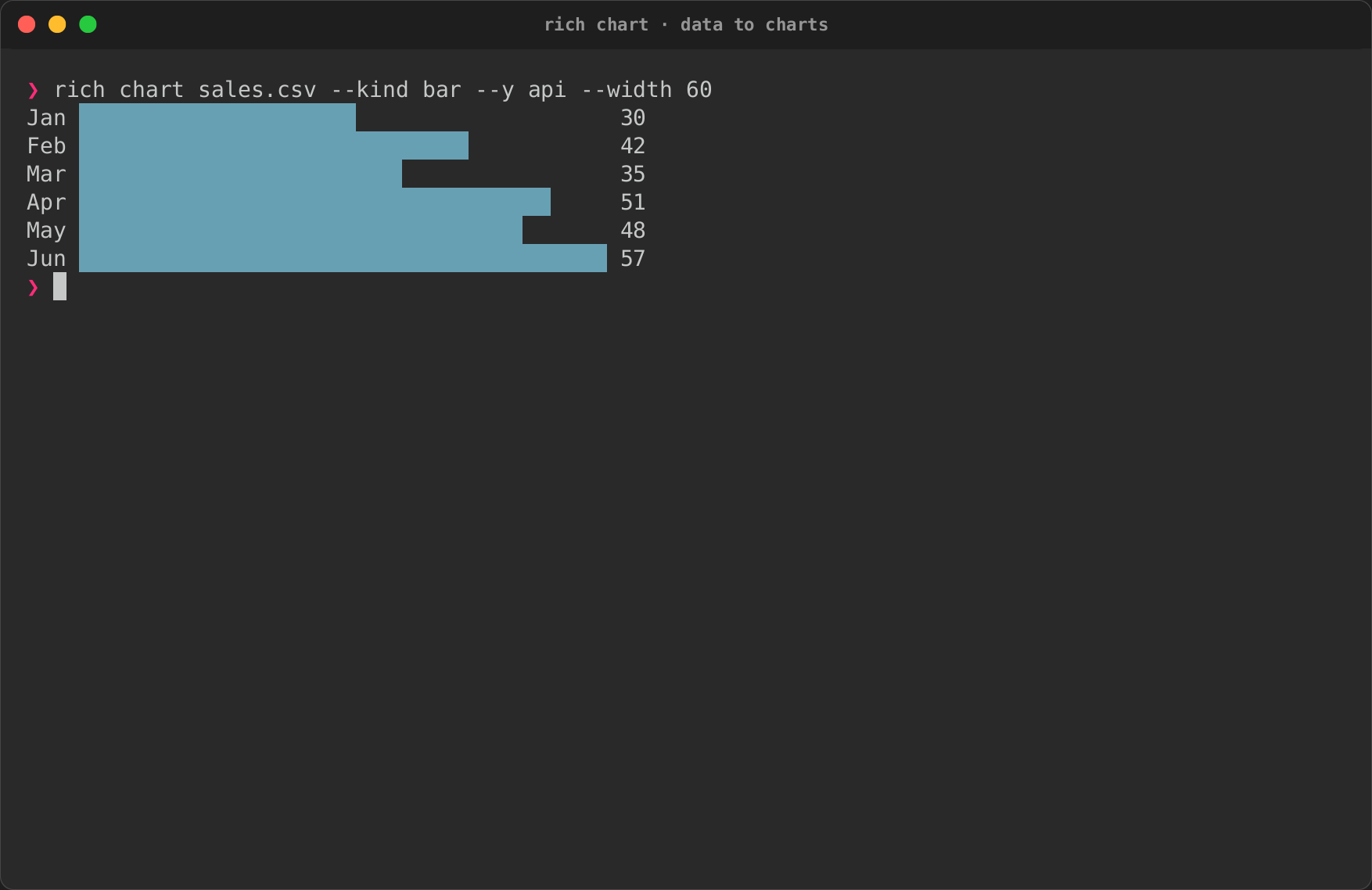
Charts guide · rich chart recording
Data and schemas
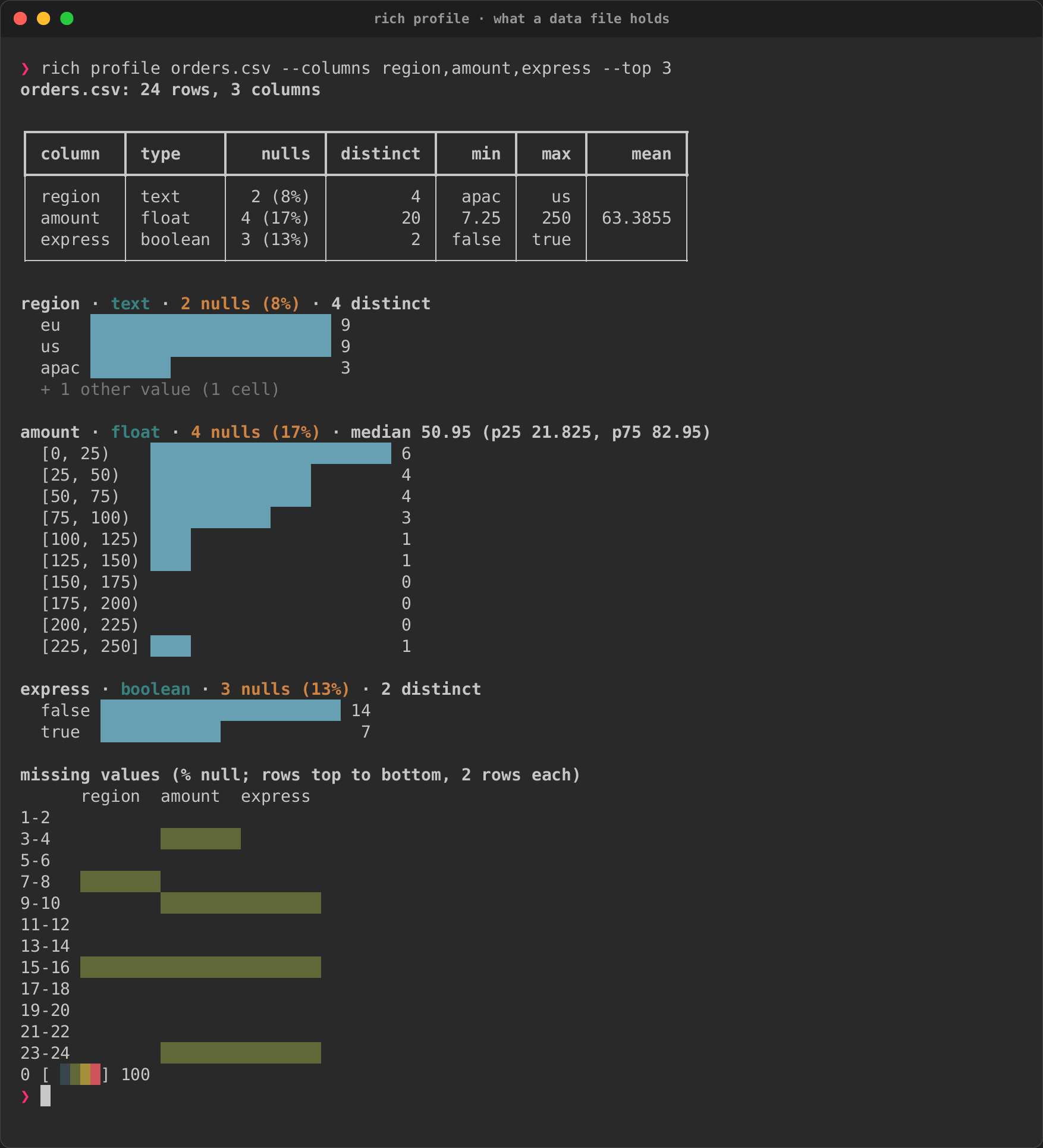
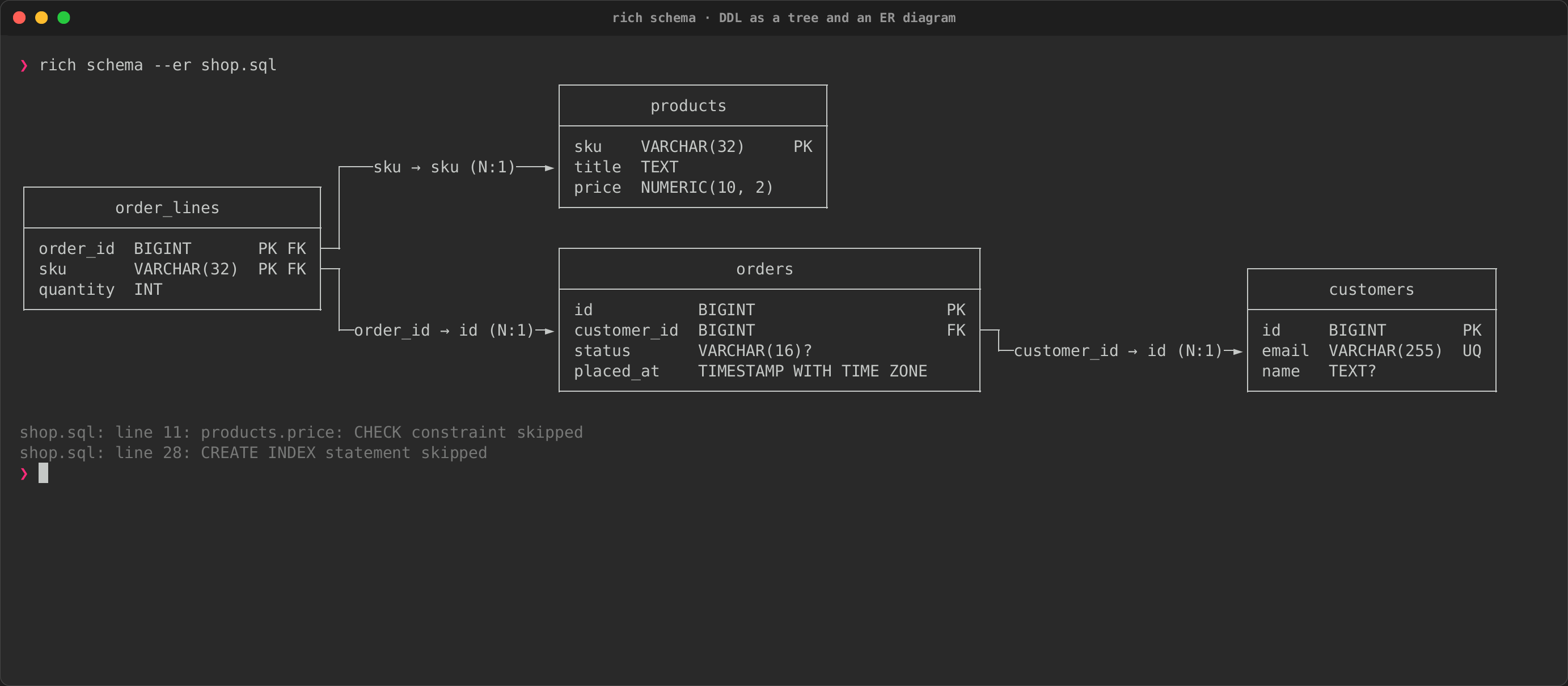
rich profile and rich schema --er recordings
Diagrams
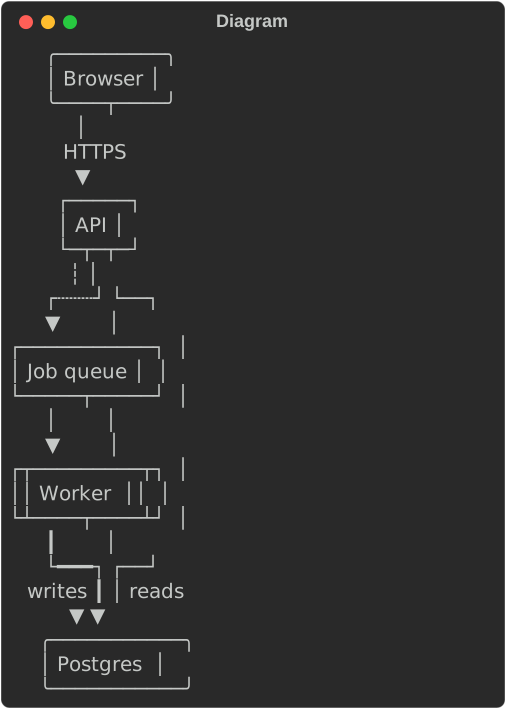
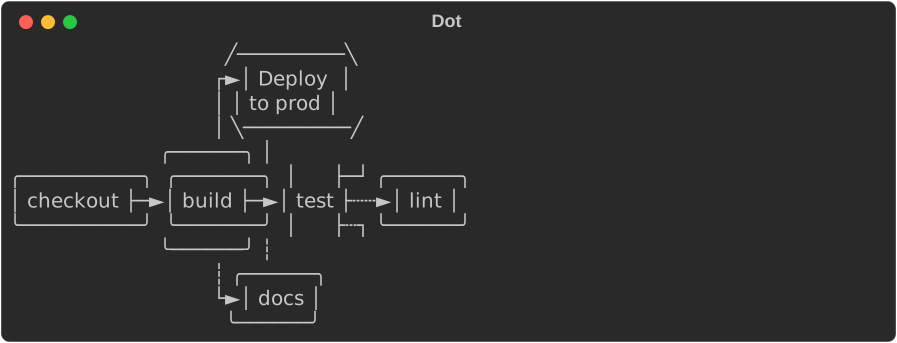
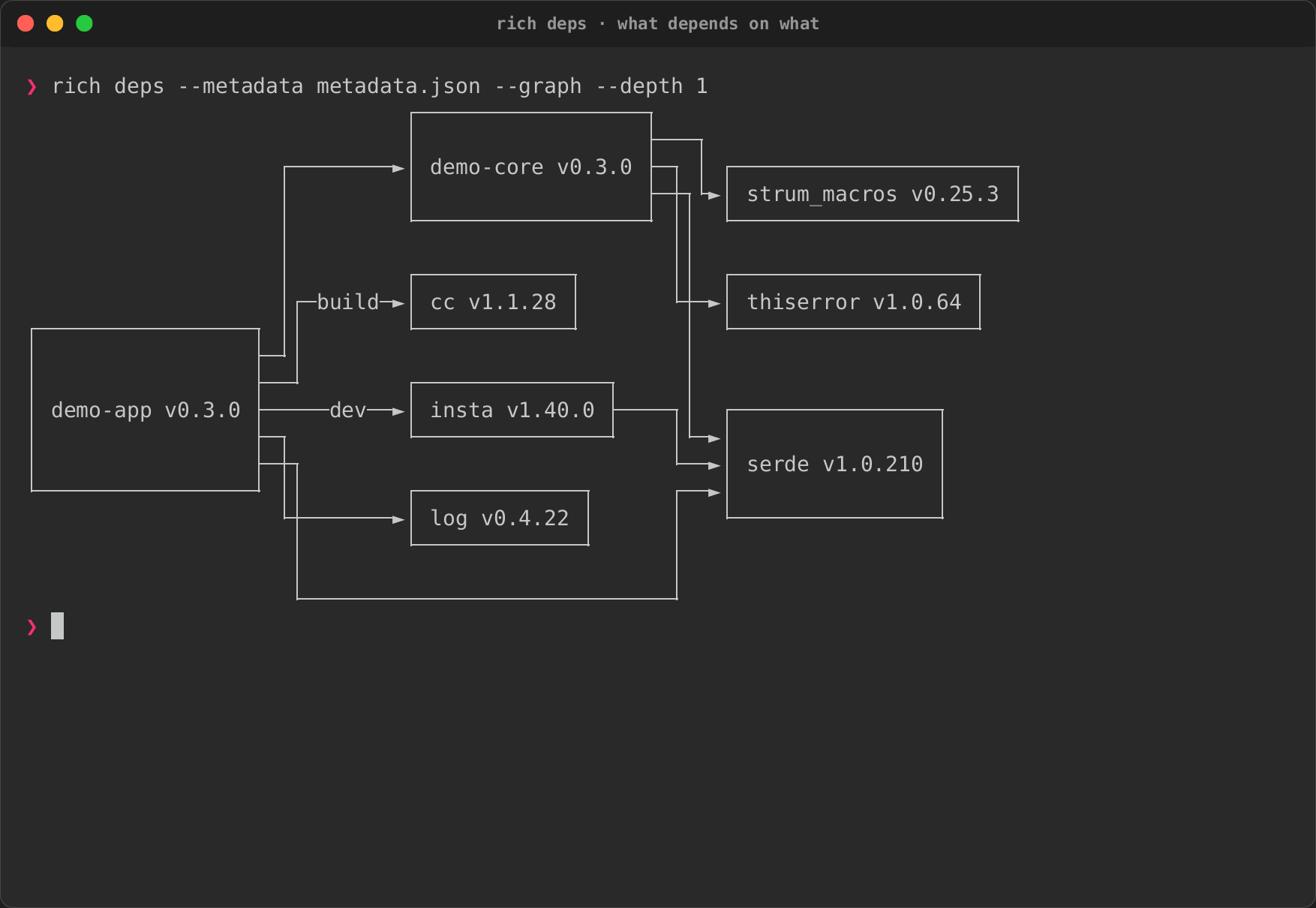
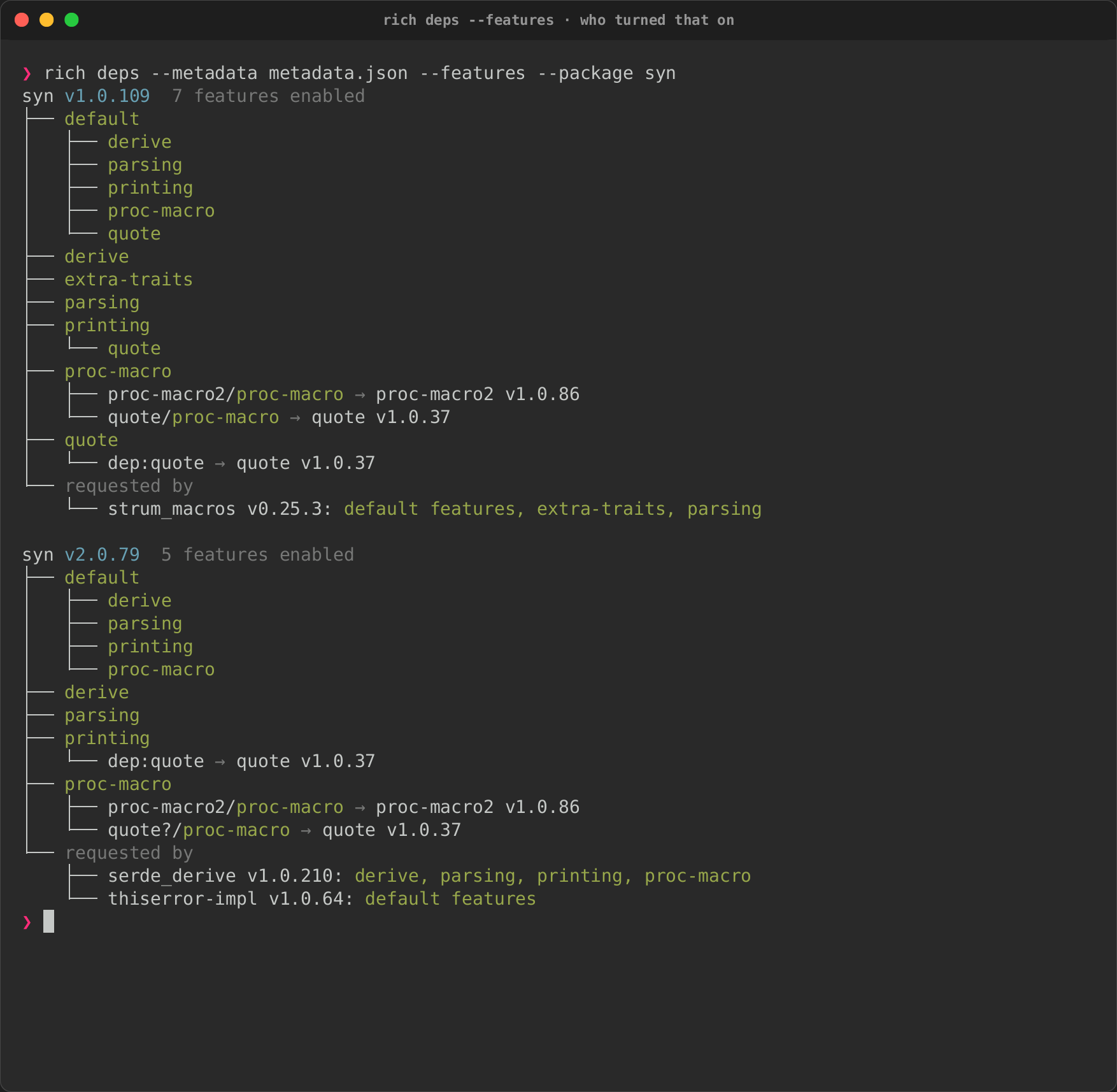
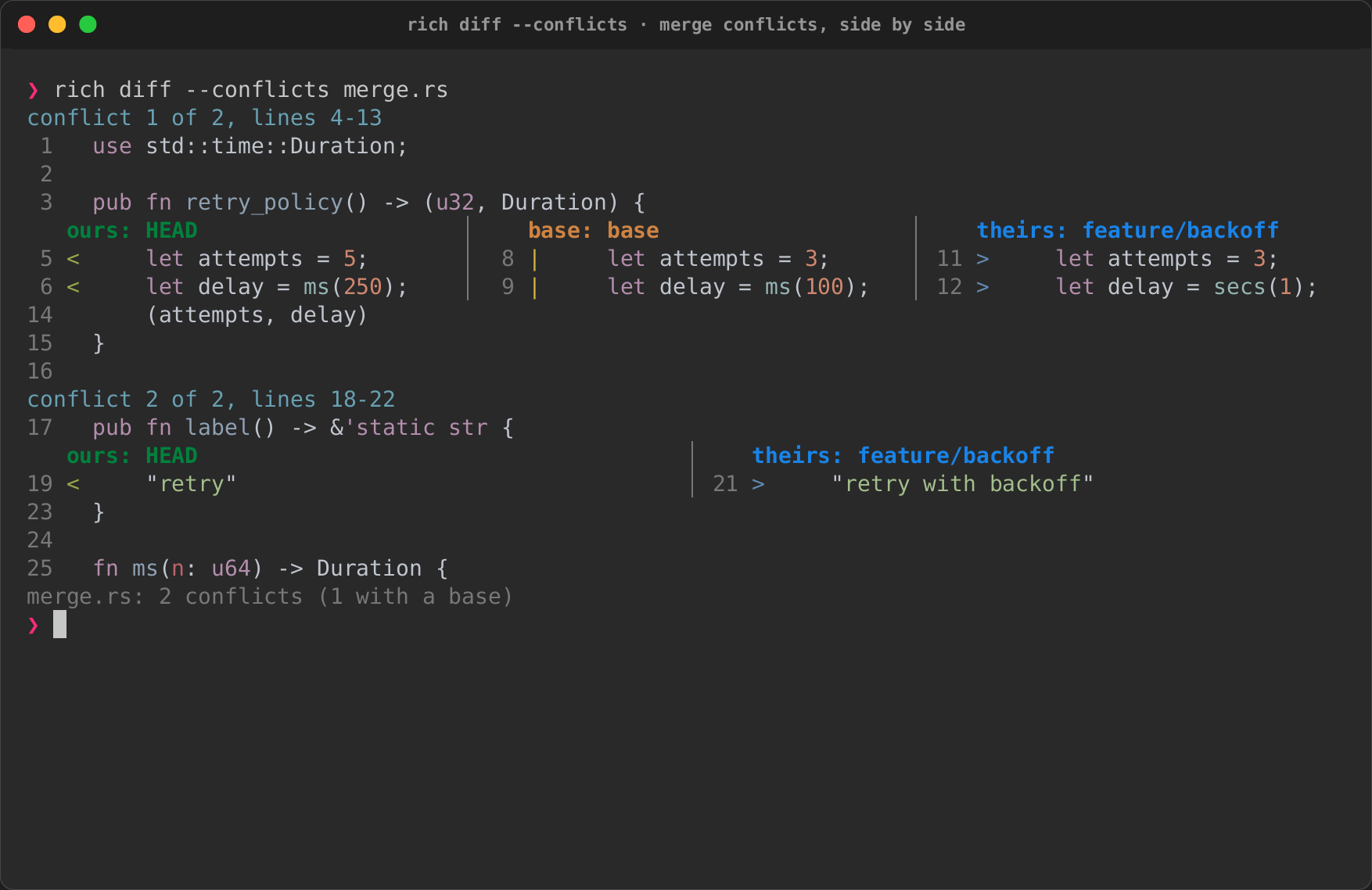
Diagrams guide · Dependencies and schemas · rich deps, rich deps --features, rich diff --conflicts and DOT in Markdown recordings
Images
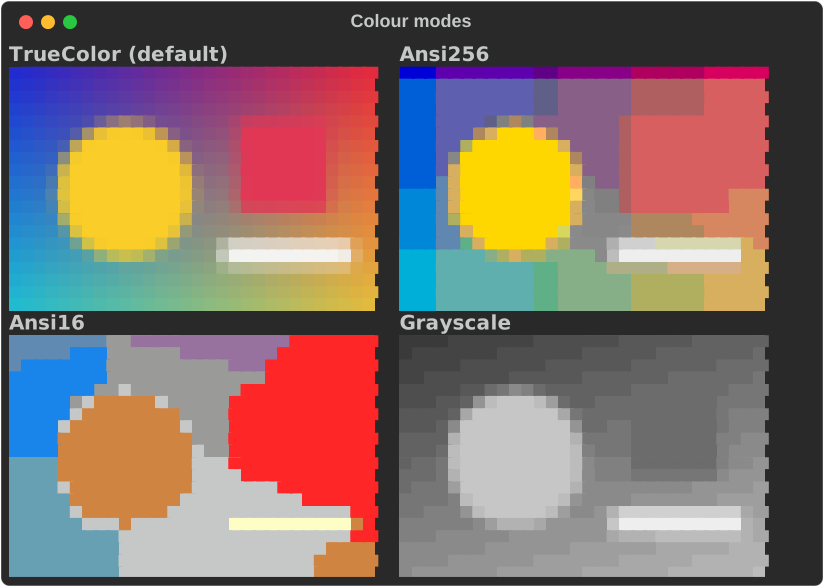
Terminal apps
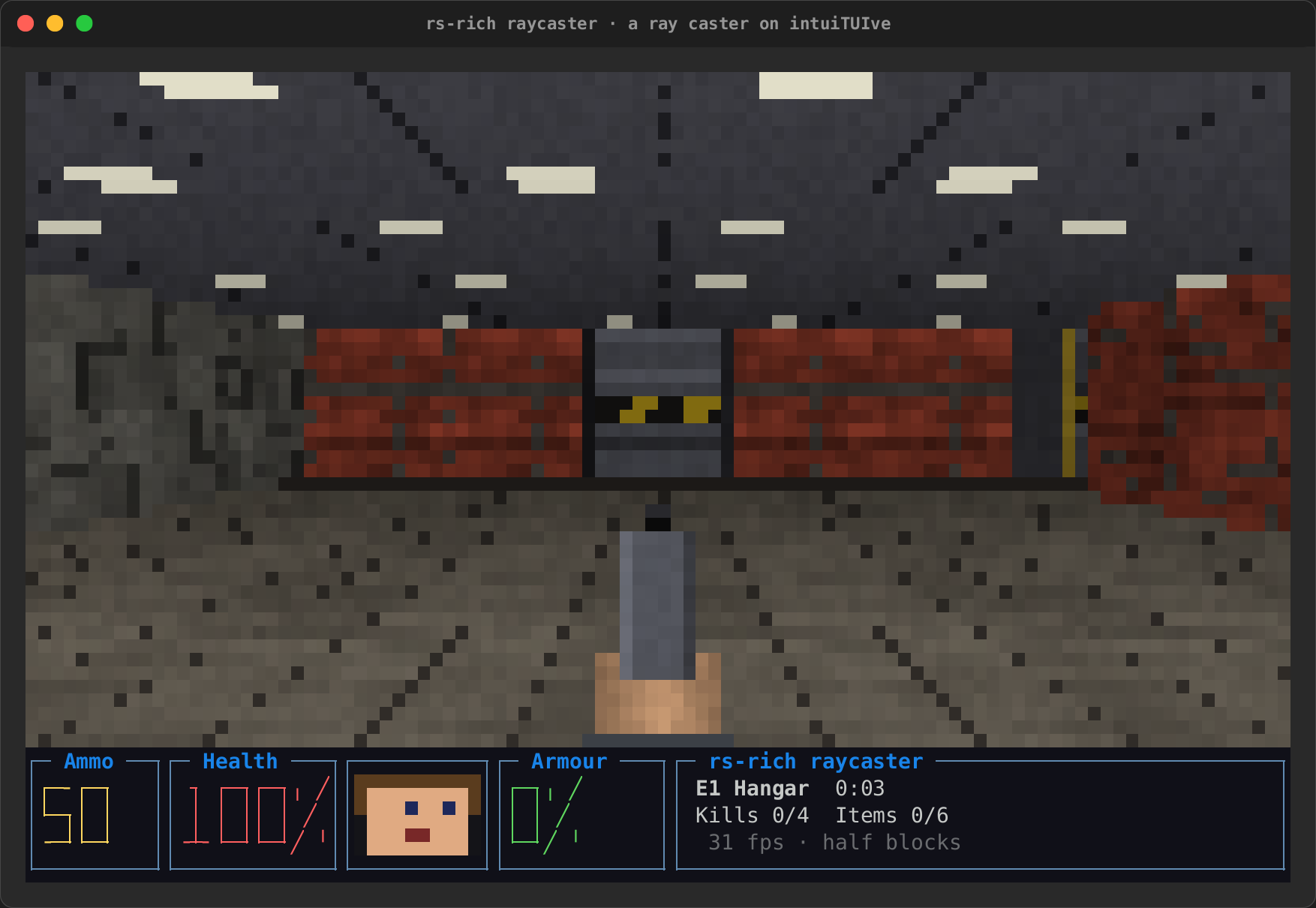
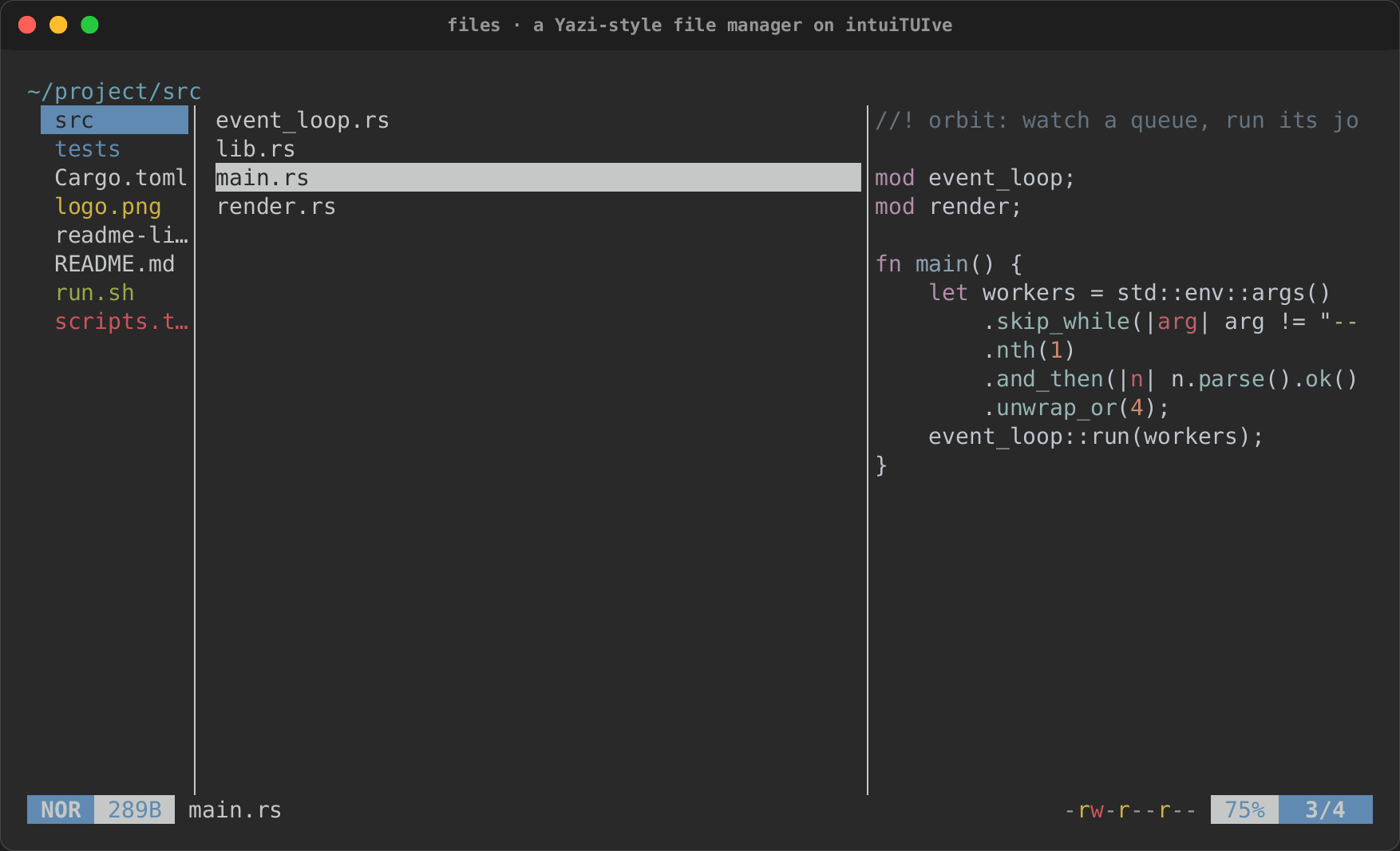
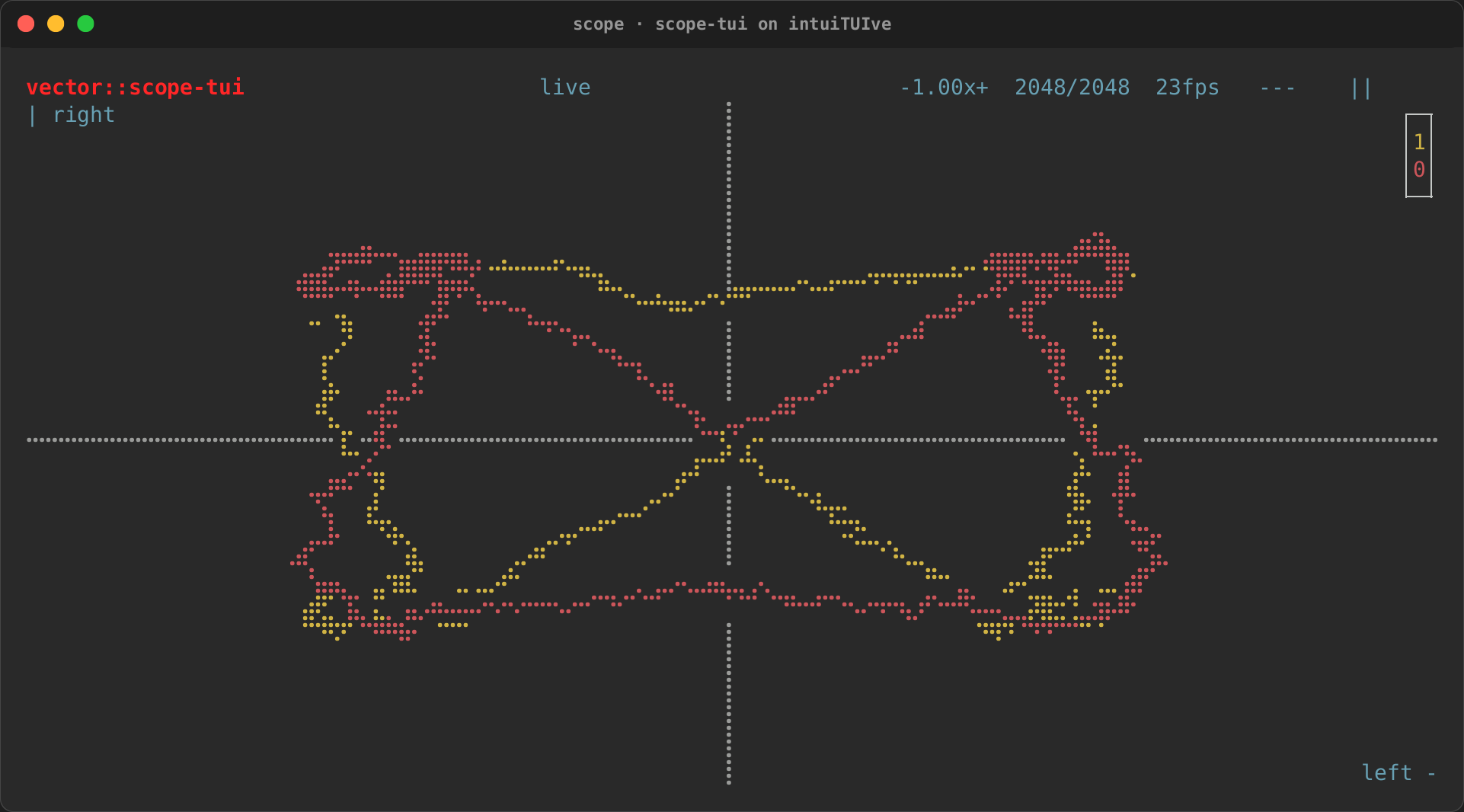
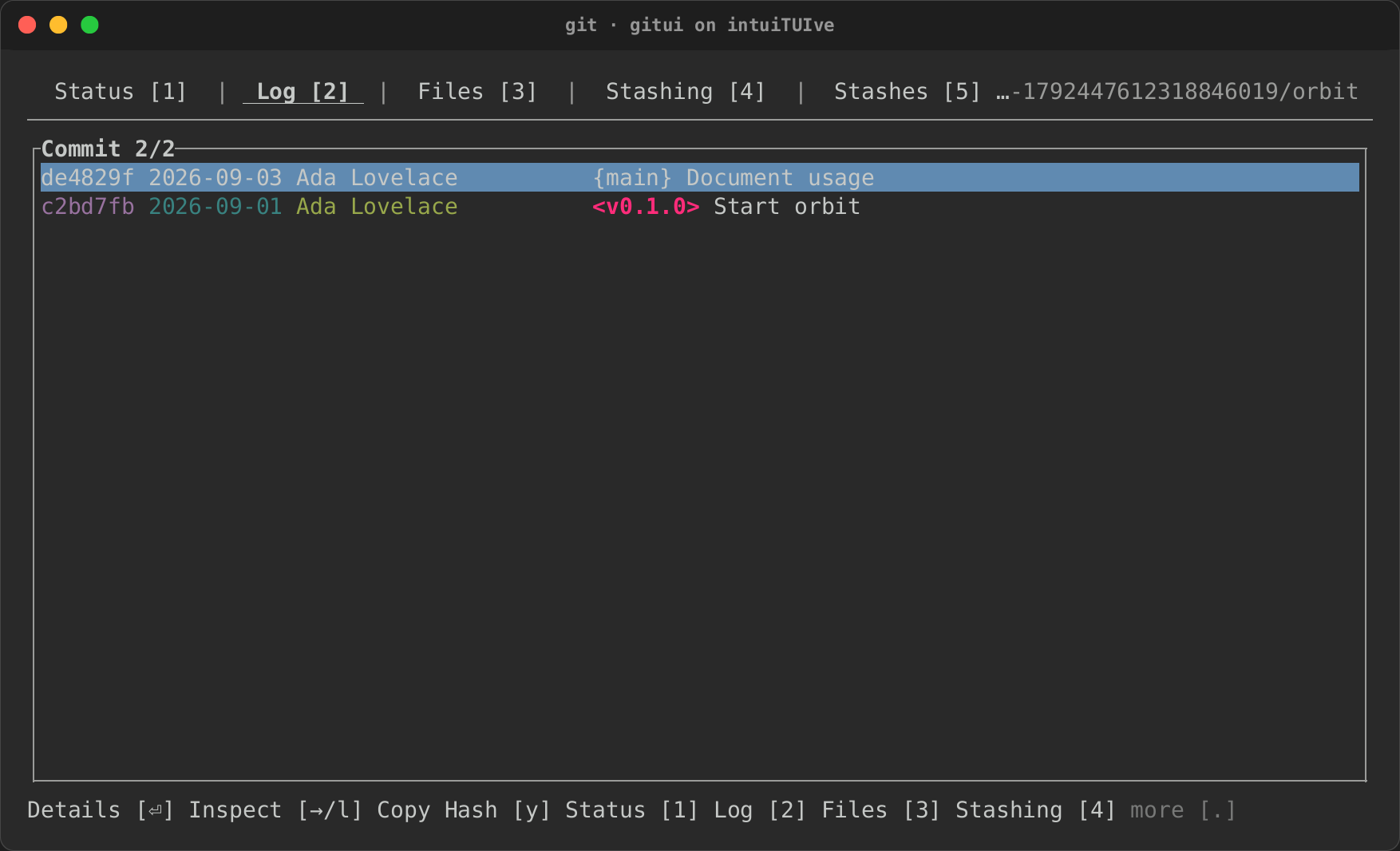
Terminal apps guide · A game, played with held keys, a file manager and an oscilloscope recordings · Eleven apps, rebuilt: real terminal apps cloned on intuiTUIve
CLI viewers