6. The CLI
The pictures on this page are the commands' own output, exported with
--export-svg from the fixtures scripts/smoke_cli.py writes
(python3 scripts/smoke_cli.py --screenshots docs/media/guide).
Rendering a file
With no mode flag, the type is detected from the extension:
rich README.md          # markdown
rich data.json          # pretty JSON
rich main.rs            # syntax highlighted
rich table.csv          # a table
rich notebook.ipynb     # a Jupyter notebook
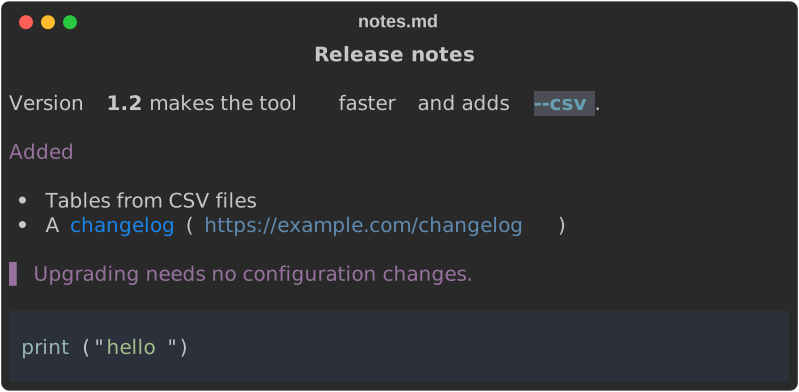
rich notes.md, for example:
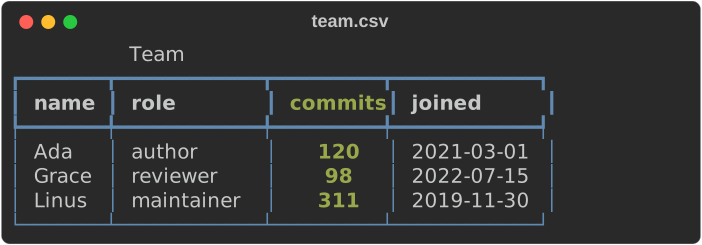
and rich team.csv --title Team:
Force a mode when the extension lies, or when reading stdin:
- means standard input.
Printing markup

Bad markup is reported rather than printed literally:
$ rich -p "[/nope]"
rich: markup error: closing tag '[/nope]' at position 0 doesn't match any open tag
$ echo $?
4
Exit code 4 means a parse or render error in the input; the CLI guide lists every exit code.
Fetching a URL
The render mode comes from the flag, else the URL's extension, else the response
Content-Type.
Decorating output
rich --panel rounded --title "Notes" --style "bold blue" notes.md
rich --padding 1,4 --center report.md
rich --width 60 --rule "Section"
The first, on the same notes.md:
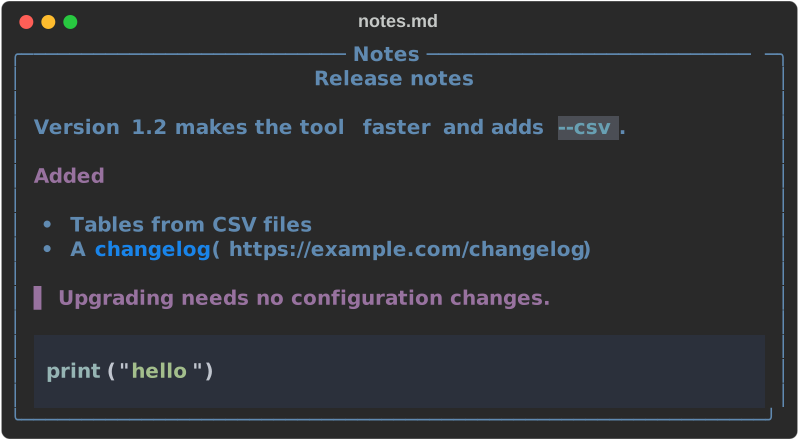
and the last:

Exporting
Both exports write to a path and leave the terminal output intact, so you get both at once:
rich -m README.md --export-html readme.html
rich -m README.md --export-svg readme.svg
rich -m README.md -o readme.html --export-svg readme.svg   # both
-o is short for --export-html. The HTML is self-contained — no external CSS,
fonts or images. The SVG loads its font from a CDN, so it needs a network
connection to show in the intended typeface; every picture on this site is an
SVG export like this one.
Paging
Pages through $PAGER (falling back to less -R, then more), keeping the
styling, unlike piping to a pager yourself.
More commands
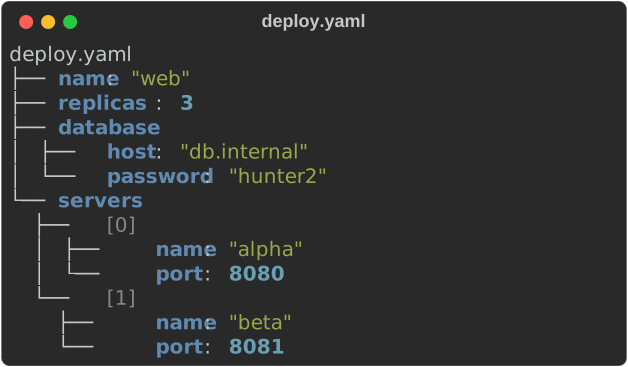
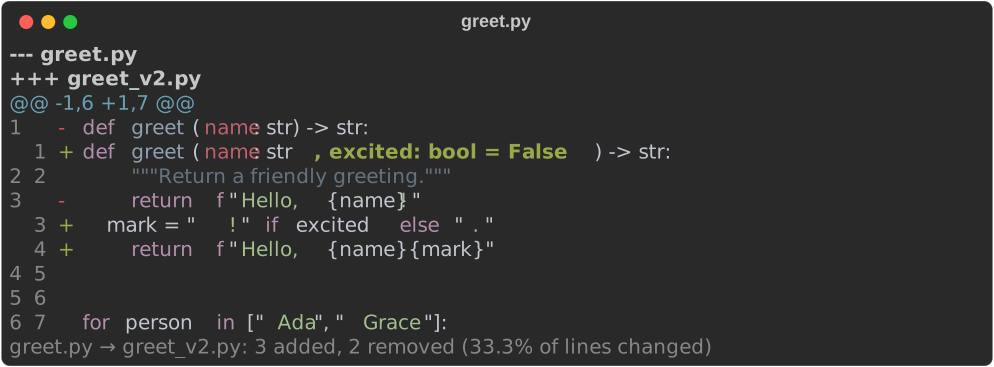
Beyond rendering files, rich has tool commands: inspect explores JSON, YAML,
TOML, XML, INI and dotenv as a tree; diff compares text files or renders a
patch; view shows any file; hex, unicode and ansi explain look inside
bytes, characters and escape sequences; env lists environment variables with
secrets masked; capture runs a command and shows or exports its output; and
doctor reports what rich detected. The CLI walkthrough
shows each one. Two of them:
Full option list
rich --help prints every option, grouped by topic, and rich COMMAND --help
shows one command. The CLI reference is generated from
that help text.