Noctiluca: a terminal web browser
 Noctiluca is a web browser for the terminal. Chrome loads and runs the
page. Noctiluca reads what Chrome laid out and draws it in cells: text as
terminal text you can select and copy, controls as
intuiTUIve widgets, and images as media regions. It
is a crate of its own,
noctiluca,
built on intuiTUIve and rs-rich-embed.
Noctiluca's promo (AI-generated, made for rs-rich; MIT). 36 seconds, with music: download the MP4.
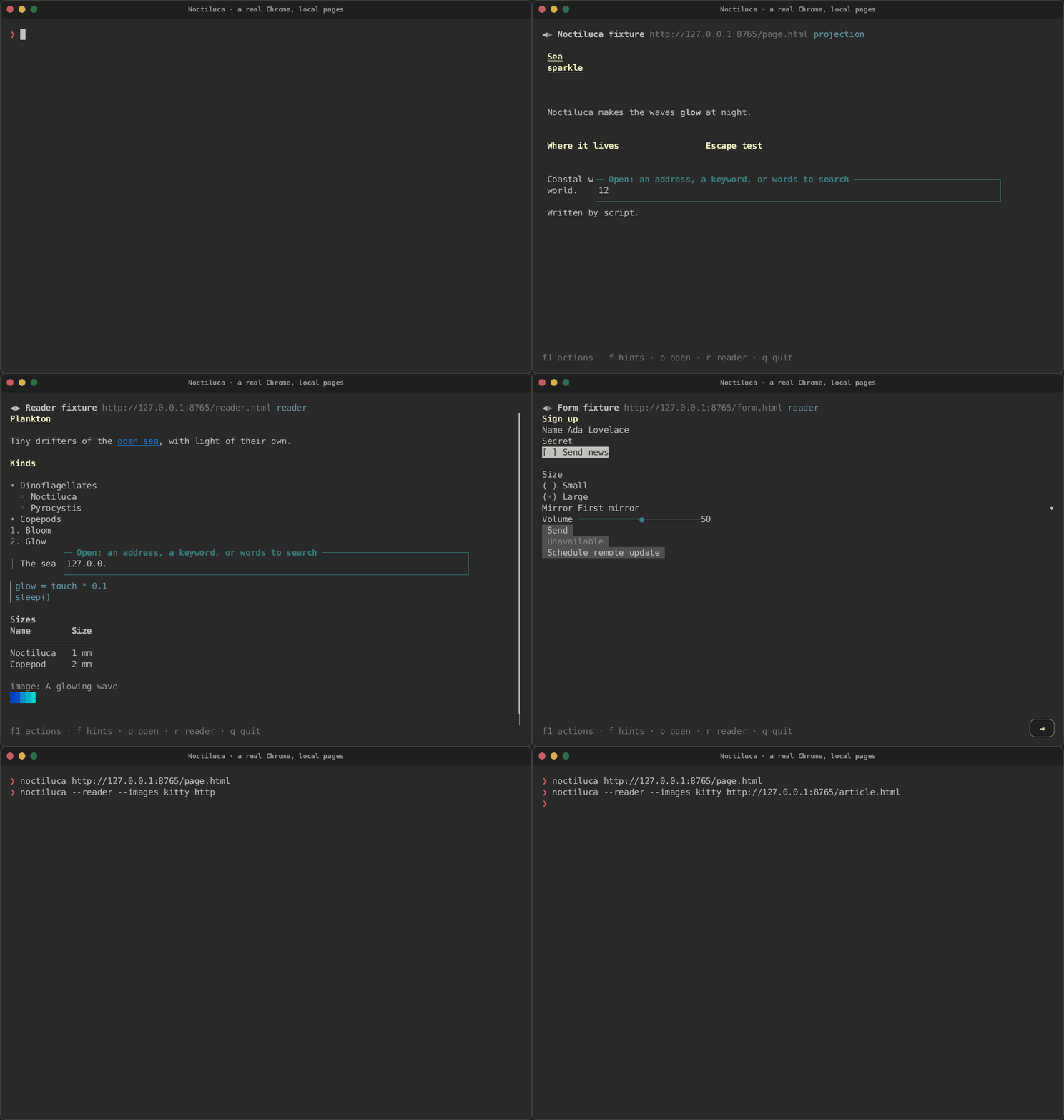
Here it runs a real Chrome on the crate's local test pages: a two-column page in the projection, a link followed by its hint, a form filled in and sent, and an article in reader mode with its small picture drawn as Kitty graphics.
Its name is the "sea sparkle" plankton that makes waves glow at night. Its logo is a bloom of small terminals, and its mascot is a lanternfish whose lamp is a terminal window.

intuiTUIve's Memo, seeing the web in her terminal.
Where it stands
Noctiluca 0.0.1, in the 0.0.22 release, is the reader phase: reading pages, following links, history, first forms, still images in reader mode, sound, keywords and per-site keys. Pictures in the projection, animated GIFs and infinite scroll are planned for 0.0.23, and video for 0.0.24. See what works today and what's next.
Try it
cargo install noctiluca                # needs a Chrome or Chromium you install
noctiluca https://docs.rs/serde        # an address
noctiluca ./page.html                  # a local file
noctiluca gh rs-rich                   # a keyword and its words
noctiluca --dump text page.html        # the page's text, for scripts
Press F1 for every action and its key, f for link hints, r for reader mode and q to quit.
The guide
| Page | What it covers |
|---|---|
| Getting started | Installing it, the Chrome it needs and how it is found, a first run, the address bar, quitting |
| Reading and moving around | The projection and reader mode, scrolling, link hints, find, history, bookmarks, the F1 overlay |
| Forms and controls | How a page's controls become widgets, typing, selects, check boxes, buttons, and what is not supported yet |
| Going places and keys | Keywords, the command line, the key presets, per-site keys, and every action with its keys |
| Pictures, video and sound | Pictures where the page puts them, animated GIFs, video in its region, the byte budget, --audio and the media controls |
| Live logs and adaptations | Chats and logs that follow their newest entries, and the terminal adaptations, each of which can be switched off |
| Configuration | Every key of config.toml, with its type, default and meaning |
| Privacy and security | The browser profile, downloads, the sandbox, cleaned page text, bot checks, and what is sent where |
| Scripts and coding agents | The control socket, noctiluca ls and noctiluca action, --read-only, and Ctrl+G's "send to agent" |
| Using it as a library | The engine trait, the tab, the page model, and a fake engine for tests |
| Troubleshooting and FAQ | What to do when something does not work |
| What works today and what's next | The phases, and what each release brings |
| Noctiluca on real sites | BBC News, Wikipedia, Hacker News, MDN, The Guardian, GitHub, YouTube and Twitch, recorded live, and what broke |
Views
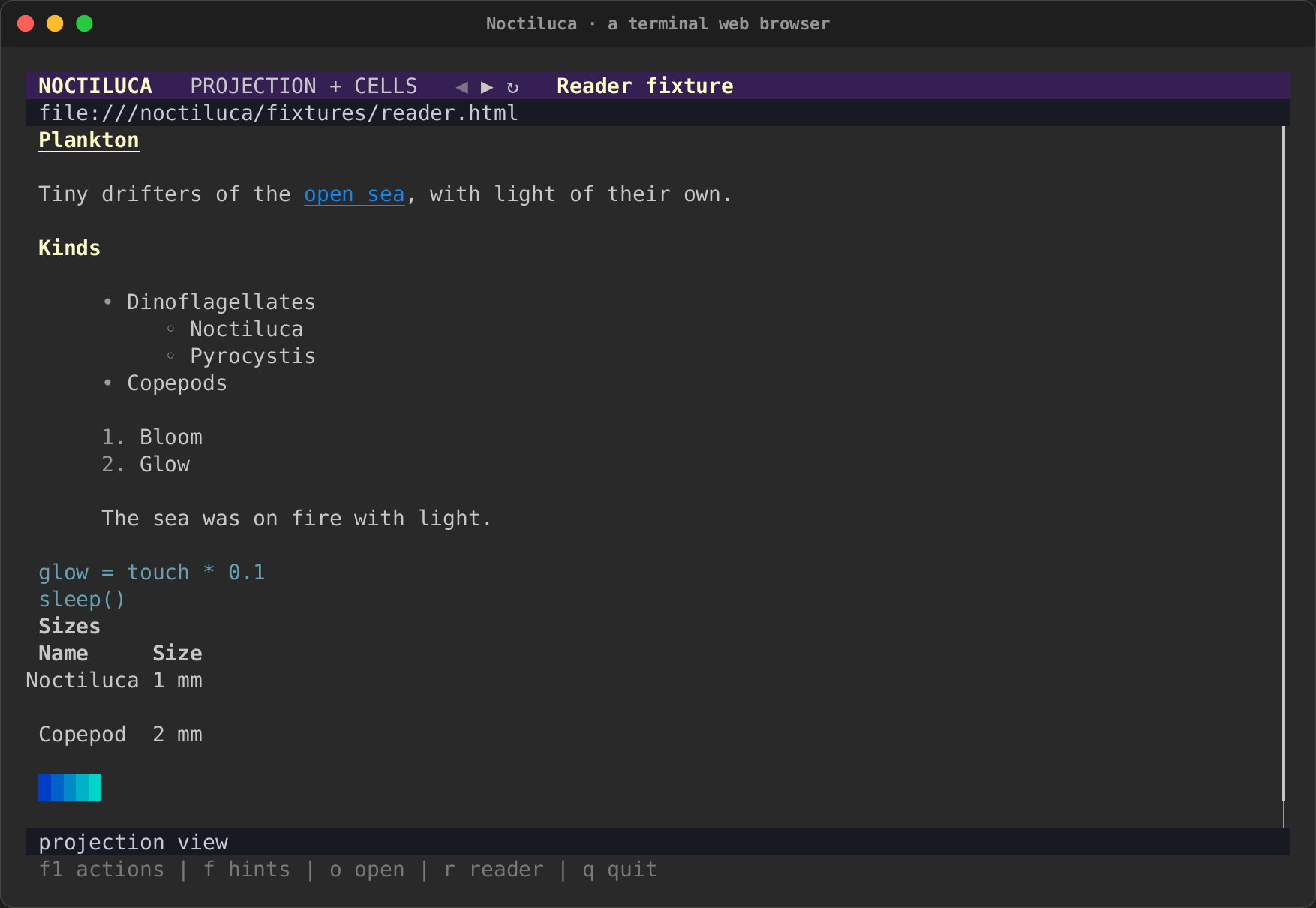
- The projection (the default,
--projection): boxes at Chrome's positions, snapped to cells and rewrapped. Two-column and flex layouts stay side by side. - Reader mode (
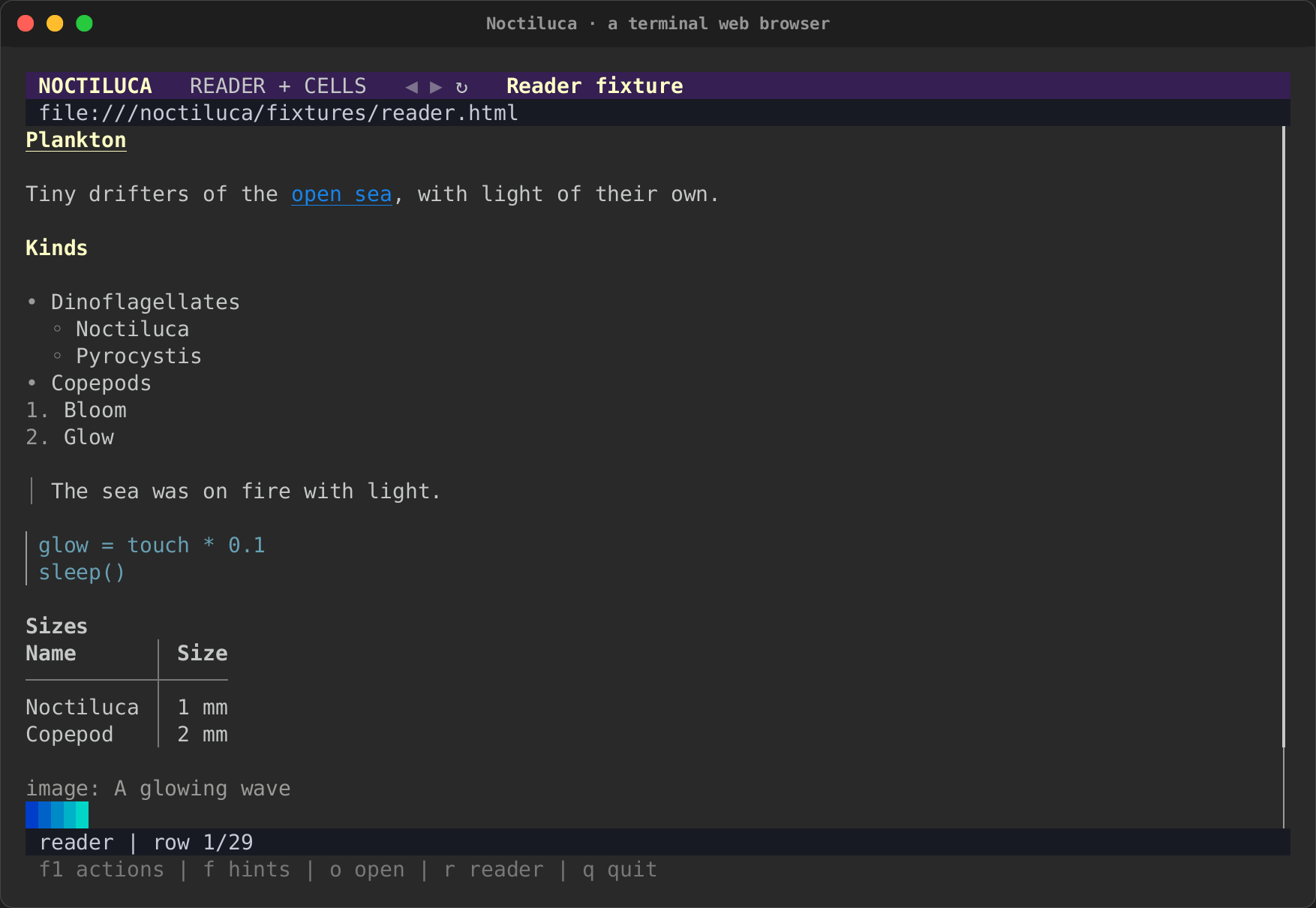
r, or--reader): one readable column, in reading order, with controls as live widgets and still images as pictures. - The pixel view (
Alt+X, or--pixels): the page as Chrome paints it, in Kitty graphics, sent as tiles only where it changes. See the pixel view. - The raster view (
--raster): the page as Chrome paints it, in half blocks. It is for debugging.
| Reader mode | The projection |
|---|---|
 |
 |
More in Reading and moving around.
Tips
- Lost? Press F1. Everything Noctiluca can do is in that list, with its key, and the reason when it cannot run now.
- A feed that stops loading? Keep going down: each time you near the
end, Noctiluca asks the page for more. A feed that loads only on a
button needs the button pressed (
fand its hint). - A busy page? Press
r. Reader mode drops the layout and keeps the words. - Blocky pictures? By default Noctiluca picks what your terminal
can show. If it falls back to half blocks in a terminal with Kitty
graphics, Sixel or iTerm2 images, set
--images(or[media] images). - A keyword for each site you search. Add it under
[shortcuts], or setkeywordin the site's table to search the site you are on. - Something wrong? See Troubleshooting and FAQ.
The bloom and the lanternfish
Noctiluca's logo, its lanternfish in several poses, a favicon, and a
32x32 pixel lanternfish for a terminal sprite are in
docs/assets/noctiluca/.
Its ICONOGRAPHY.md has the palette and the drawing rules. The design,
its decisions and its phases are in the design note.