Noctiluca on real sites
The other pages of this guide show Noctiluca on the crate's own test pages, which never change. This page shows it on sites people use every day.
These pictures were recorded on 27 October 2026 with Noctiluca 0.0.2 (the 0.0.23 cohort) driving Chrome for Testing 153.0.8010.12, headless, with its sandbox on, at 120×40 cells. Live sites change daily, so this is a snapshot: what you see today will differ, for better or worse. Each section names its tape, so you can record it again.
Every picture is a real terminal frame, recorded by
rich record from a tape in
docs/tapes/live/.
CI does not run these tapes or check their screenshots. See
Recording them again.
BBC News
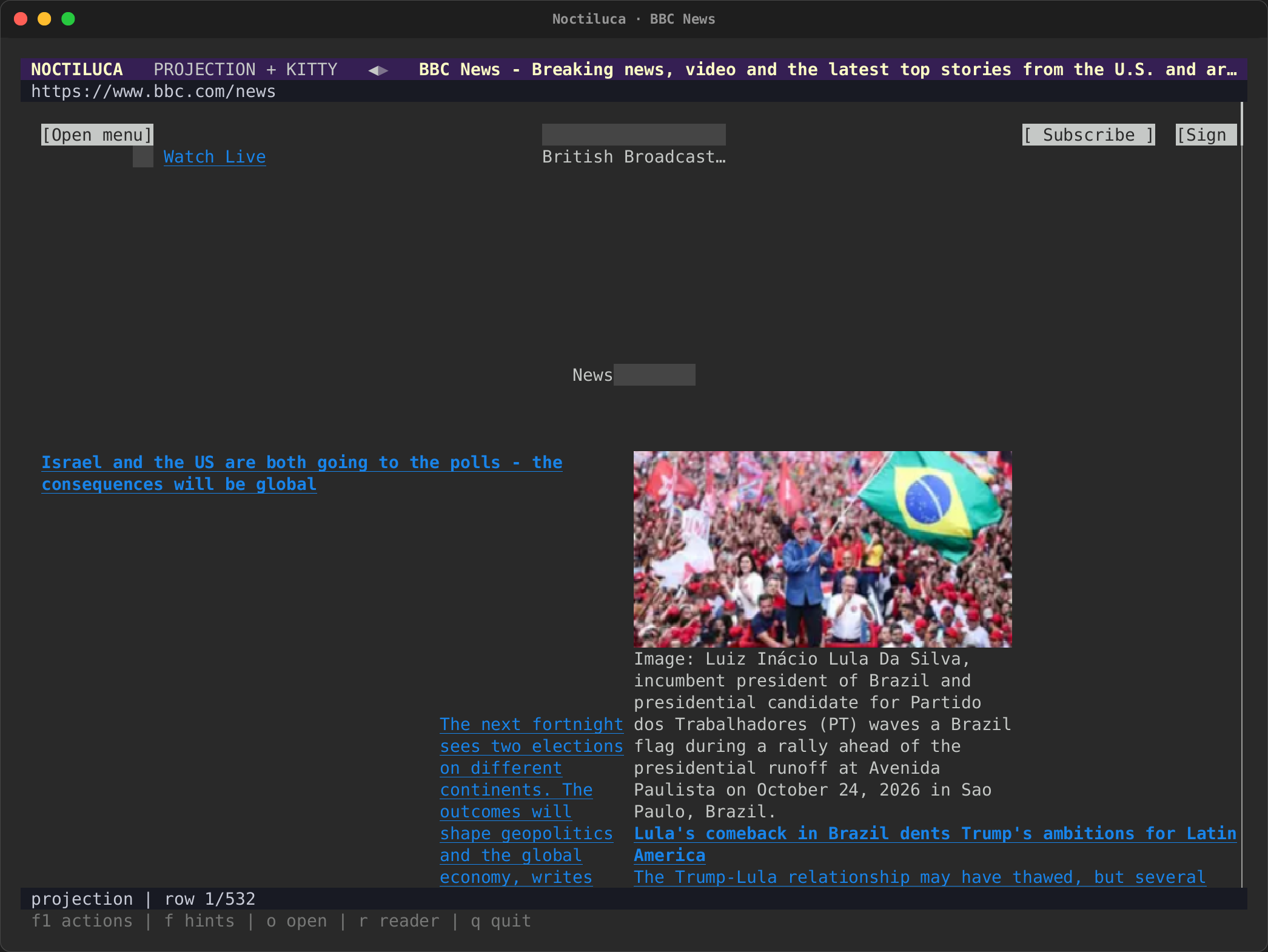
real-bbc.tape opens the
BBC News front page with --images kitty
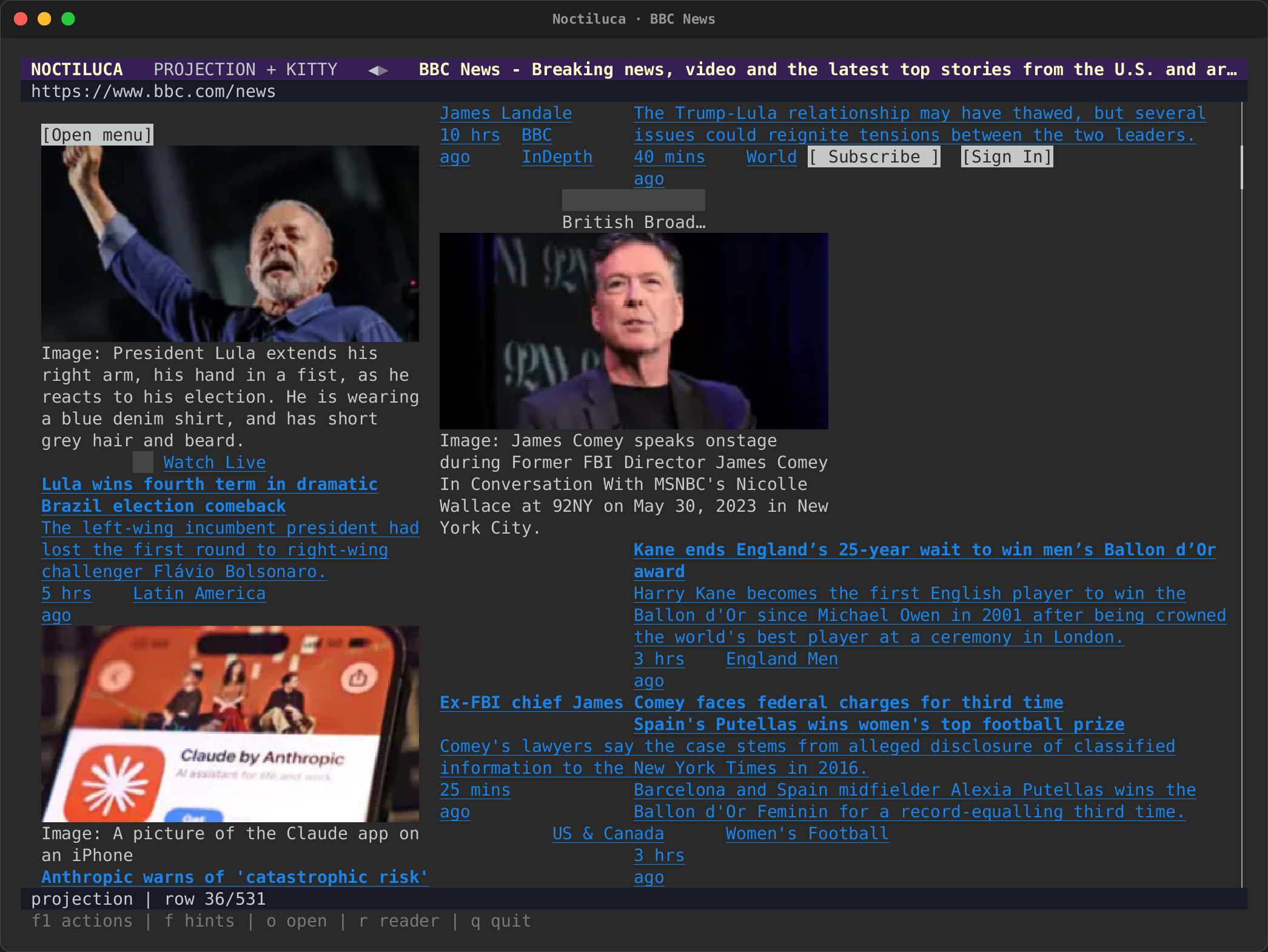
and pages down once (Space), then opens
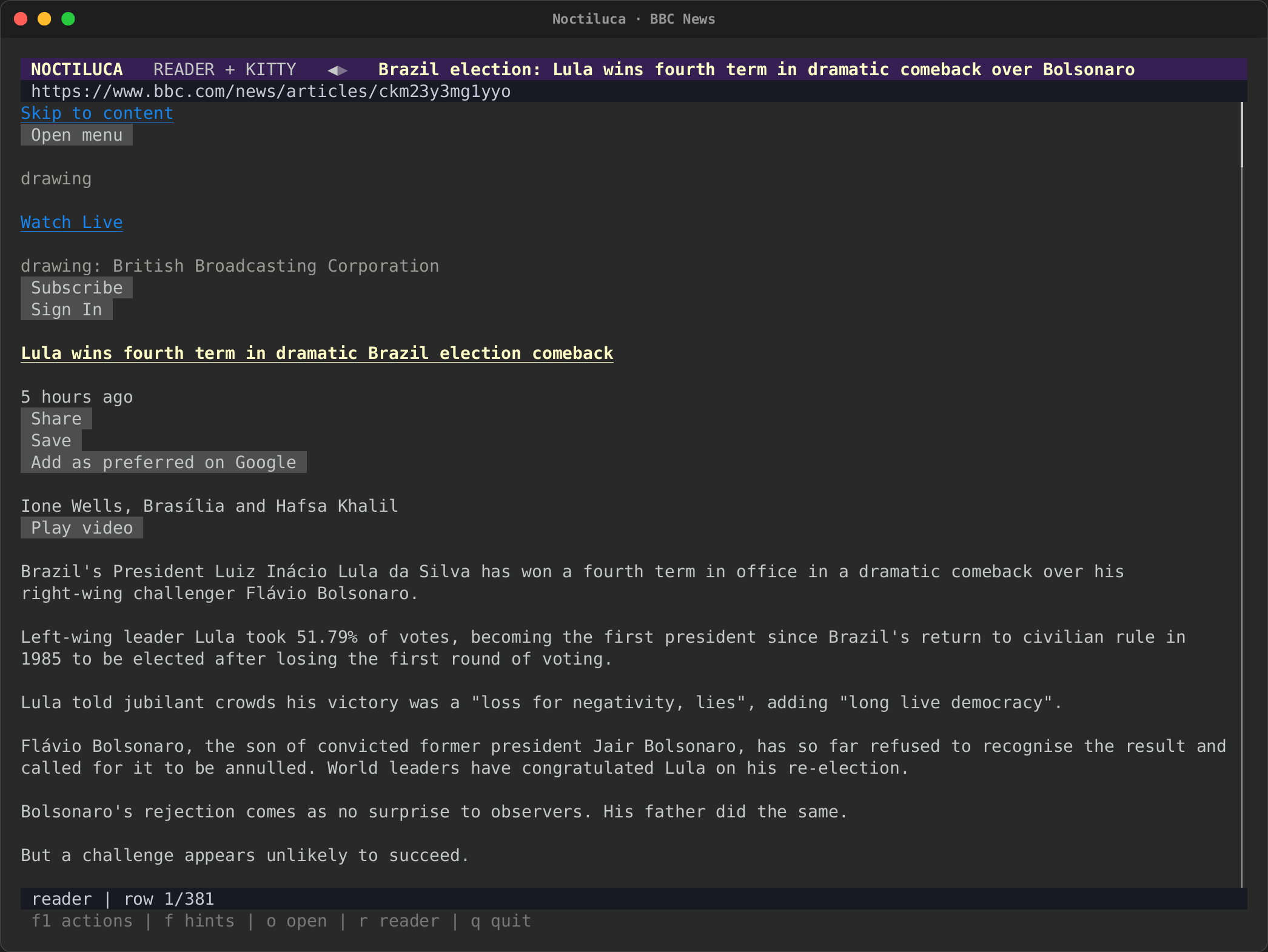
an article in reader
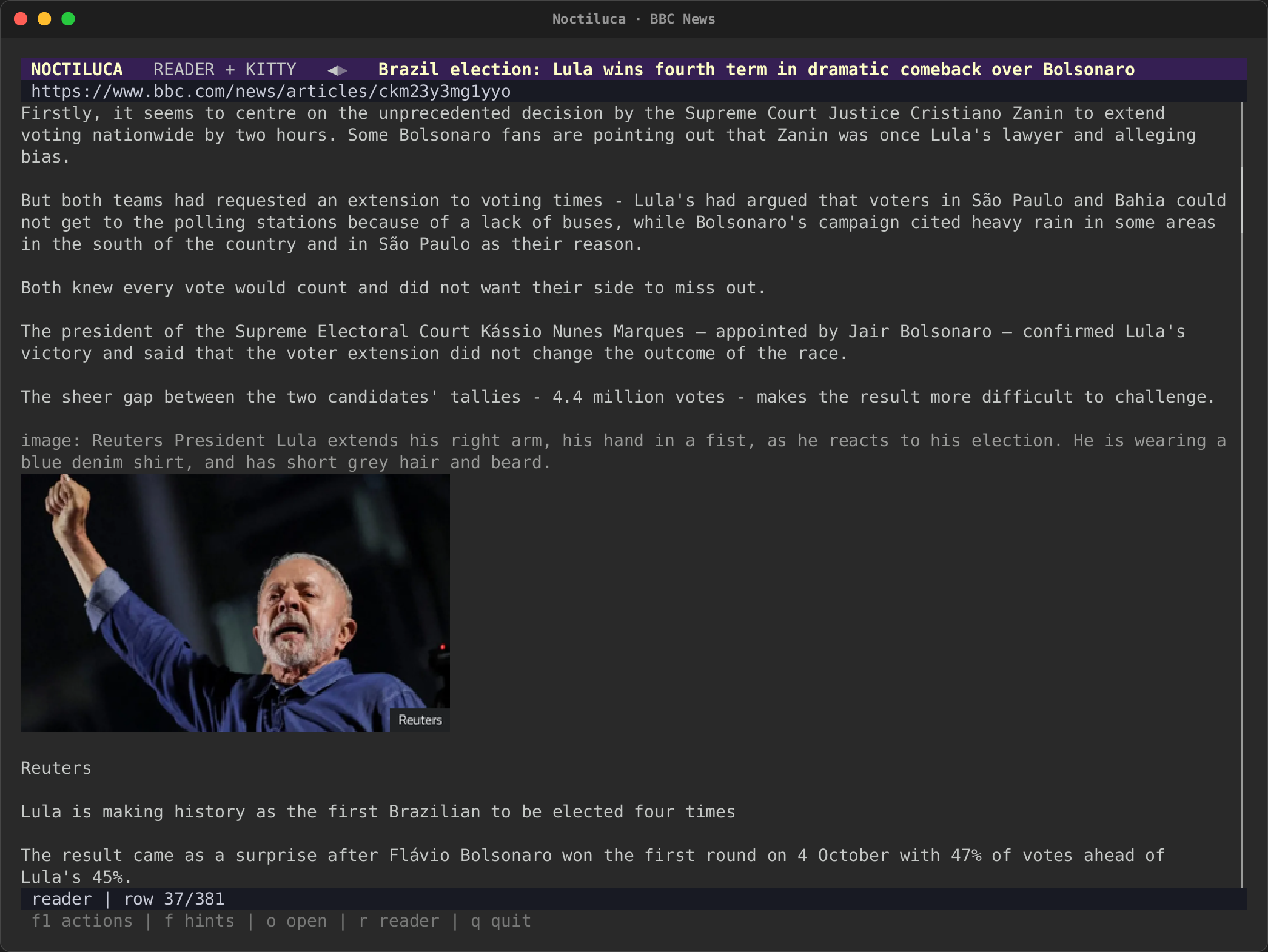
mode (--reader) and pages down.
| The front page | One page down |
|---|---|
 |
 |
The projection: the lead story's photograph in Kitty graphics, where Chrome placed it, with an Image: caption from its alt text. |
One page down (Space): stories in the page's columns, each with its picture. |
| An article in reader mode | Further in |
|---|---|
 |
 |
Reader mode (--reader): one readable column, the page's buttons as widgets. |
One page down: the article's photograph in place, with its alt text and credit. |
Wikipedia
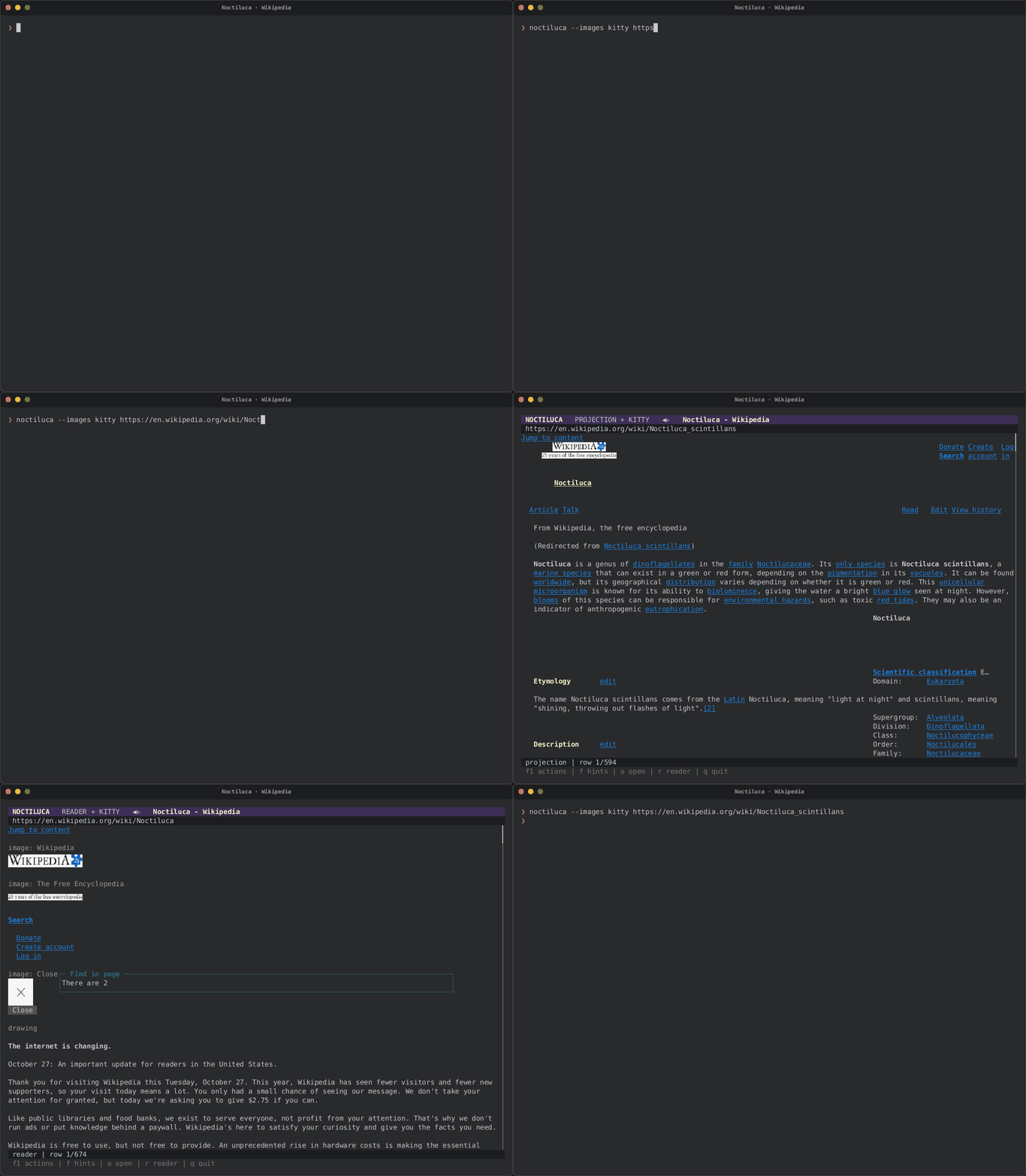
real-wikipedia.tape opens
Noctiluca scintillans
with --images kitty, shows link hints (f), then switches to reader
mode (r) and finds a sentence (/).
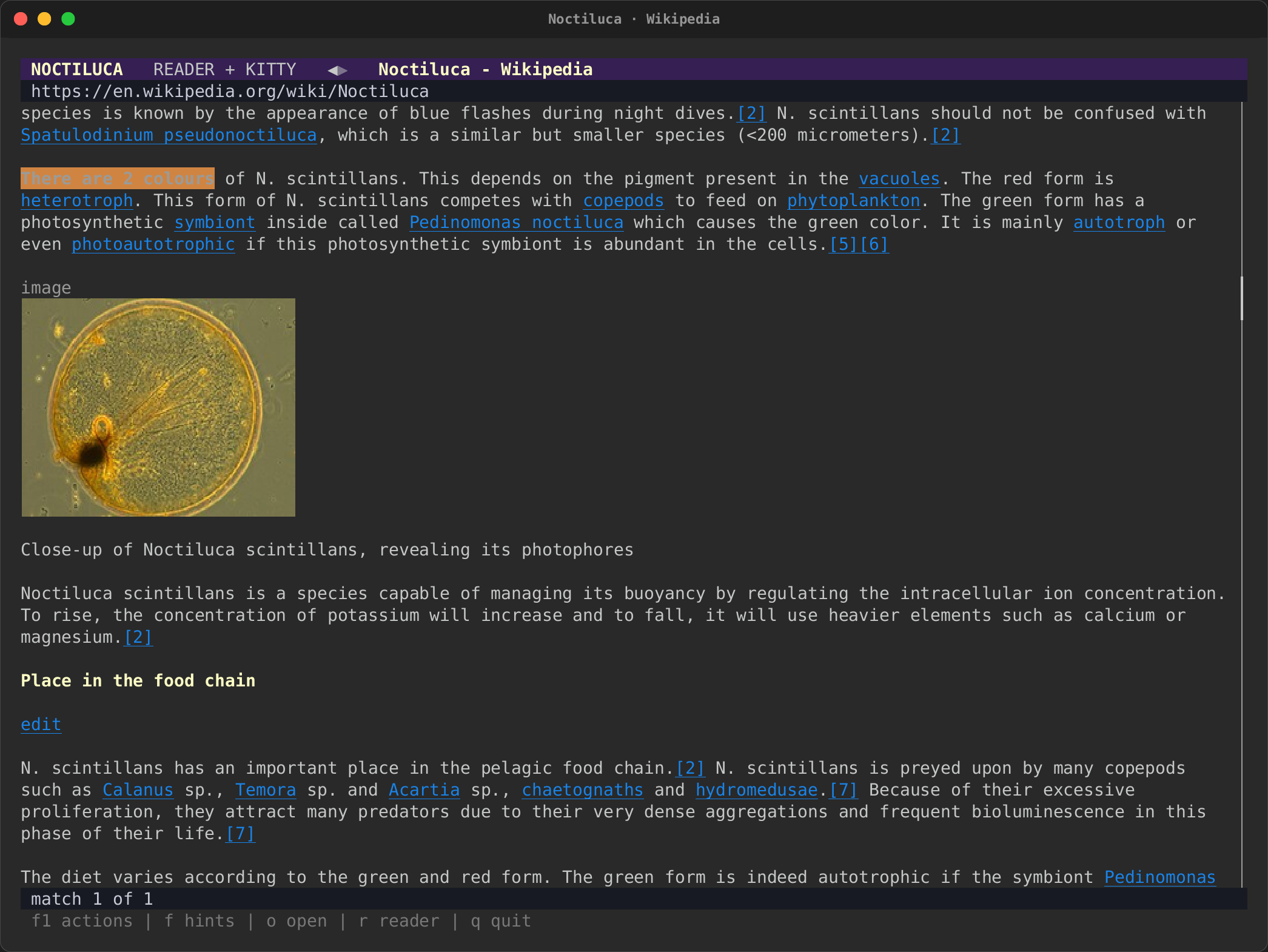
Reader mode with Kitty graphics, after / found "There are 2 colours".
The article's photograph of a single cell is drawn in place, with its
caption below it.
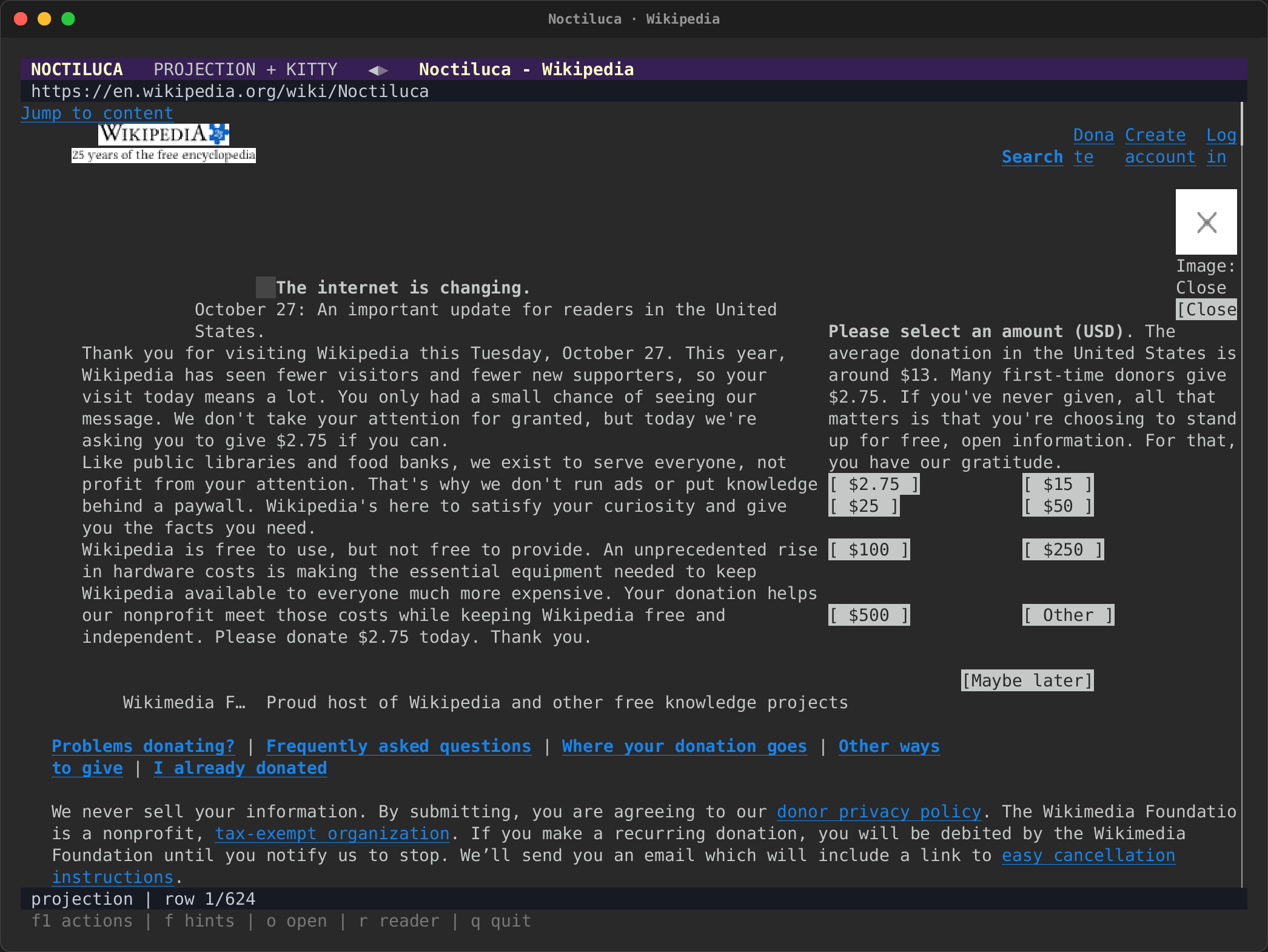
| The projection | Link hints |
|---|---|
 |
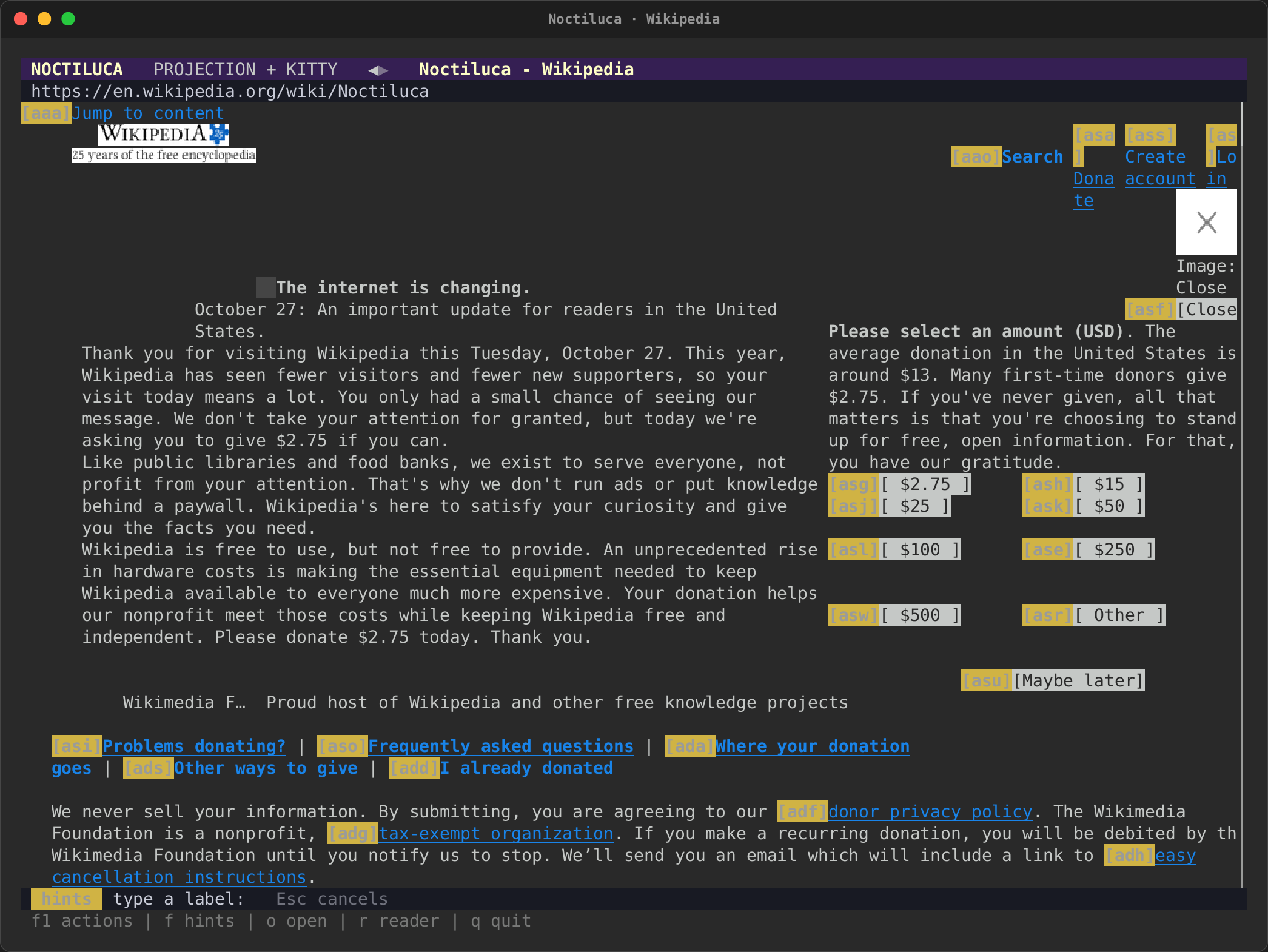 |
| The projection (the default view), with Wikipedia's logo in Kitty graphics and the account links at the top right. On that day a fundraising banner covered the top of the article, and Noctiluca shows it where Chrome put it. | f puts a label on every link and control; typing the label follows it. |
Hacker News
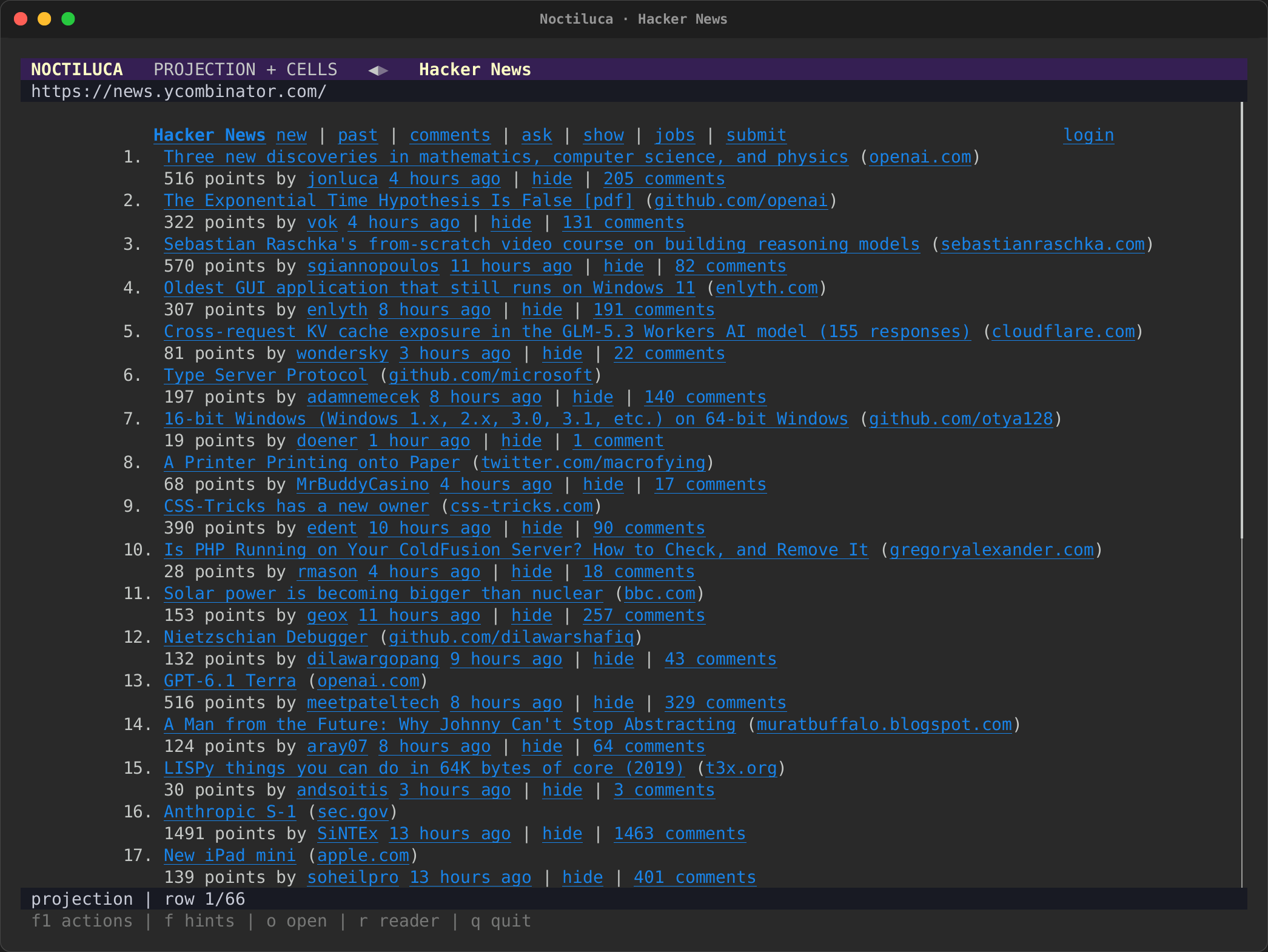
real-hackernews.tape opens
the Hacker News front page. The page is
laid out with tables nested in tables, which Noctiluca reads as blocks of
text rather than as a data table. No --images is given, so the
recording terminal's default, half blocks, is used.
| The front page | Link hints |
|---|---|
 |
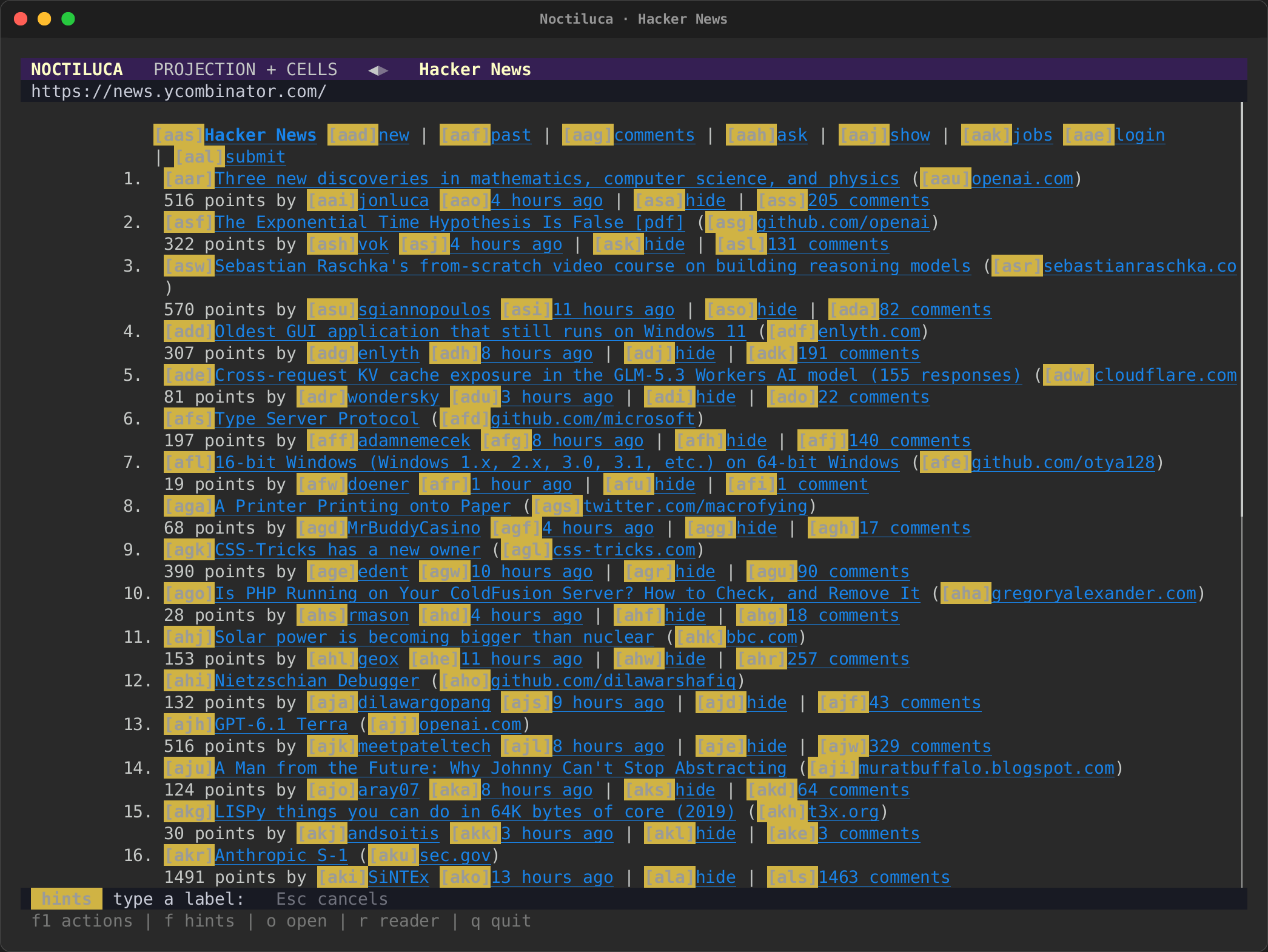 |
| The projection: each rank beside its story's title, from 1 to 30, with the points, author and comments under it. | f labels every link: a story, its site, its author, its comments. |
MDN
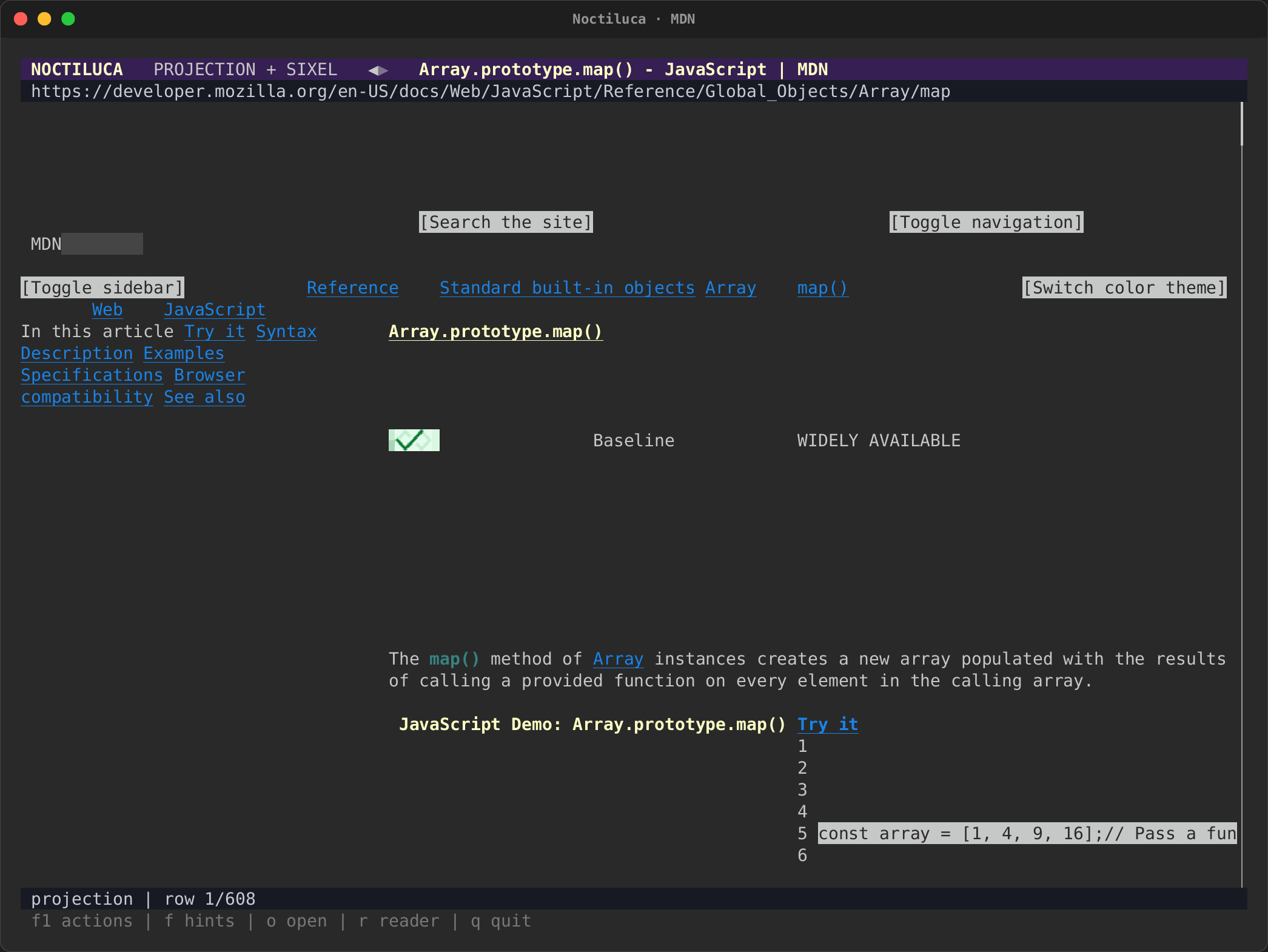
real-mdn.tape opens MDN's
Array.prototype.map()
reference with --images sixel, then reader mode, and finds an example
(/const numbers).
| The projection | Reader mode, at an example |
|---|---|
 |
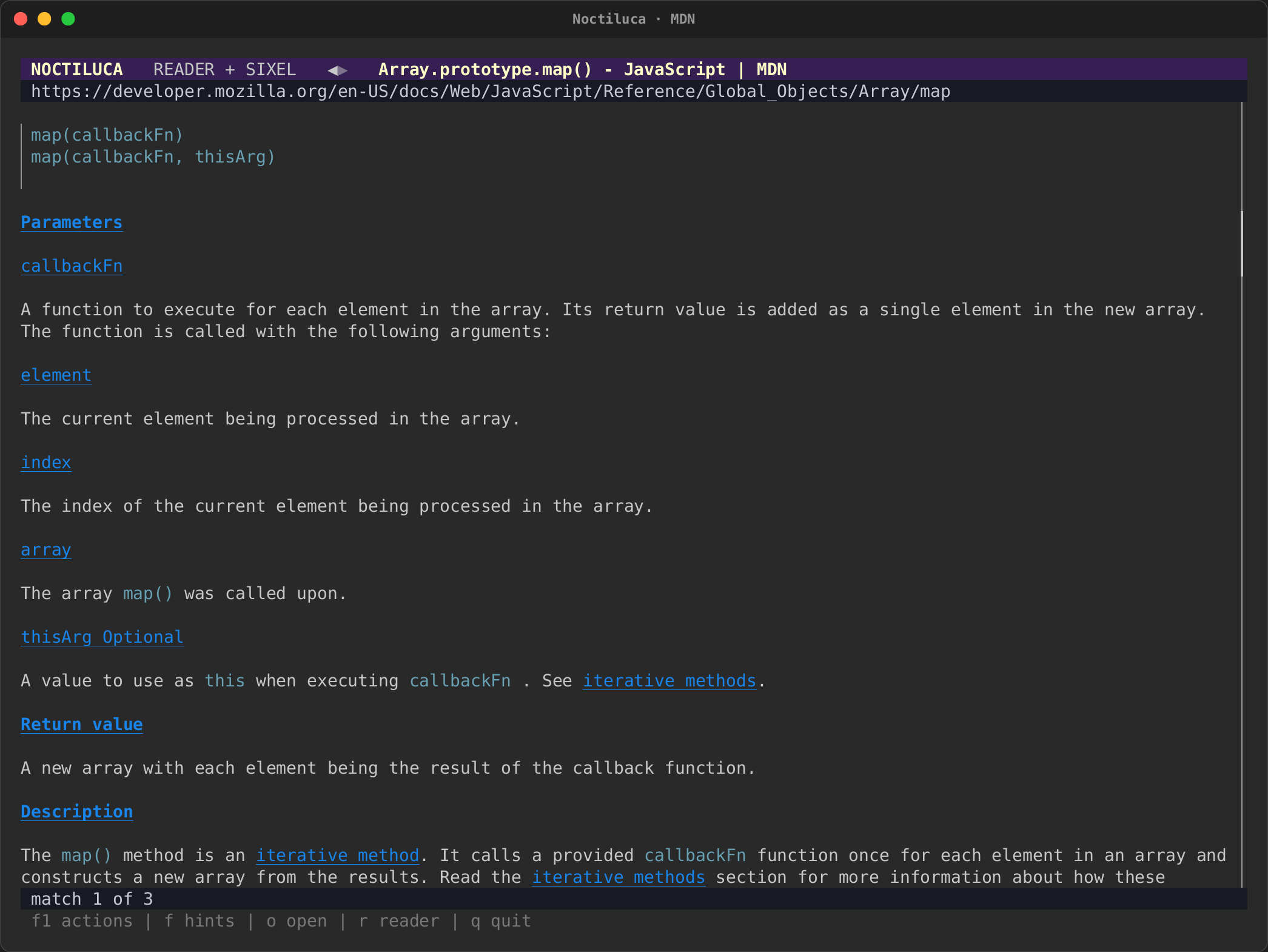 |
| The projection with Sixel pictures: the breadcrumbs, the article's contents at the left, the heading, the "Baseline" badge, and the start of the interactive example. MDN's layout leaves wide gaps at this width. | Reader mode: code blocks with a rule at their left, headings as links, and the match from / highlighted. |
The Guardian
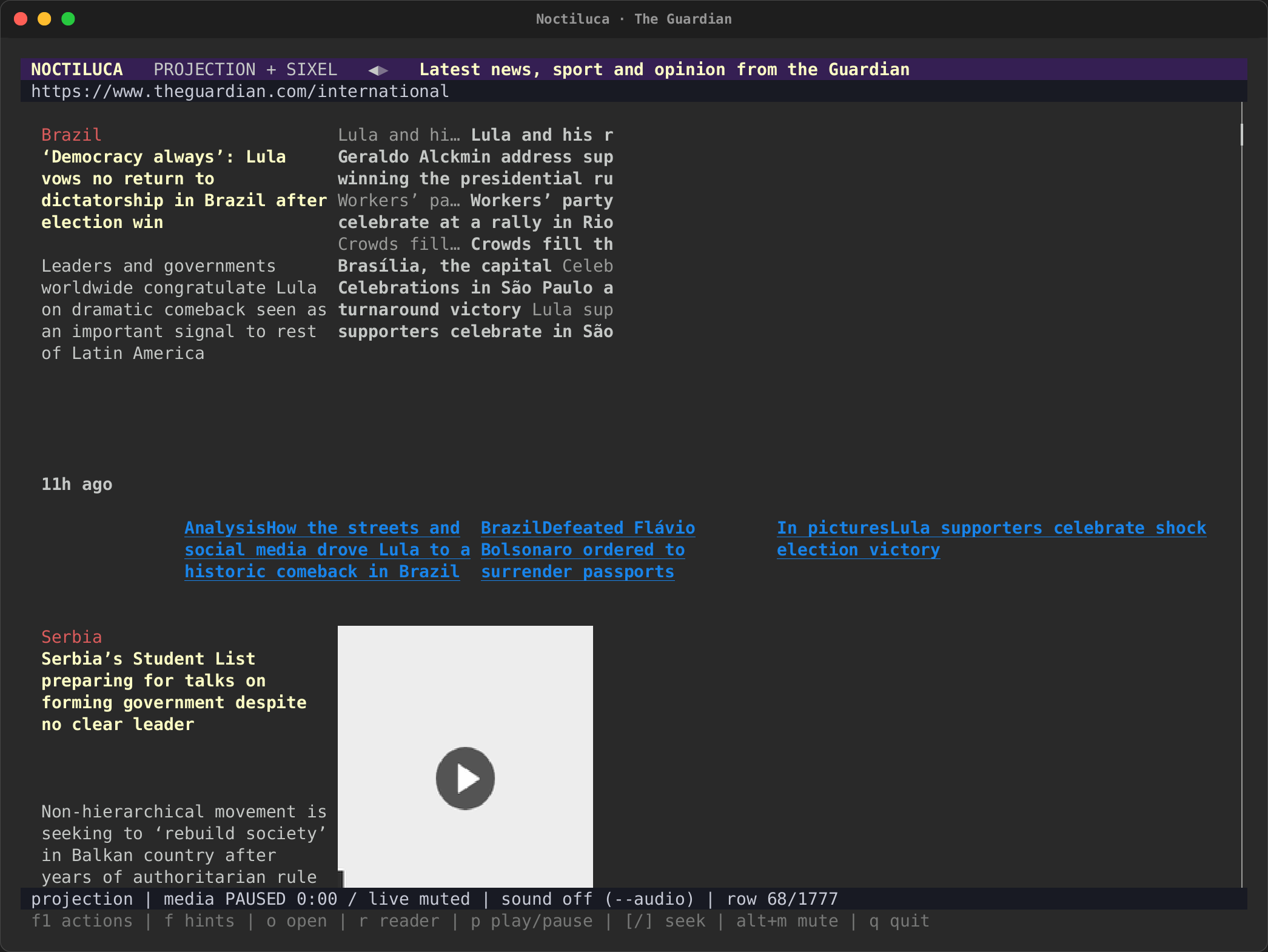
real-guardian.tape opens the
international front page
with --images sixel, pages down once (Space), then switches to reader
mode (r) and pages down again.
| The projection | Reader mode |
|---|---|
 |
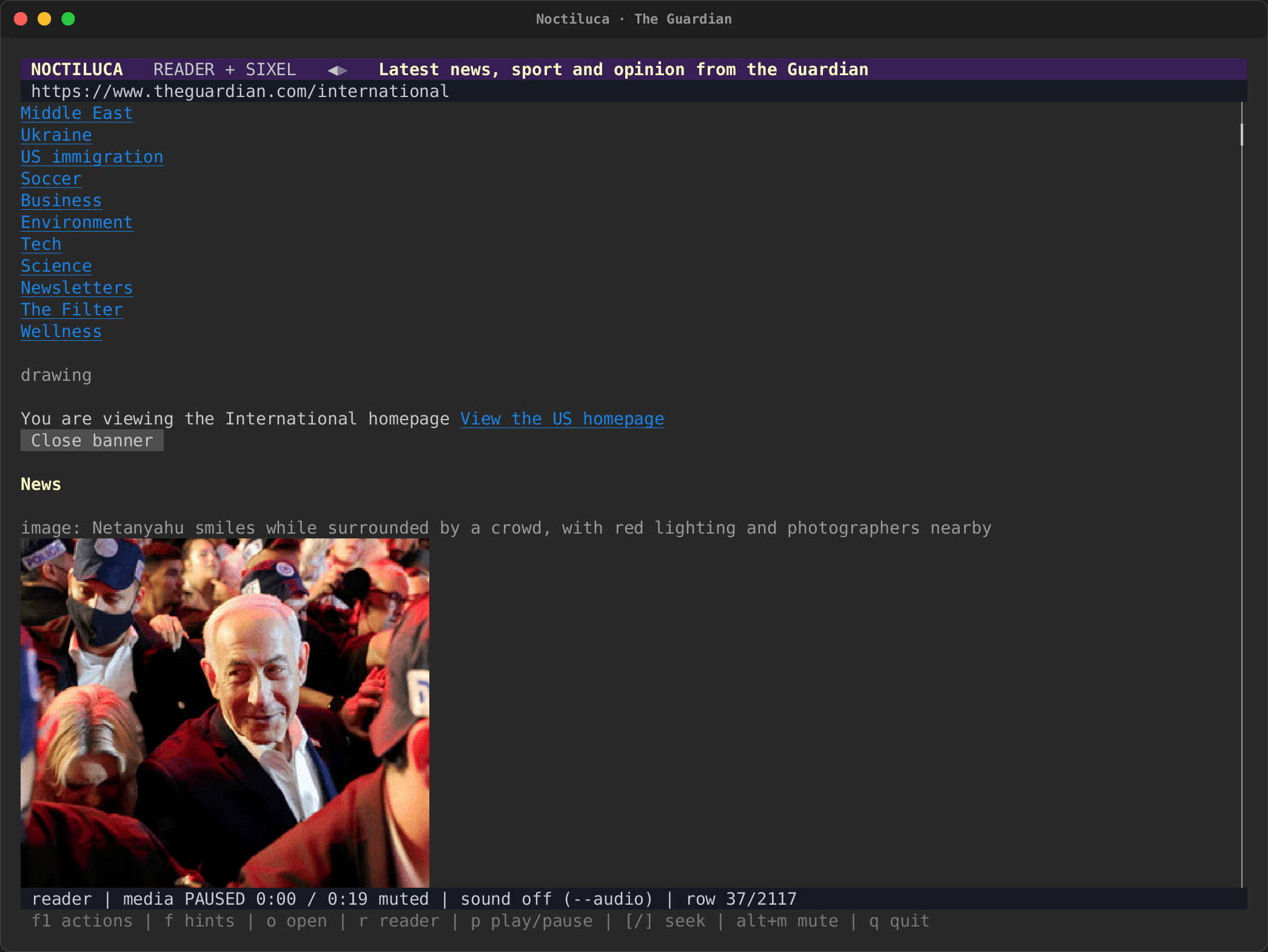 |
| The projection, one page down: stories in Chrome's columns, section labels in their colours, and a video's poster with its play mark. The Guardian lays its picture captions out in a narrow column, which is cut short at this width. | Reader mode: the pictures arrive (The Guardian serves AVIF; Noctiluca shows Chrome's own pixels of it). |
GitHub
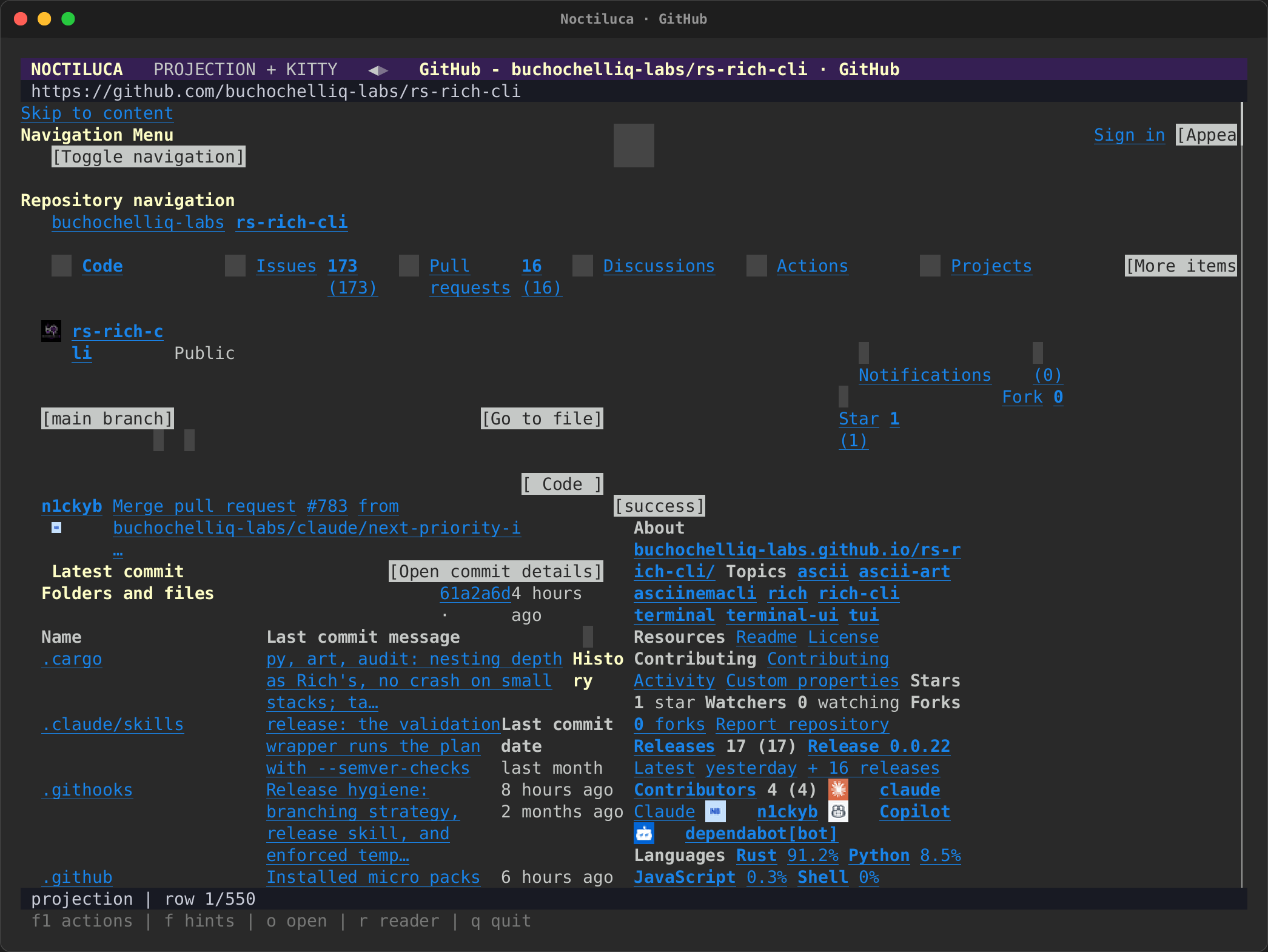
real-github.tape opens
this project's repository
with --images kitty, then switches to reader mode (r) and finds the
README's "Install and try" (/).
| The projection | The README in reader mode |
|---|---|
 |
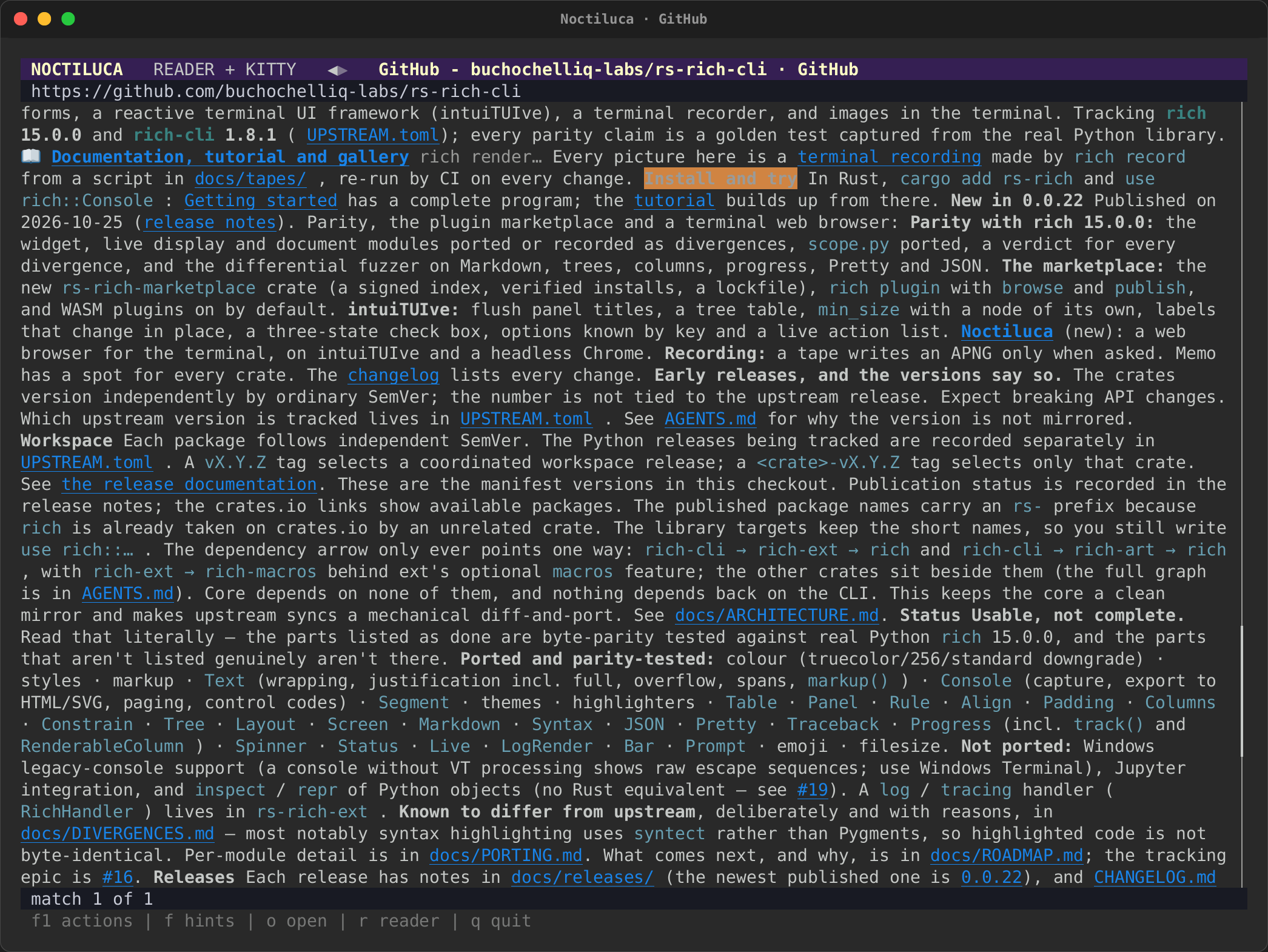 |
| The projection with GitHub's styles: the file list beside the About panel, contributors' avatars in Kitty graphics. | Reader mode: headings, code blocks and lists, the match from / highlighted. |
YouTube
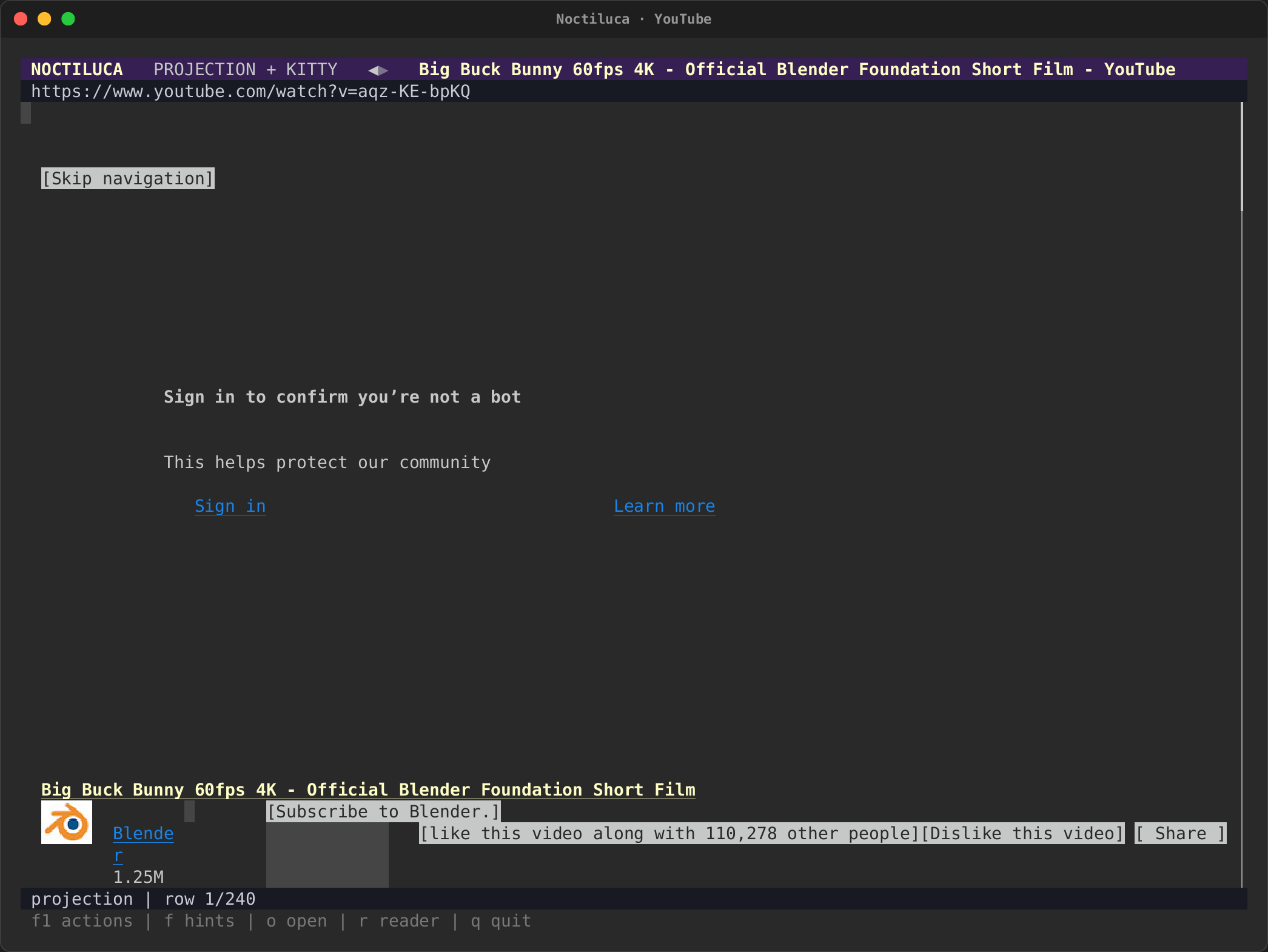
real-youtube.tape opens a watch
page, the Blender Foundation's
Big Buck Bunny, with
--images kitty, then the about page (?).
| The watch page | What Chrome can play |
|---|---|
 |
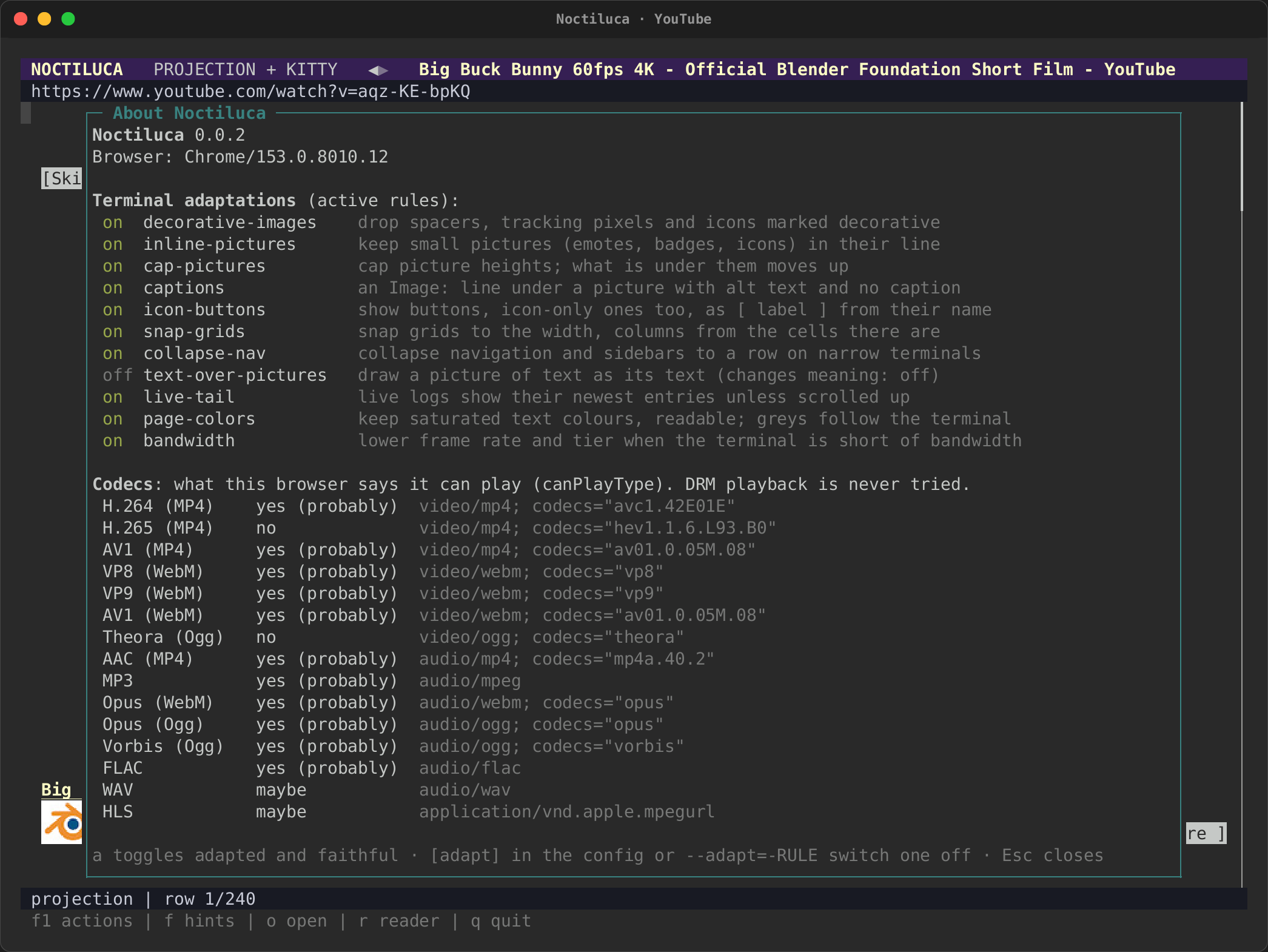 |
| YouTube answered the recording machine with its "Sign in to confirm you're not a bot" wall in place of the player. Noctiluca shows the wall and does not try to get past it (Privacy and security). The title, channel and buttons below still show. | ? opens the about page. This Chrome can play H.264, AV1, VP9 and AAC, so the video would play on a machine YouTube lets through. |
For a video playing in place, see the recorded watch page on the media page.
Twitch
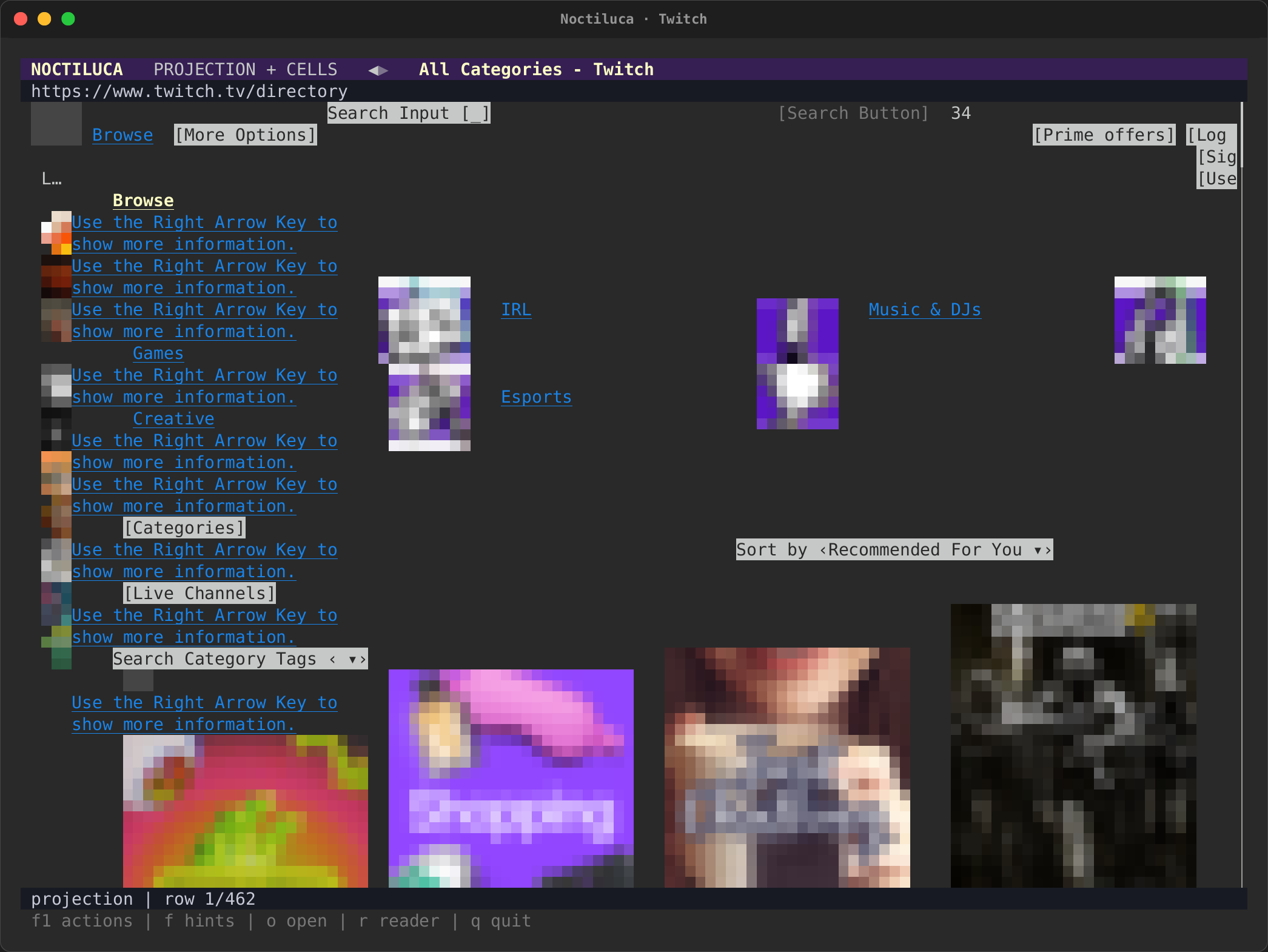
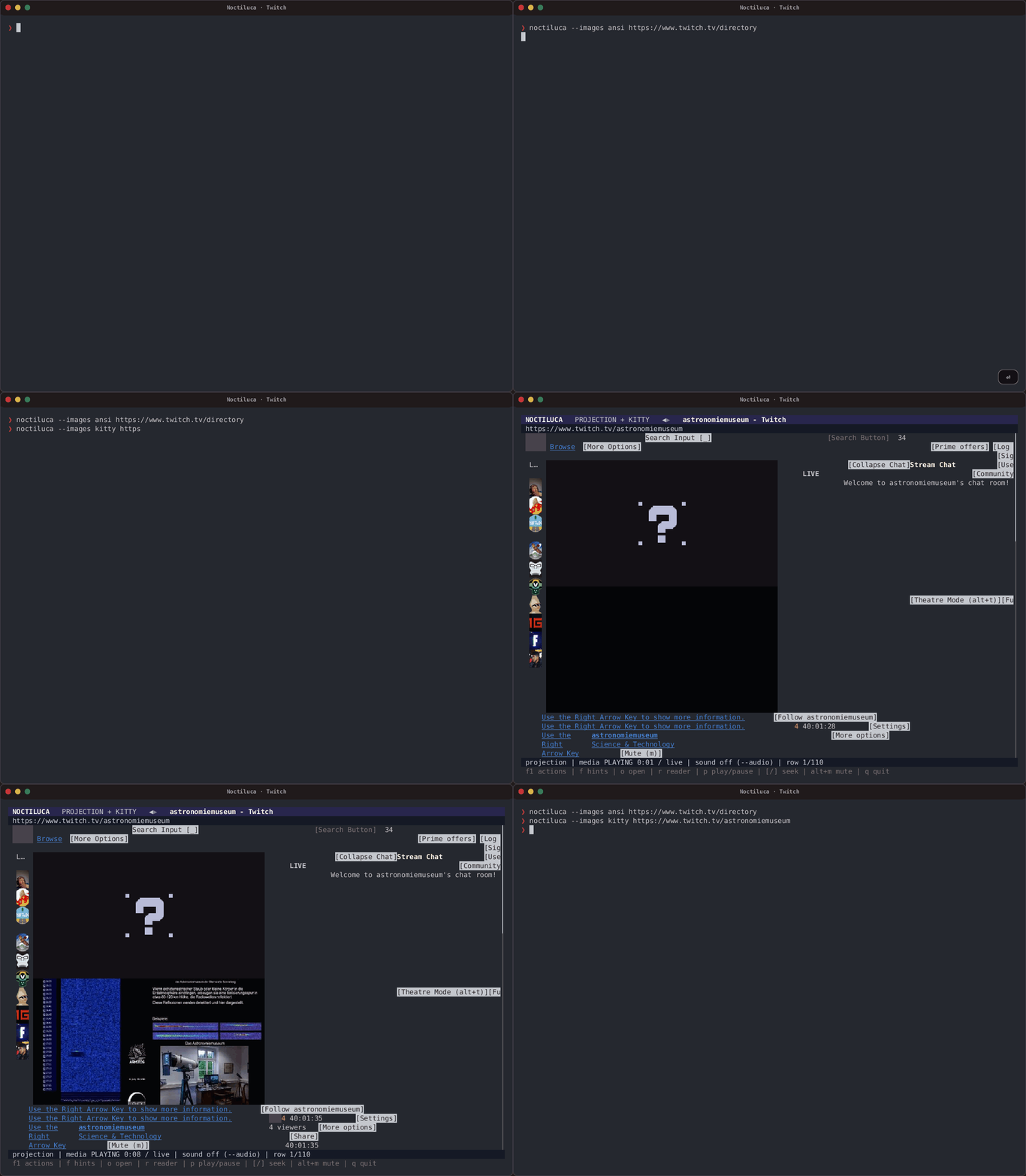
real-twitch.tape opens the
category directory in half blocks
(--images ansi), then the
Astronomiemuseum's live channel,
which streams a meteor radar around the clock, with --images kitty.
Twitch starts the stream itself, muted, so no key is pressed.
| The directory | A live channel |
|---|---|
 |
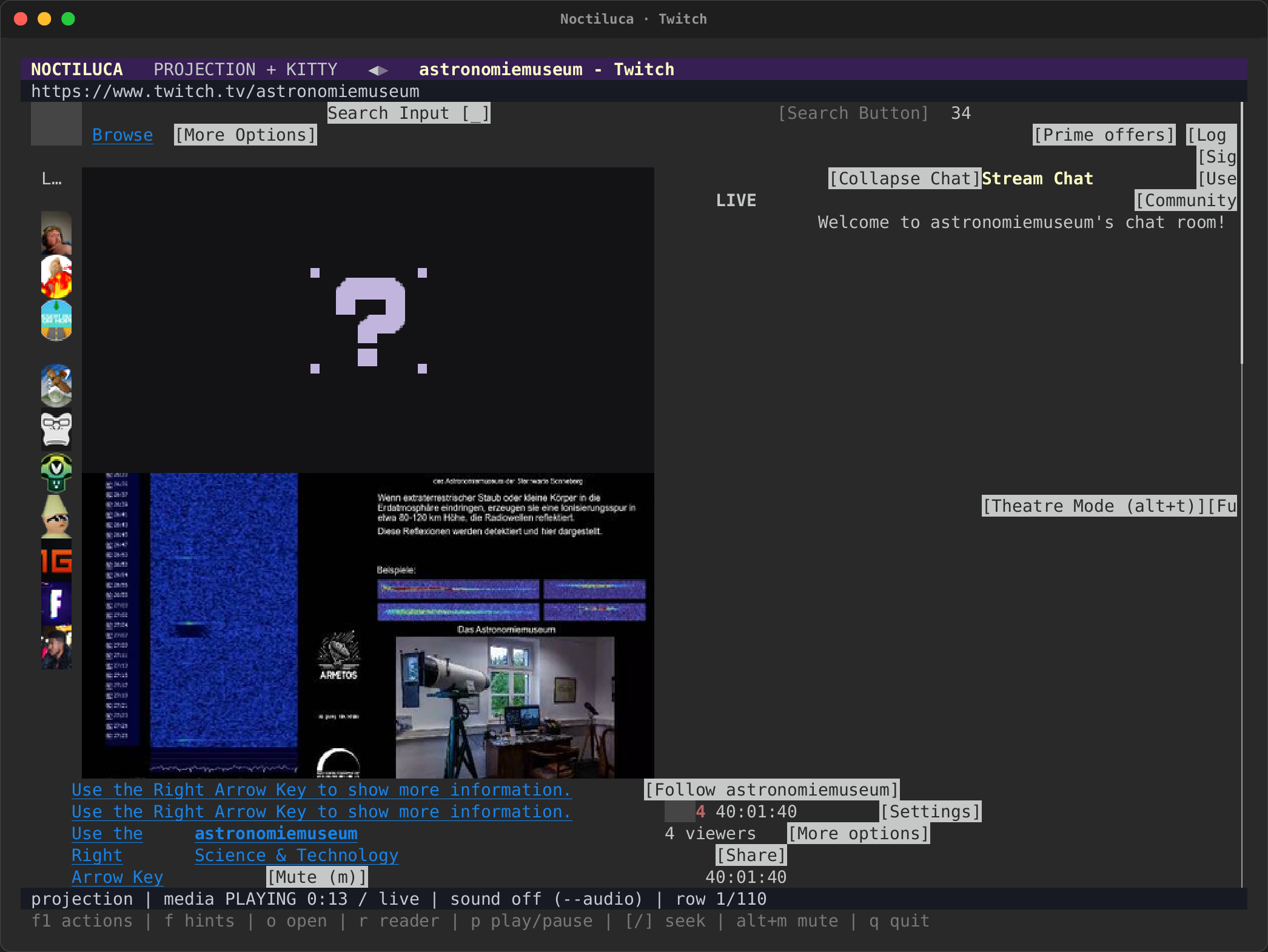 |
| The directory with half blocks, which work in any terminal: two pixels to a cell, so the covers are coarse. | The channel in Kitty graphics, its live stream playing in the player's region: the status bar reads PLAYING 0:13 / live, and the photograph in the stream changes from frame to frame (see the animation). The purple question mark above it is an image the page draws over the player. |
What did not work
Recording these pages found bugs, fixed in the same change, each with a test on a page reduced from the site:
- Pages built of tables lost their text. Hacker News's front page
showed only its footer: an outer layout table's cells held the stories'
table, and folding a cell into one line dropped it. A table with a table
inside it, or with
role="presentation", is now read as blocks. - Footers drawn at the top. On MDN and GitHub, and with Wikipedia's reference back-links, text whose box had no size counted as being at the page's top-left corner, so the projection drew it first. Boxes with no area no longer count.
- The Guardian read as one paragraph. A script appending to
<html>made the whole page look like a live log. The page's root is no longer taken for one. - A crash when finding text. Finding text after a non-ASCII character, such as in a reader-mode code block, panicked. Find now highlights by byte offset.
- Hacker News's ranks out of line. From rank 10, "10." wrapped its period onto a row of its own and every rank after it sat one row off its title. A table row's cells now start on one terminal row, rows keep their order, and a box too narrow for its longest word grows into free cells beside it.
- Columns one letter wide. Snapping a grid to equal columns clamped boxes past an item's new width to its last column (Wikipedia's account links, MDN's "Learn more"). They now keep their place, scaled to the item's width.
- The Guardian's pictures never came, and their alt text showed
twice. The Guardian serves AVIF to Chrome, which Noctiluca's decoder
does not read; the picture failed quietly. A picture in a format it does
not read now comes from Chrome's own pixels of its box. The alt text is
shown once, in the
Image:caption.
Still open:
- The Guardian's projection draws pictures that are still loading (far down the page) as placeholders, and its narrow caption column cuts captions short at 120 columns.
- MDN at 120 columns leaves large vertical gaps. One recording caught MDN's header before its layout settled, drawn over the example; taking it again gave the picture above.
- Twitch's sidebar repeats its tooltip, "Use the Right Arrow Key to show more information.", once for each avatar.
- YouTube answers the recording machine with its bot wall, so no video is shown playing there.
Recording them again
Build the release binaries, then run each tape as a normal user (Chrome's
sandbox does not run as root, and Noctiluca never turns it off), with a
Chrome or Chromium on PATH under one of the names Noctiluca looks for:
cargo build --release -p rs-rich-cli -p noctiluca --bins --locked
PATH=/path/to/chrome-dir:$PATH target/release/rich record \
  --bin-dir target/release --output docs/media/tapes/live \
  docs/tapes/live/real-wikipedia.tape
Each recording's provenance.json records its date, the sites it
visited, and the Chrome version. Look at every screenshot before you
commit it: a live page can show a cookie wall, a banner or a bot check
on any day.
The pages shown belong to their owners; their content and trademarks are theirs. Shown to demonstrate Noctiluca.