Terminal recordings
Every recording on this page is a real terminal session. A script called a
tape types into bash on a pseudo-terminal, runs the rich binary built
from this repository, and waits for the screen before each step. Nothing is
drawn by hand. Press play, pause anywhere, and select the text: the recordings
are asciinema casts, not videos.
The screenshots under each recording are taken from the same run. CI re-runs every tape and fails when any screenshot's text no longer matches, so this page cannot drift from what the CLI does. How it works is at the end.
Gallery
Point at a card, or move to it with Tab, to play its recording. With reduced motion turned on in your system settings the cards stay still.
 One binary, every format
 Watch a file
 Page and search
 Ask for a line
 Components
 Ask for more in a script
 Explore a document
 An interactive component
 Overlays and chrome
 Charts from data
 Dependency trees
 DOT in Markdown
 Micro assets
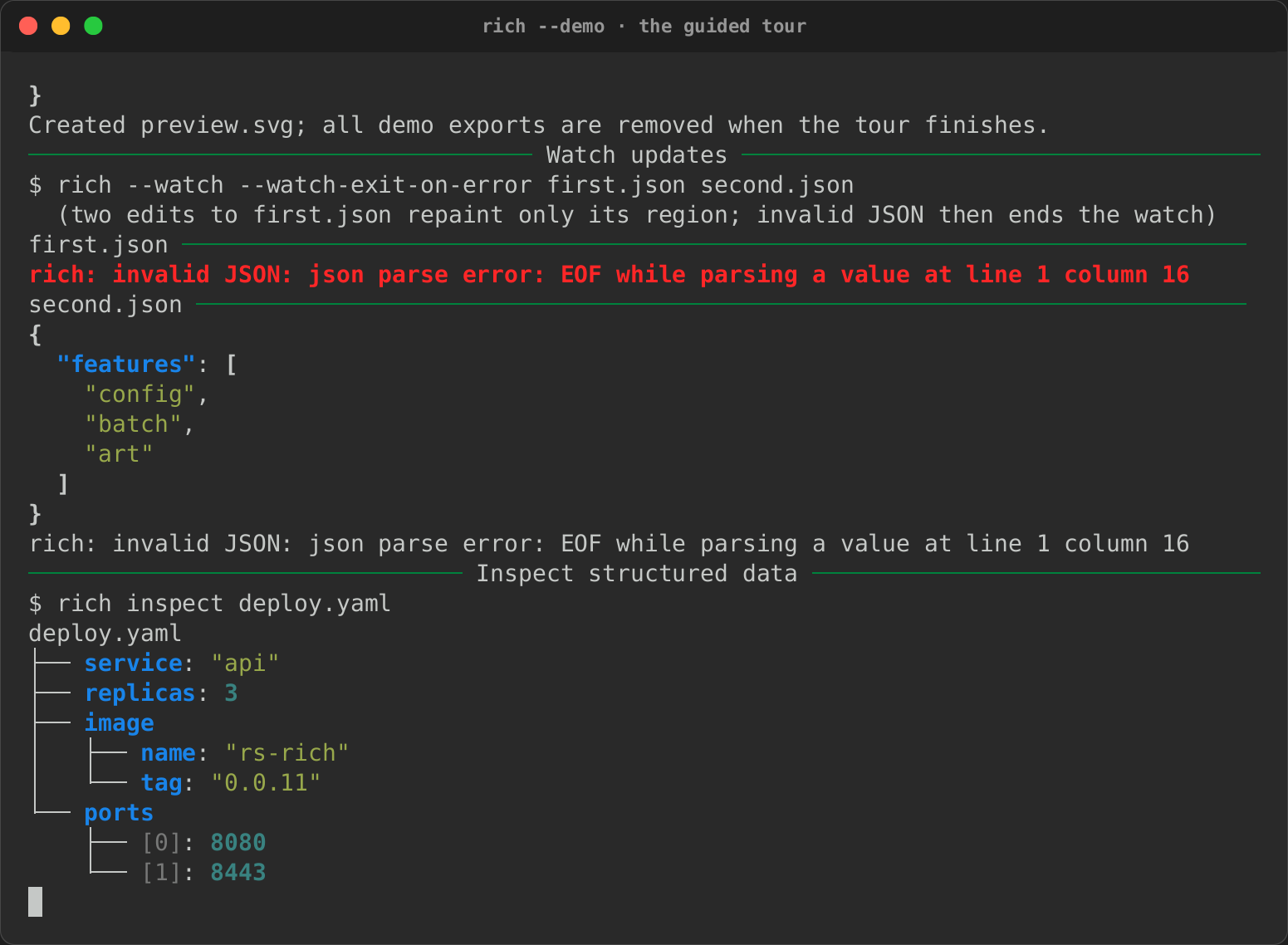 The guided tour
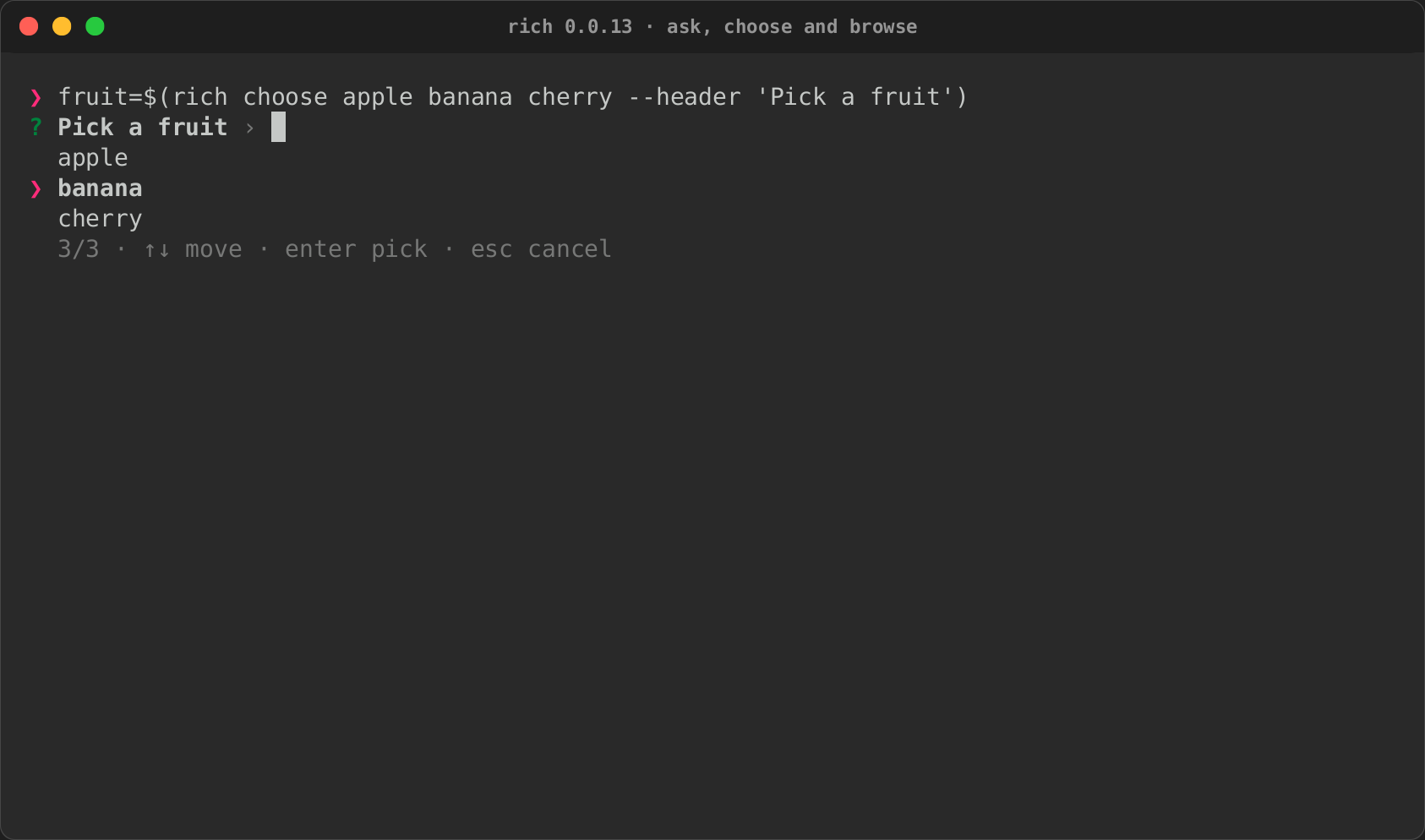 The 0.0.13 release
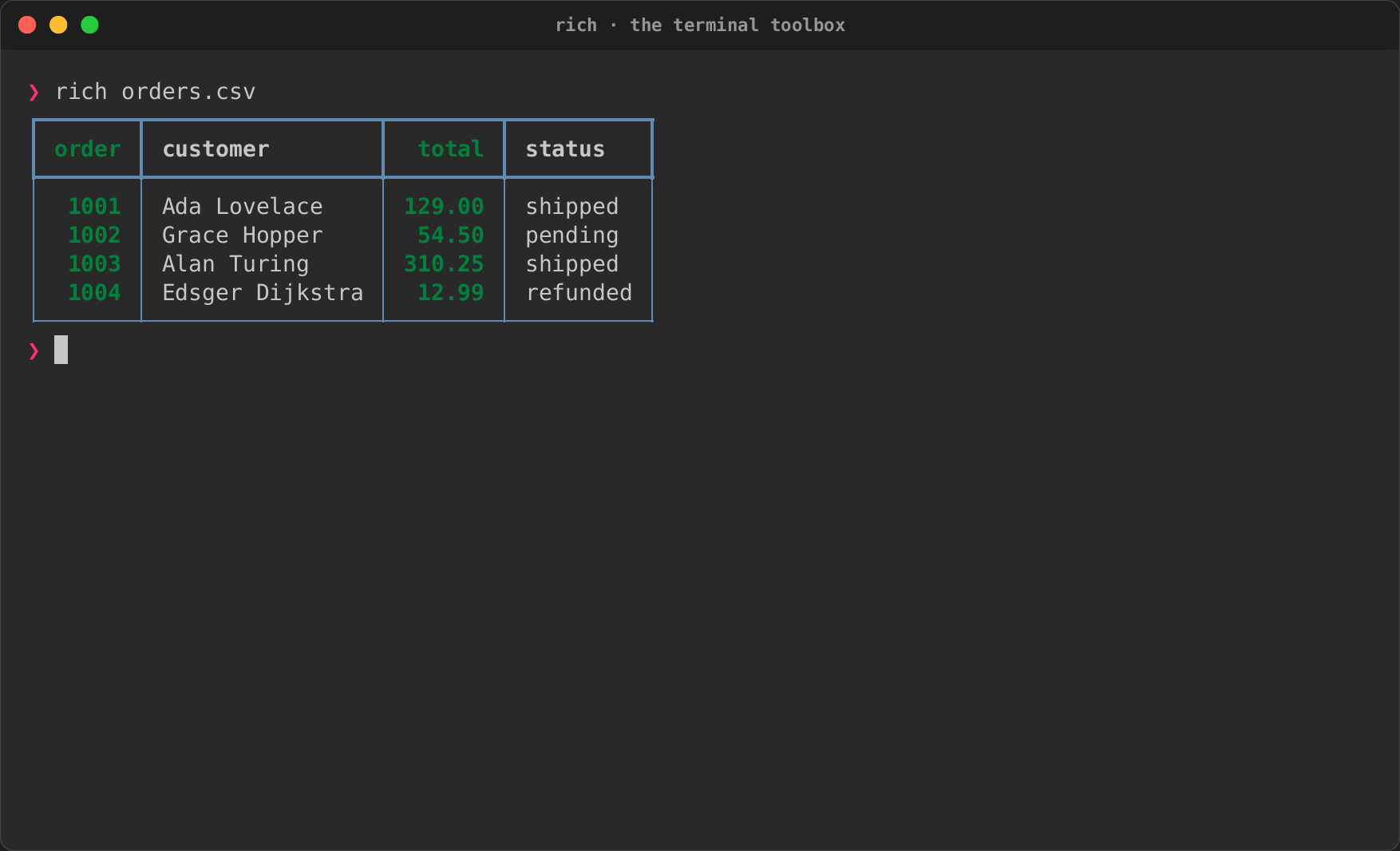
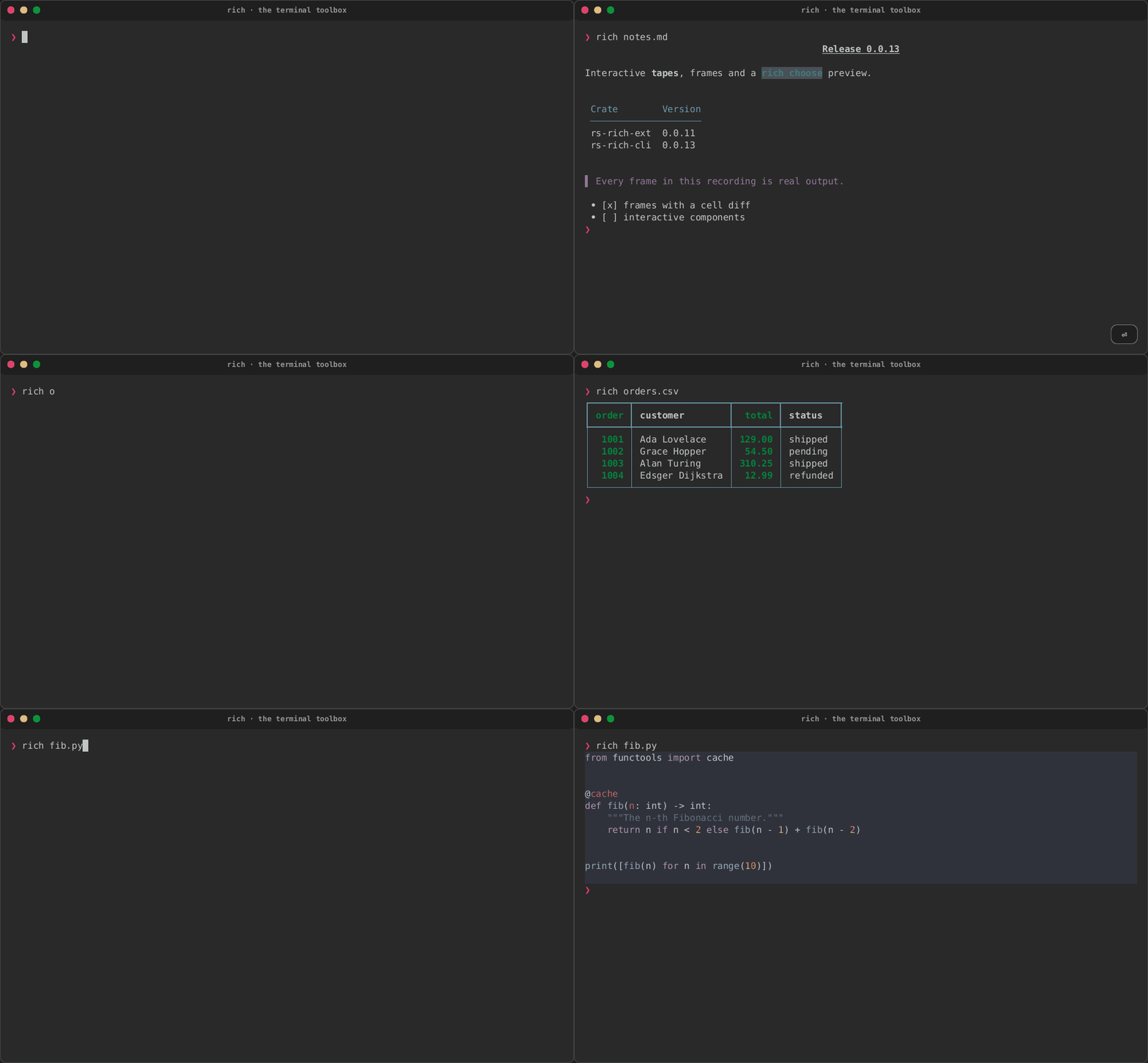
One binary, every format
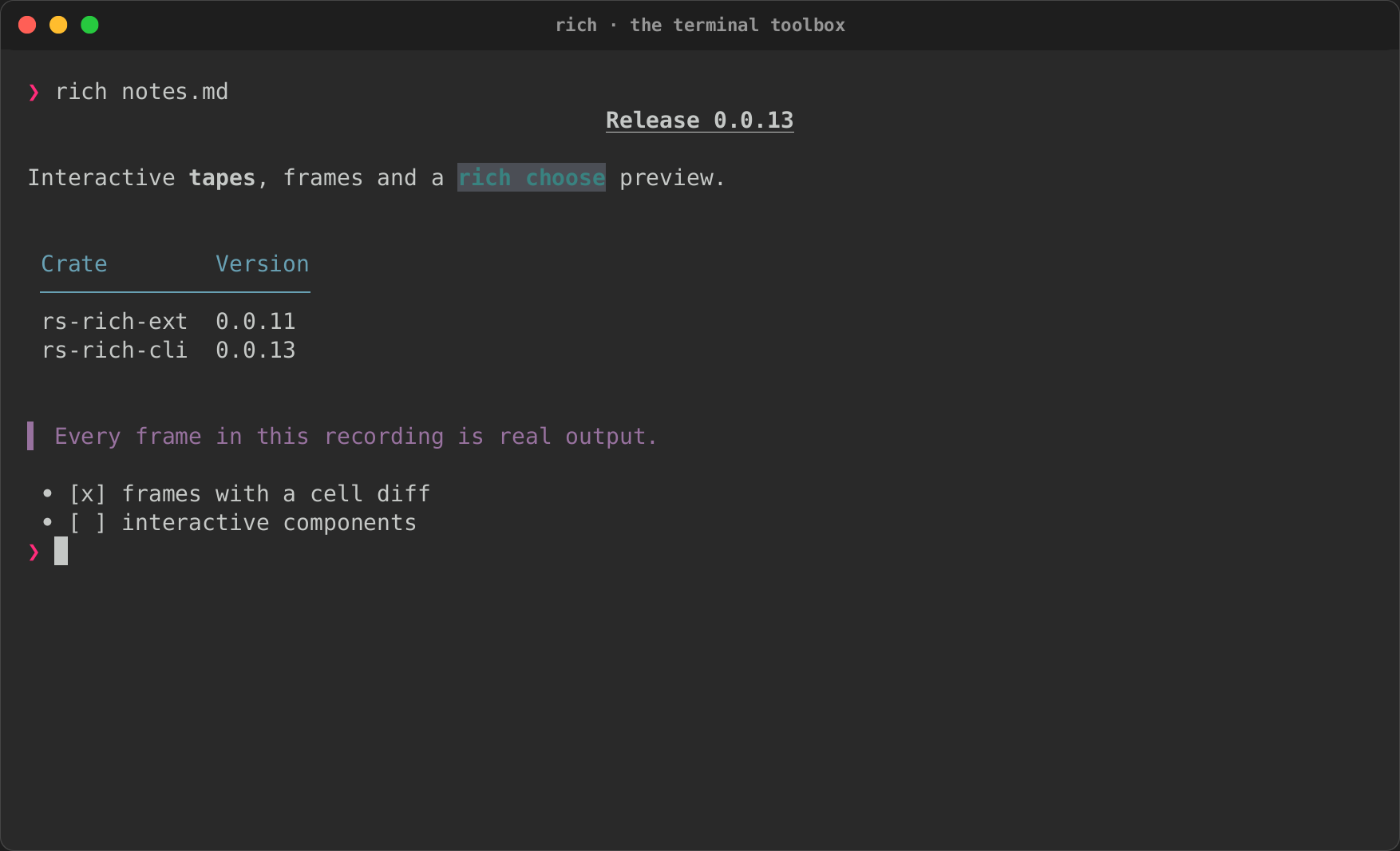
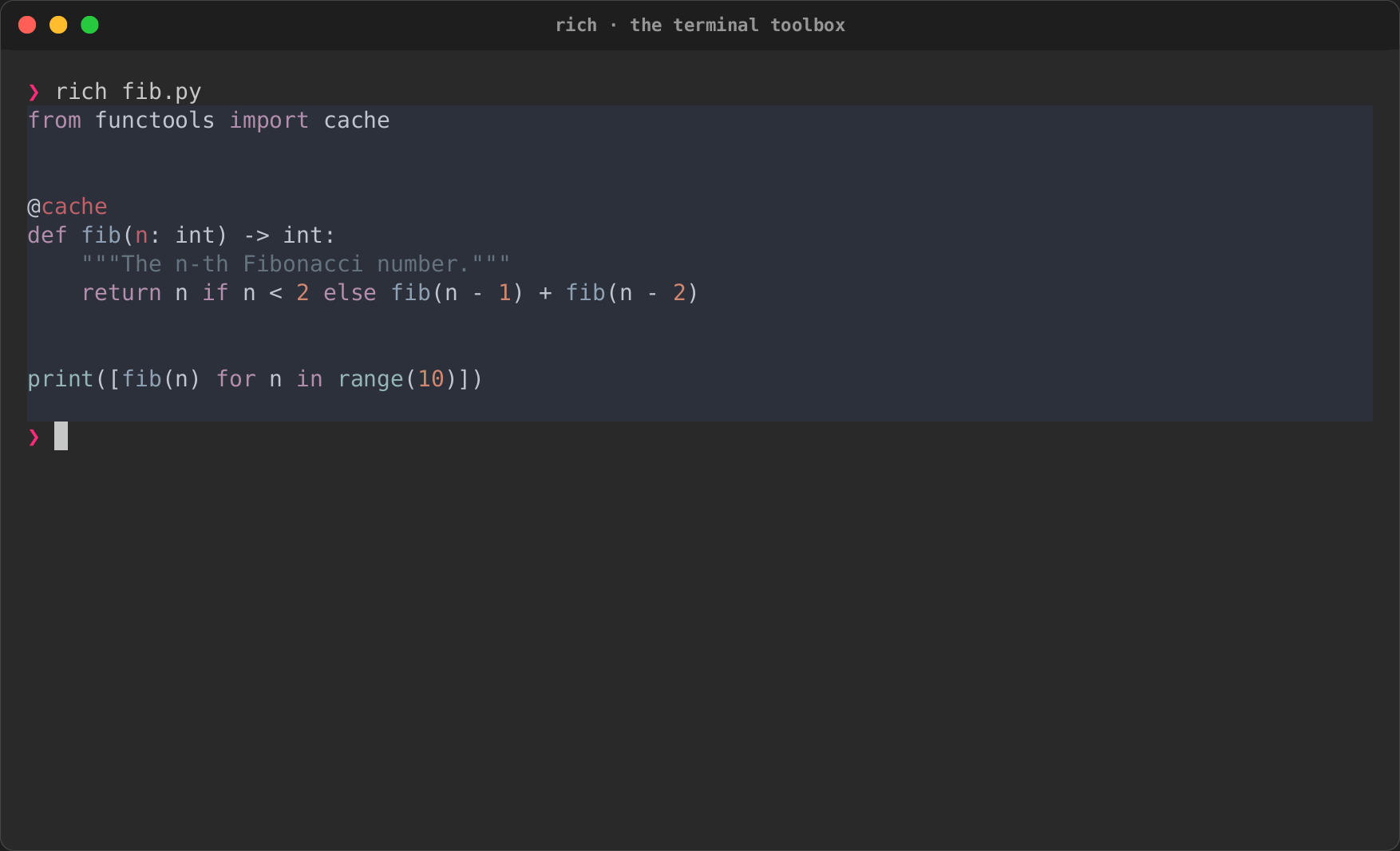
Markdown, CSV and source code, each rendered from a plain rich FILE.
| Markdown | CSV | Code |
|---|---|---|
 |
|
 |
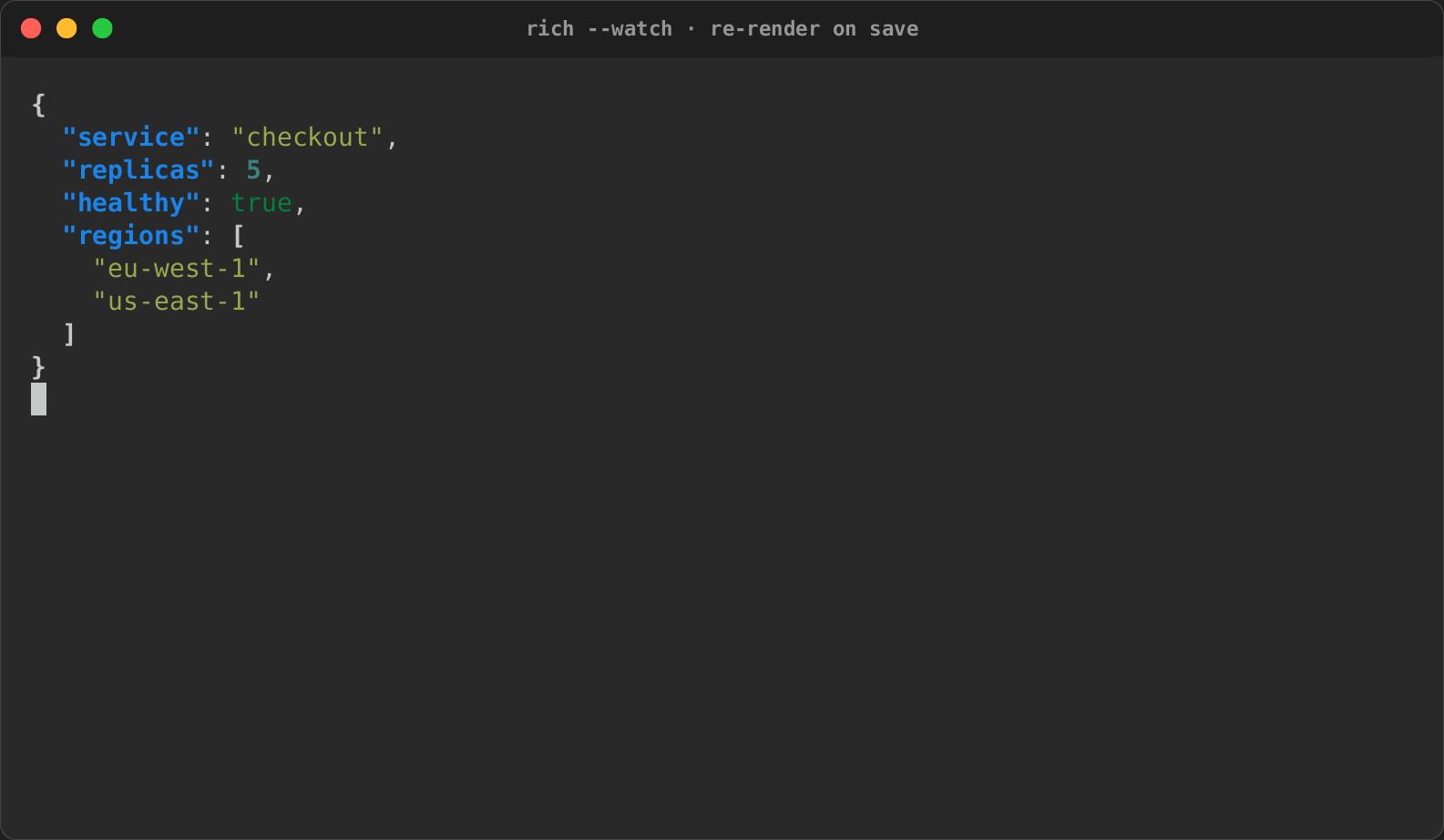
Watch a file
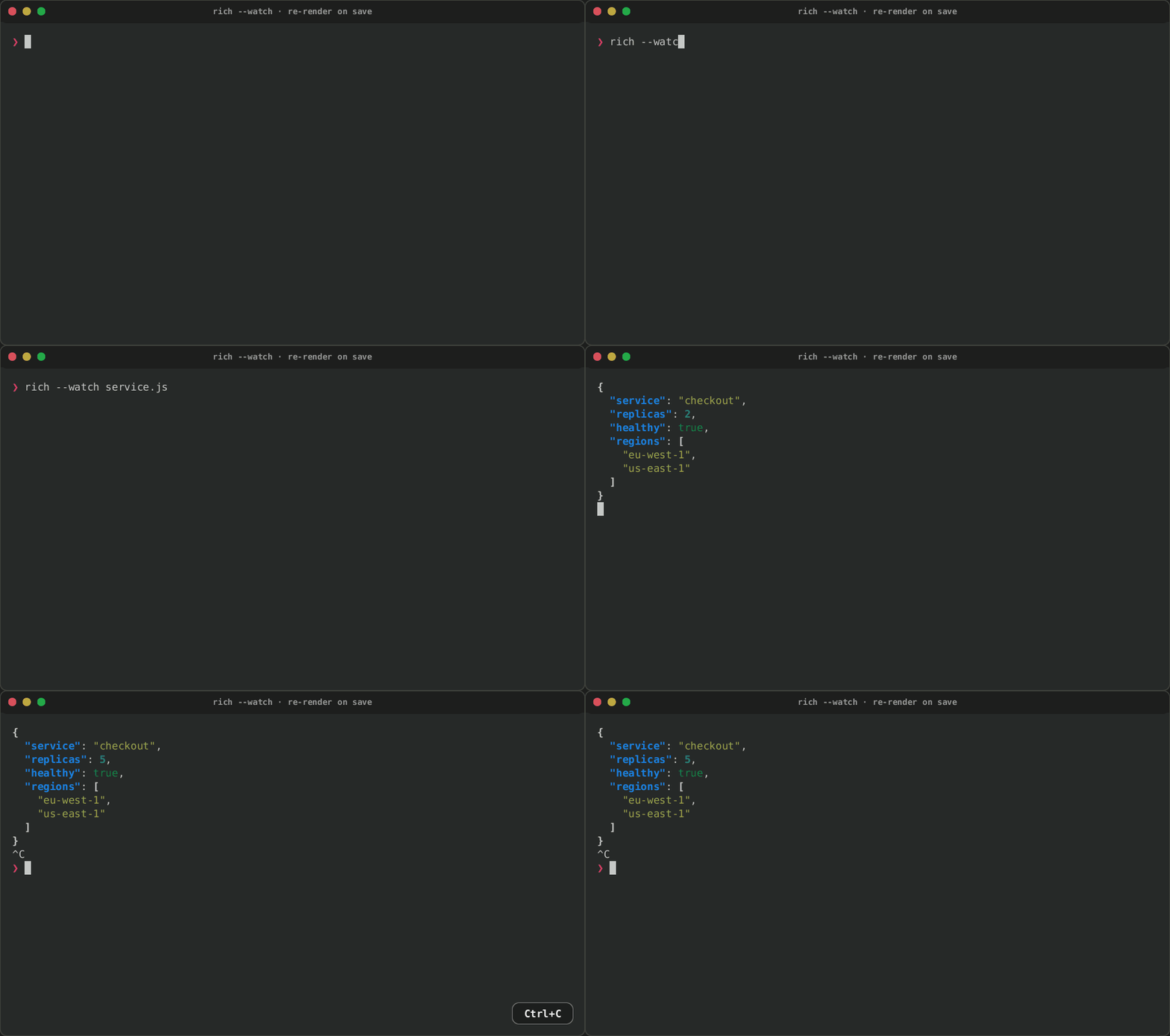
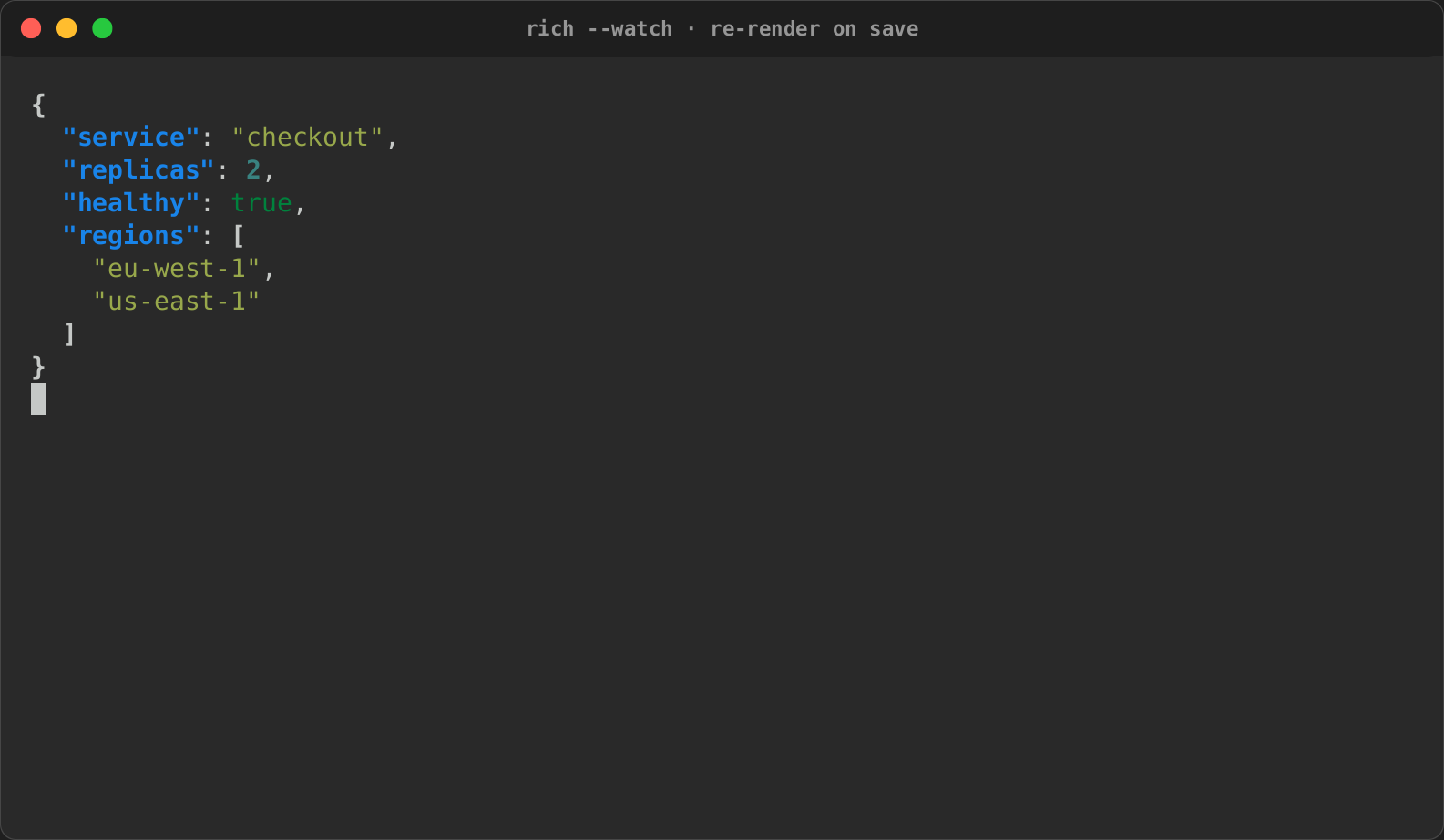
rich --watch renders a file and renders it again on every save. Here the
tape edits service.json from outside the terminal while rich watches it.
| Before the edit | After the edit |
|---|---|
 |
|
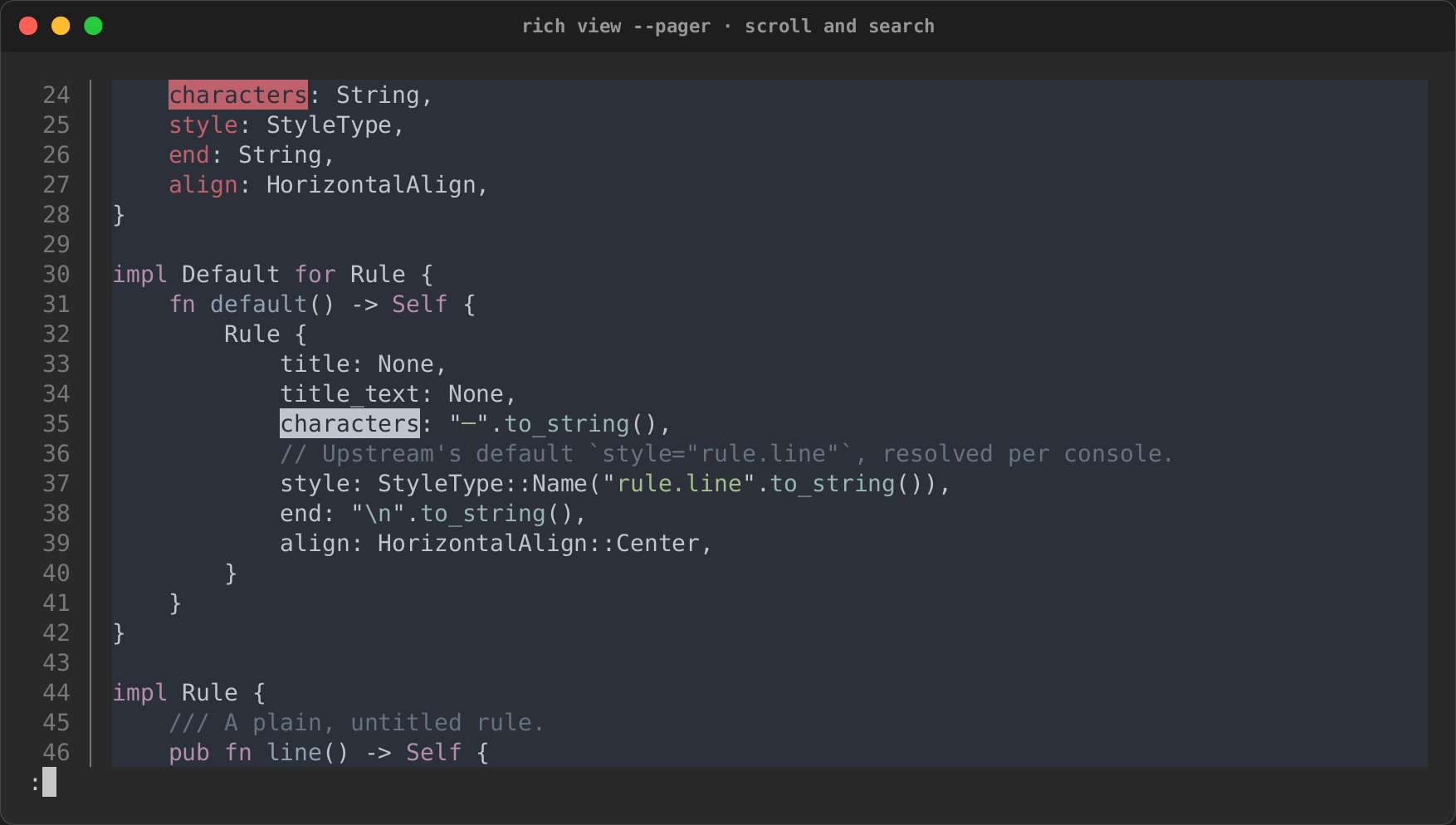
Page and search
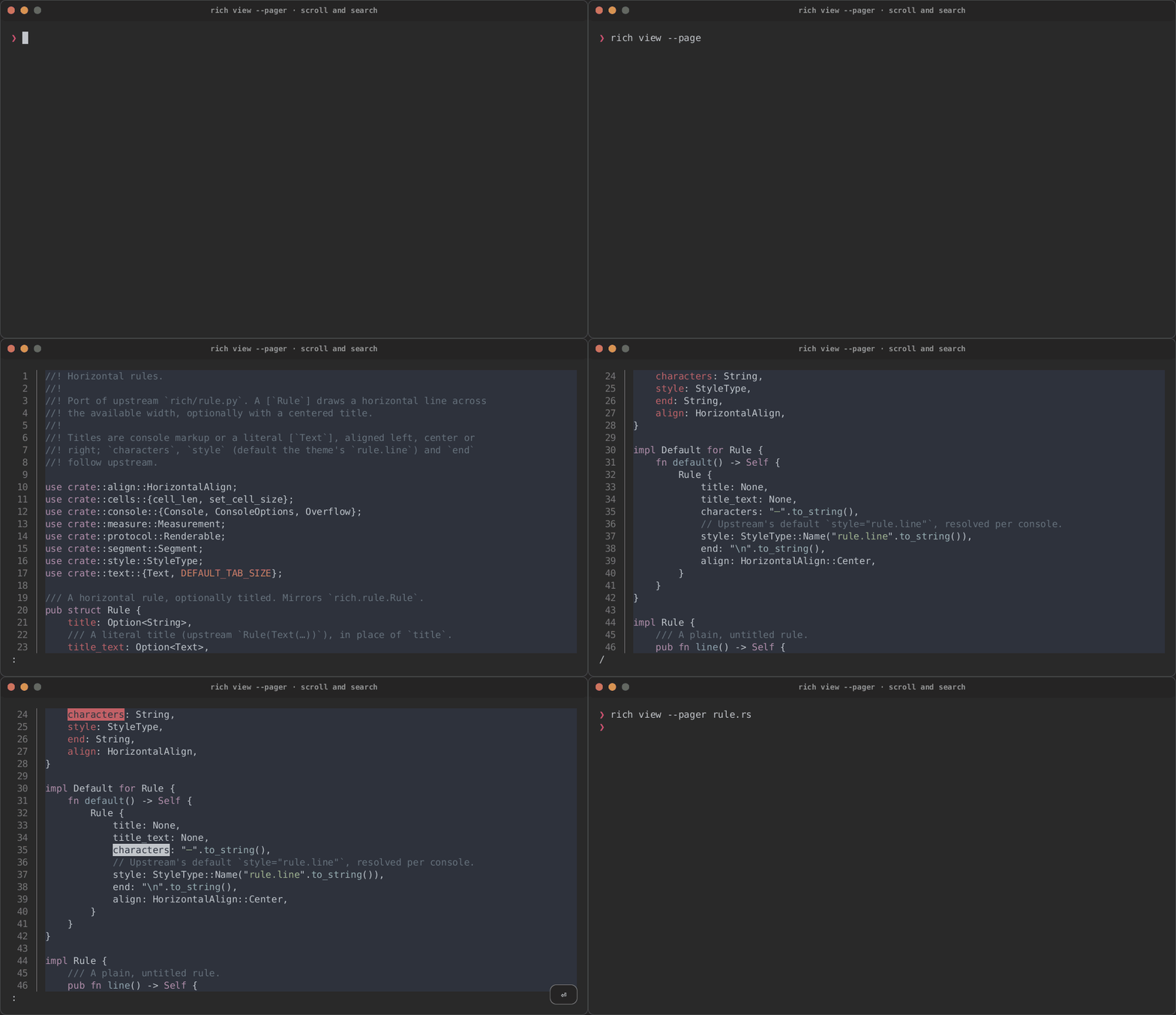
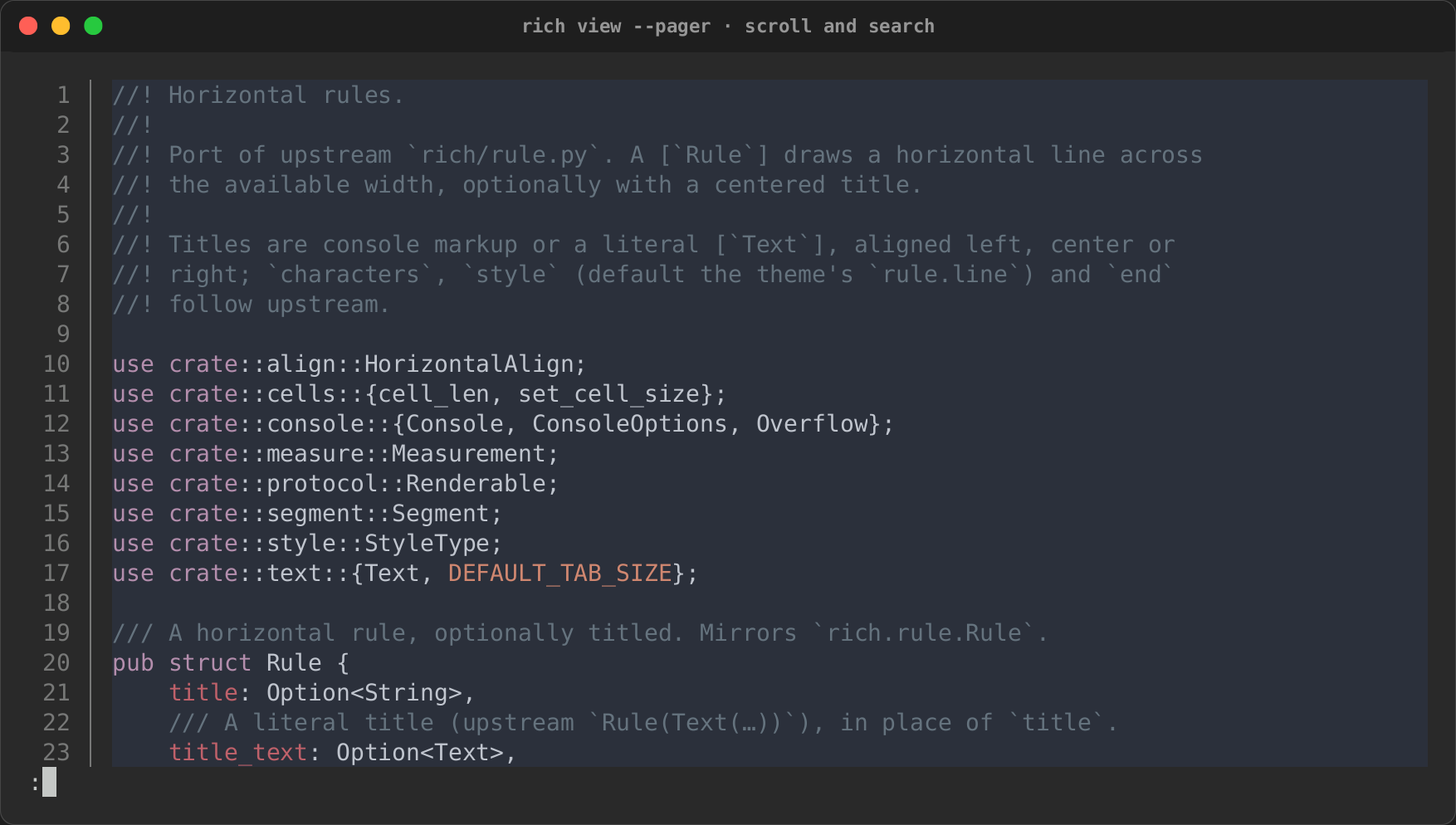
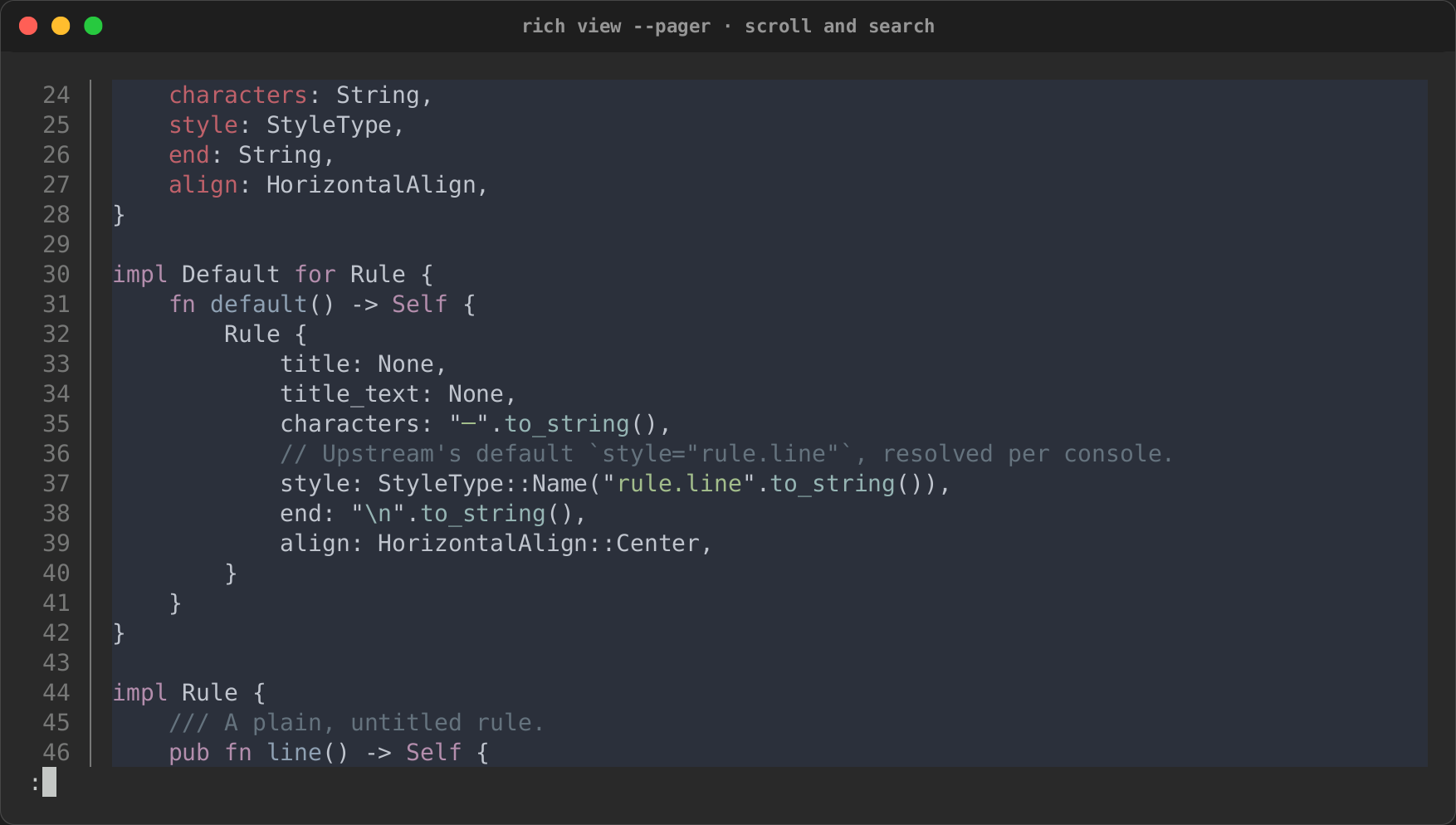
rich view --pager numbers and highlights a file, then hands it to less:
page down, then /characters to search.
| Opened | Paged down | Searched |
|---|---|---|
 |
 |
|
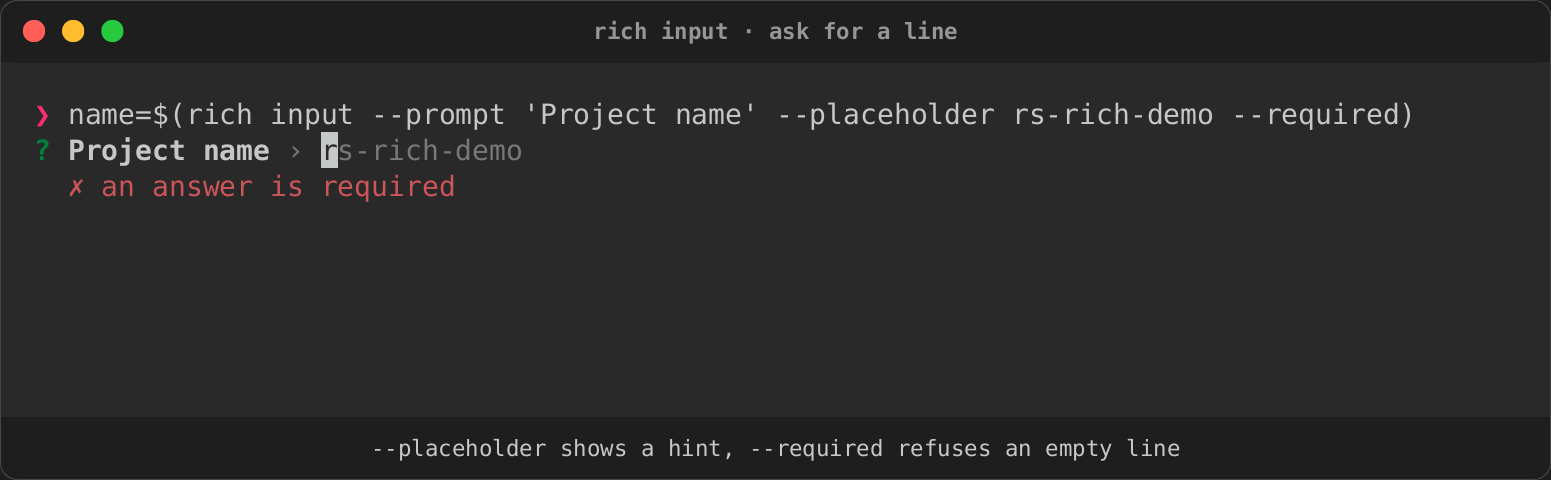
Ask for a line
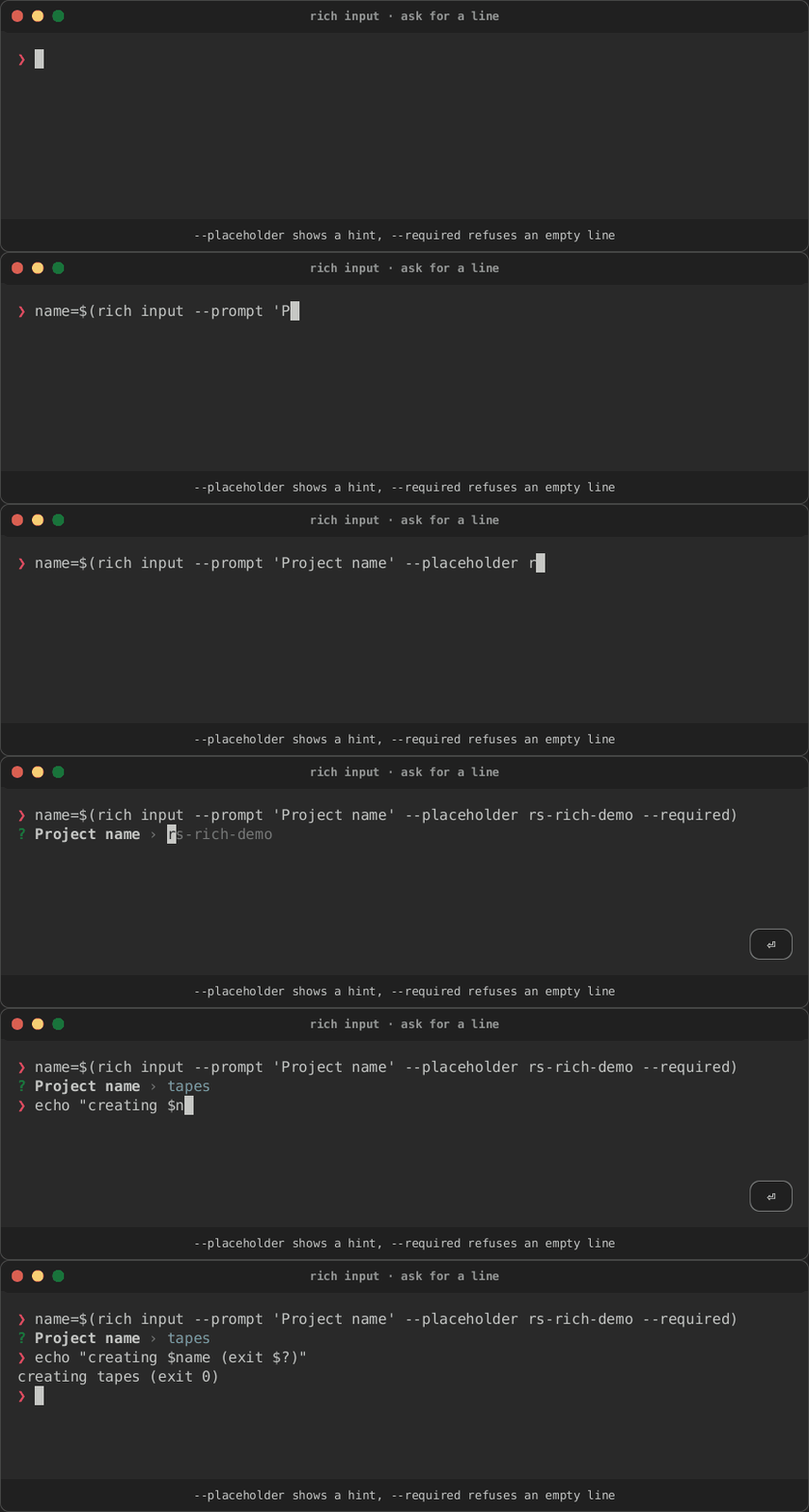
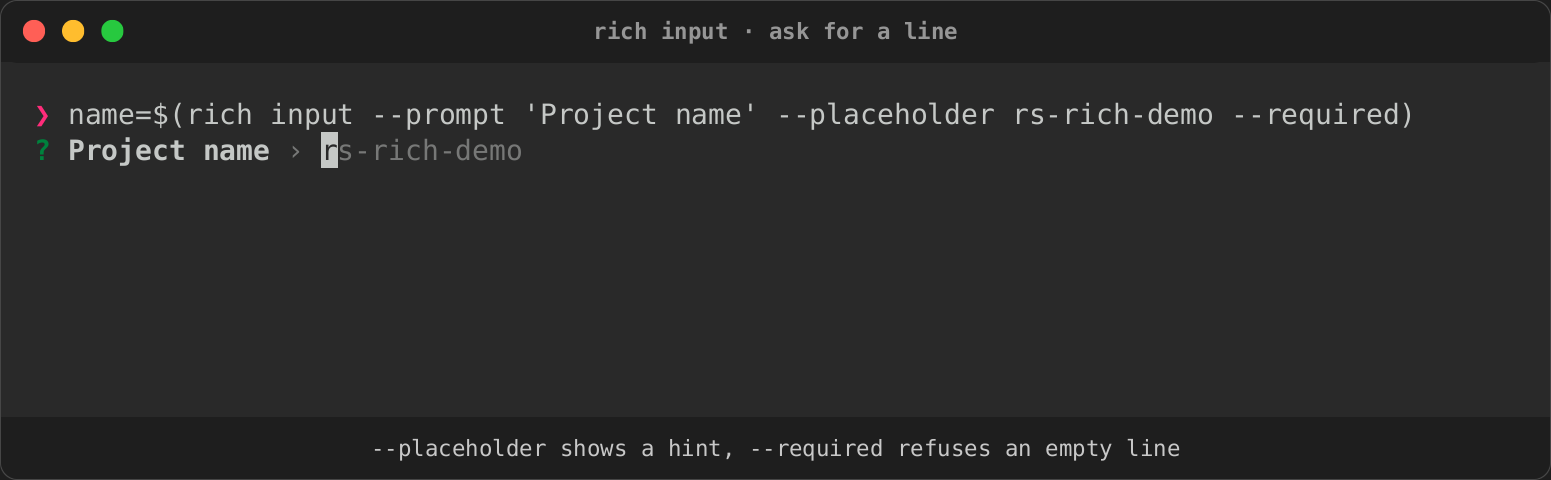
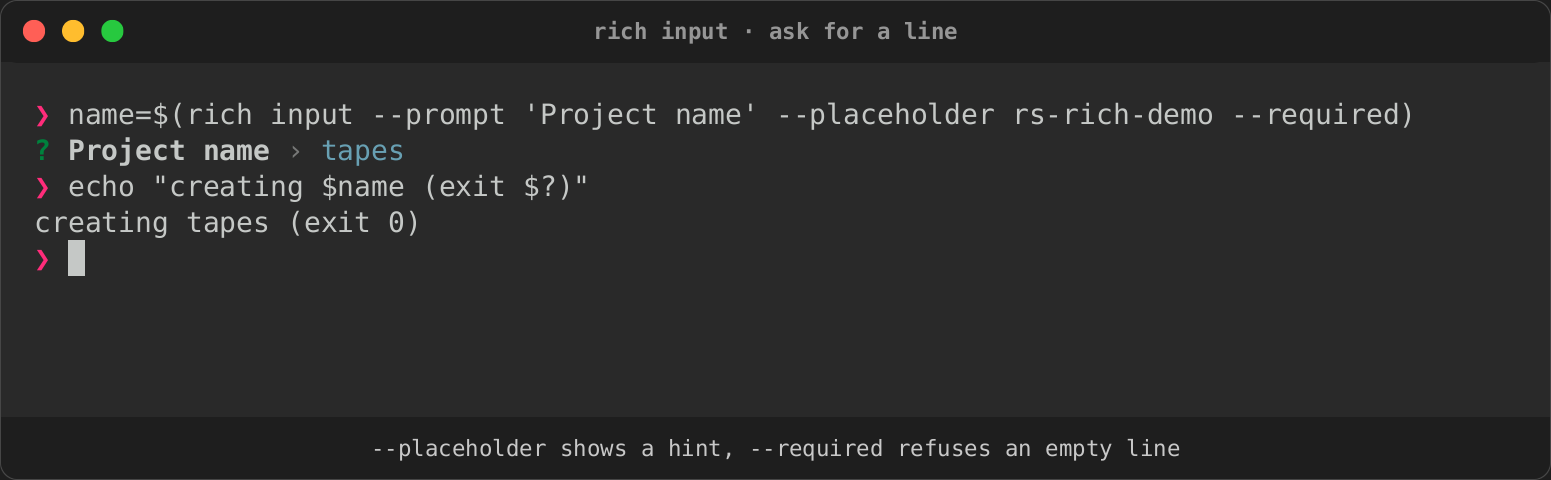
rich input reads one line for a script. --placeholder shows a hint while
the line is empty, and --required refuses an empty answer with an error under
the line. The answer is captured with $(…).
| Placeholder | Required | Answered |
|---|---|---|
 |
|
 |
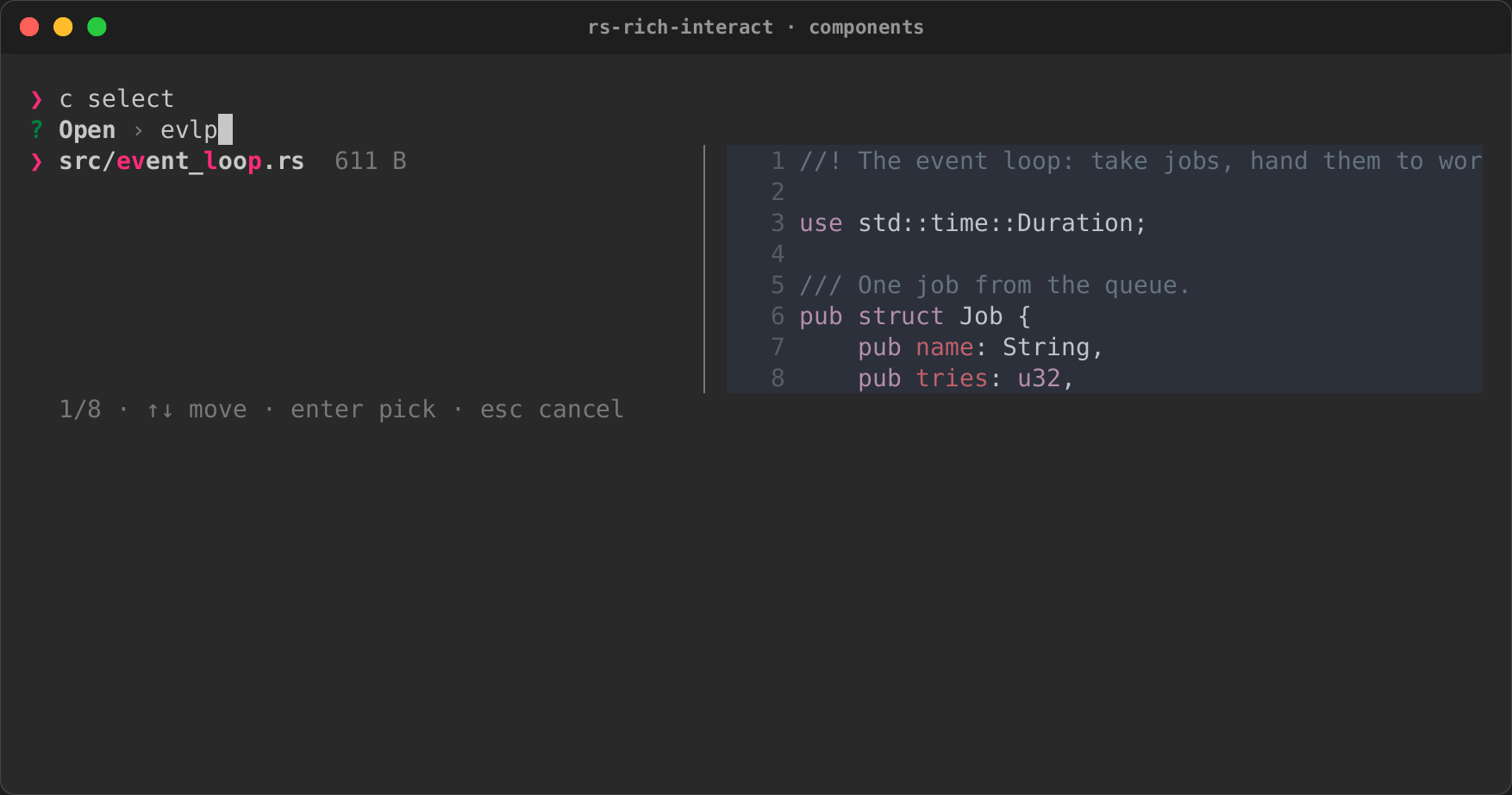
Components
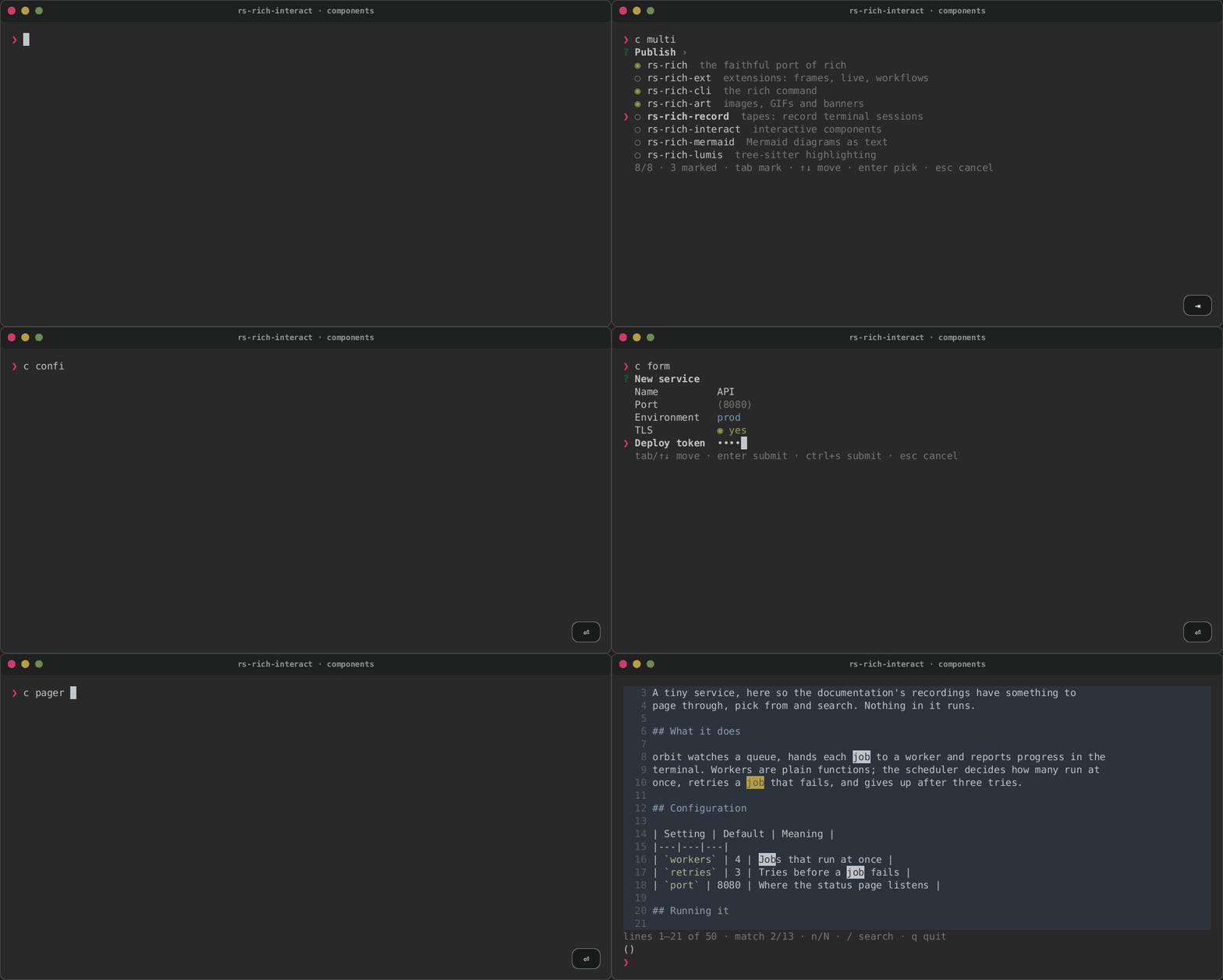
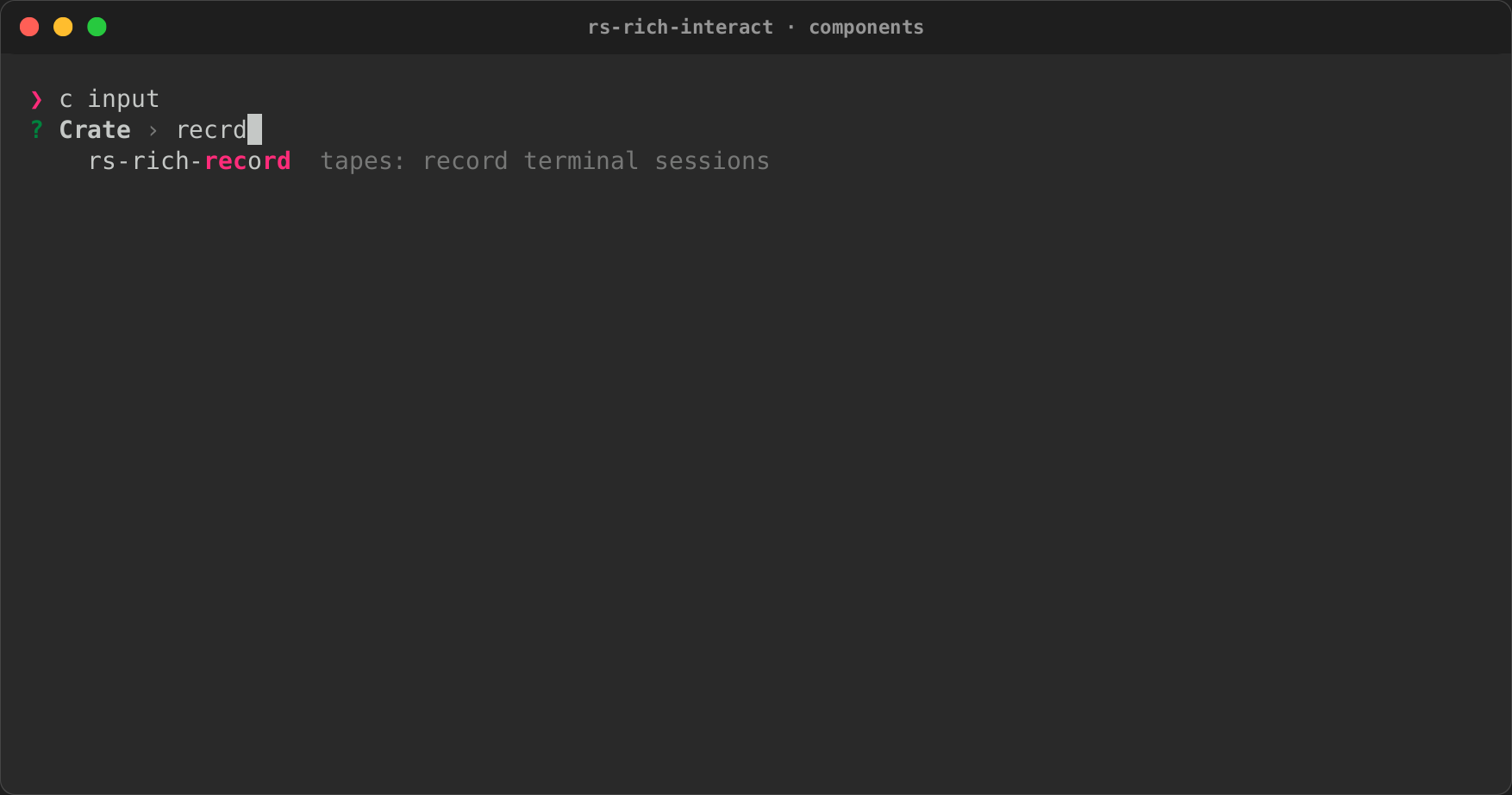
Every rs-rich-interact component, one after another, recorded in a small
fixture project:
- a fuzzy file picker with a highlighted preview;
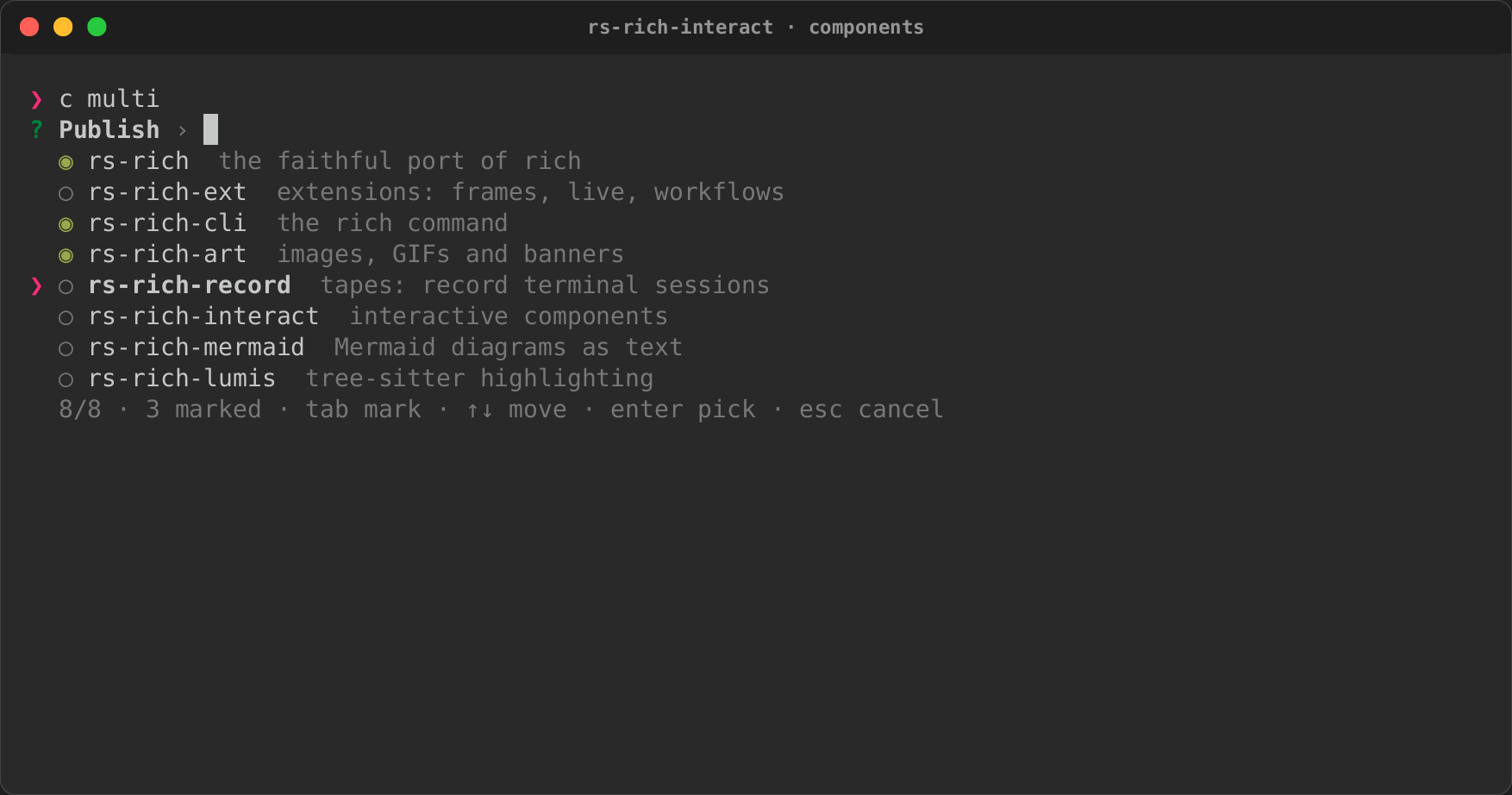
- a multi-select;
- an input with suggestions and validation;
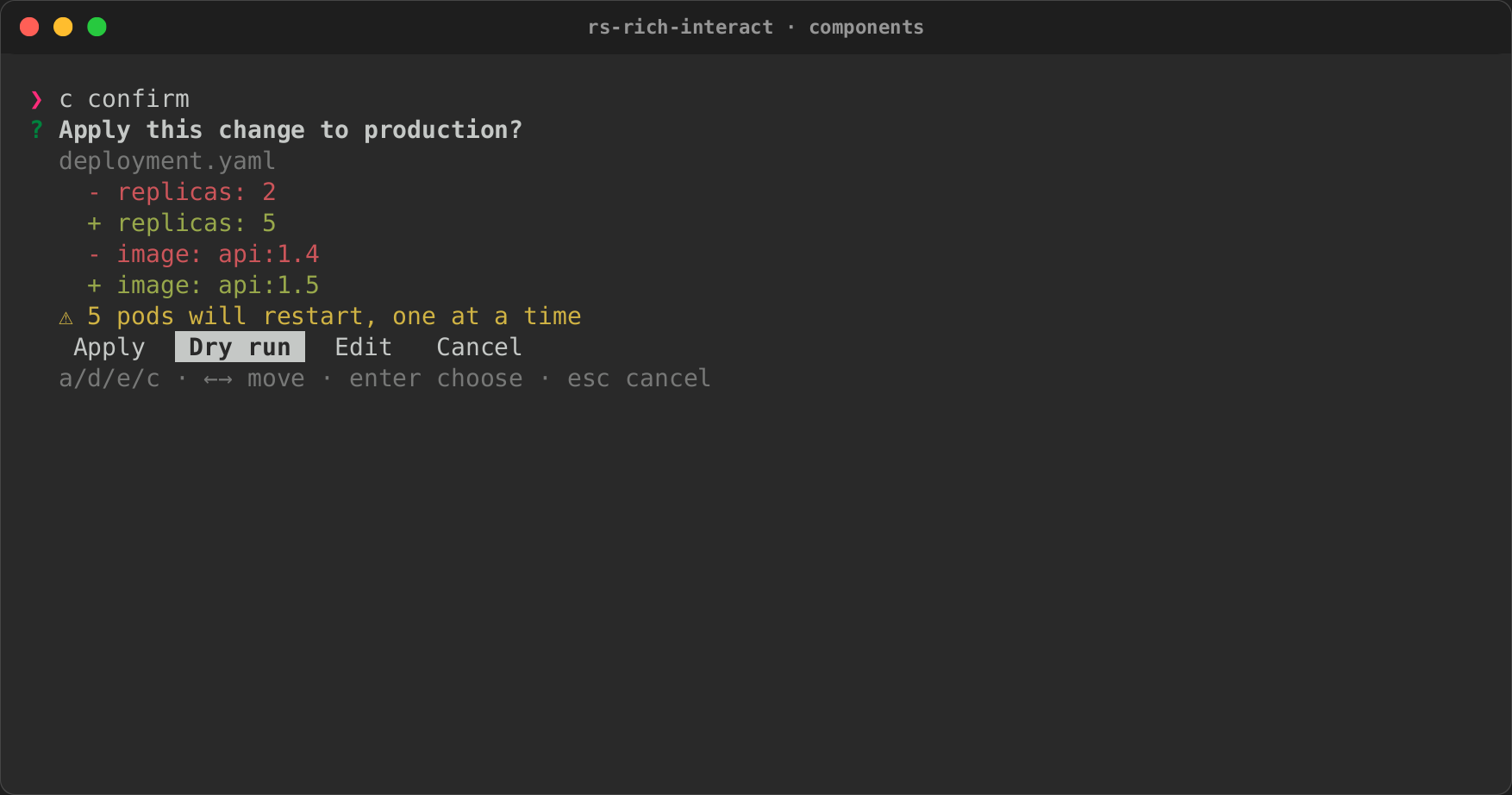
- a confirmation sheet with a diff and four choices;
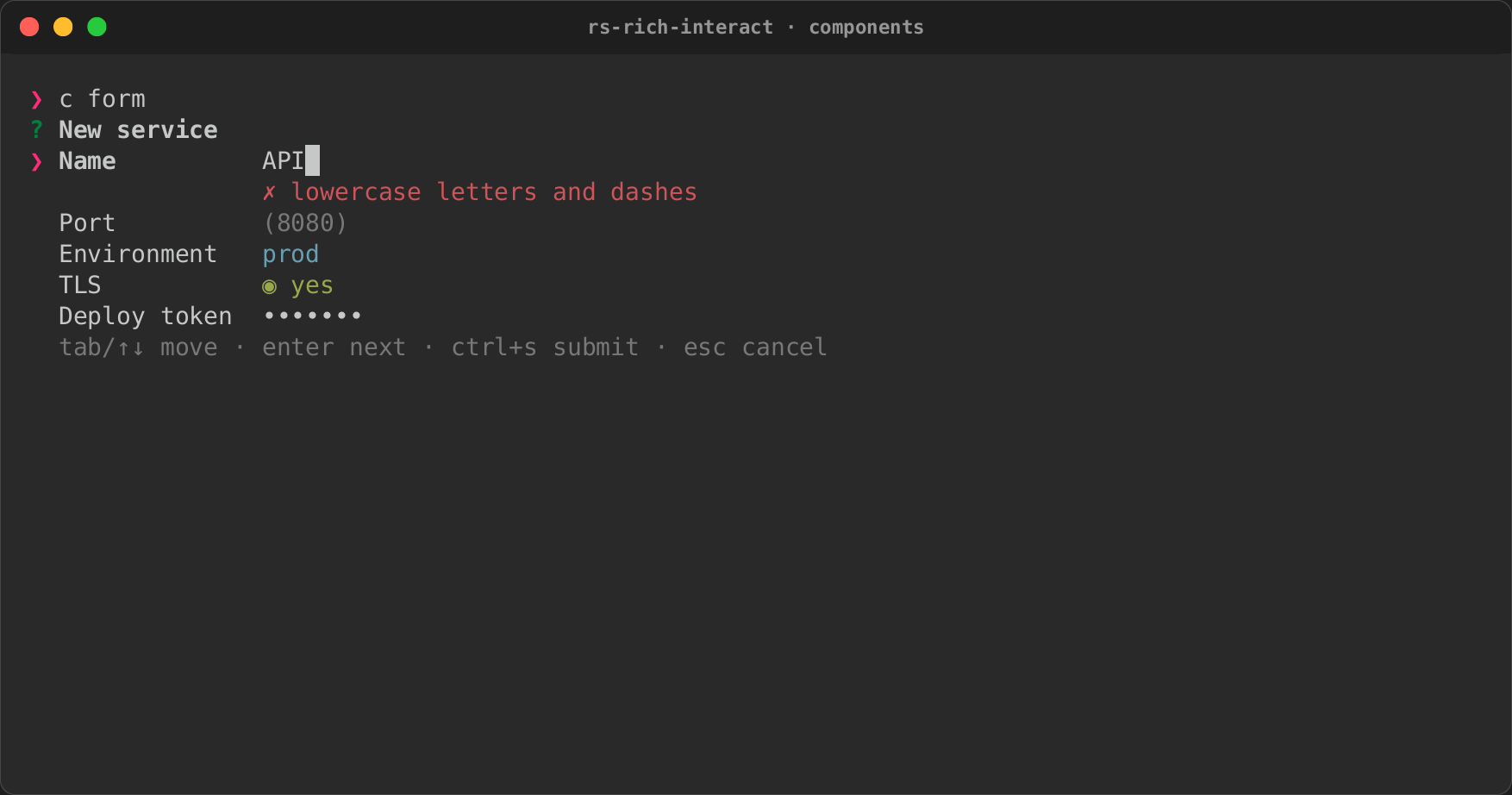
- a form that reports an error under its field;
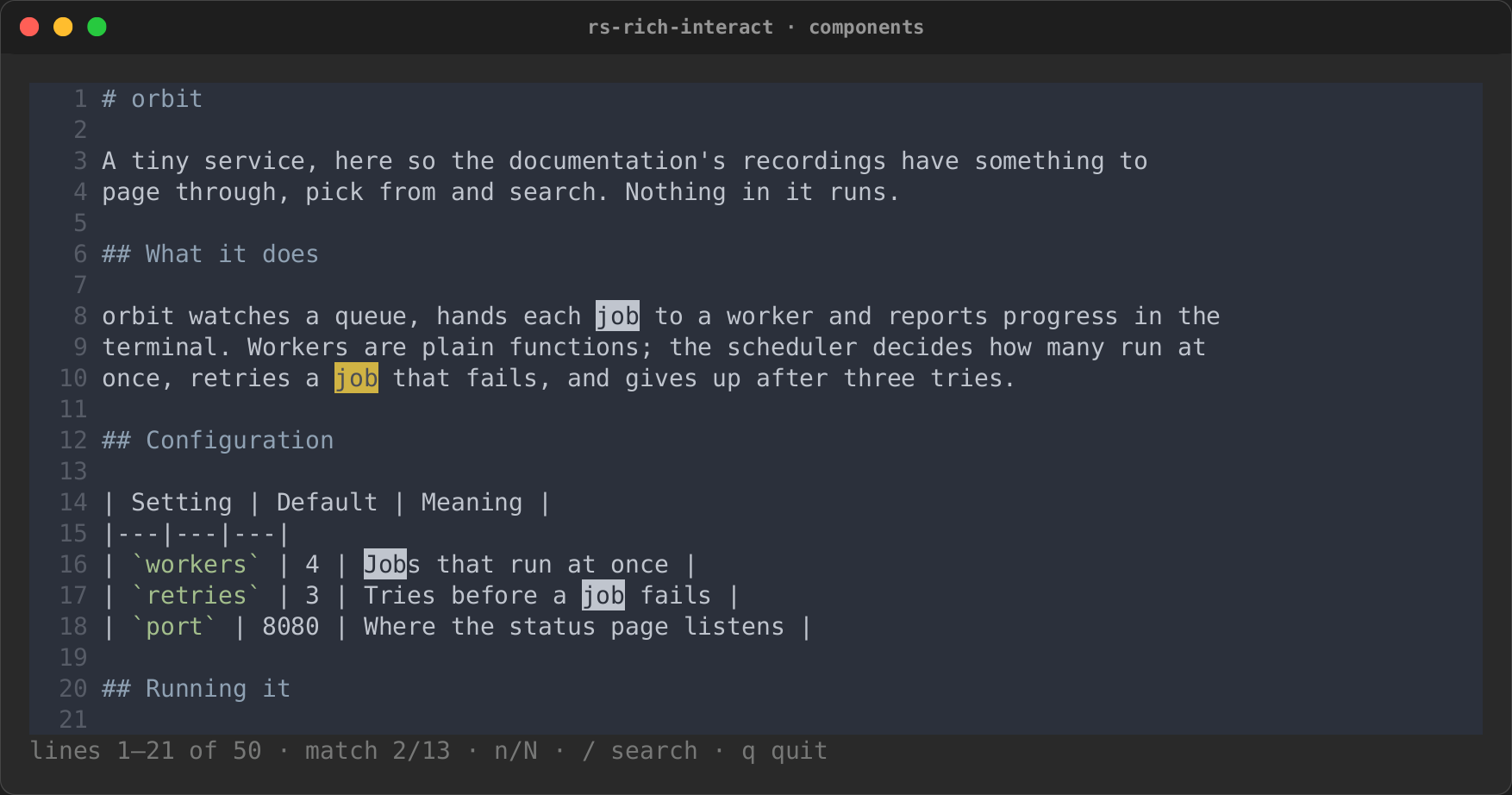
- a pager that searches.
| Select | Input | Confirm |
|---|---|---|
|
 |
 |
| Form | MultiSelect | Pager |
 |
 |
 |
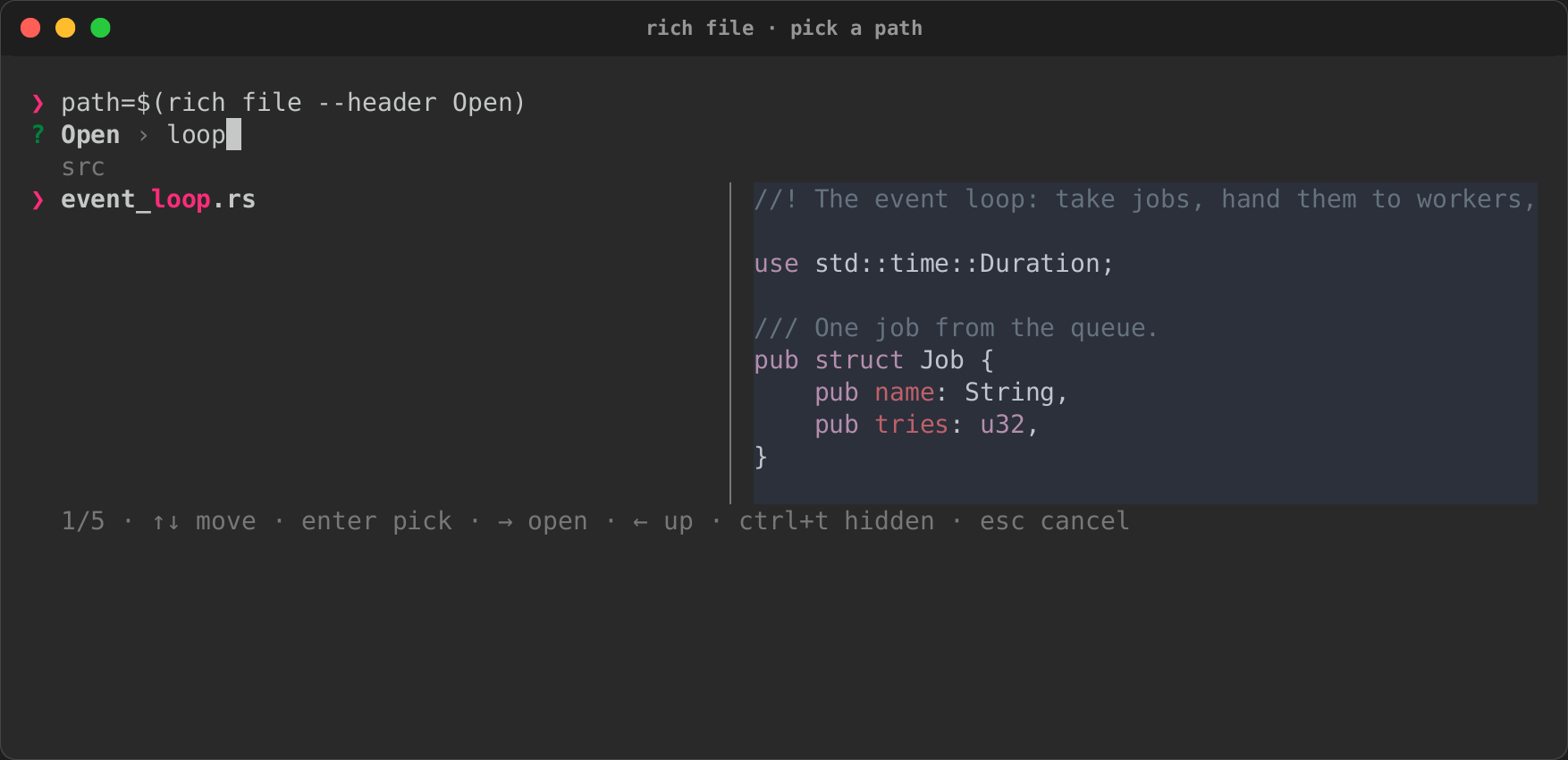
Ask for more in a script
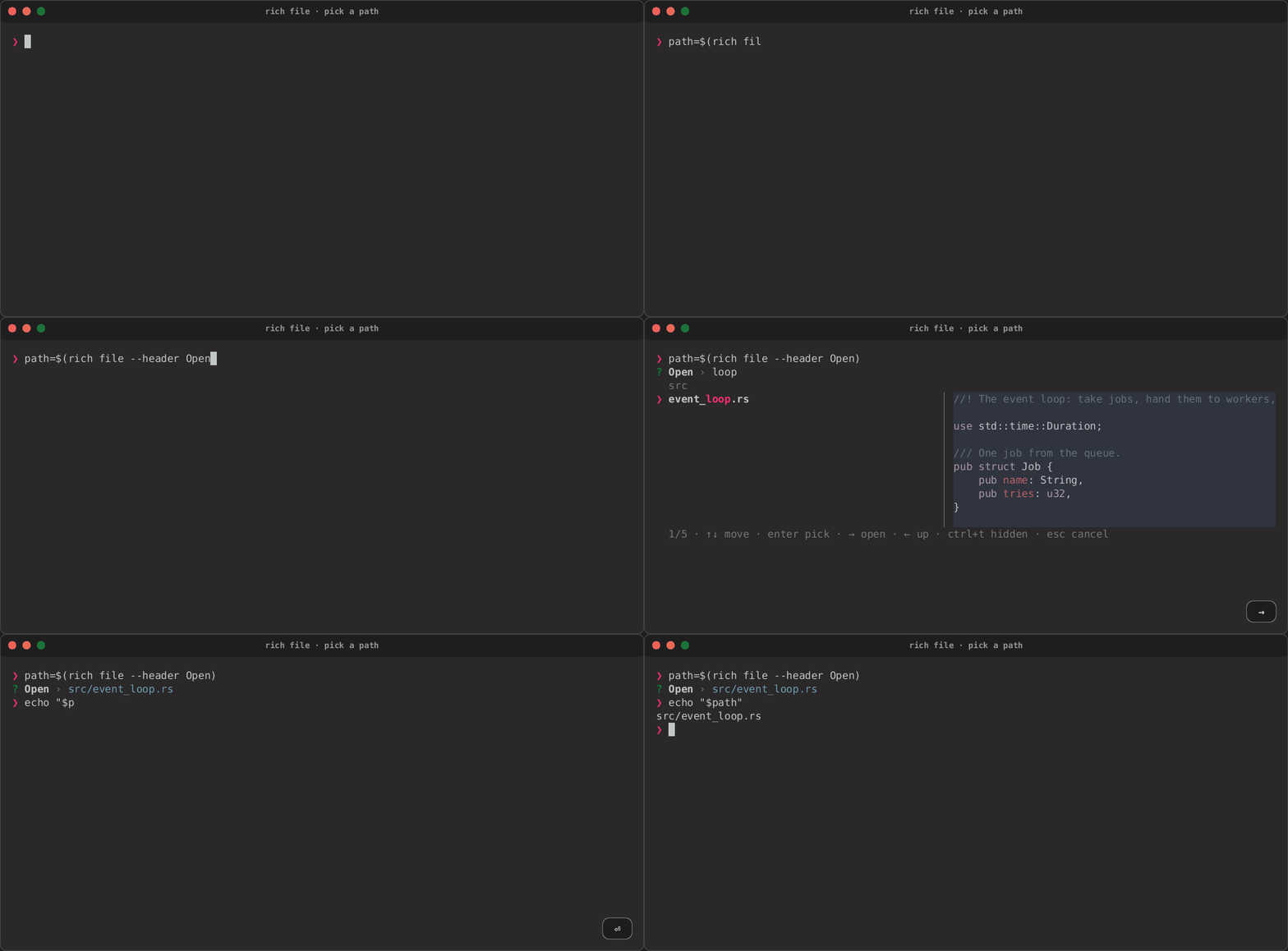
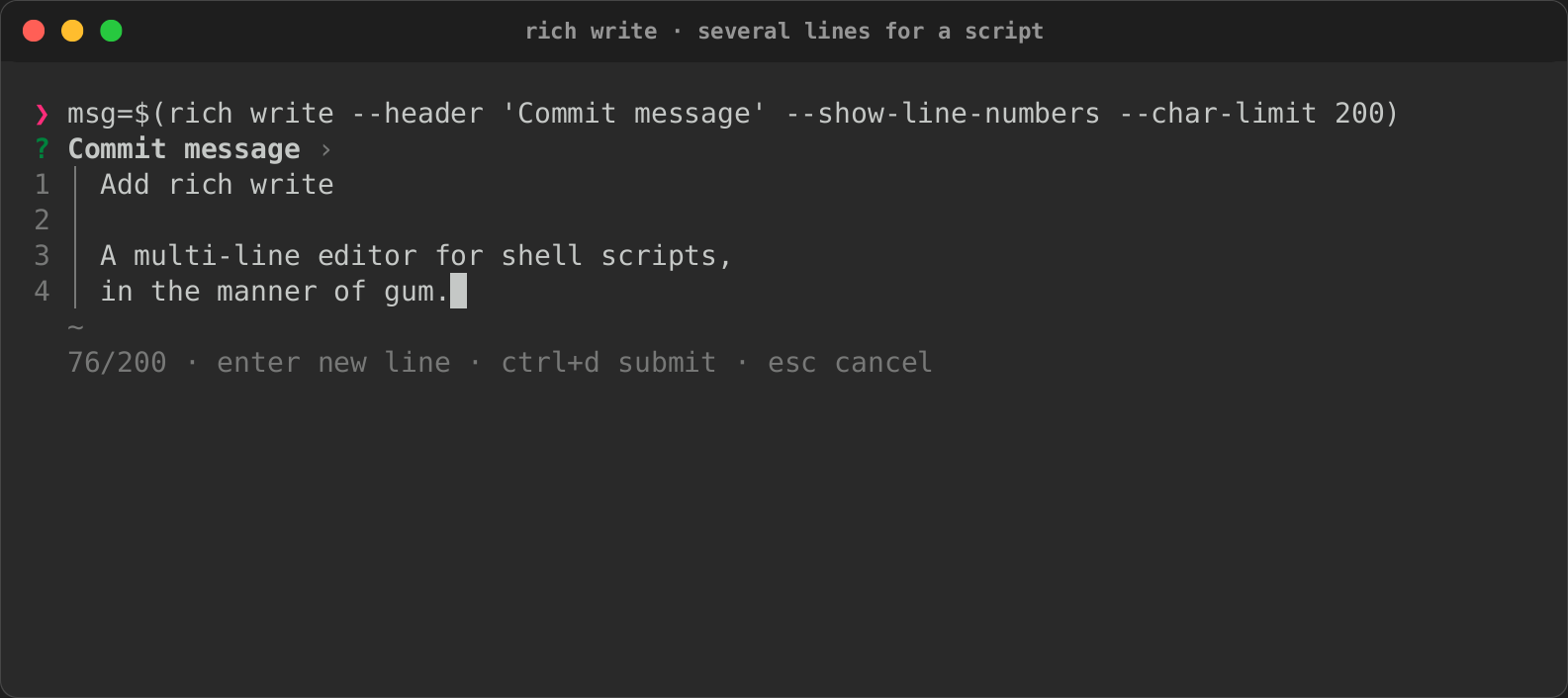
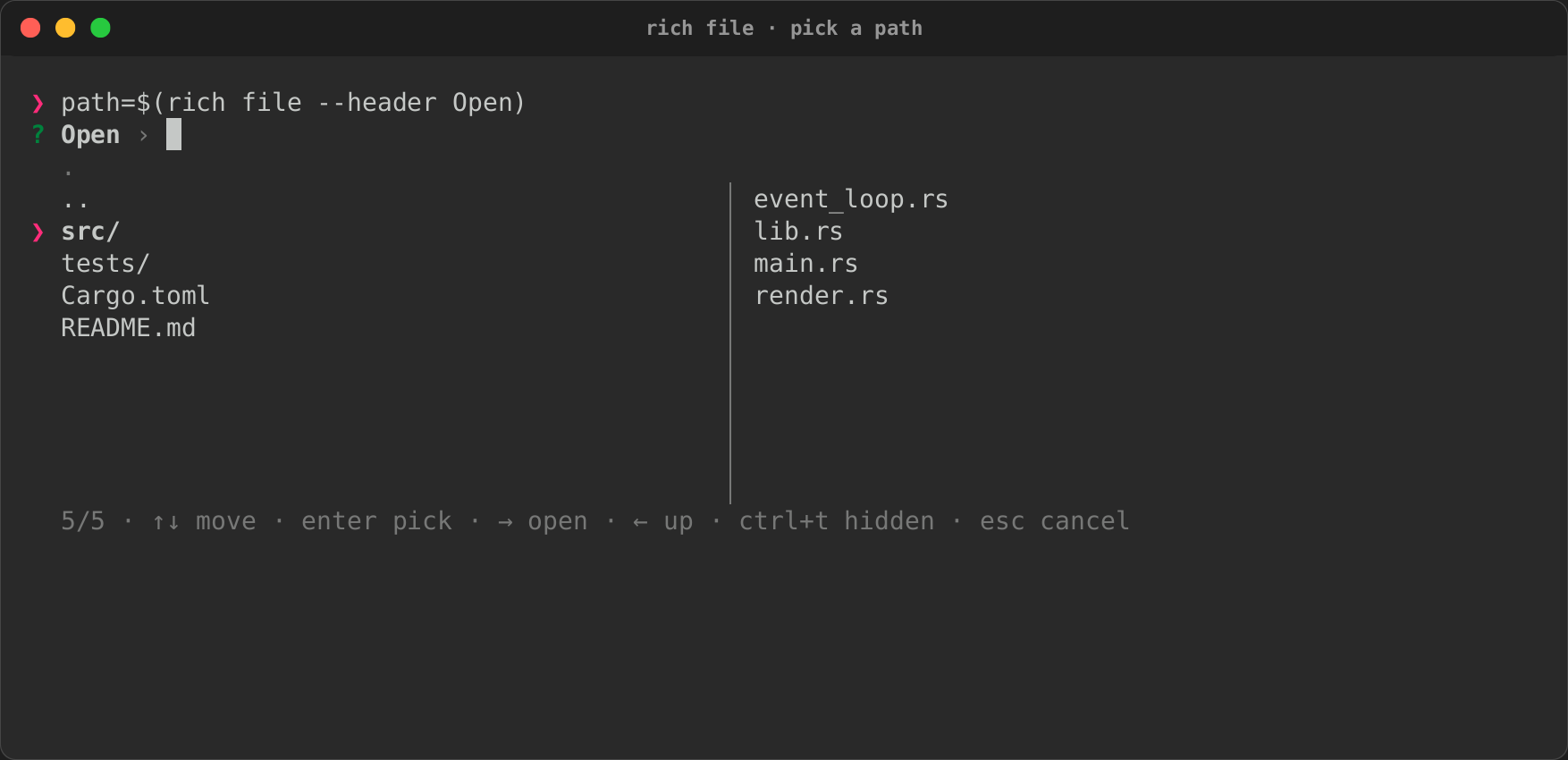
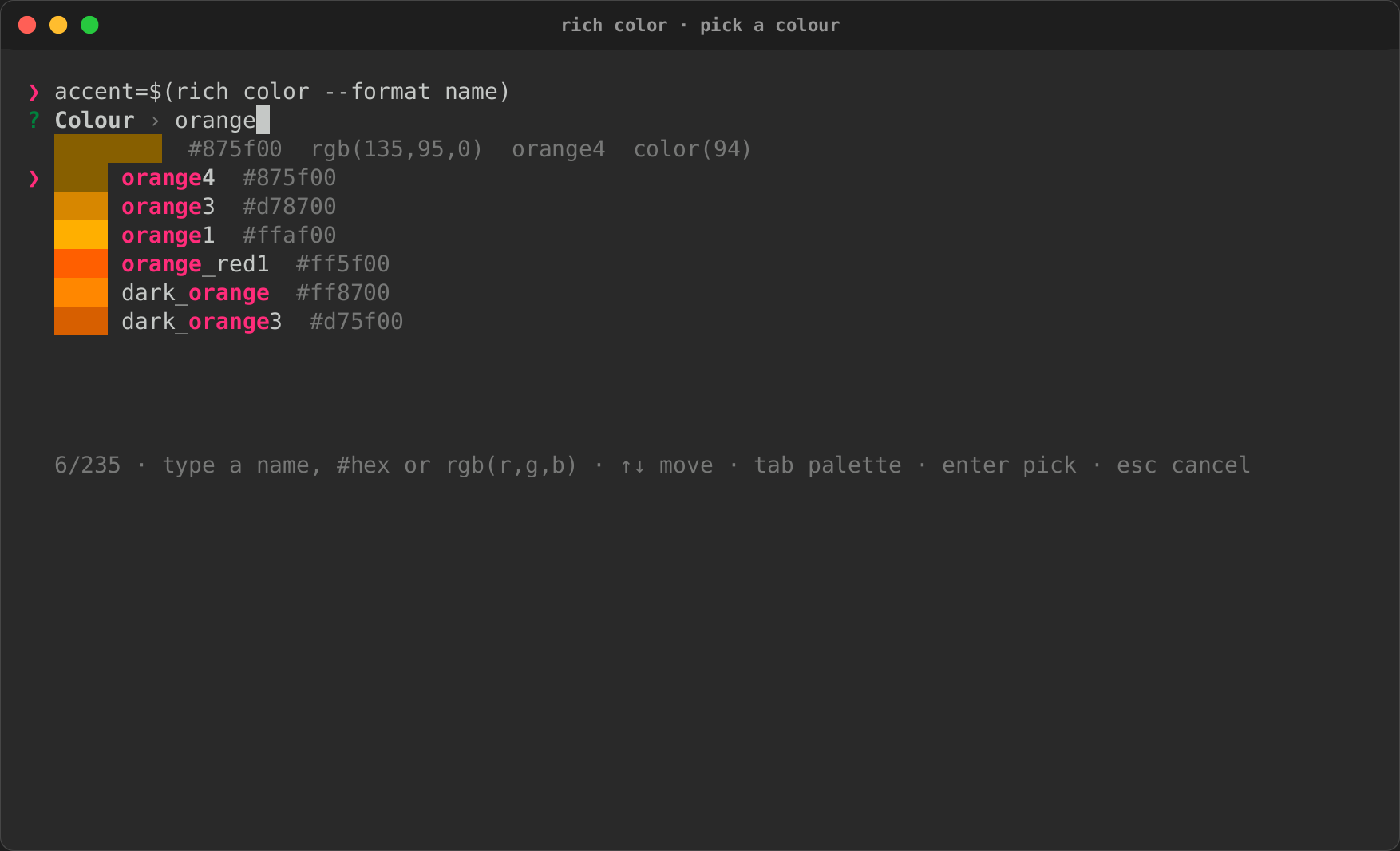
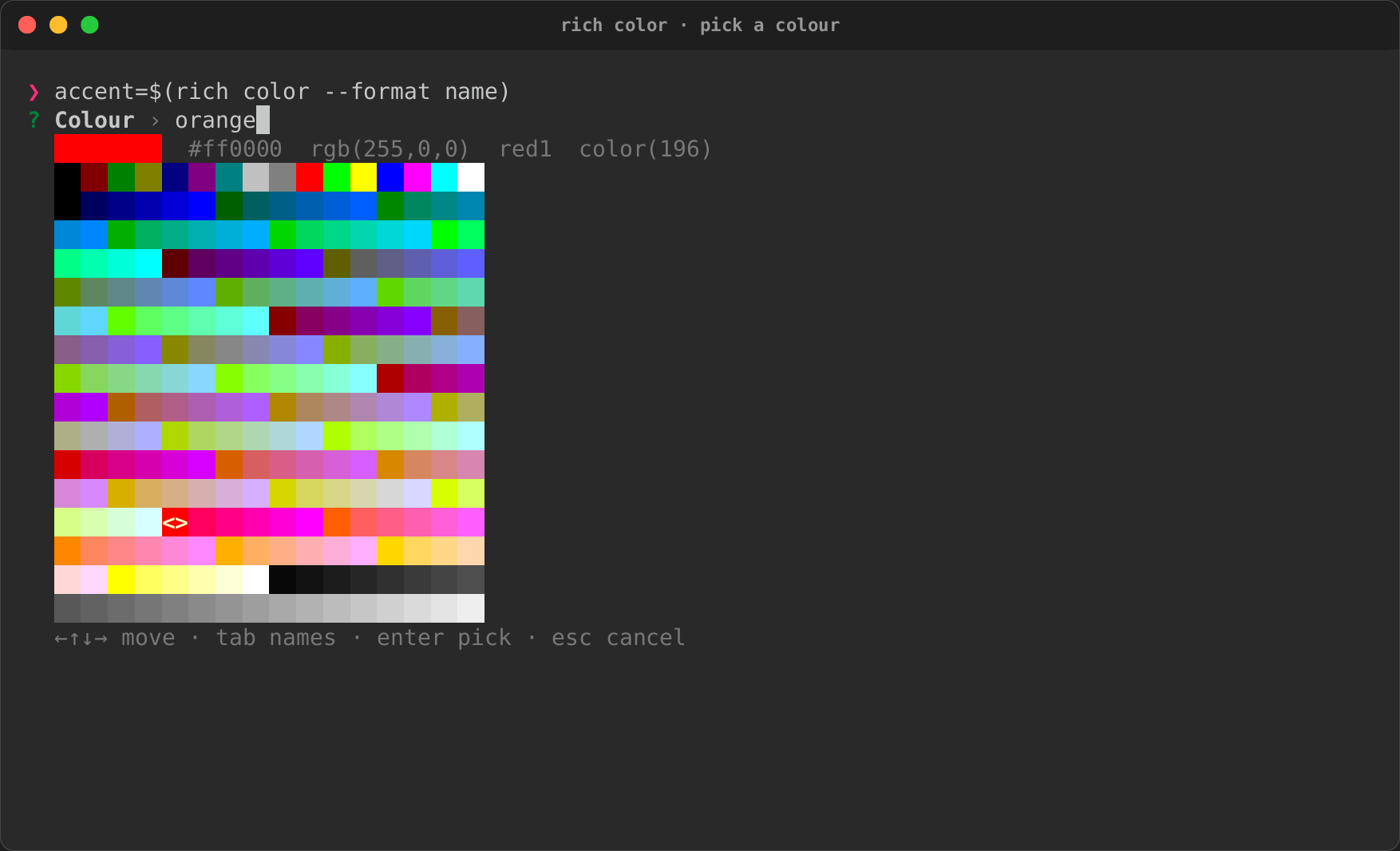
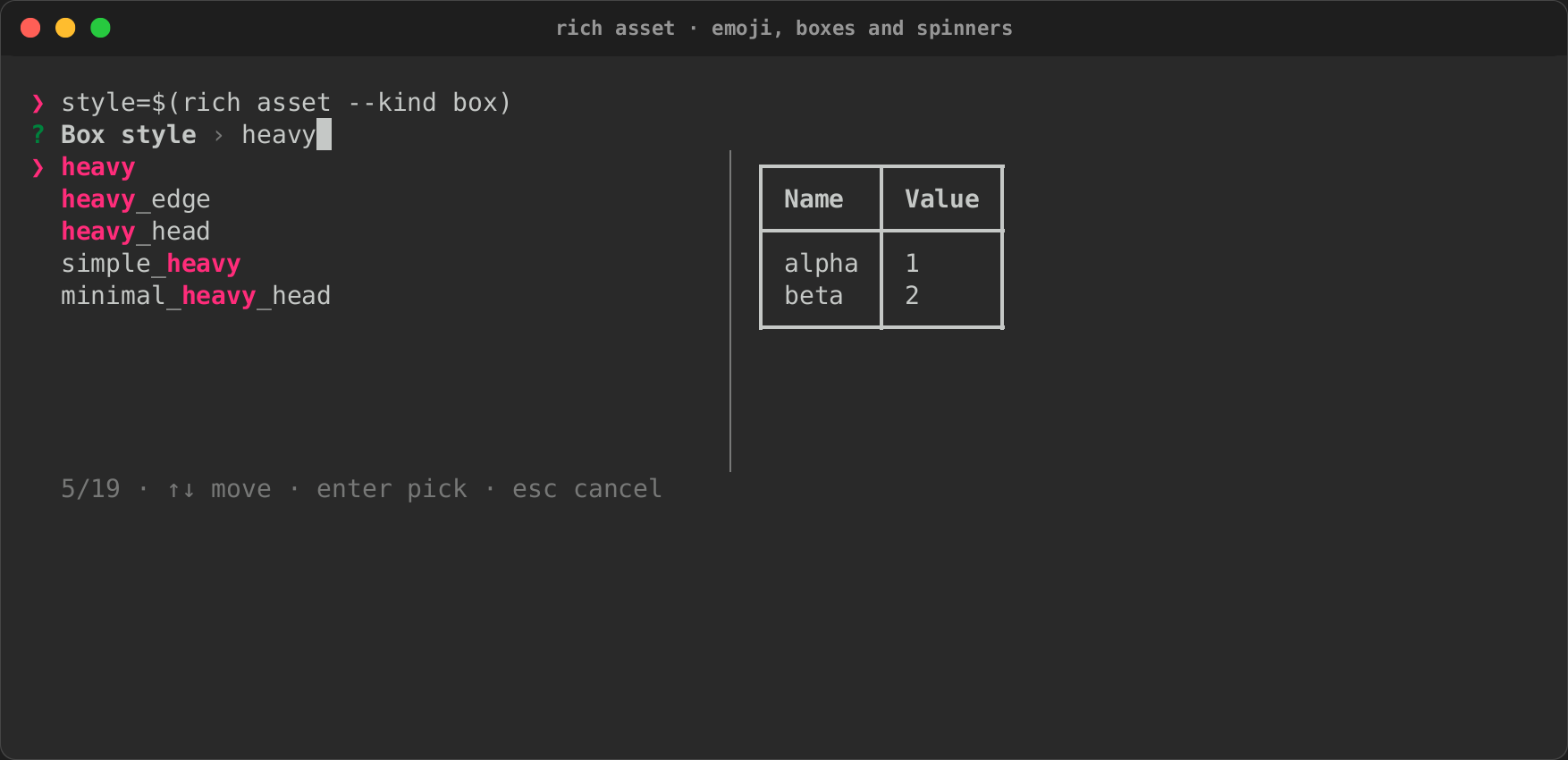
rich write, rich file, rich color and rich asset, each captured into
a shell variable with $(…): several lines of a commit message, a path
picked from the fixture project with its preview, a colour from the
names and the palette, and an emoji and a box style used together. See
Ask in a script.
| rich write | rich file | rich file |
|---|---|---|
 |
 |
|
| rich color | rich color | rich asset |
 |
 |
 |
write tape · cast · page · file tape · cast · page · color tape · cast · page · asset tape · cast · page
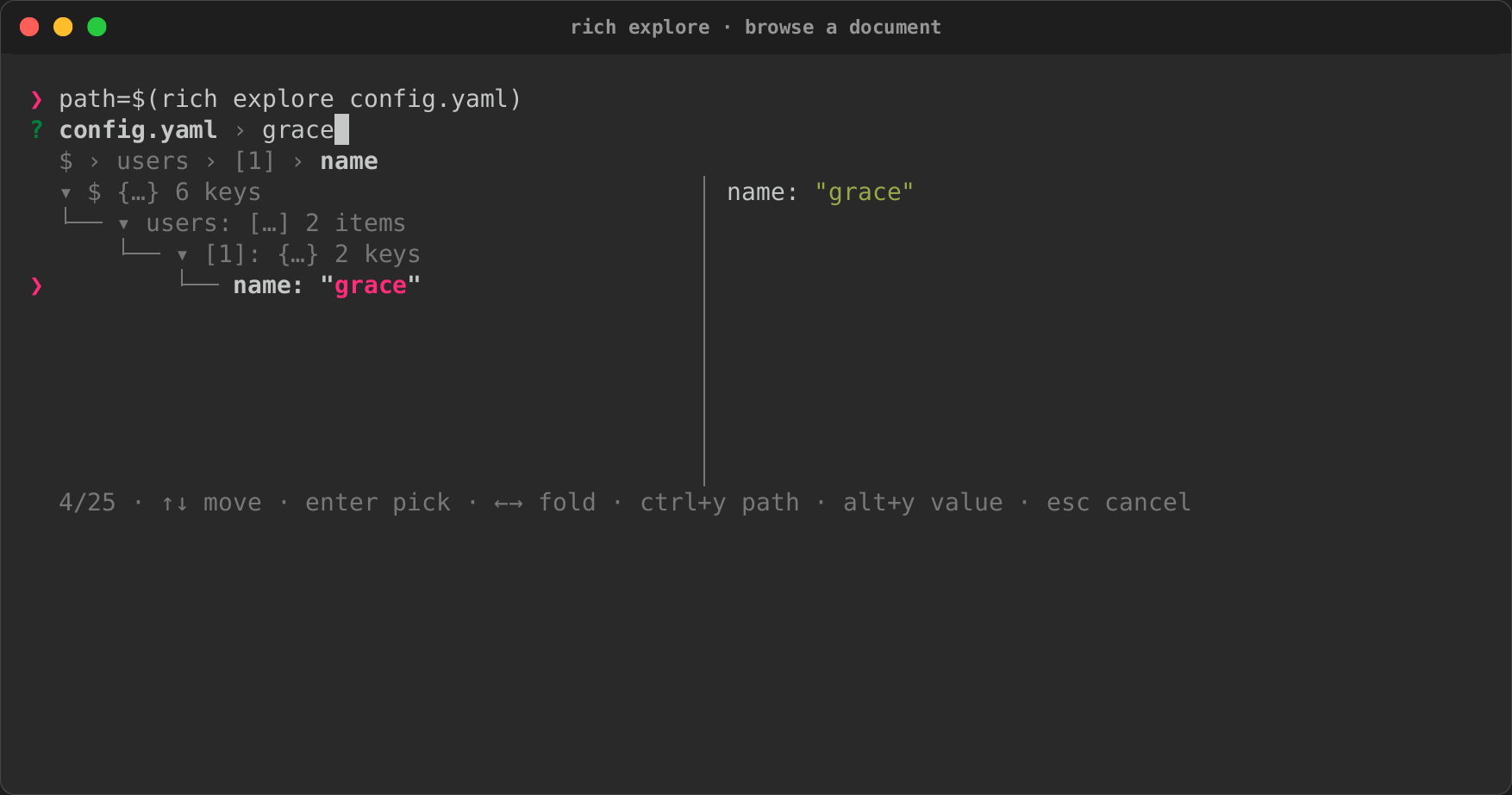
Explore a document
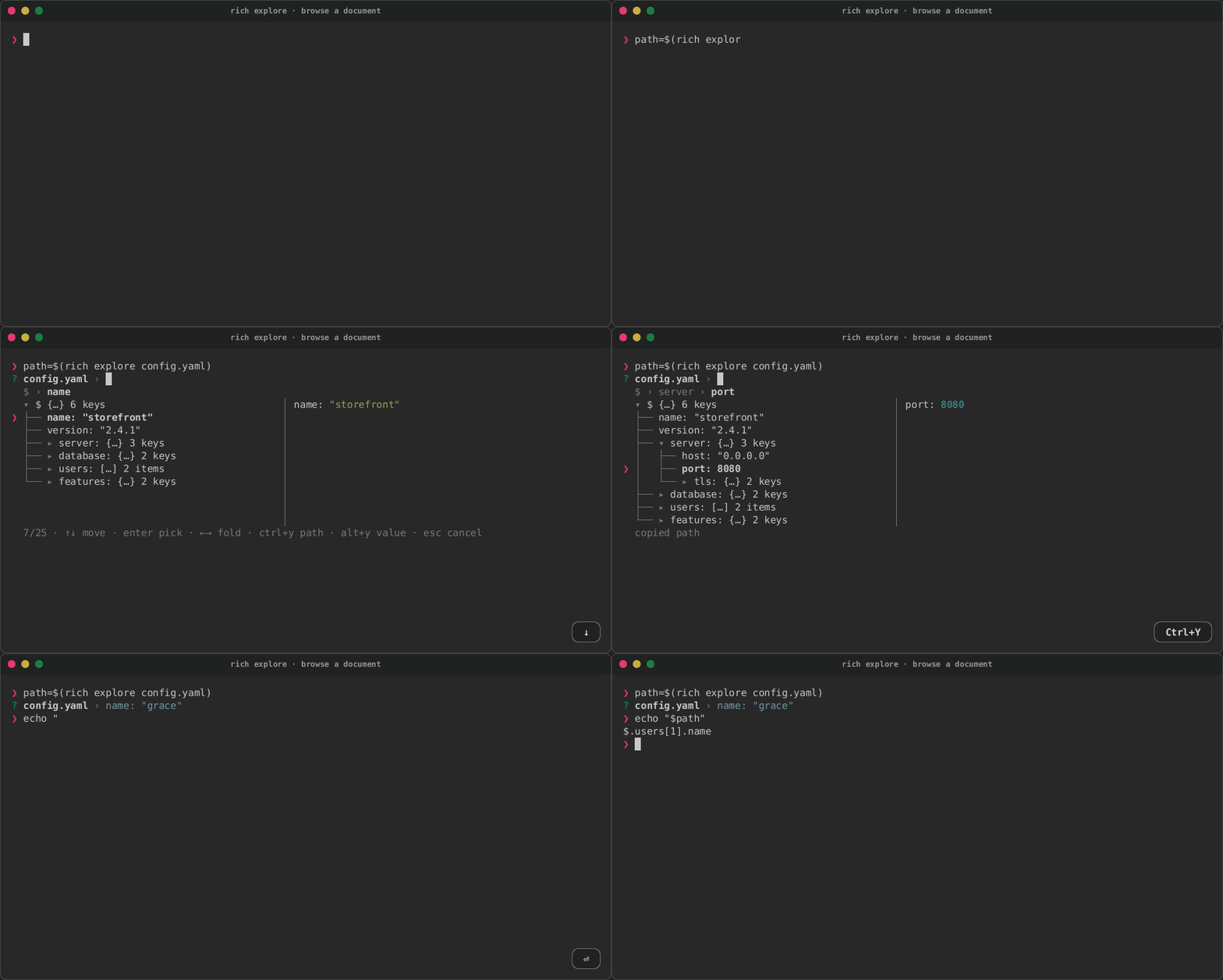
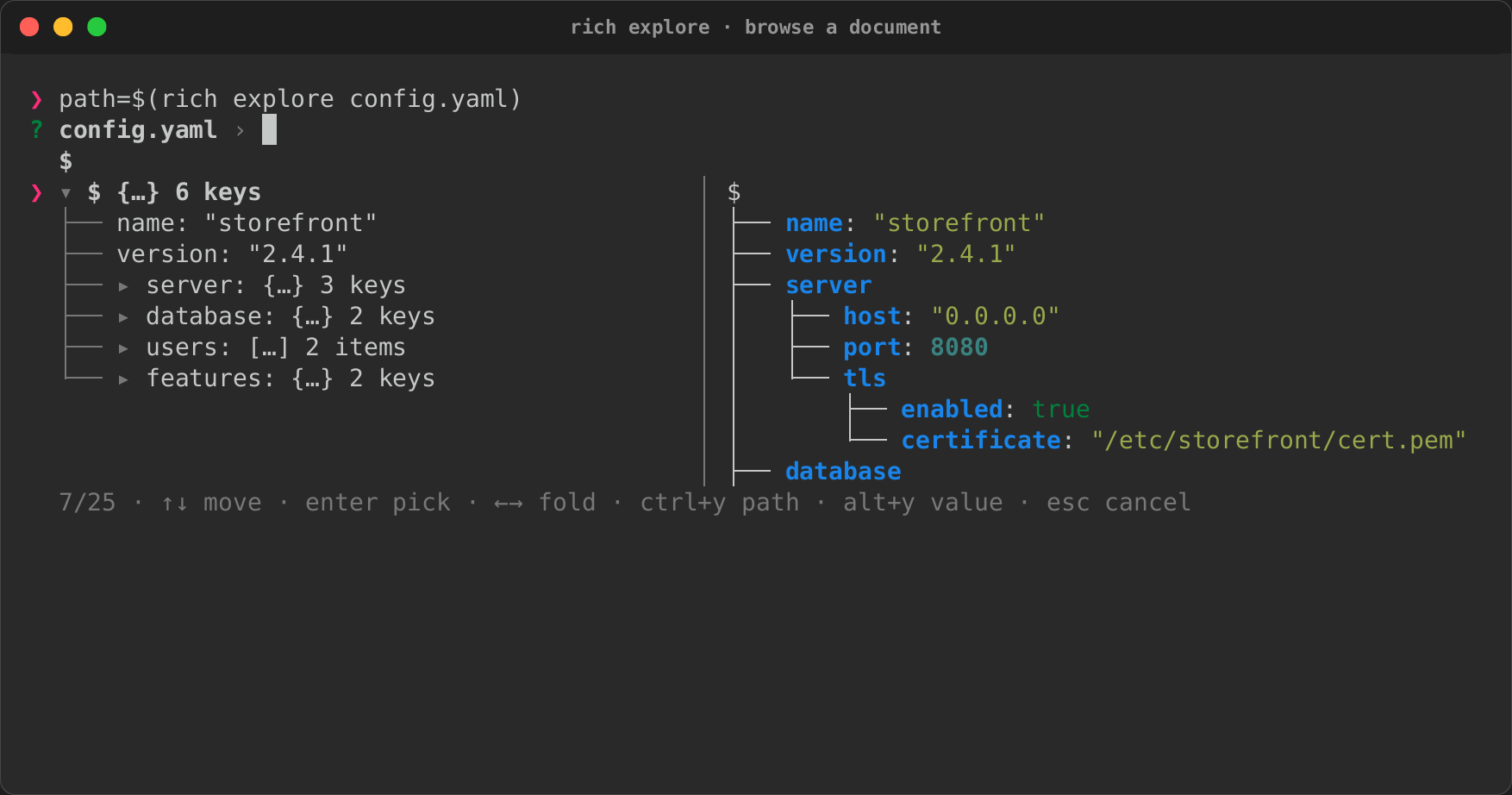
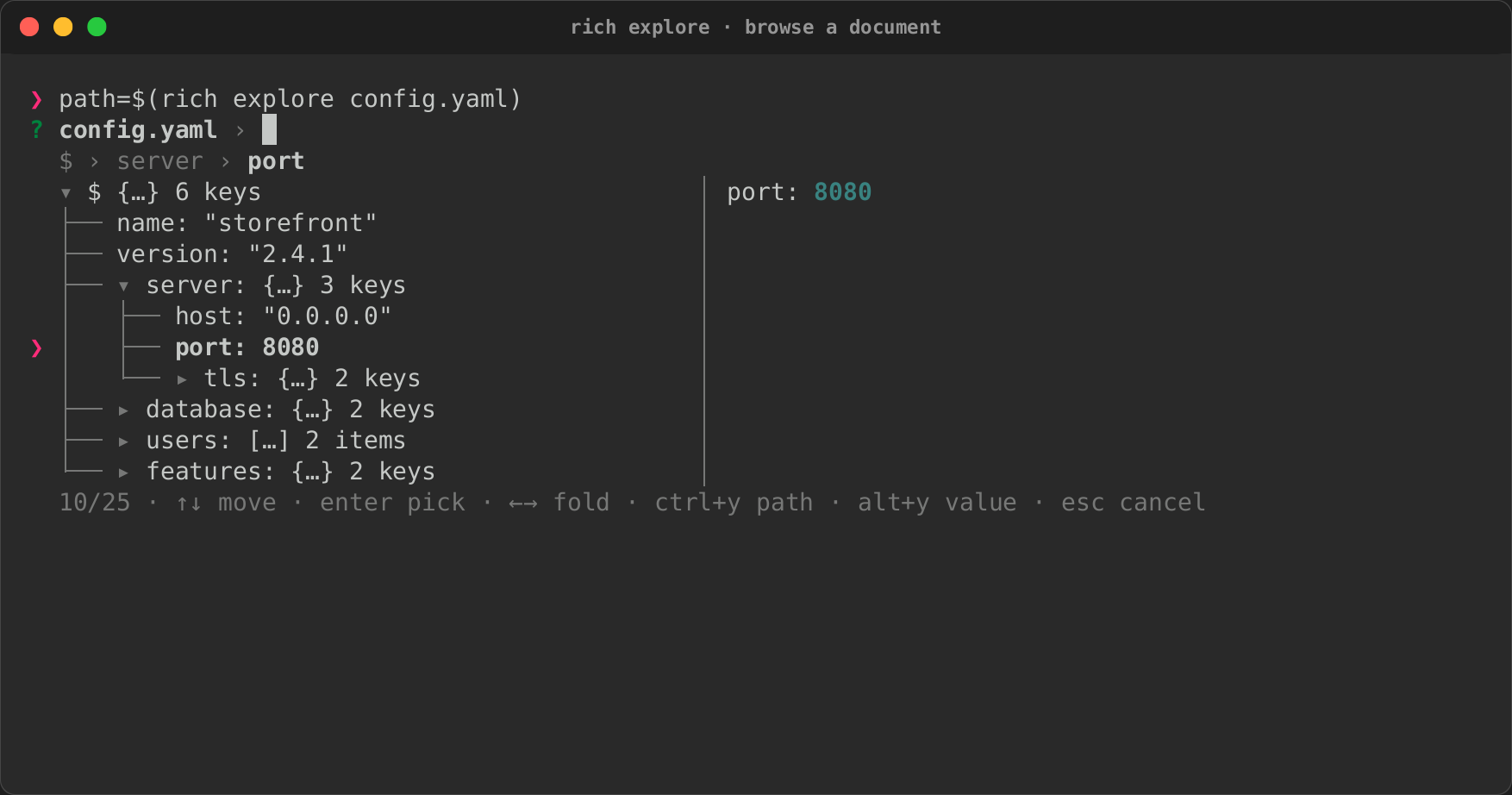
rich explore on a YAML file: a container opened, the breadcrumbs following
the cursor, the path copied, a search that keeps the match's ancestors, and
the JSONPath captured by the script. See
Explore it interactively.
| Folded | Opened | Searched |
|---|---|---|
 |
 |
|
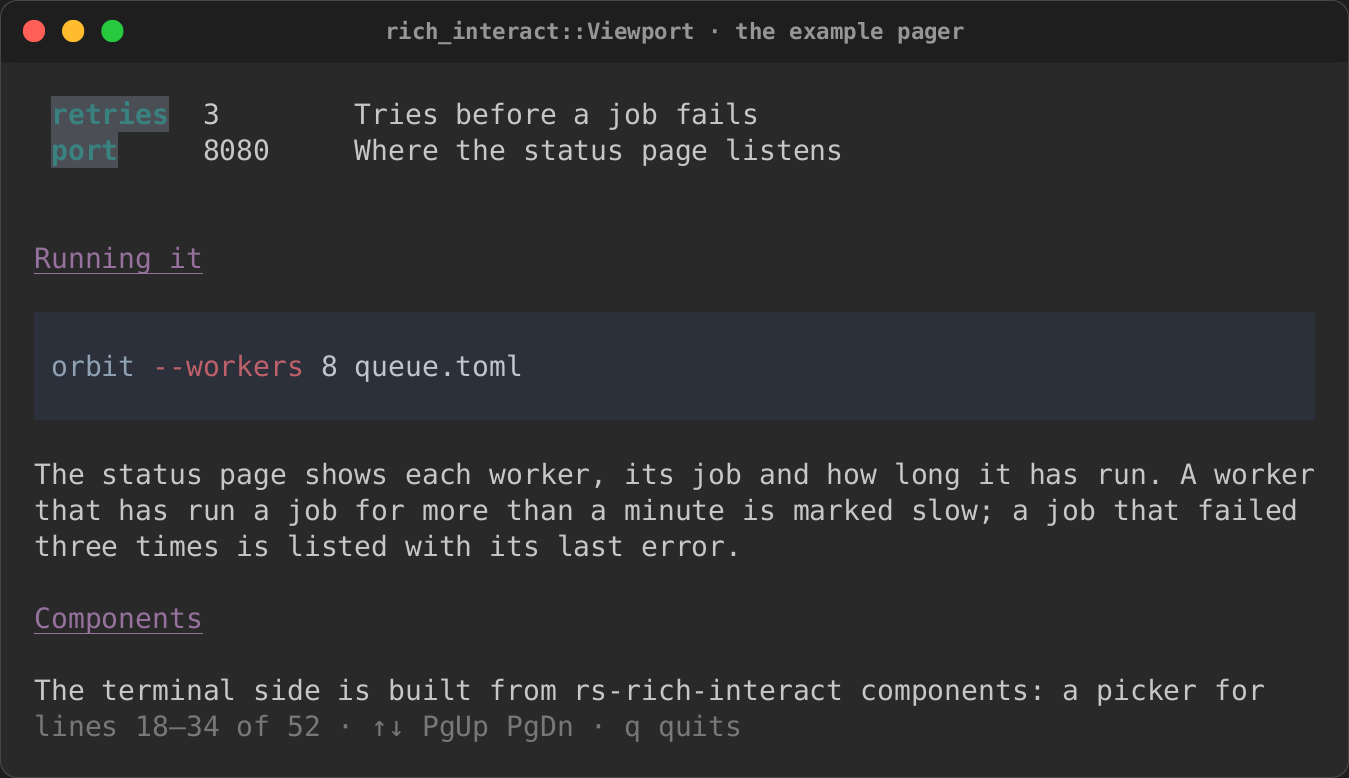
An interactive component
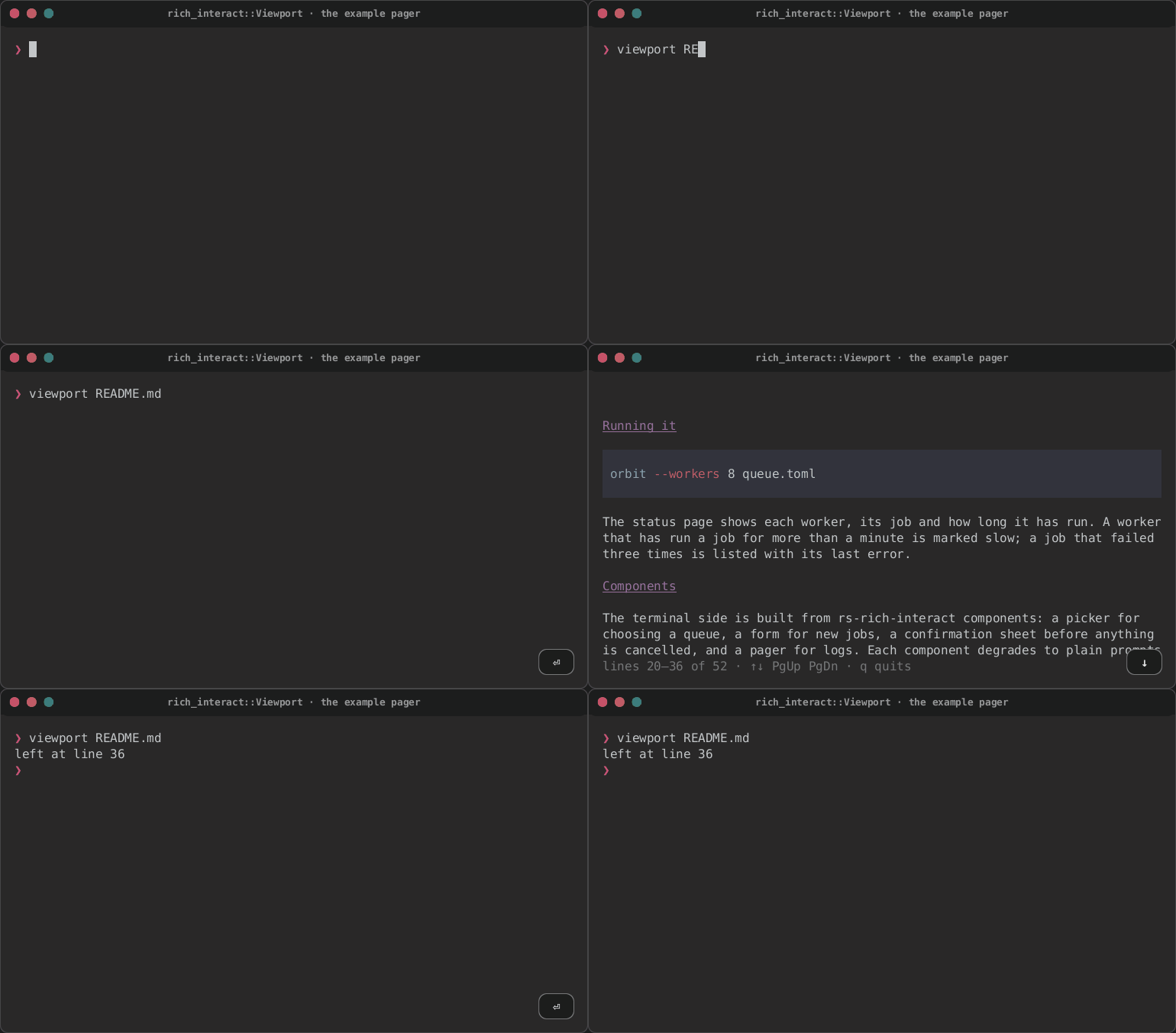
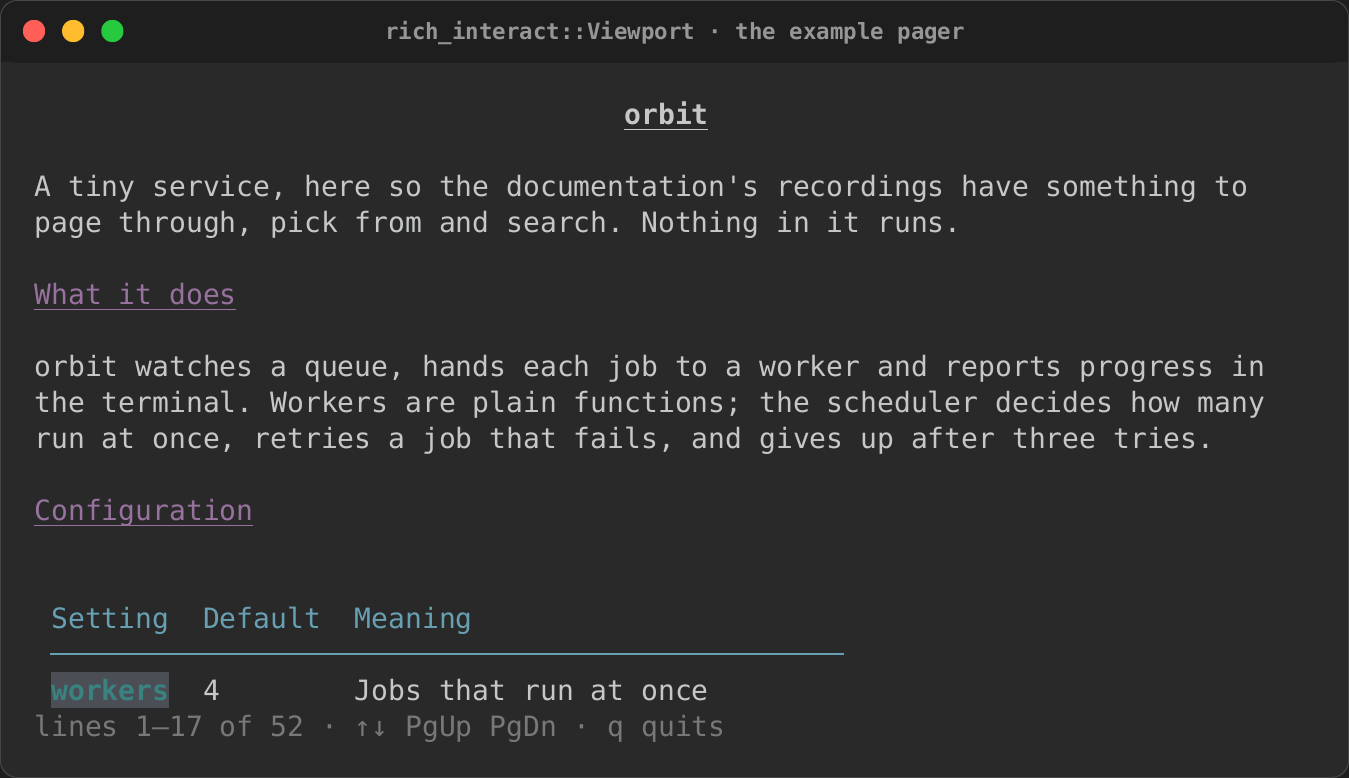
rs-rich-interact's Viewport, run as its example pager, pages a Markdown
file on the alternate screen. Each key repaints only the cells that changed.
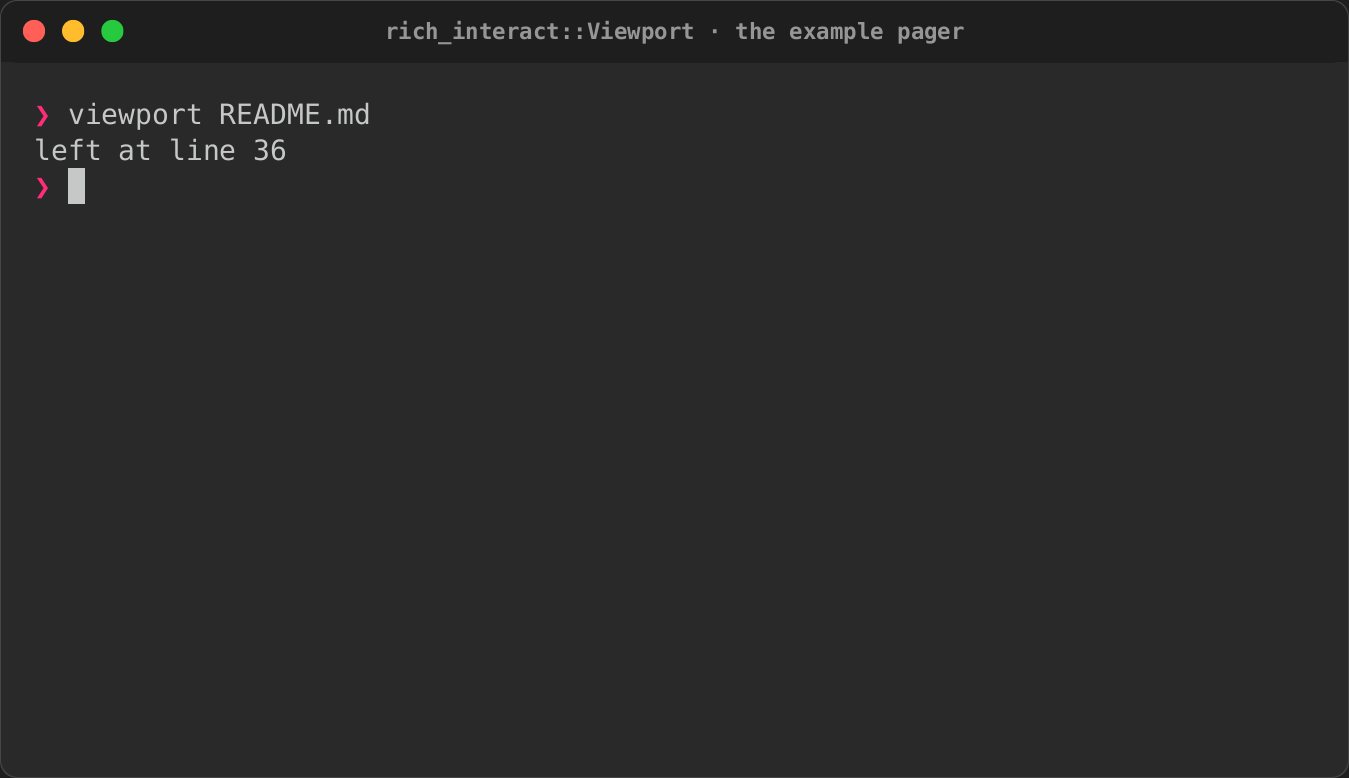
Enter gives the terminal back, as it was, with the line it was left at. See
Interactive components.
| Opened | Paged down | Given back |
|---|---|---|
 |
|
 |
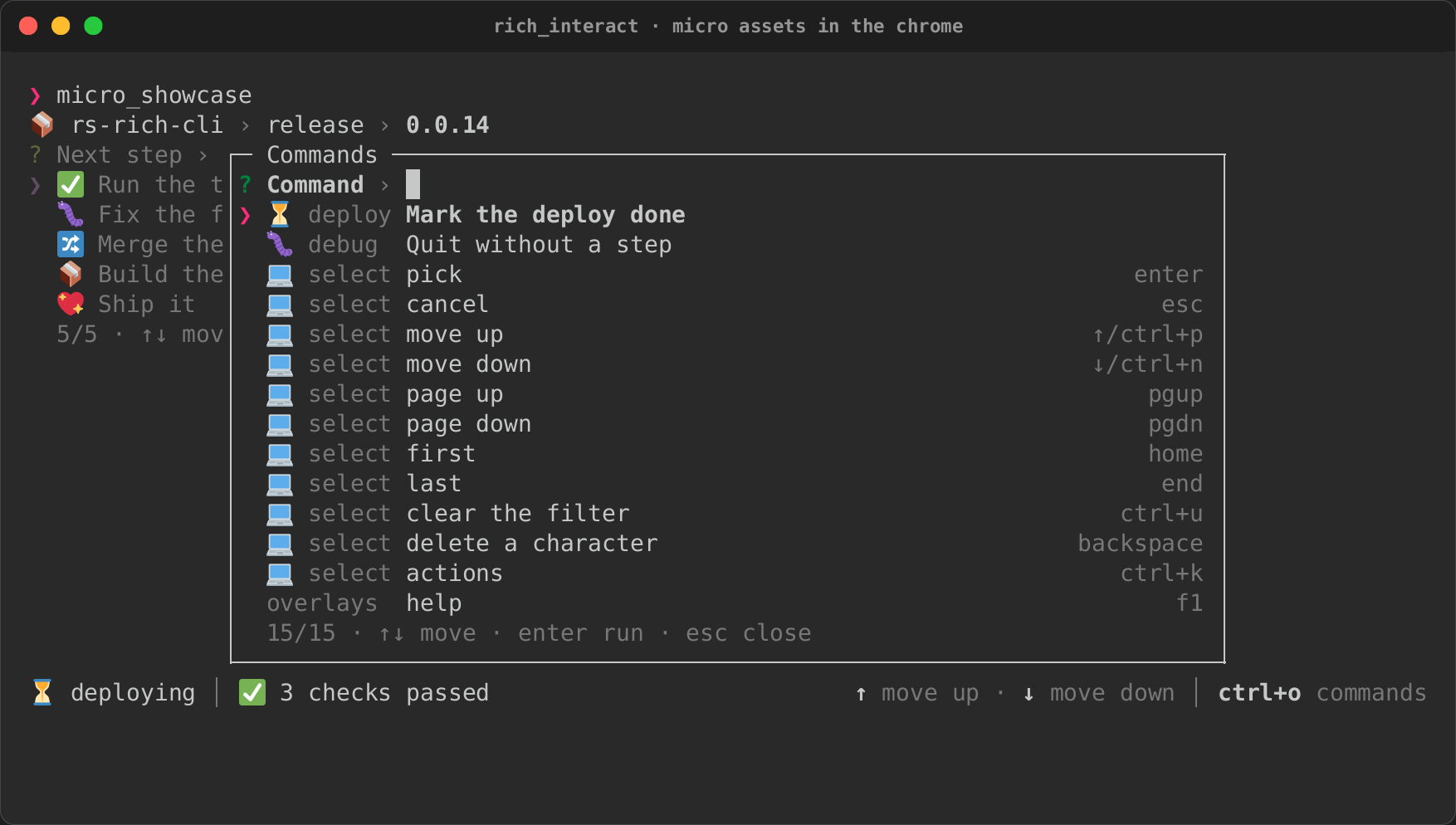
Overlays and chrome
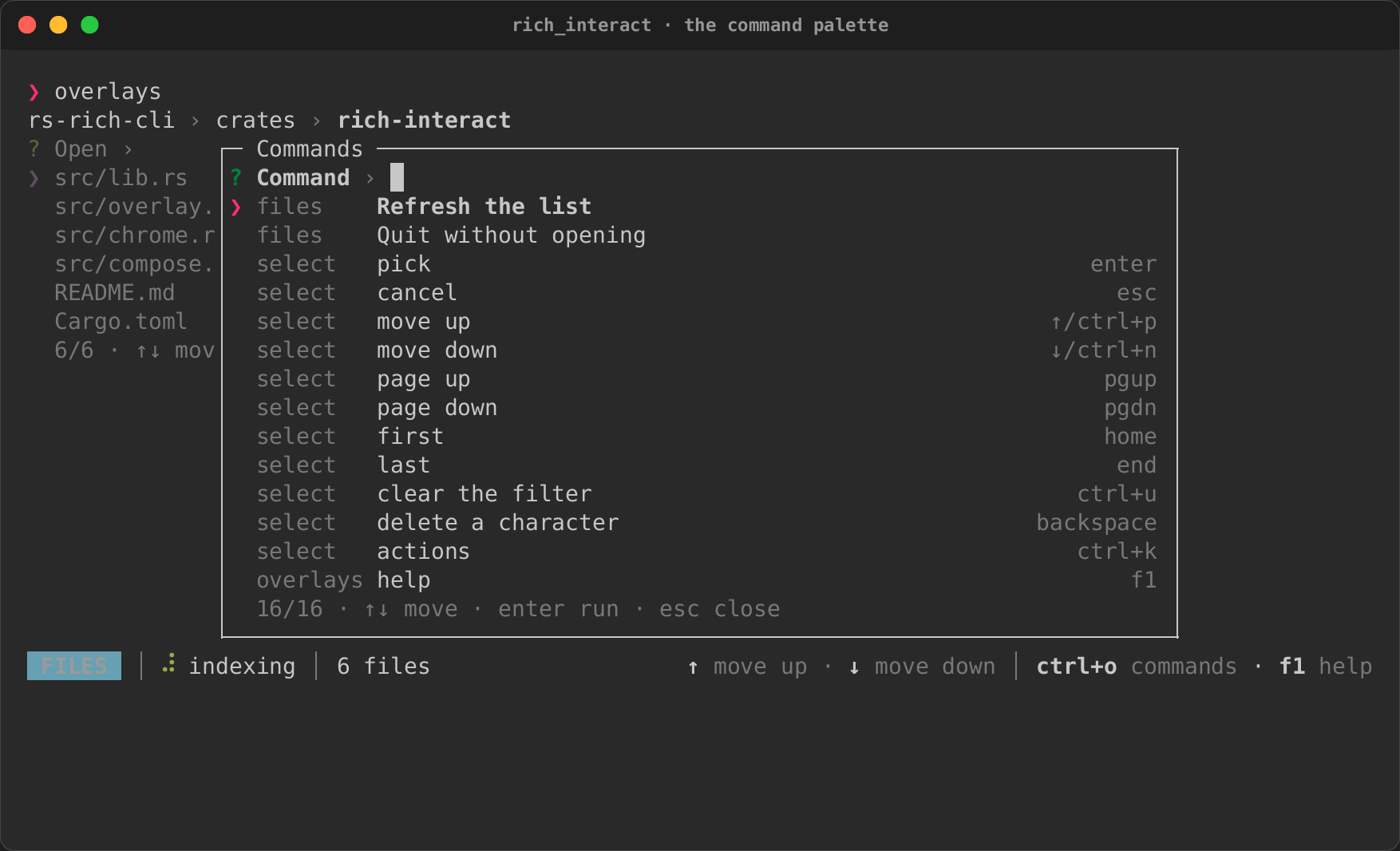
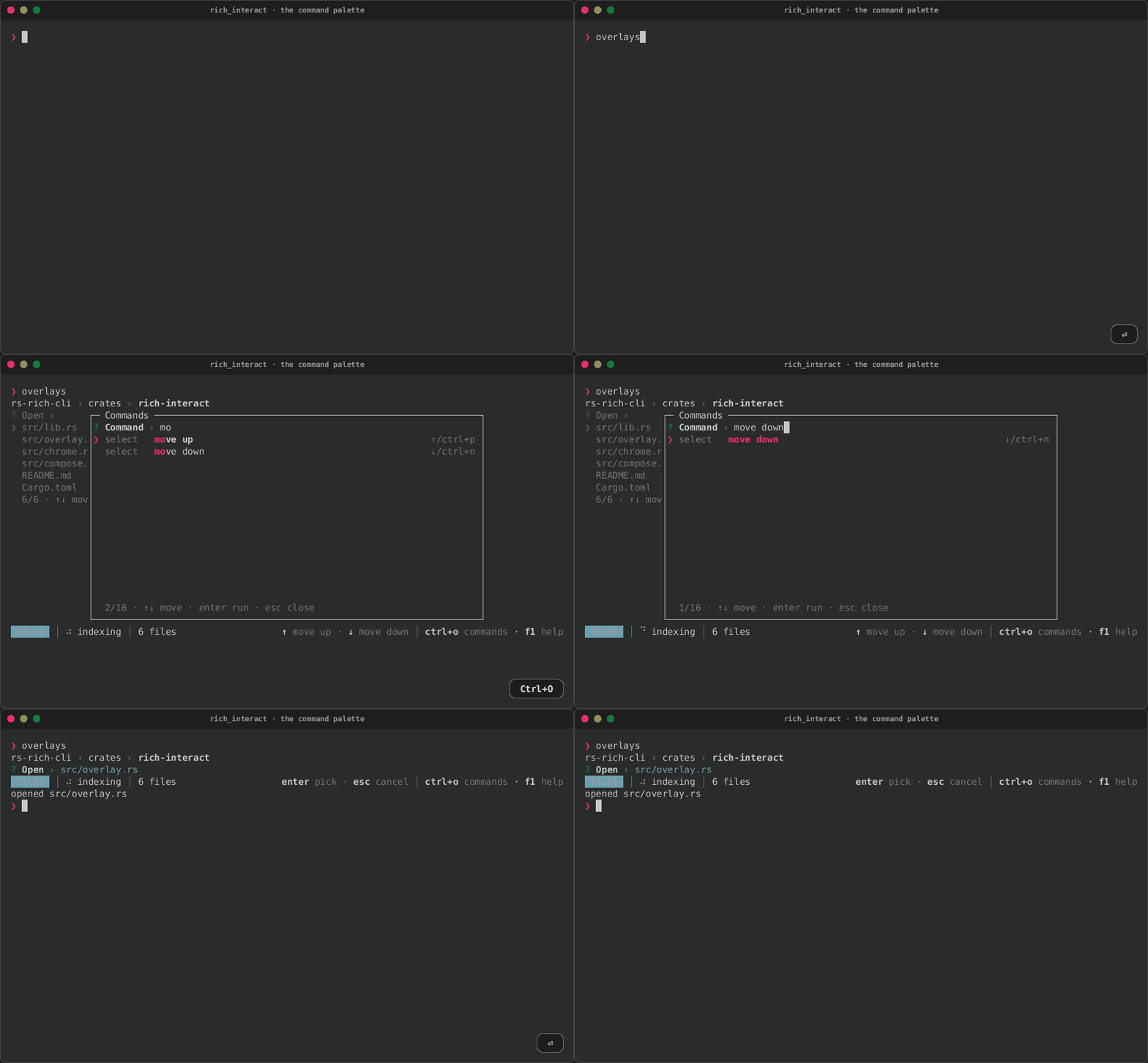
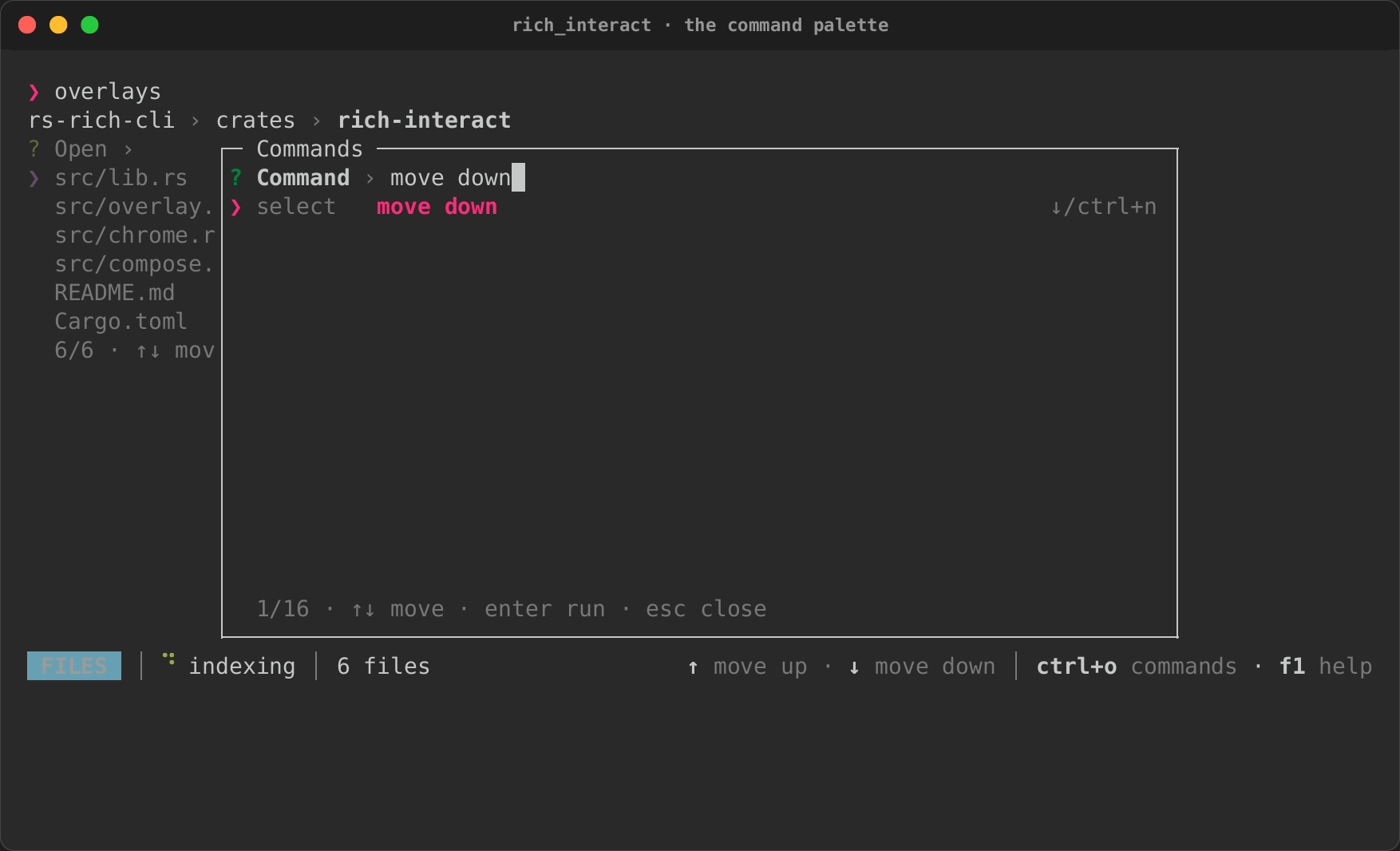
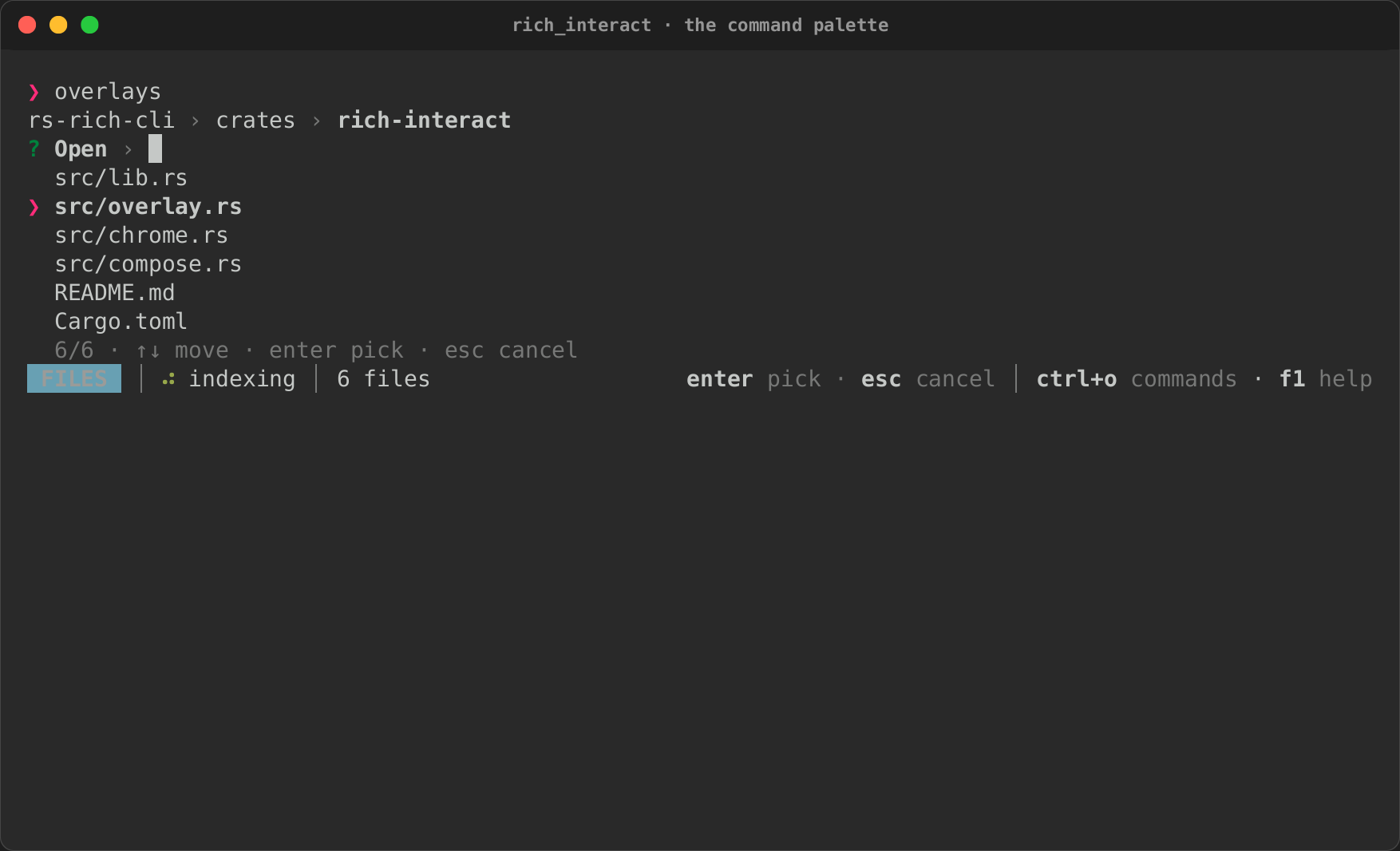
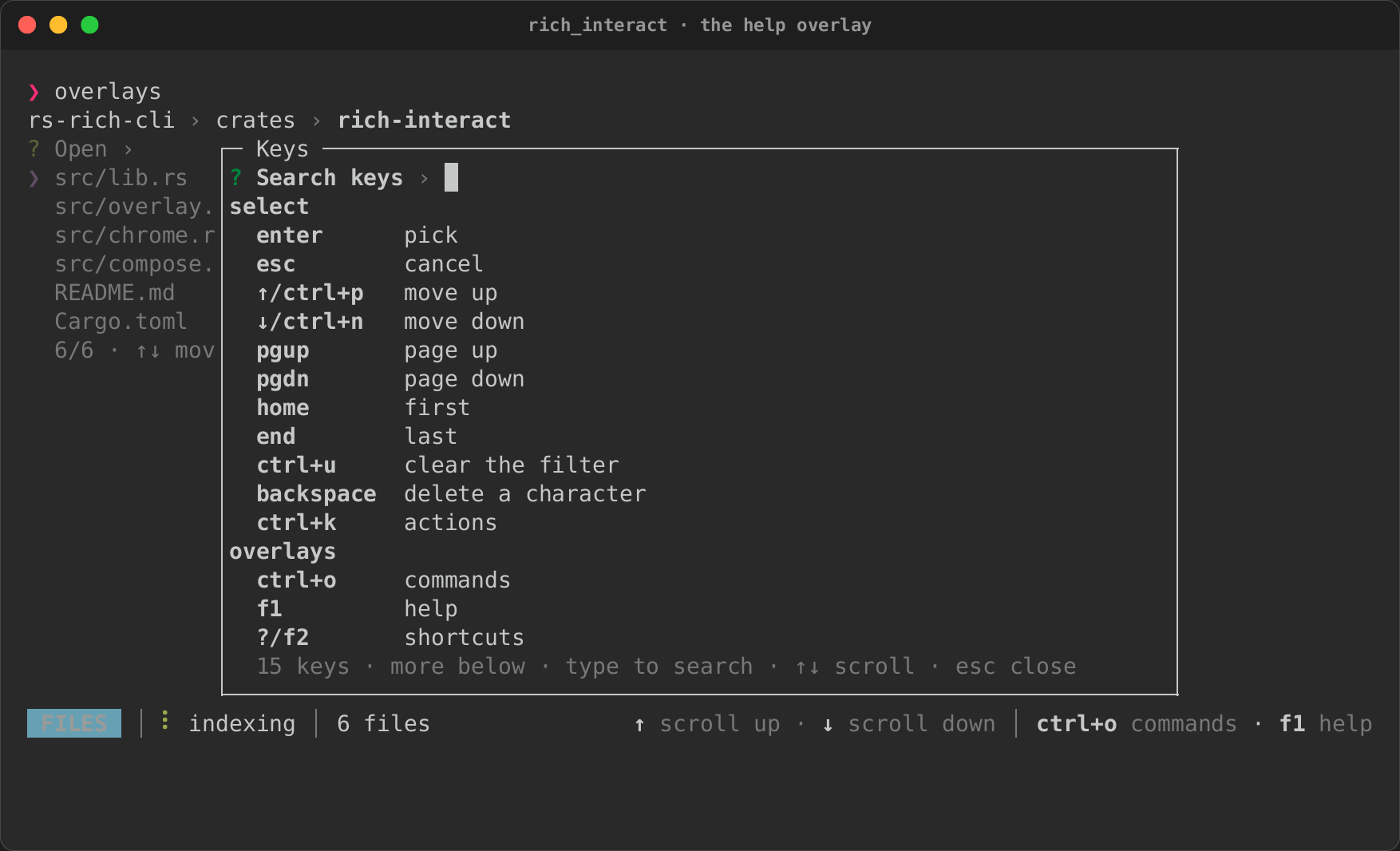
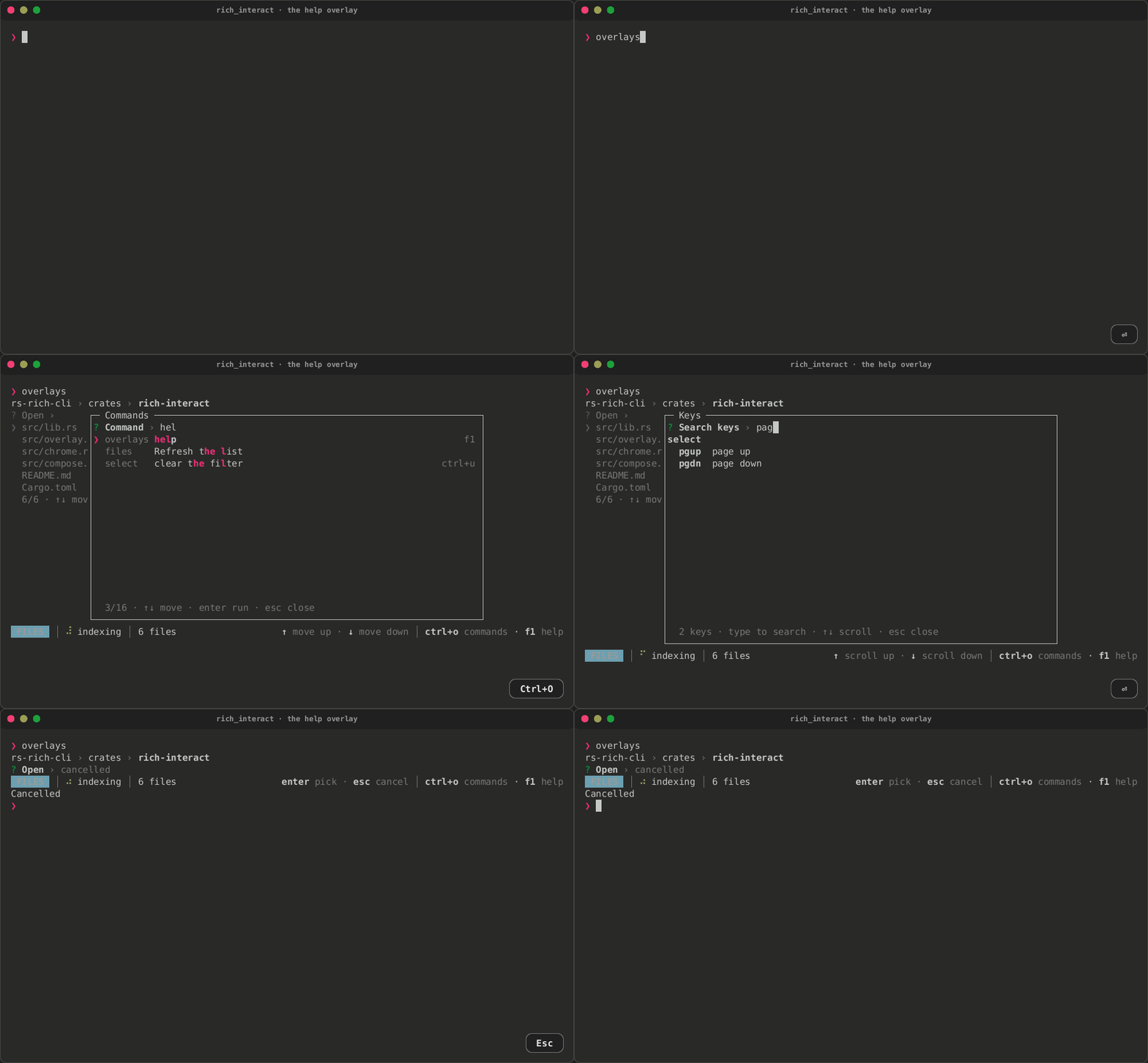
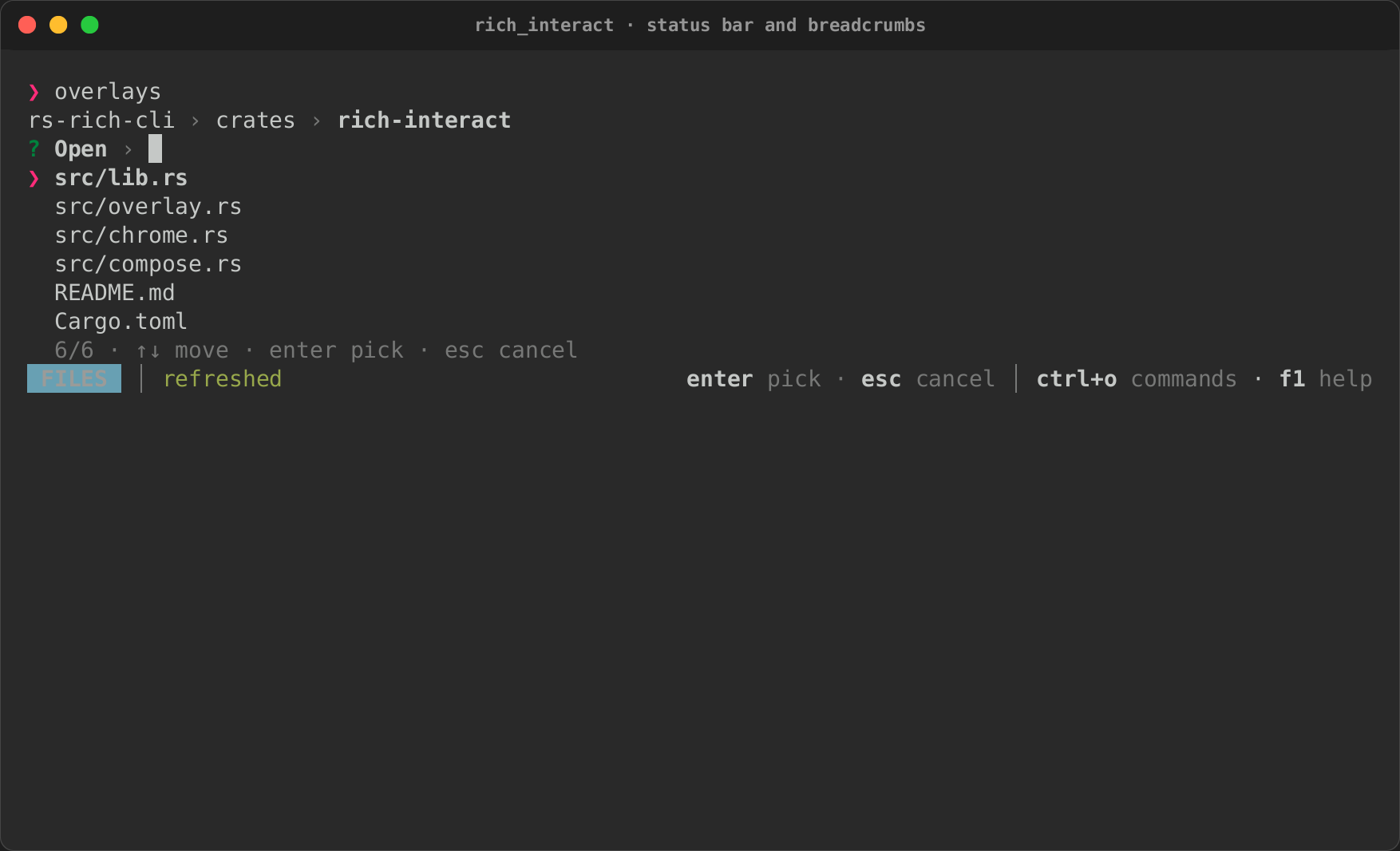
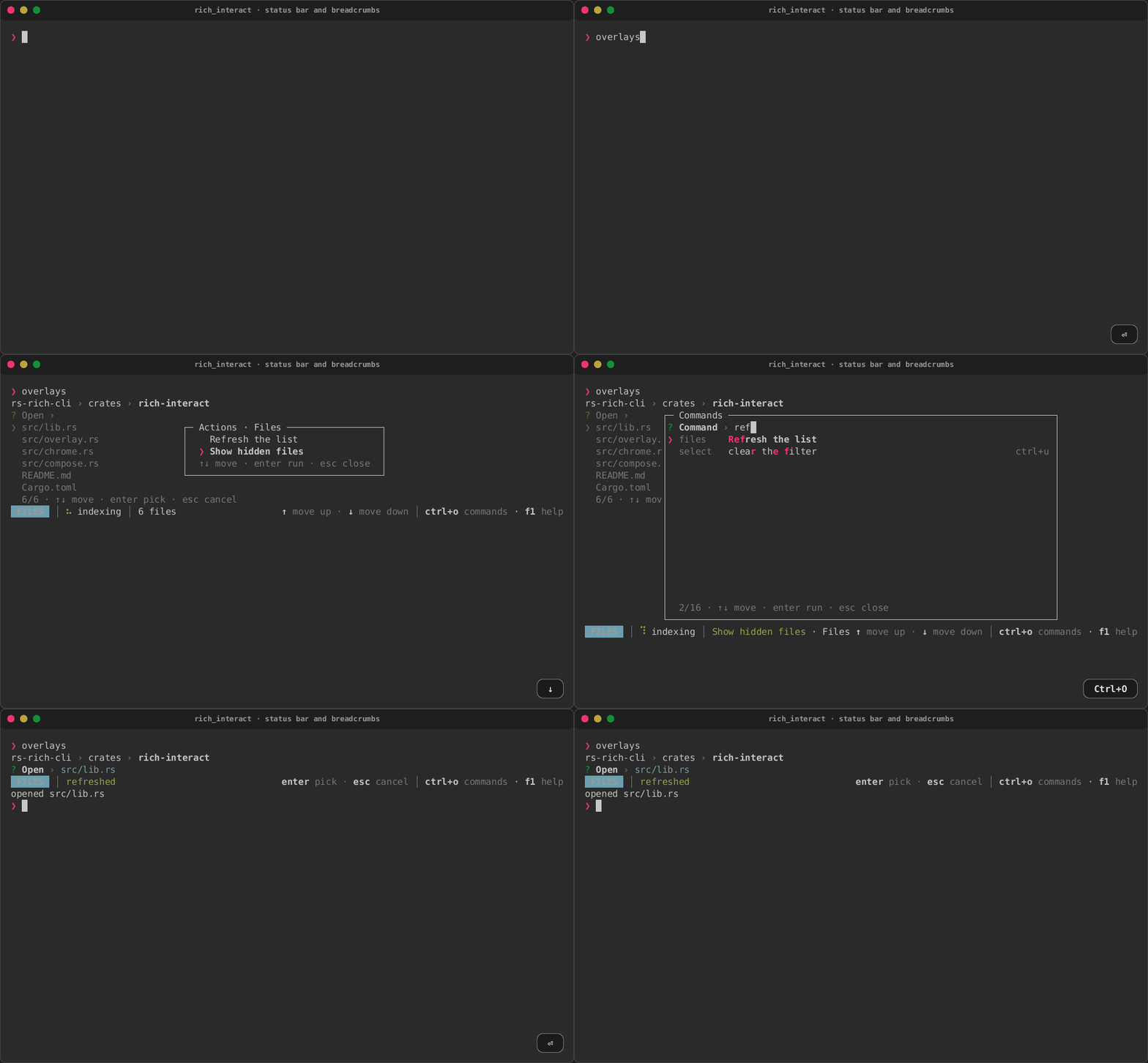
rs-rich-interact's overlays and chrome, run as its overlays example: a
file list wrapped in Overlays. Ctrl+O opens the command palette, which
lists every key the list has, by category, with its shortcut, and runs the
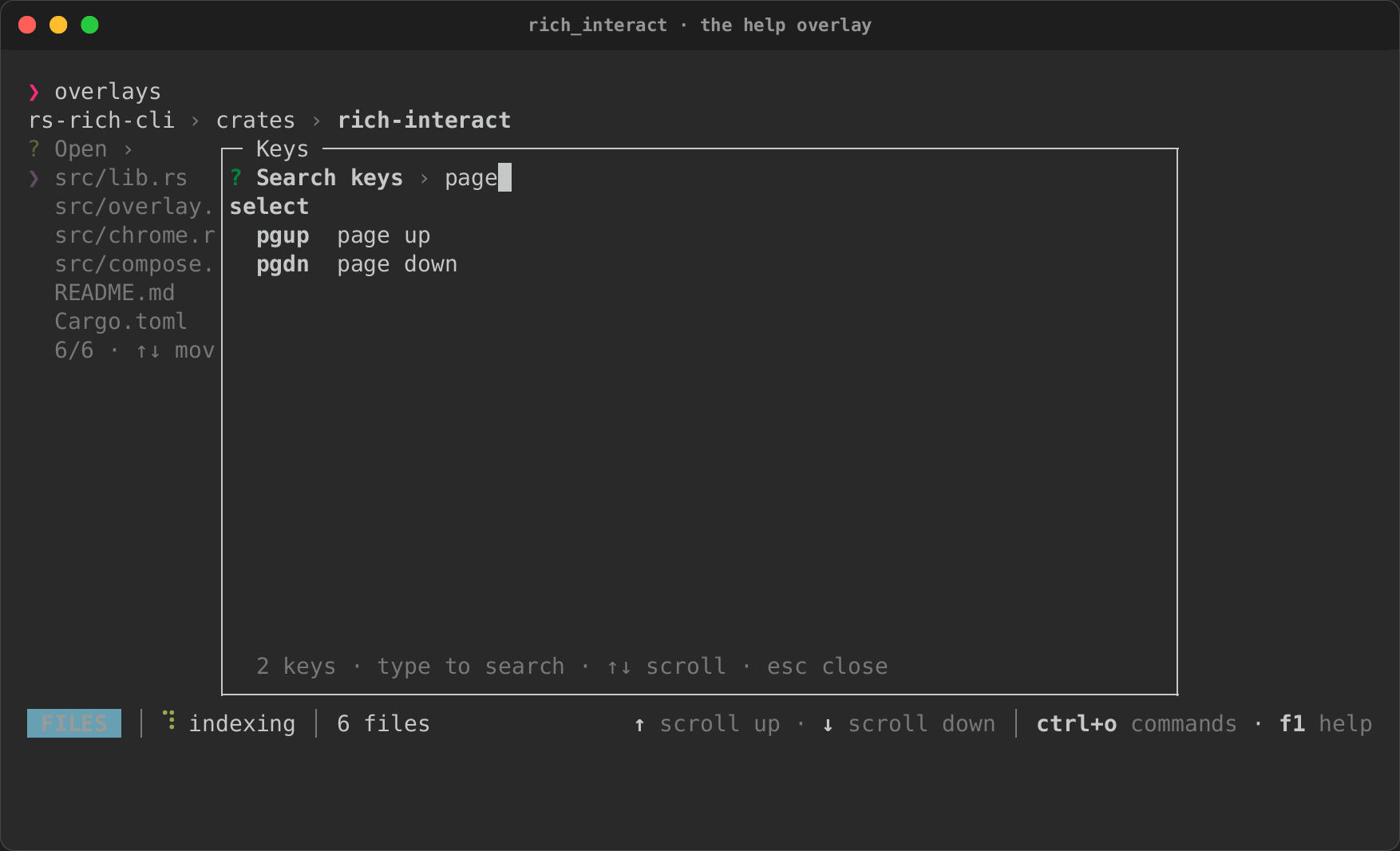
one picked. The help overlay groups the keys and searches them as you type.
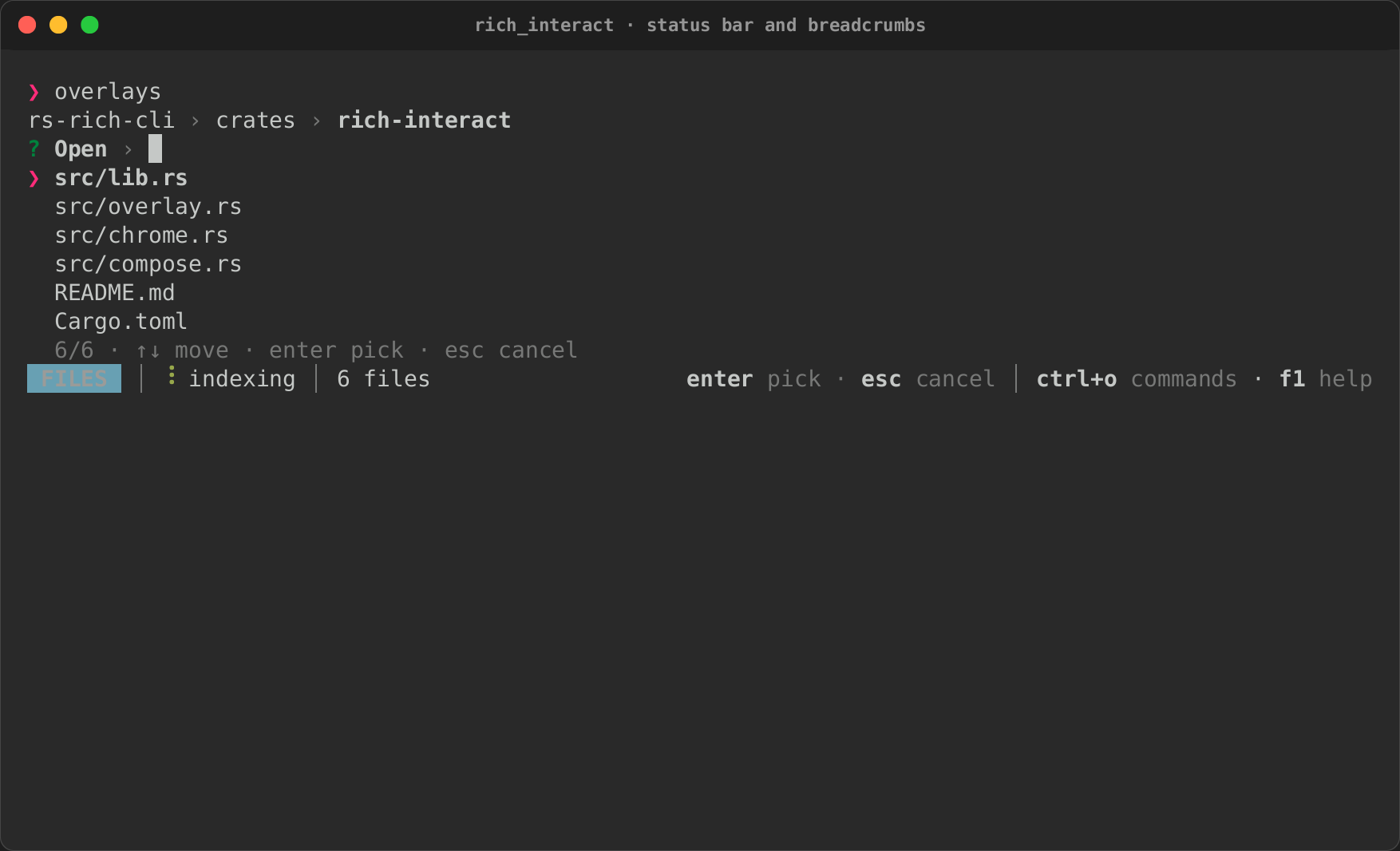
Under the list, a status bar shows a badge, a spinner, a note and key hints
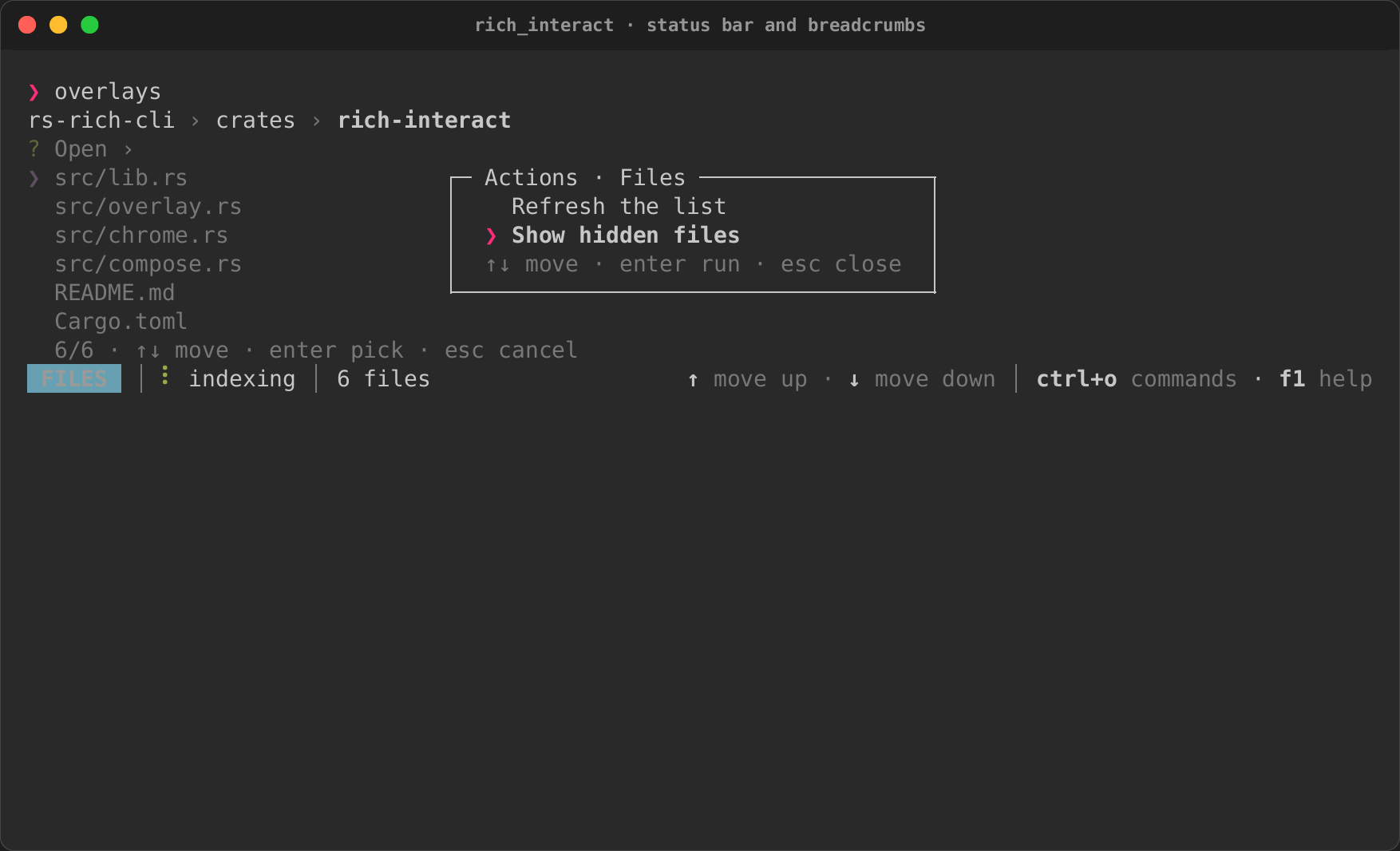
from the keymap. Breadcrumbs sit over the list, and Ctrl+K opens the
region's actions in a modal. See
Overlays and chrome.
| The palette | Searched | Run |
|---|---|---|
|
 |
 |
| Help | Searched |
|---|---|
 |
 |
| The status bar | Region actions | A command ran |
|---|---|---|
 |
 |
 |
Charts from data
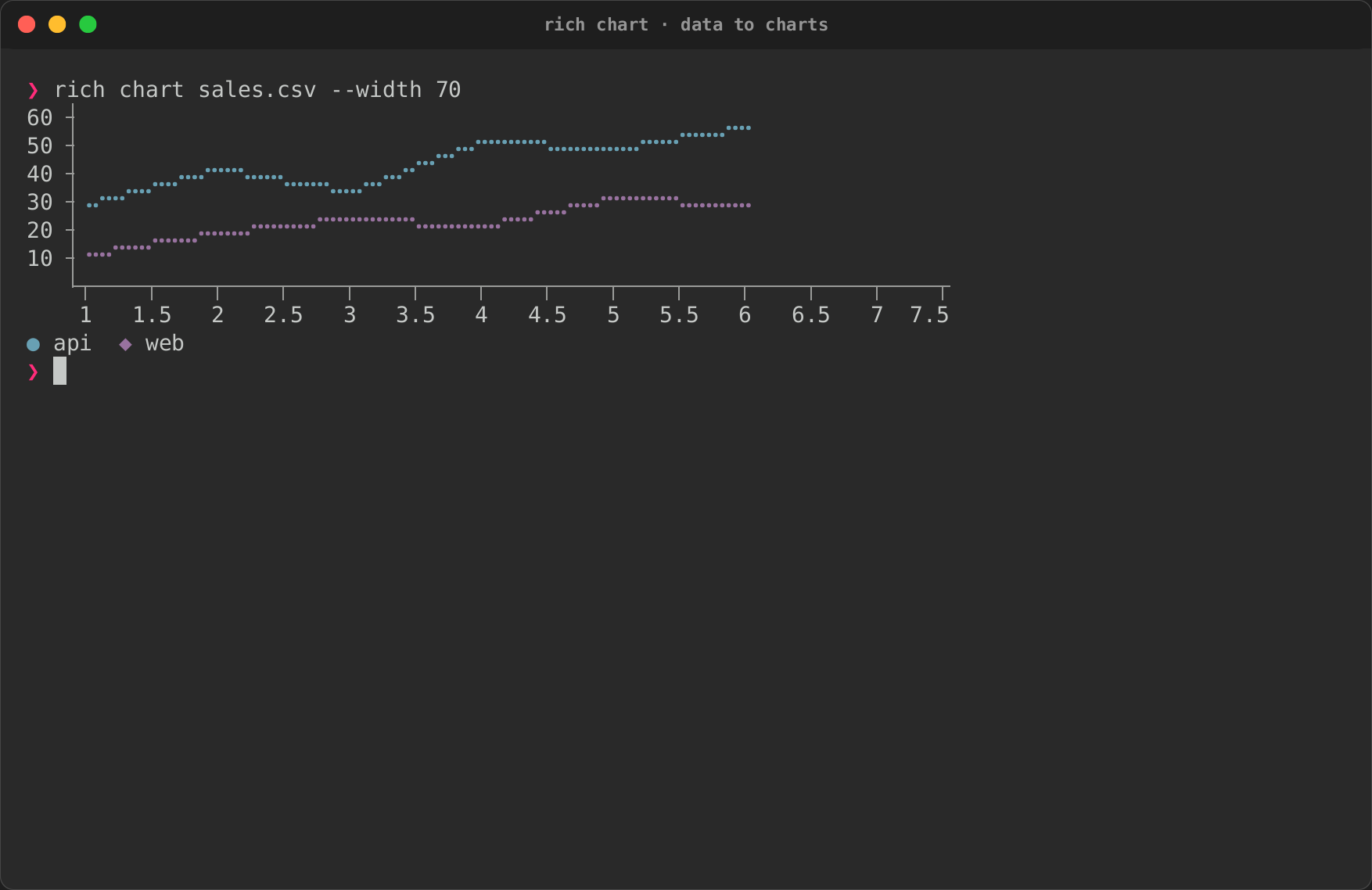
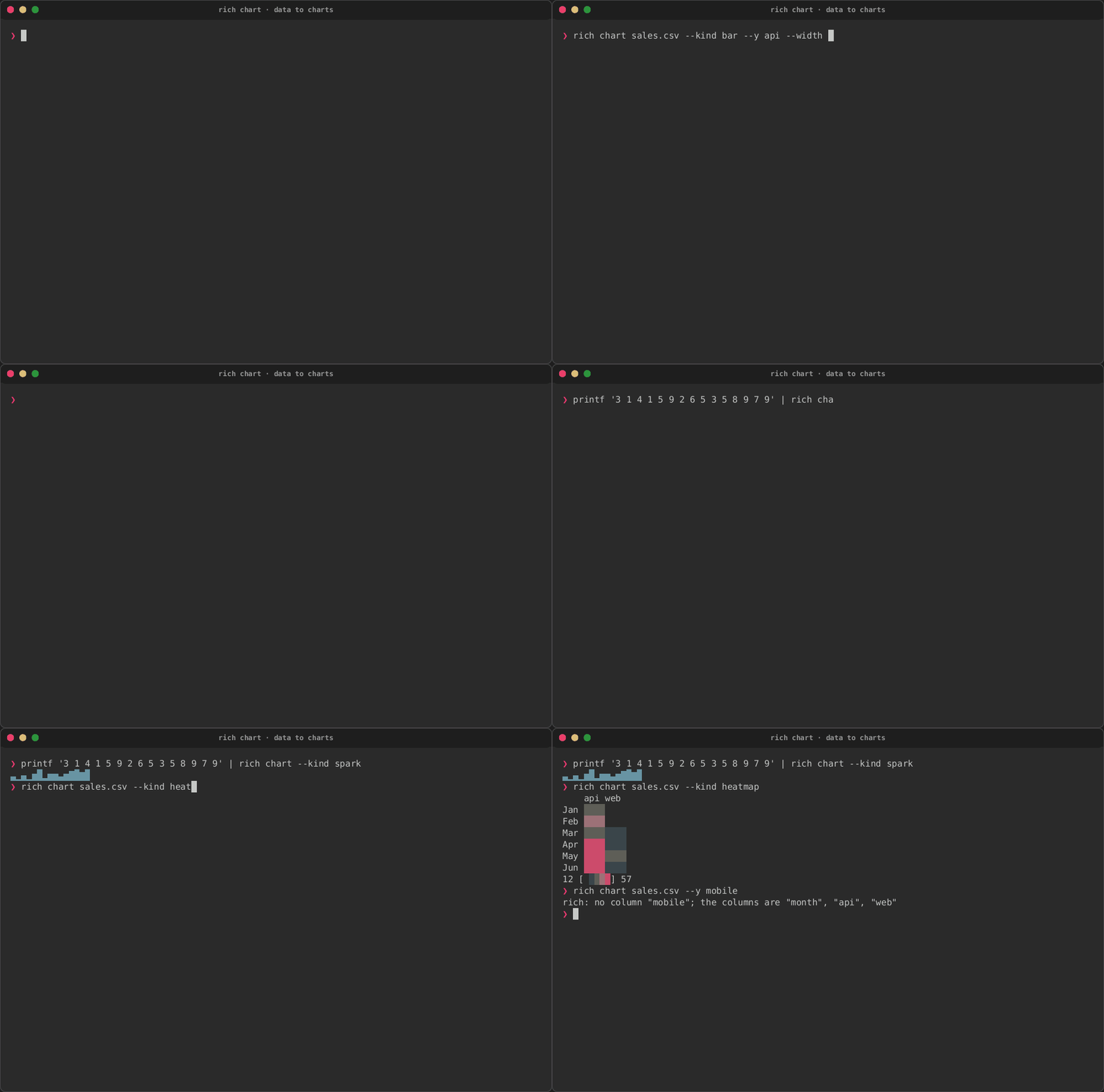
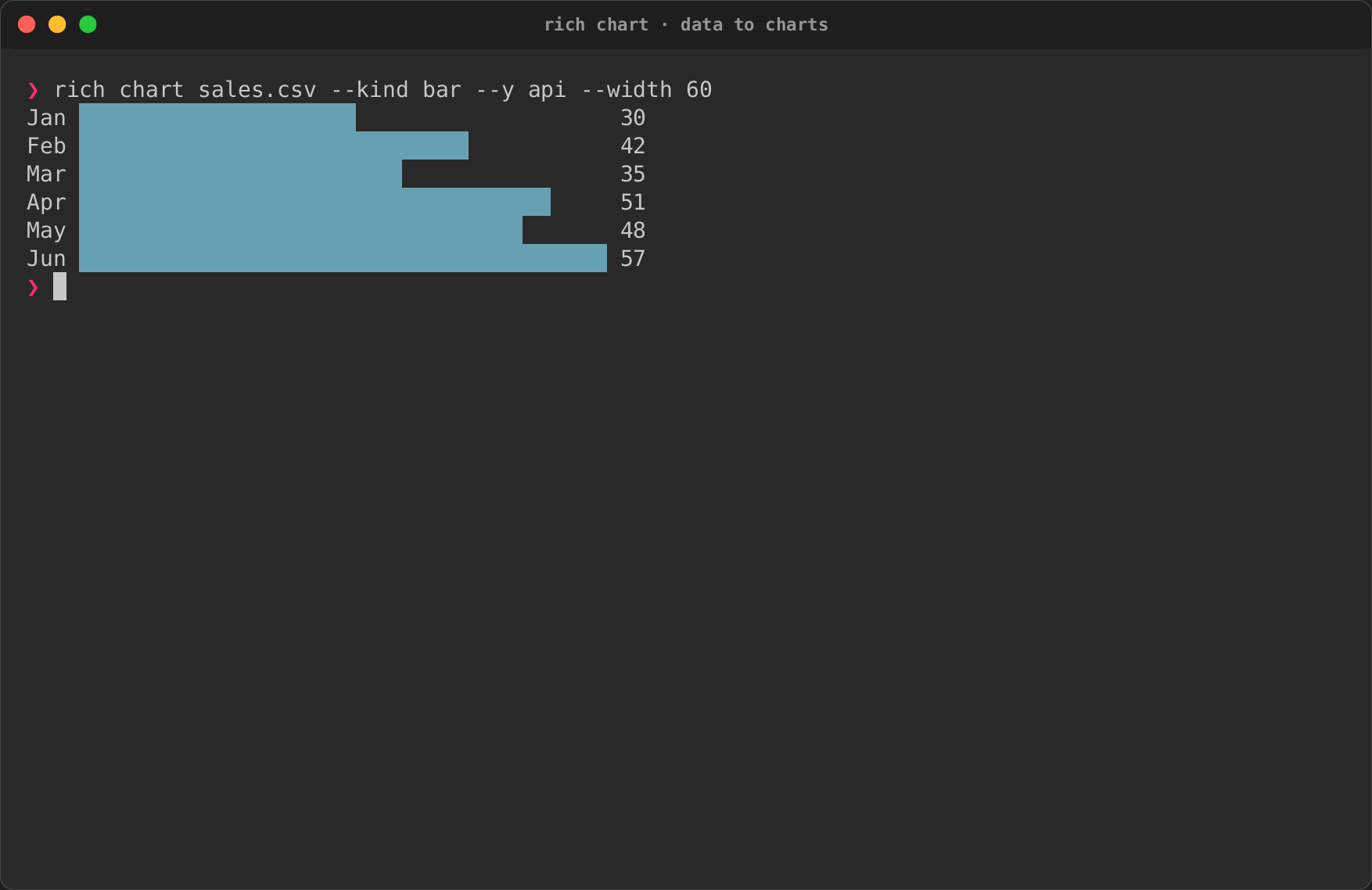
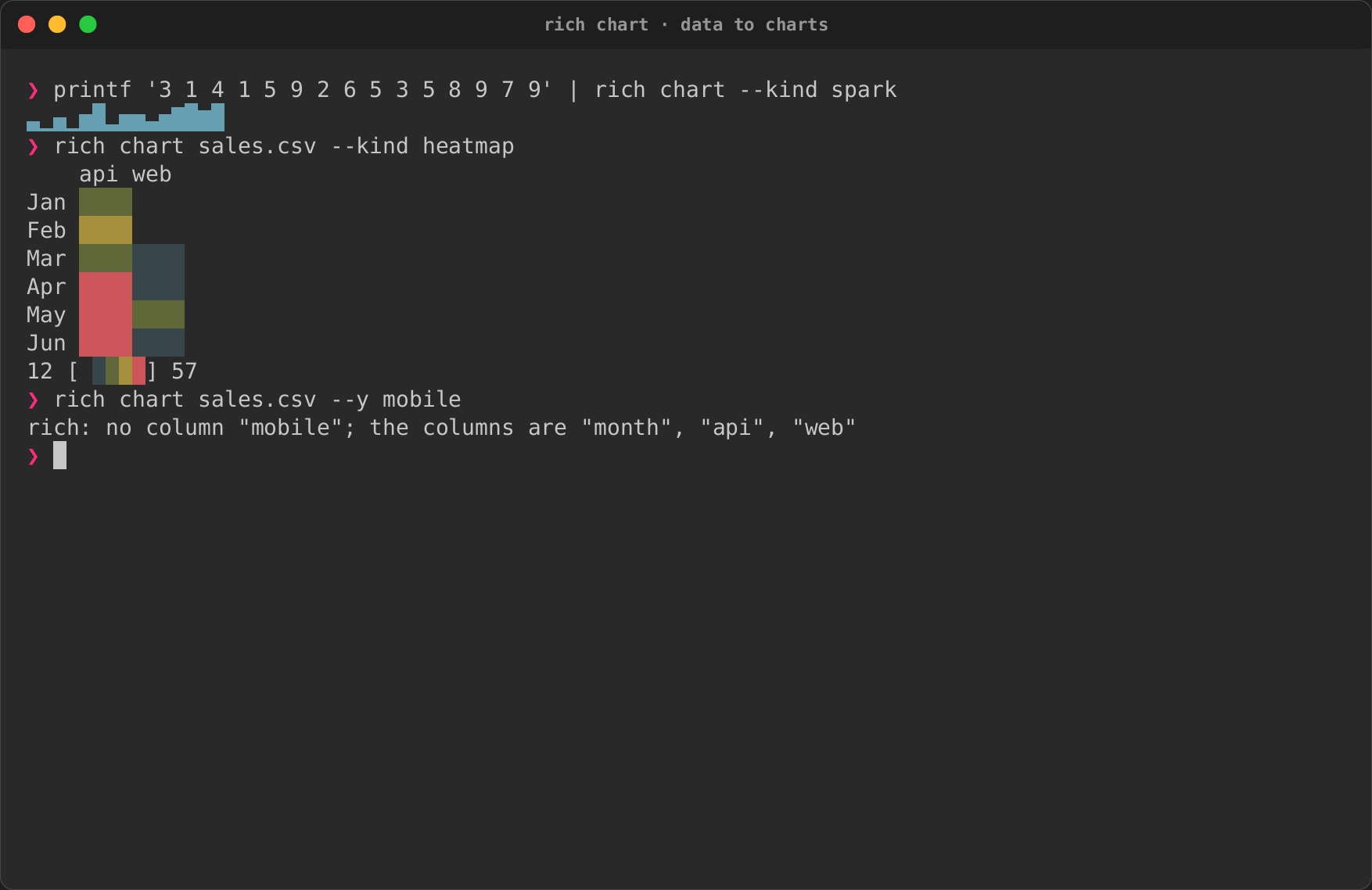
rich chart draws CSV, JSON or numbers piped in: bars labelled by a
column, every numeric column as a line, a sparkline from printf, a
heatmap, and a column that is not there refused with the ones that are. See
the charts guide.
| Bars | Lines | Piped in, and a mistake |
|---|---|---|
 |
|
 |
Dependency trees
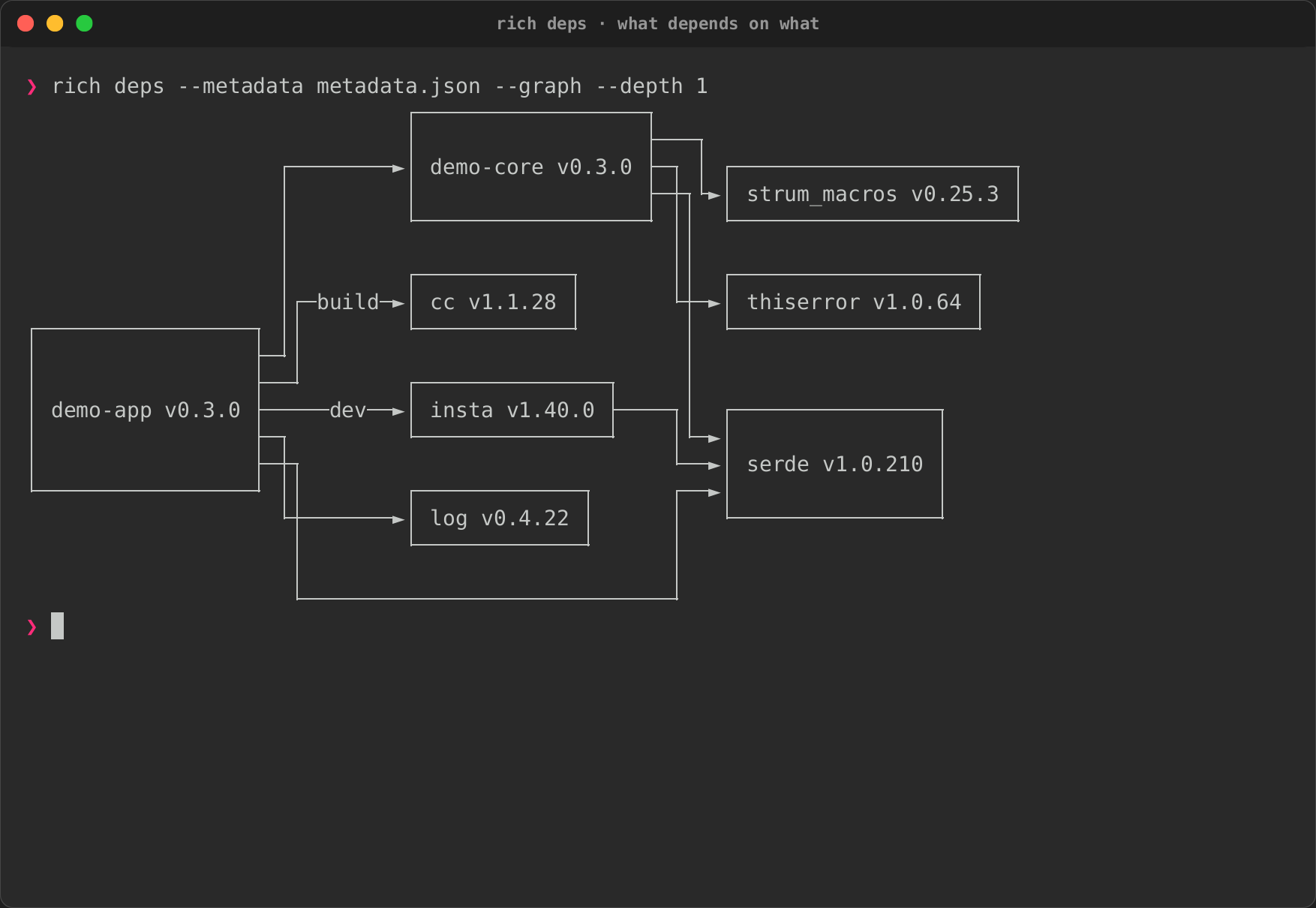
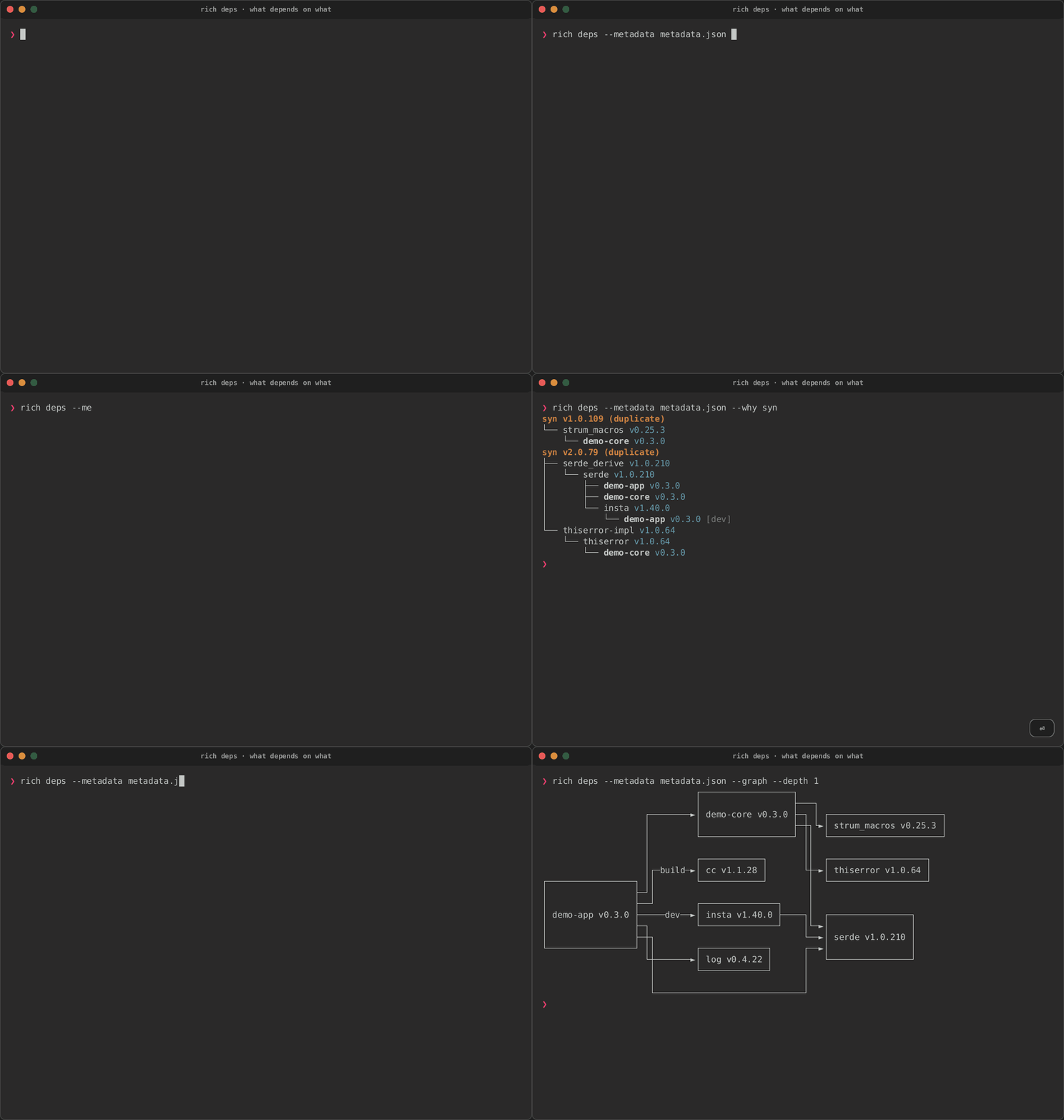
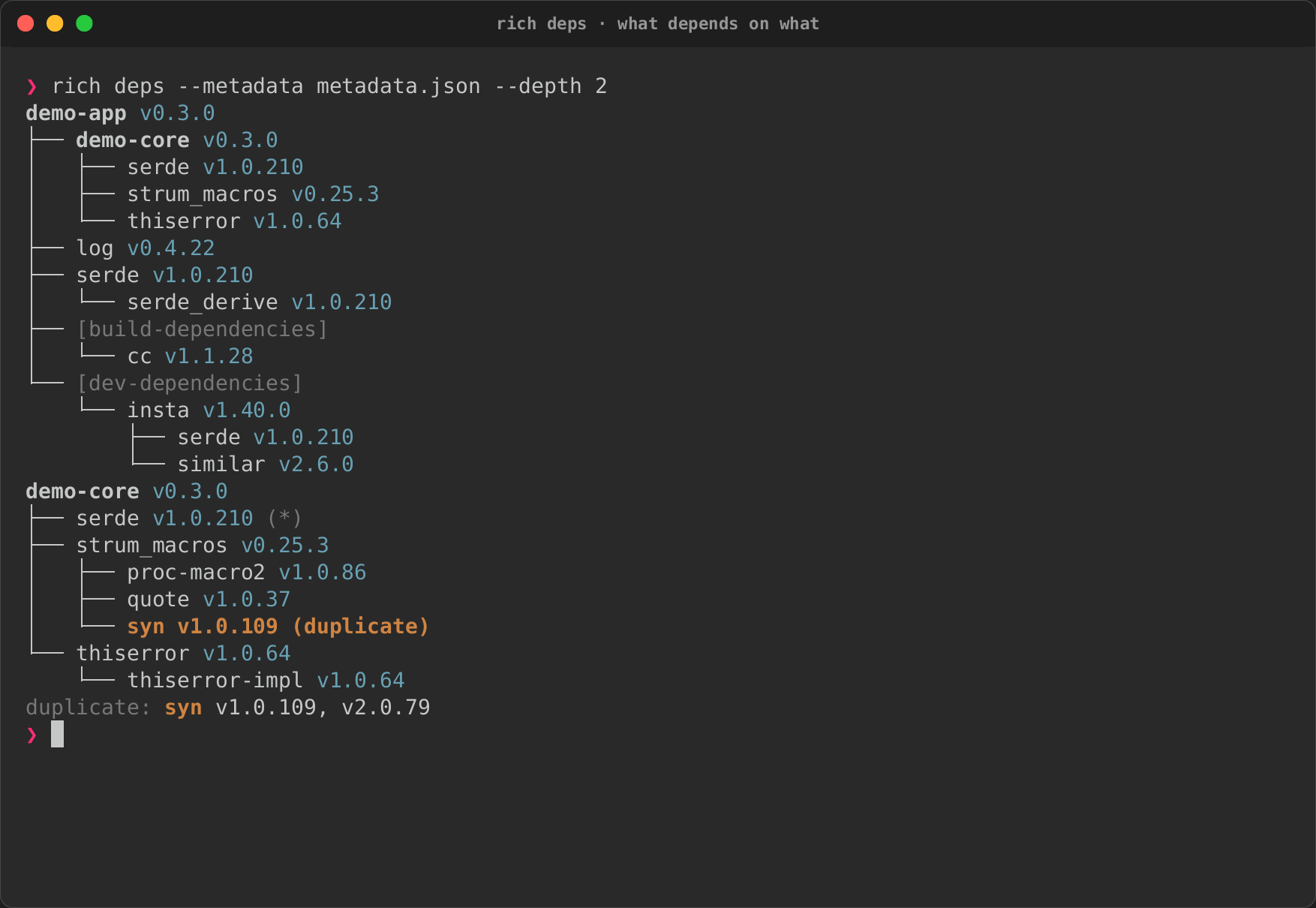
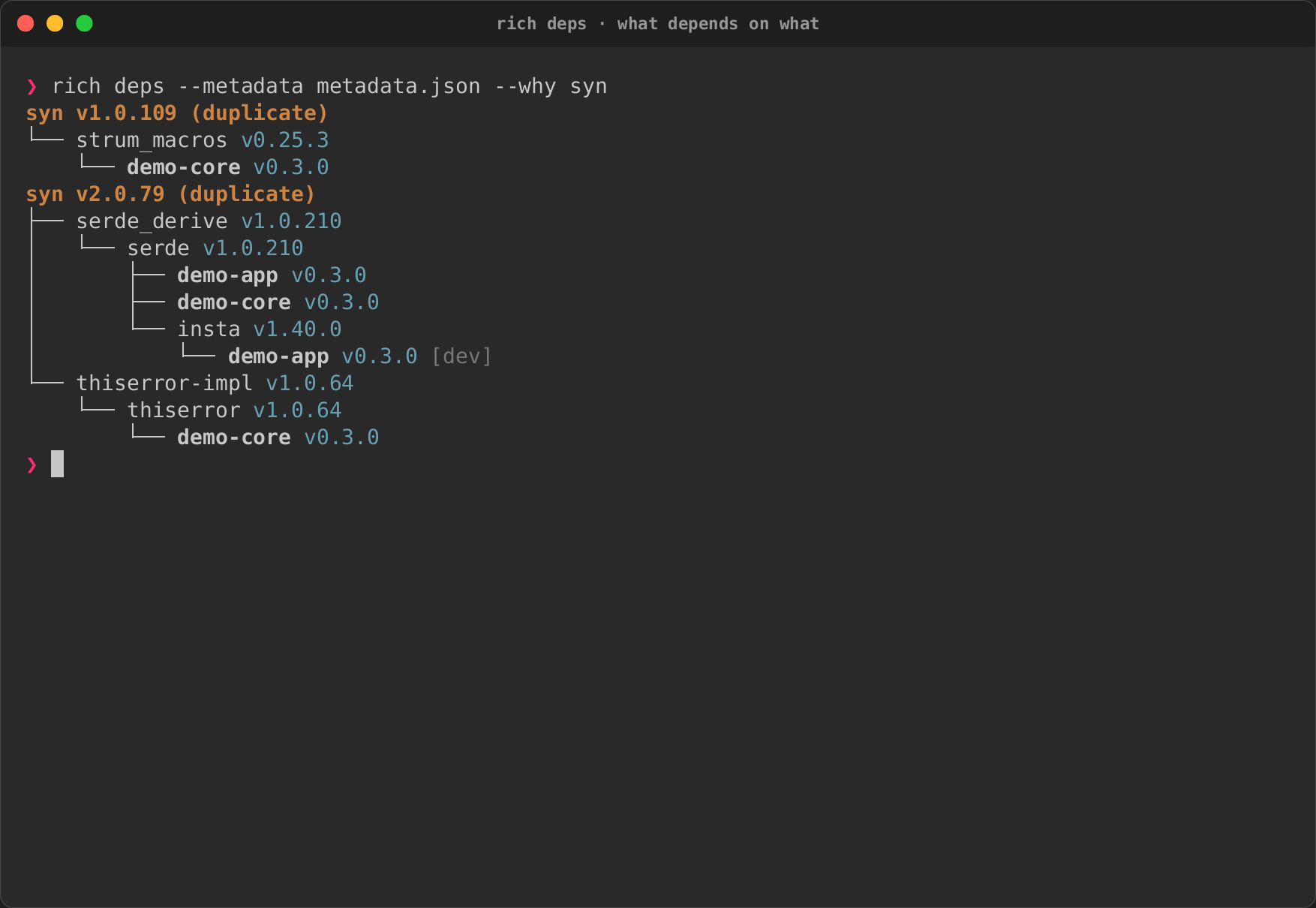
rich deps draws a Cargo workspace's dependencies from cargo metadata
(here a saved copy, so the recording never changes): a tree that marks
crates resolved at several versions, --why for what pulls a crate in, and
--graph for the same through the diagram layout. See
Dependencies and schemas.
| Tree | Why syn |
Graph |
|---|---|---|
 |
 |
|
DOT in Markdown
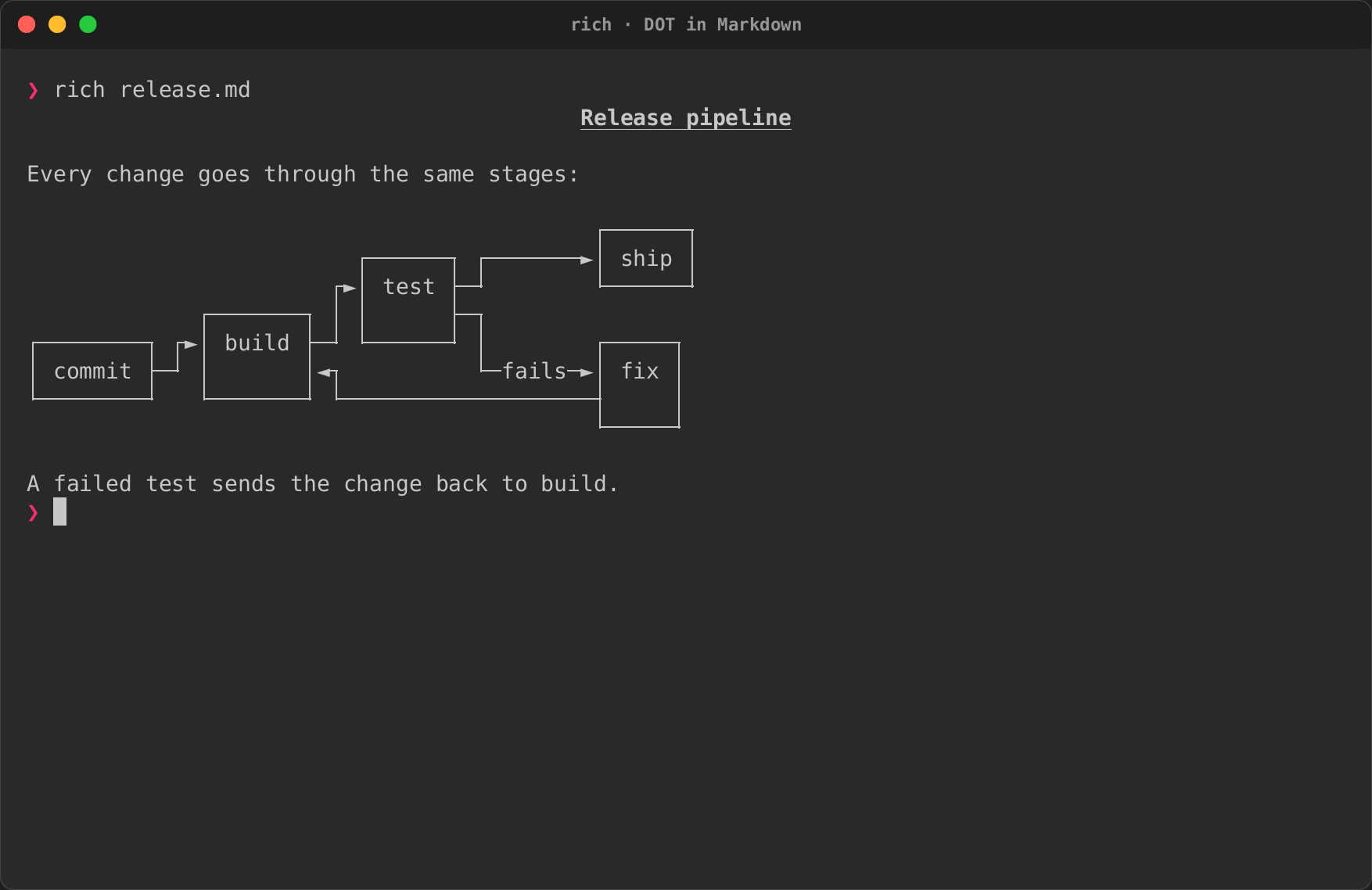
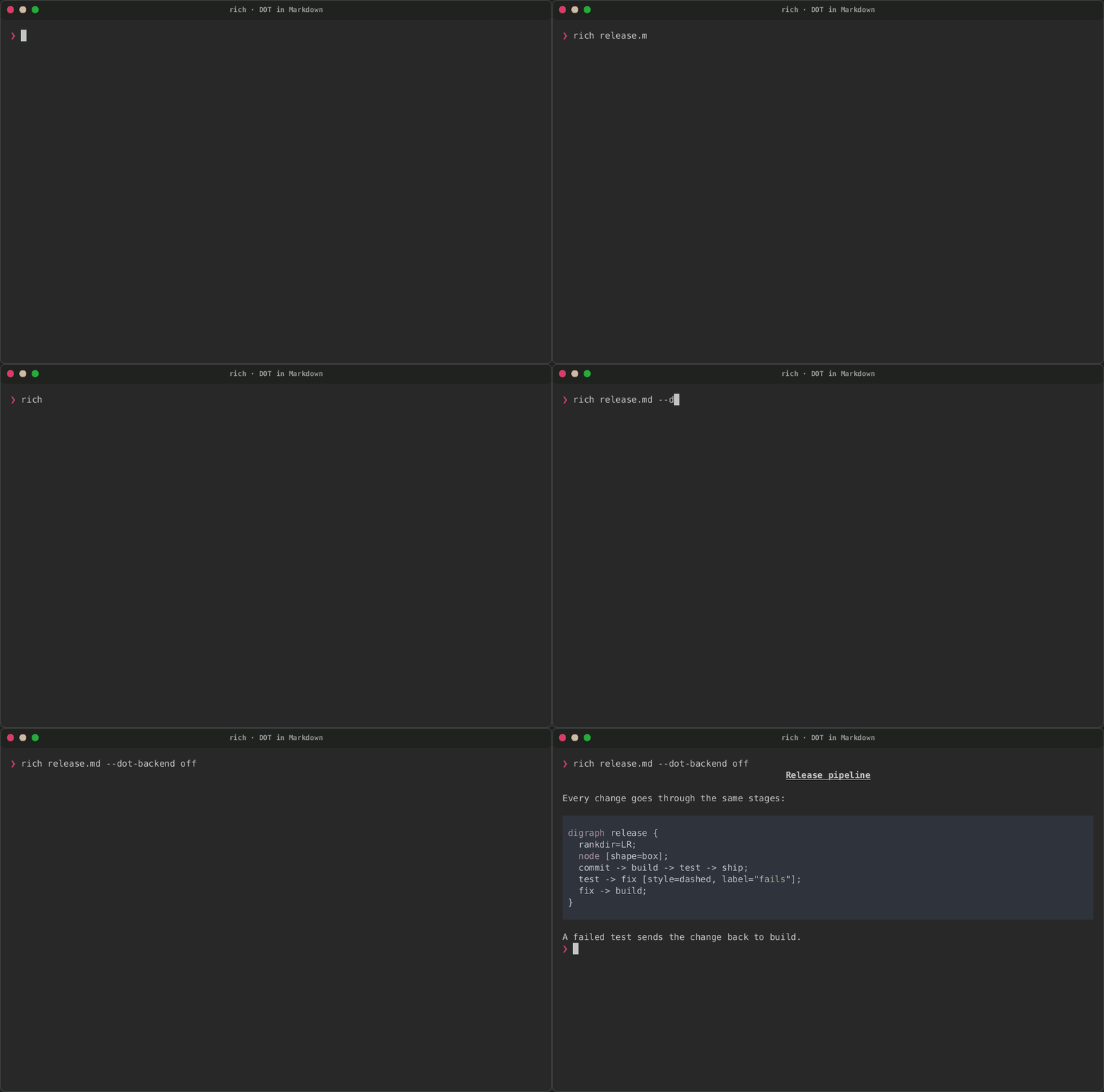
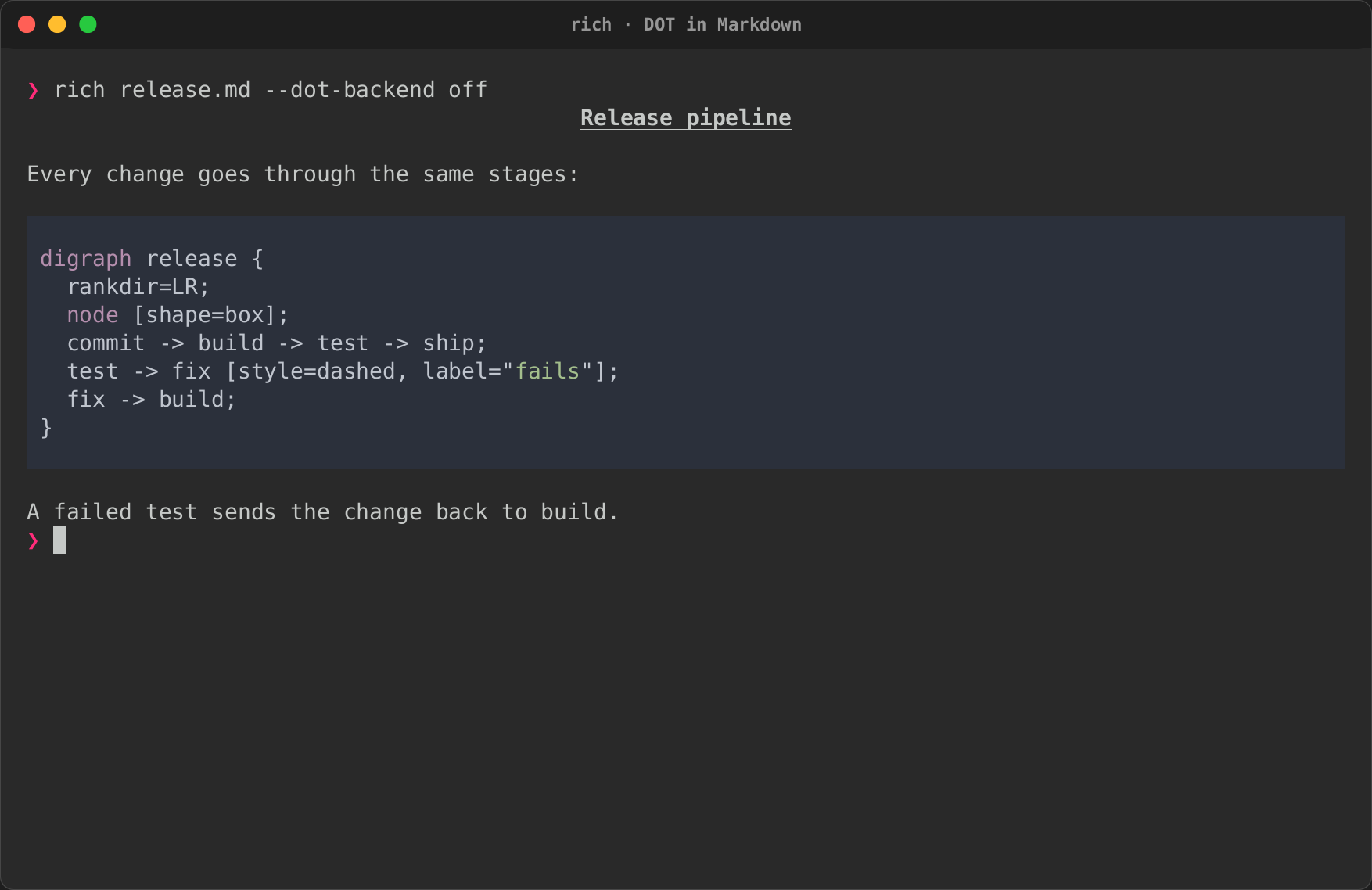
A ```dot fence in a Markdown document is drawn in place of the
code block; --dot-backend off leaves it as code, as upstream renders it.
See the diagrams guide.
| Drawn | --dot-backend off |
|---|---|
|
 |
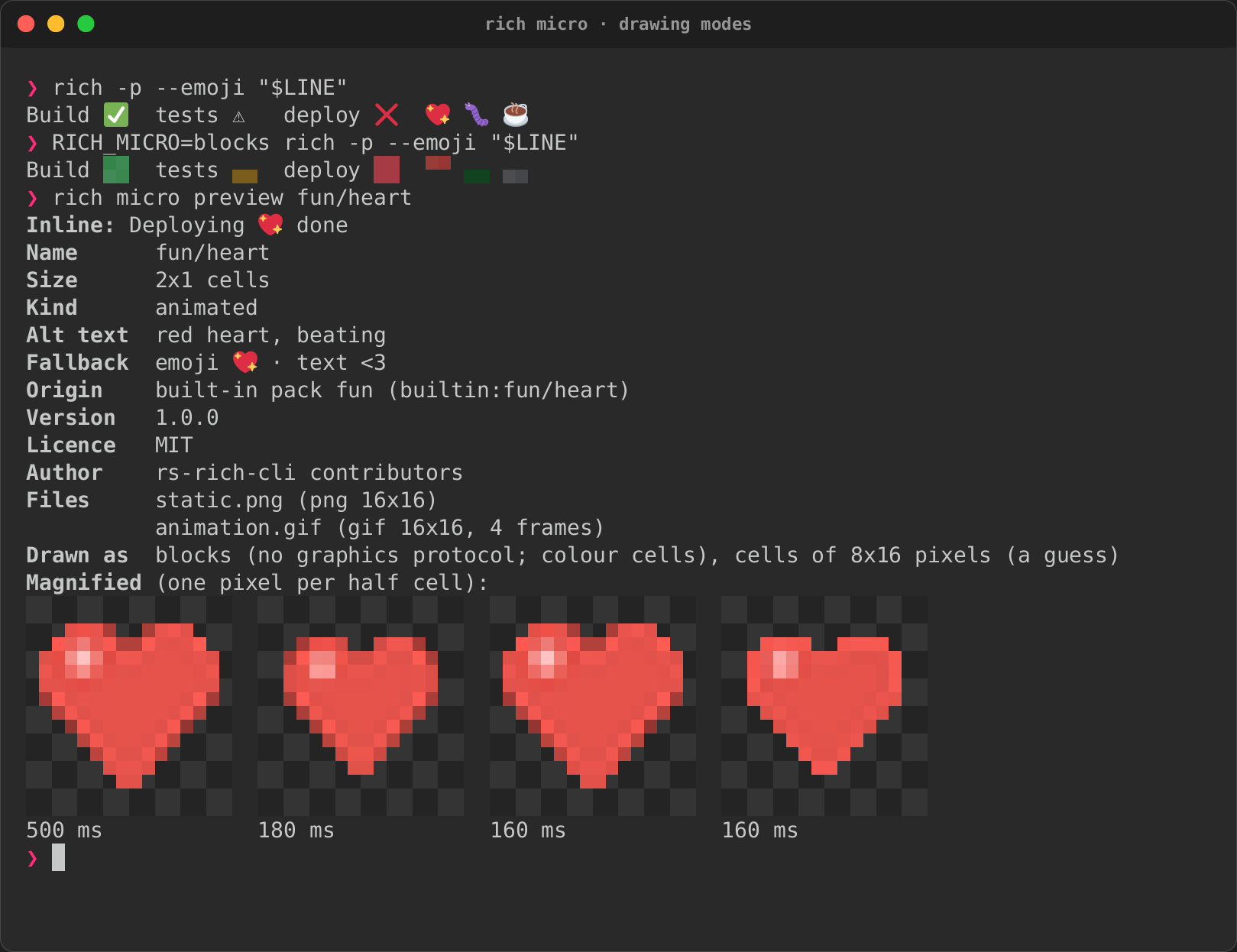
Micro assets
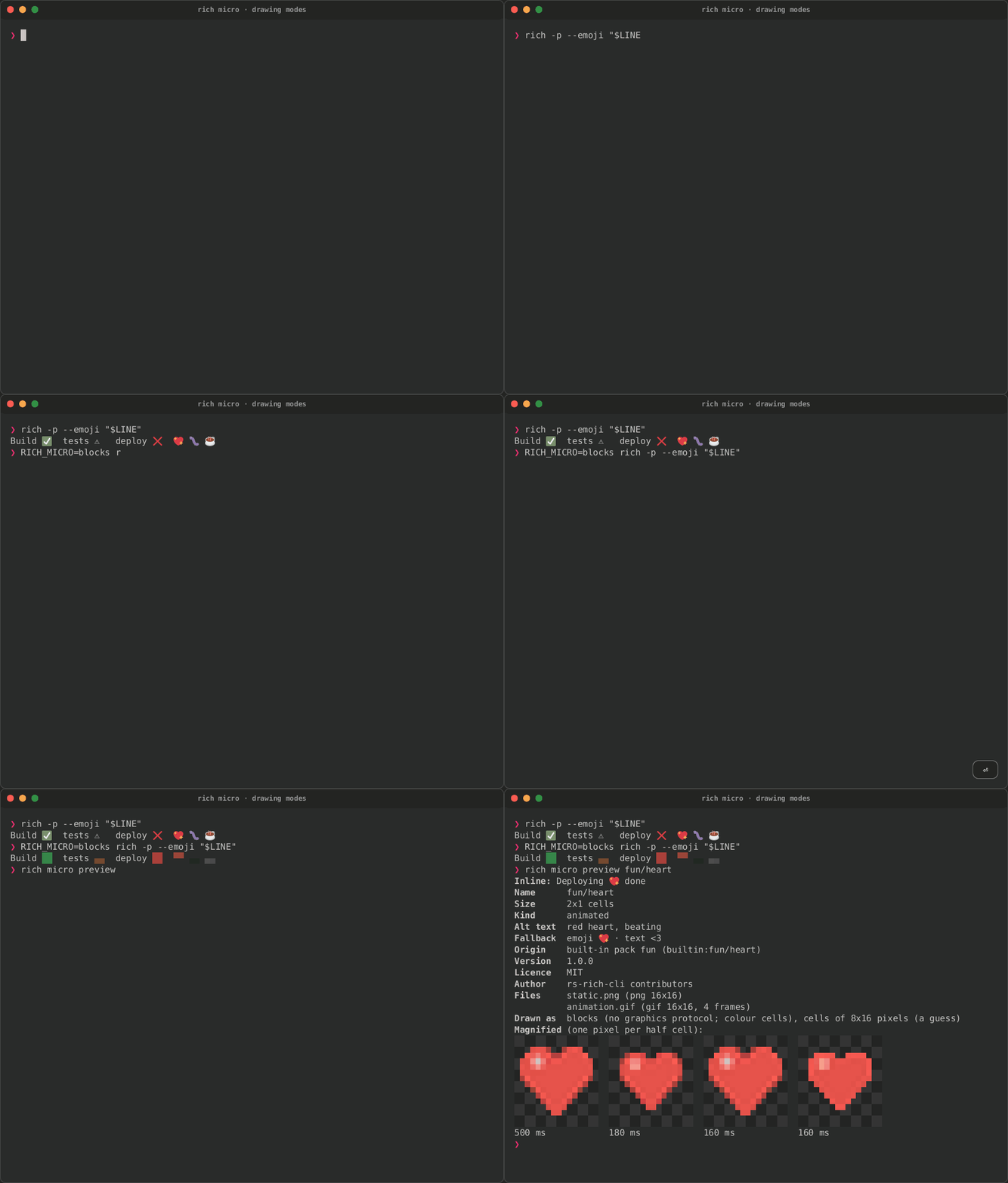
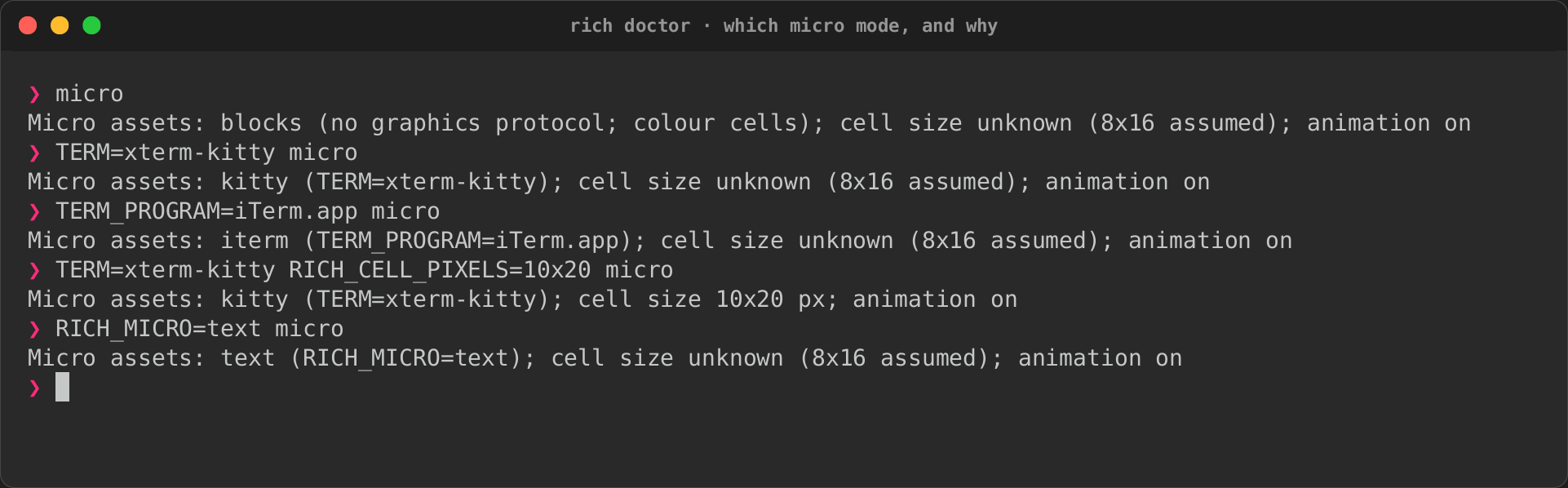
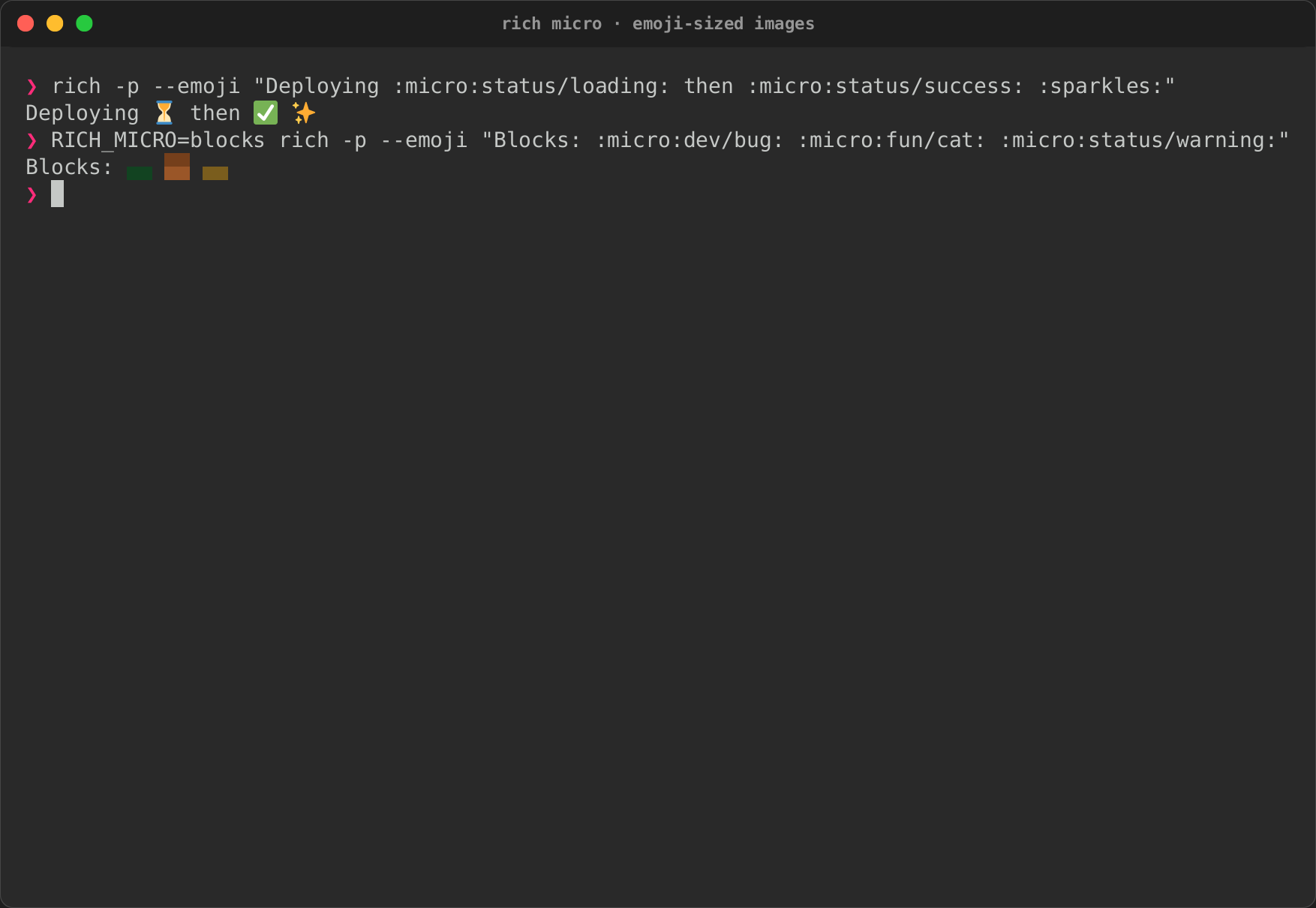
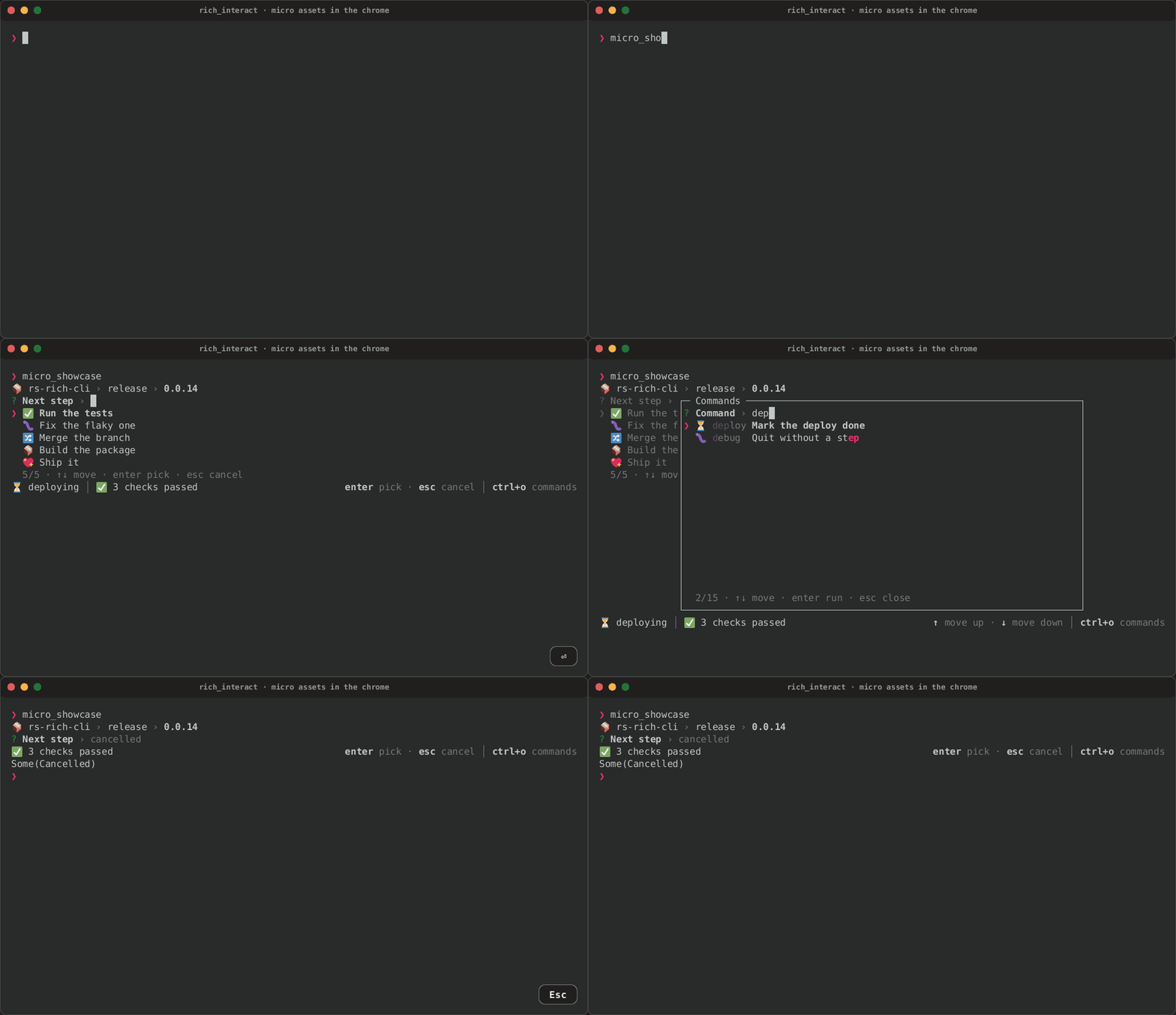
Emoji-sized images in text, :micro:name:. A pseudo-terminal speaks no
image protocol, so these show each asset's emoji, or its image as
half-block cells with RICH_MICRO=blocks; a Kitty, iTerm2 or Sixel
terminal draws the image itself in the same cells. See
the built-in library for the images.
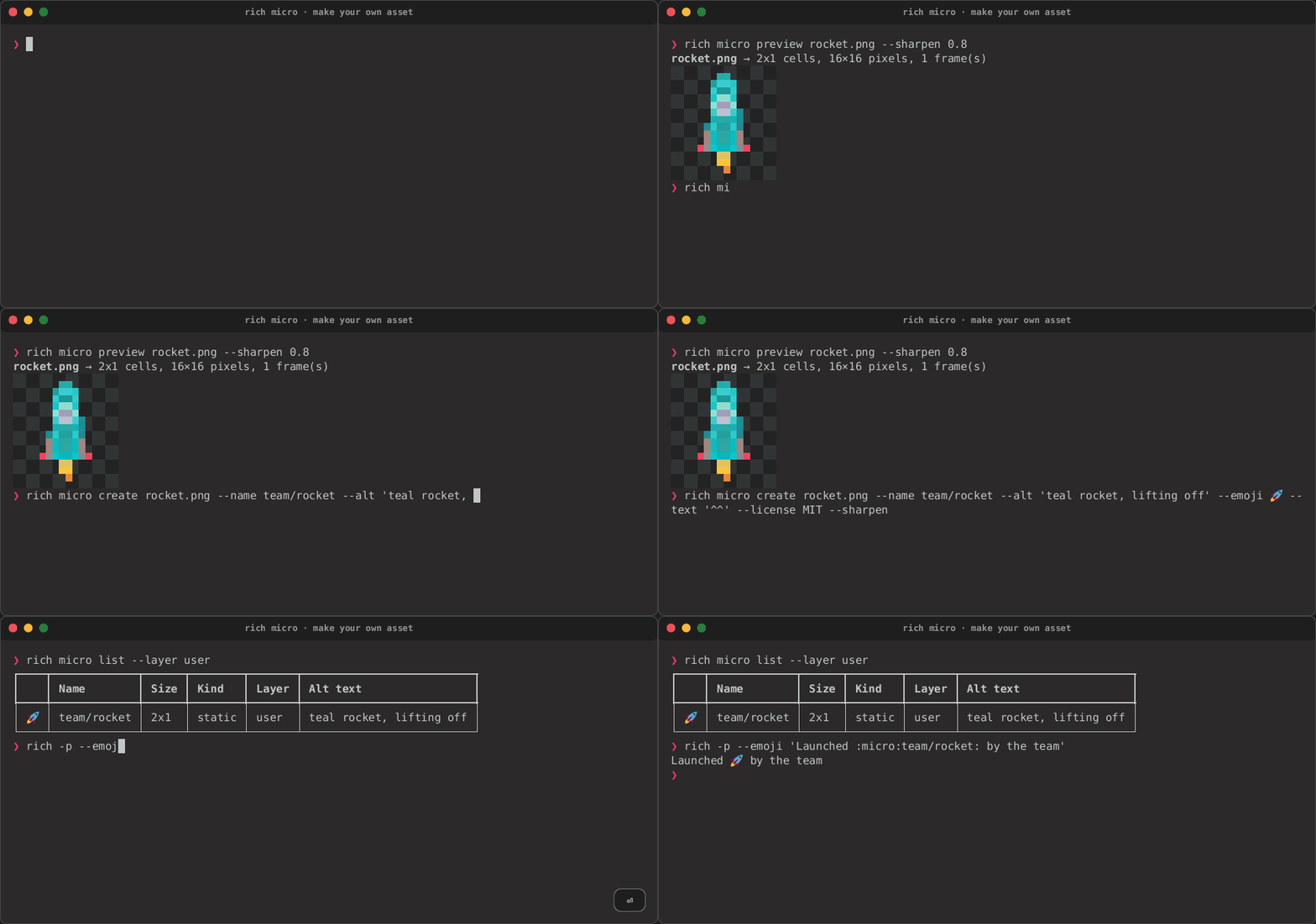
Making an asset: a 128×128 PNG previewed through the pipeline, written
into the user layer with rich micro create --add, listed and used.
| Through the pipeline | Added and used |
|---|---|
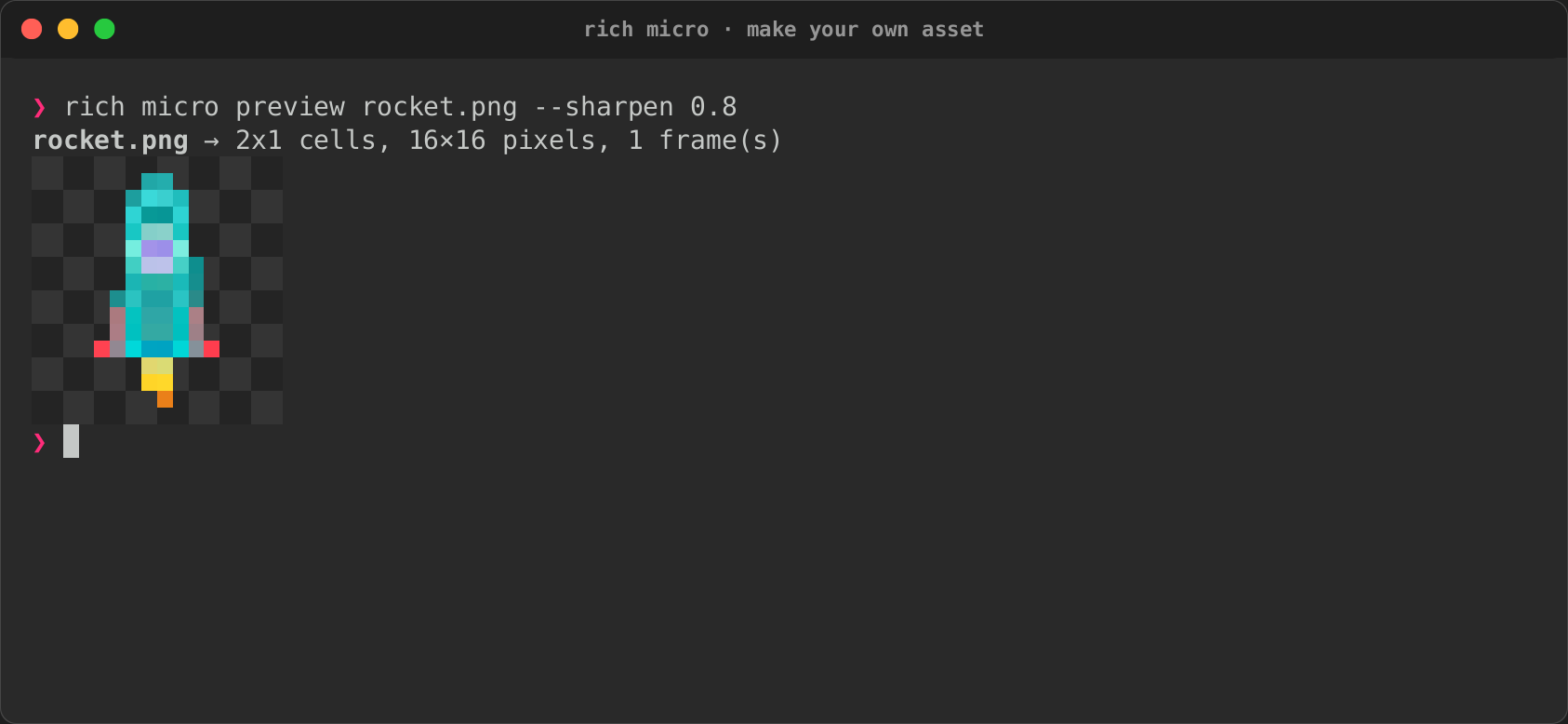 |
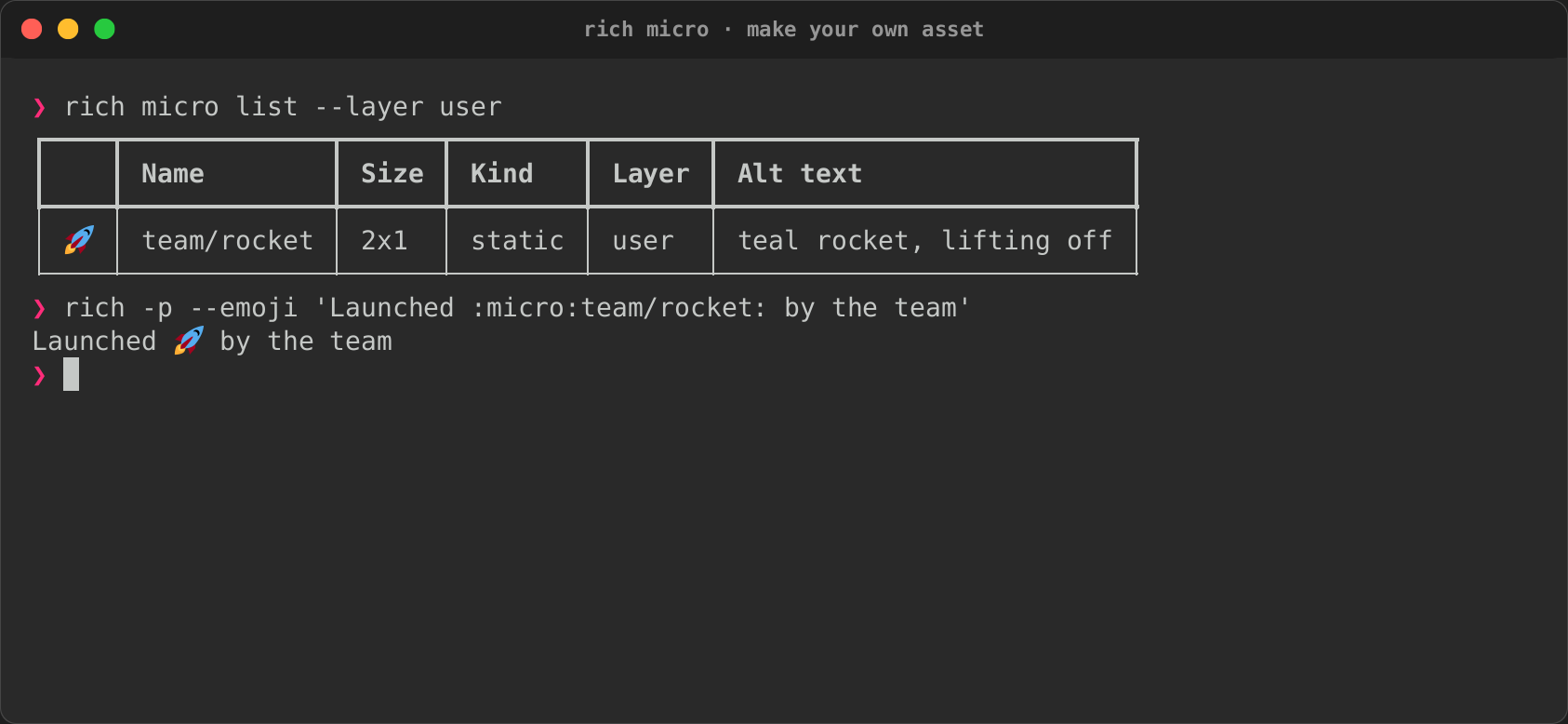 |
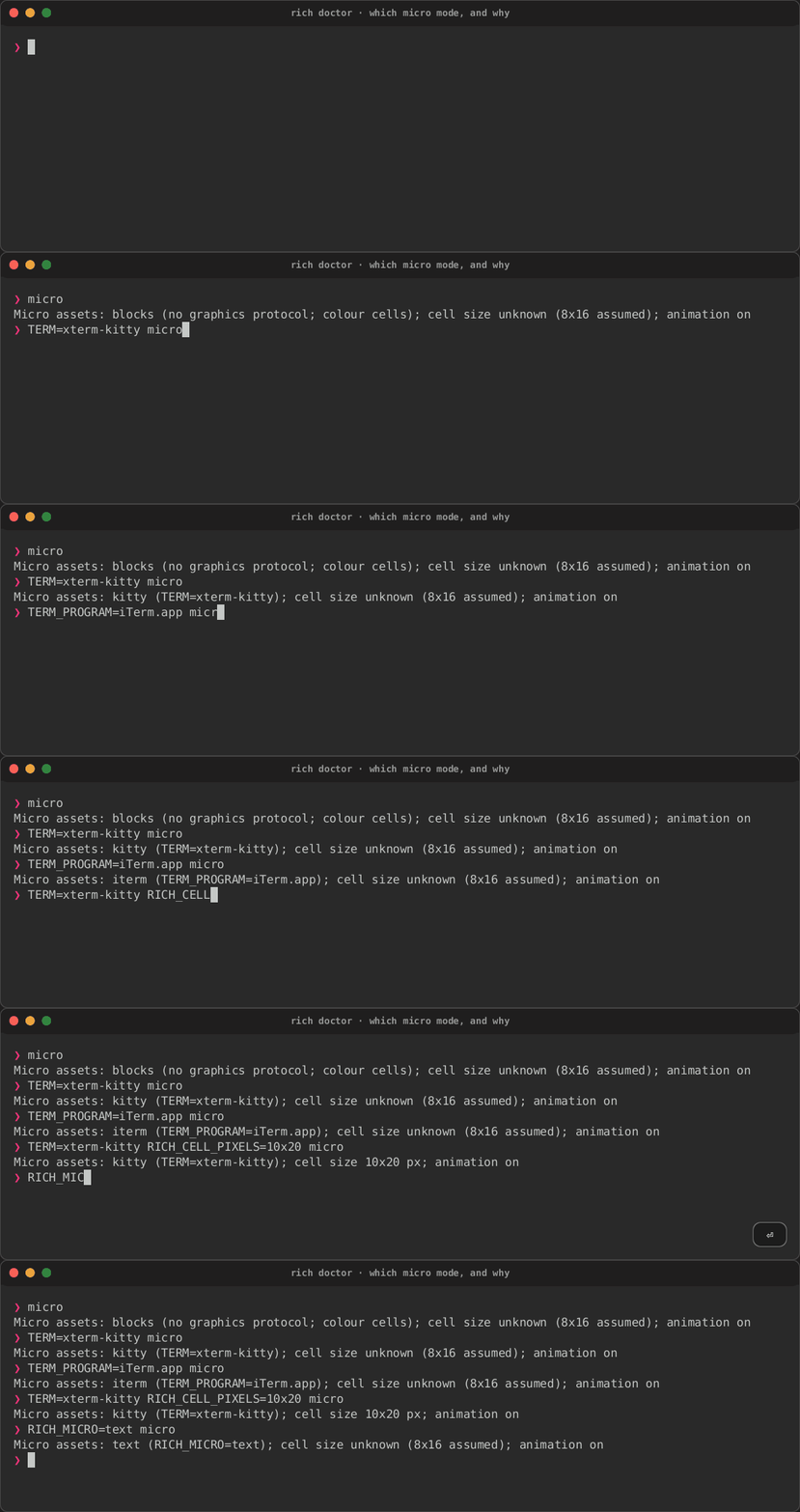
Which mode a terminal gets, and why: rich doctor with the variables
kitty and iTerm2 set.
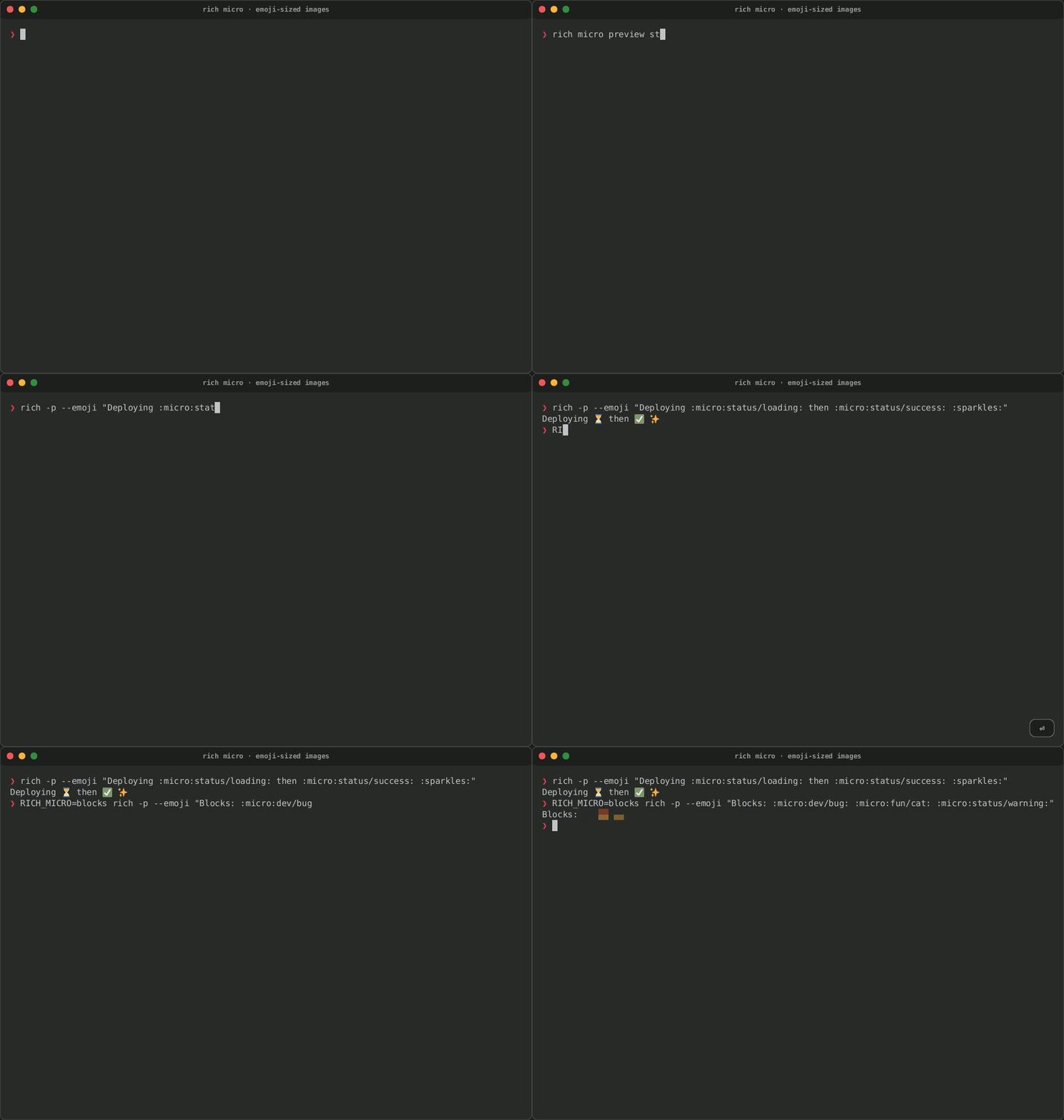
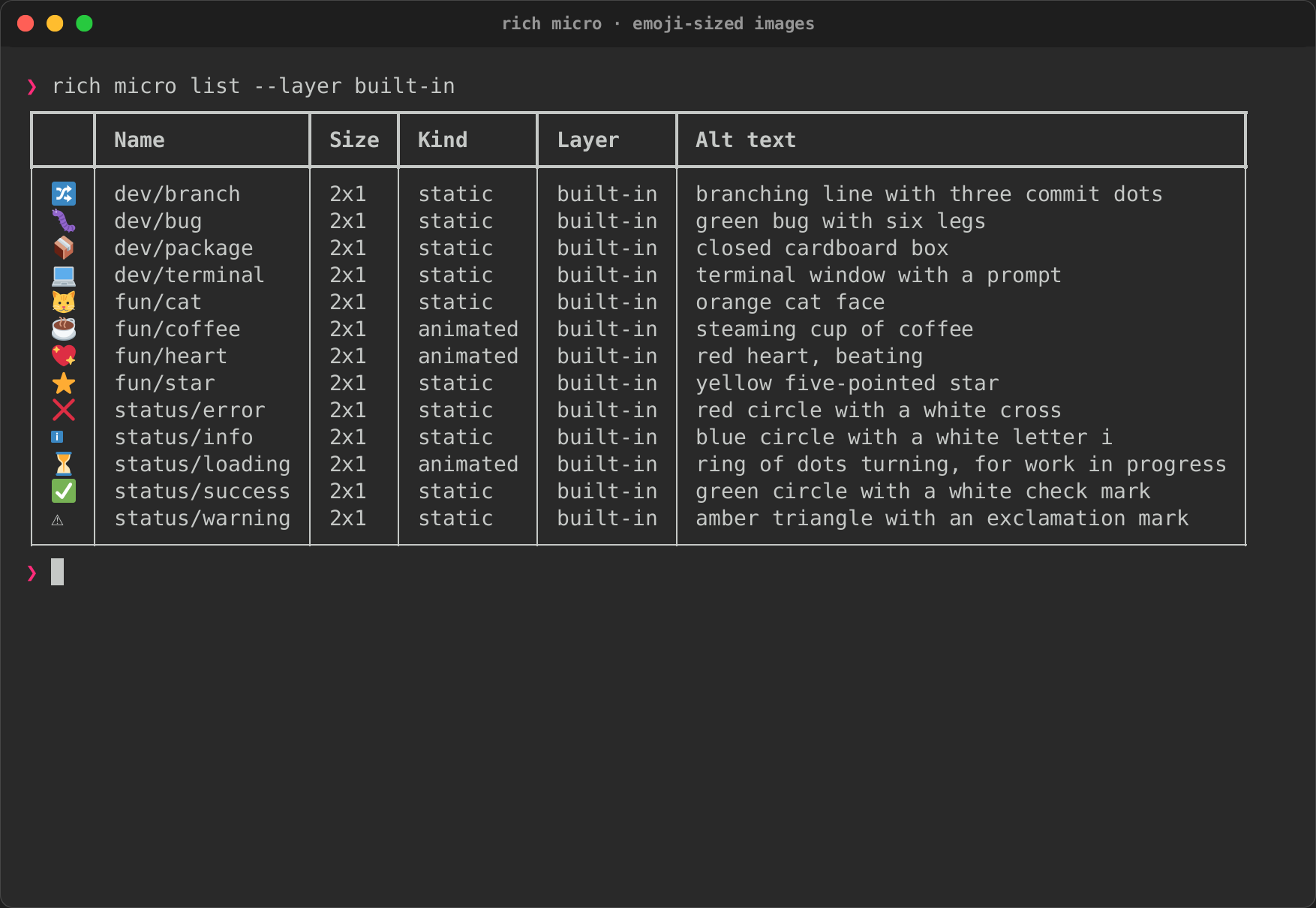
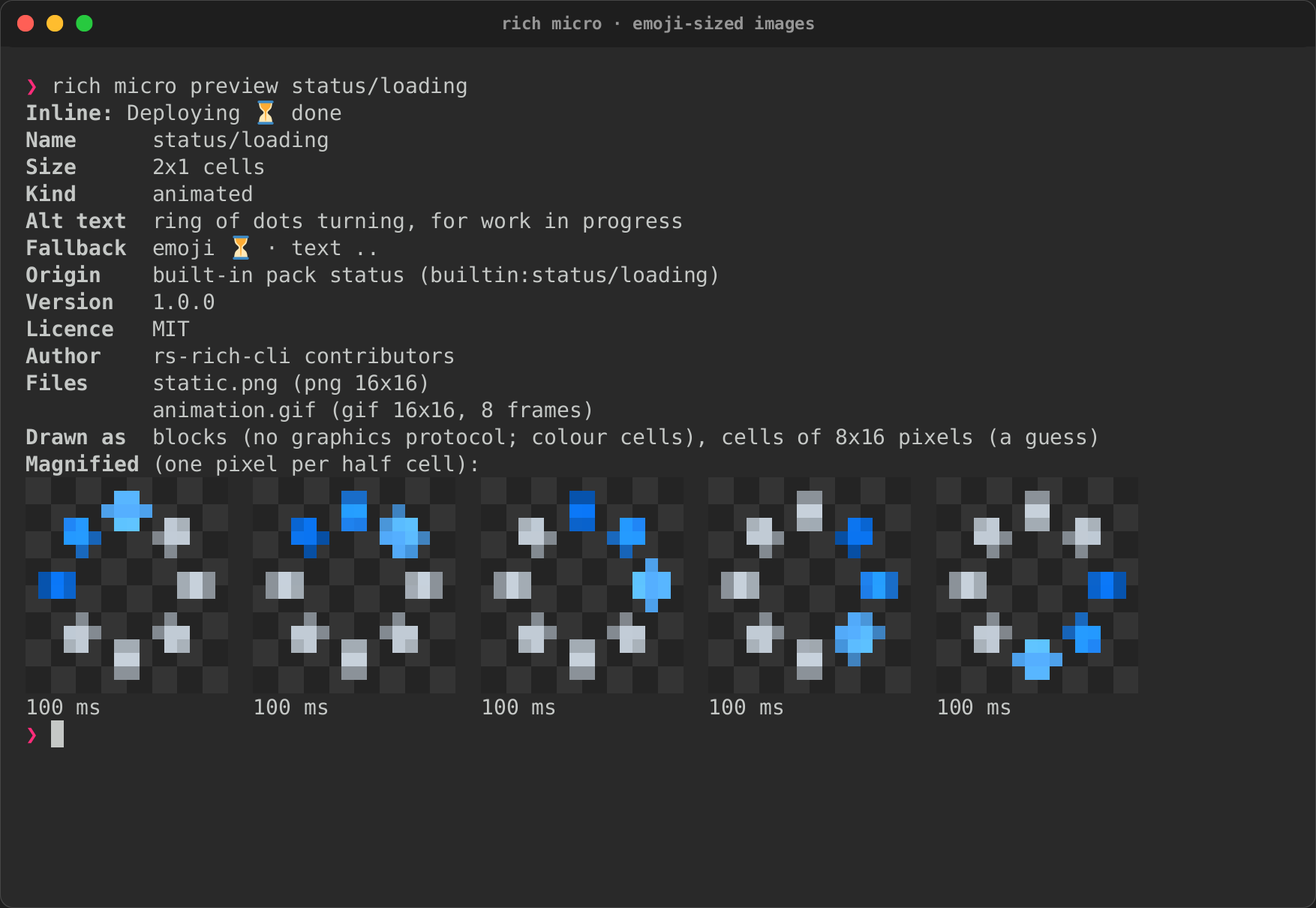
rich micro: the built-in library listed, status/loading previewed, and
:micro: codes in --print --emoji text.
| List | Preview | In text |
|---|---|---|
 |
 |
 |
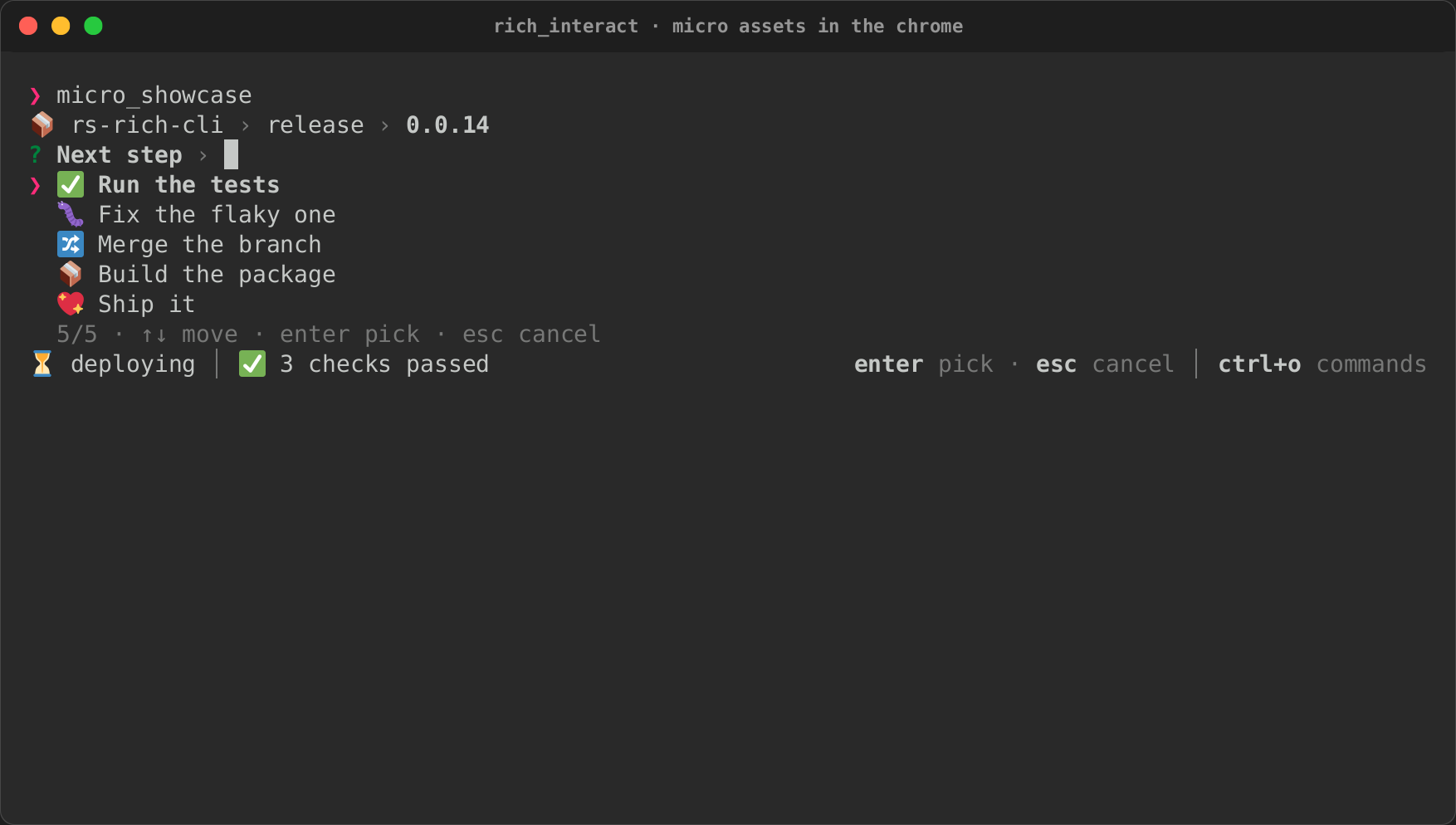
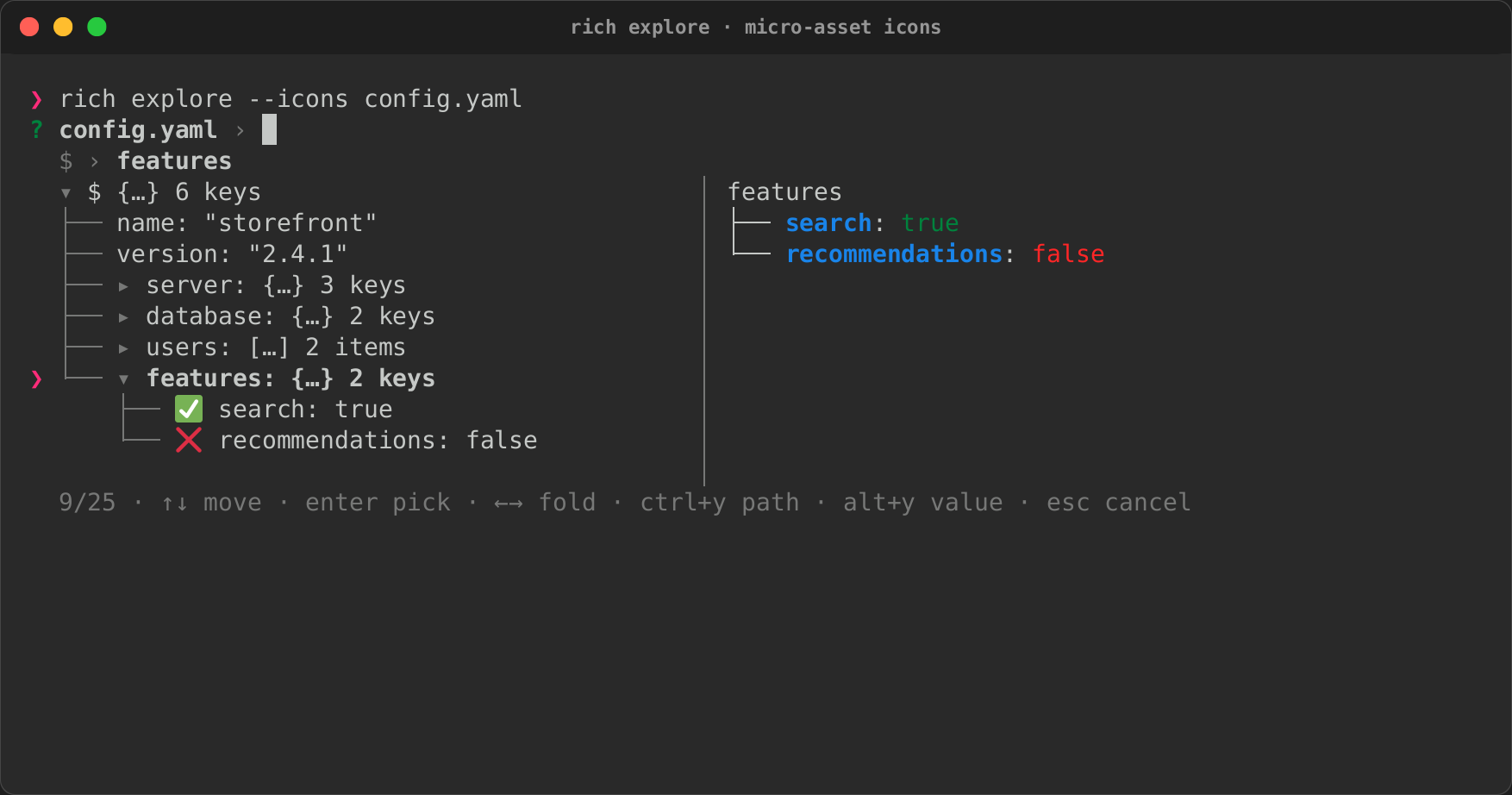
Micro assets in the interactive views: an icon per row, a badge in the
status bar, an icon on the first crumb and before each of the command
palette's categories, then rich explore --icons.
| Chrome | Palette | Explorer |
|---|---|---|
 |
 |
 |
Tape · Cast · GIF · Page · Explorer tape
How it works
A tape is a short script, one step per line. This is the watch tape:
# rich --watch re-renders a file every time it is saved.
Set Title "rich --watch · re-render on save"
Set Size 90x22
Write service.json '{"service": "checkout", "replicas": 2, "healthy": true, "regions": ["eu-west-1", "us-east-1"]}'
Type "rich --watch service.json"
Sleep 300ms
Enter
Wait /"replicas": 2/
Sleep 1s
Screenshot before
Exec "sed -i 's/\"replicas\": 2/\"replicas\": 5/' service.json"
Wait /"replicas": 5/
Sleep 1s
Screenshot after
Ctrl+C
Wait /❯\s*$/
rich record runs it: the CLI's own recorder, built on the
rs-rich-record crate. It starts a shell
(bash unless the tape sets another) on a pseudo-terminal with a pinned
environment (a temporary home and working directory, TERM=xterm-256color,
truecolor, UTF-8, UTC), puts the binaries under test first on PATH, and
follows the screen with a terminal emulator. Wait blocks until the screen
shows the given text or matches a /regex/, so a tape never depends on a
fixed delay.
From one run it writes, under docs/media/tapes/<tape>/:
- for each
Screenshot: a PNG, an SVG with selectable text, and a plain-text grid of the screen. The SVG and the text grid come from the same frame as the rest of rich's export, so a screenshot looks like any other rich SVG; - the whole session as an asciinema cast, with the keys pressed;
- a GIF with the keys shown as they are pressed, and an MP4 when FFmpeg is installed;
- an HTML page (
<tape>.html, the Page links above): a small player and the screenshots, all inline, with text you can select. It fetches nothing and plays only when asked; provenance.json: the tape's fingerprint, the recorder andrichversions, the commit, and the screenshots written, so the next run removes only the ones the tape no longer takes.
Box-drawing characters are drawn as lines rather than font glyphs, so table
borders join between rows, and block, quadrant and braille characters are
drawn as shapes, so images and progress bars have no seams. Text uses DejaVu
Sans Mono and emoji use Twemoji, in colour, both embedded in the recorder, so
a PNG or GIF looks the same on every machine; --font FILE chooses another
text font. An emoji cluster such as 👩👧, 👍🏽, ❤️ or 🇺🇸 takes one cell as
wide as rich measures it, so the columns after it line up.
| Step | Meaning |
|---|---|
Set Size 100x28, Set Title "…", Set TypingDelay 40ms, Set Timeout 15s, Set Env NAME value |
Configure the session |
Set WindowFrame off, Set Caption "…", Set KeyOverlay off |
Presentation: leave out the window frame (title bar and buttons) around PNGs, SVGs and video; add a line of text under them and under the page's player; leave out the keys shown in video and the player. The frame and the overlay are on by default |
Output gif png, Output demo.html |
Write only these formats (png, svg, cast, gif, mp4, html; text grids always), or name the file a per-tape format goes to, as in VHS. Several words or lines add up; --format can still narrow them |
Set Shell zsh |
Run in bash (the default), zsh, fish or sh, each without your profile or rc files and with the same ❯ prompt. CI records in all four |
Write FILE "text", Exec "command" |
Prepare or change files, outside the terminal |
Type "text" |
Type into the terminal, one character at a time |
Enter, Tab, Space, Backspace, Escape, arrows, Home, End, PageUp, PageDown, Ctrl+C |
Press a key; a number after it repeats it |
Wait "text", Wait /regex/ |
Wait until the screen shows it, or has since the previous step began (so fast output that scrolls past is not missed) |
Sleep 500ms |
Pause the recording |
Screenshot NAME |
Save the screen |
Hide, Show |
Leave steps out of the recording |
Resize 80x24 |
Resize the terminal |
Mask /regex/ "text" |
Replace matches in the text grids --check compares, for output that differs on every run such as temporary paths or timings; images keep what was shown |
Shells and emoji
A tape can type and print emoji, and the recorder draws them as the program
measures them: rich, and modern terminals, give 👩👧 two cells. A shell's
line editor may not agree. bash, zsh and fish take character widths from the
C library, which counts 👩👧 as four, so moving the cursor back across a
joined emoji at the prompt (Left, Home, Backspace) redraws the line in
the wrong place, as it does in a real terminal. The command that runs is
still right; only the echoed line is garbled. Keep such text out of line
editing: put it in a file with Write and run that, or have the program
print it.
The docs' tapes use bash, as CI does. macOS ships bash 3.2, whose line
editing is older than CI's; rich record warns when it finds a bash older
than 4, and a newer one (brew install bash) first on PATH gives
recordings that match.
Regenerate everything, or check it as CI does:
cargo build -p rs-rich-cli -p rs-rich-interact --bins --examples
rich=target/debug/rich
$rich record --bin-dir target/debug --output docs/media/tapes docs/tapes/*.tape
$rich record --check --bin-dir target/debug --output docs/media/tapes docs/tapes/*.tape
Record your own
rich record is not limited to rich: a tape can drive any program you can
start from a shell, in bash, zsh, fish or sh (Set Shell). Write a
tape, then:
rich record demo.tape                       # writes recordings/demo/
rich record --format gif,png demo.tape      # only the GIF and the PNGs
rich record --format html demo.tape         # the page: a player and the screenshots
rich record --window-frame off --caption 'Save to redraw' demo.tape
rich record --check demo.tape               # fail if a screenshot changed
| Option | Meaning |
|---|---|
--output DIR |
Write to DIR/<tape>/ (default recordings) |
--check |
Compare each screenshot's text with DIR/<tape>/<name>.txt instead of writing, and report screenshots the last write listed that the tape no longer takes; exits non-zero on any difference |
--format LIST |
Any of png, svg, cast, gif, mp4, html, or all (the default). Text grids are always written. A tape's Output narrows it further |
--window-frame on\|off, --caption TEXT, --key-overlay on\|off |
Override the tape's Set WindowFrame, Set Caption and Set KeyOverlay |
--no-video |
Skip the GIF, the MP4 and the HTML page's player |
--bin-dir DIR |
Put DIR first on the session's PATH (default: the directory of the running rich) |
--font FILE |
Draw PNG and GIF text in another font |
$REPO in a tape is the directory rich record was started in, so a tape
can copy fixtures (Exec "cp $REPO/fixtures/data.json ."). Linux and macOS
are supported; on Windows it builds through ConPTY but needs the tape's shell
on PATH, and is experimental. Use the recorder from Rust through the
rs-rich-record crate: tape::parse, record::record, then
record::write or record::check.
Limits, and what a tape can do
A tape is code: record only tapes you trust. Exec runs its command with
sh, and everything Type sends runs in the shell, with your user's
permissions. The recorder pins the environment and works in a temporary
directory so recordings repeat, not to contain the tape.
What the recorder does limit, so a mistake fails clearly rather than filling the disk or memory:
| Limit | |
|---|---|
| Terminal size | Set Size and Resize from 2x2 to 500x200 |
| Durations | Sleep, Wait and Set Timeout at most 3600s |
Write |
A relative path inside the working directory: no /…, no .. |
Exec |
60 seconds; the first 64 KiB of its error output is reported |
| Tape names | A tape's name is its output directory: ...tape (named ..) is refused |
| Stale screenshots | Removed only when provenance.json lists them from an earlier run; other files in the output directory are never touched |
| Frames | At most 12 a second; a burst over 32 KiB is kept as a repaint of the screen |
| Video | The first 5 minutes; a GIF, MP4 or HTML page of a longer recording is an error (use --no-video) |
| Images | At most 100 million pixels; a GIF at most 65535 pixels a side |